

Transparent car images have become non-negotiable in online automotive sales. Whether you're listing vehicles on dealership websites, Turo, or classified platforms, buyers expect clean, professional photography that showcases the vehicle without distracting backgrounds. Yet traditional studio photography costs $30–50 per car and requires significant time investment—a burden that compounds across large inventories. This is where modern solutions transform the equation: automated background removal and replacement deliver studio-quality results in seconds, not hours, at a fraction of traditional costs.
Quick Answer: Create transparent car images using AI-powered background removal tools that automatically isolate vehicles and replace backgrounds with professional studio options. Simply upload your car photo, select a backdrop from 100+ professional templates, and export in seconds. This approach eliminates expensive studio sessions and delivers consistent, polished listings across your entire inventory.
This guide walks you through the complete process of generating transparent, professional car images for your listings. You'll discover why transparent backgrounds matter for conversion rates, learn the most efficient tools and workflows available, and understand how to integrate high-quality imagery into your sales funnel without breaking your budget. For dealers and Turo hosts managing dozens or hundreds of vehicles, the time and cost savings are dramatic—and the results speak for themselves in improved click-through rates and buyer confidence.
Table of Contents
- Understanding Transparent Image Formats and When to Use Them
- Step-by-Step: Creating Transparent Car Images Using AI Tools
- Alternative Methods: Manual Tools and Software Comparisons
- Scaling Transparent Image Creation for High-Volume Dealerships
- Optimizing Transparent Car Images for Web and Sales Platforms
- Choosing the Right Method for Your Automotive Business in 2026
Understanding Transparent Image Formats and When to Use Them
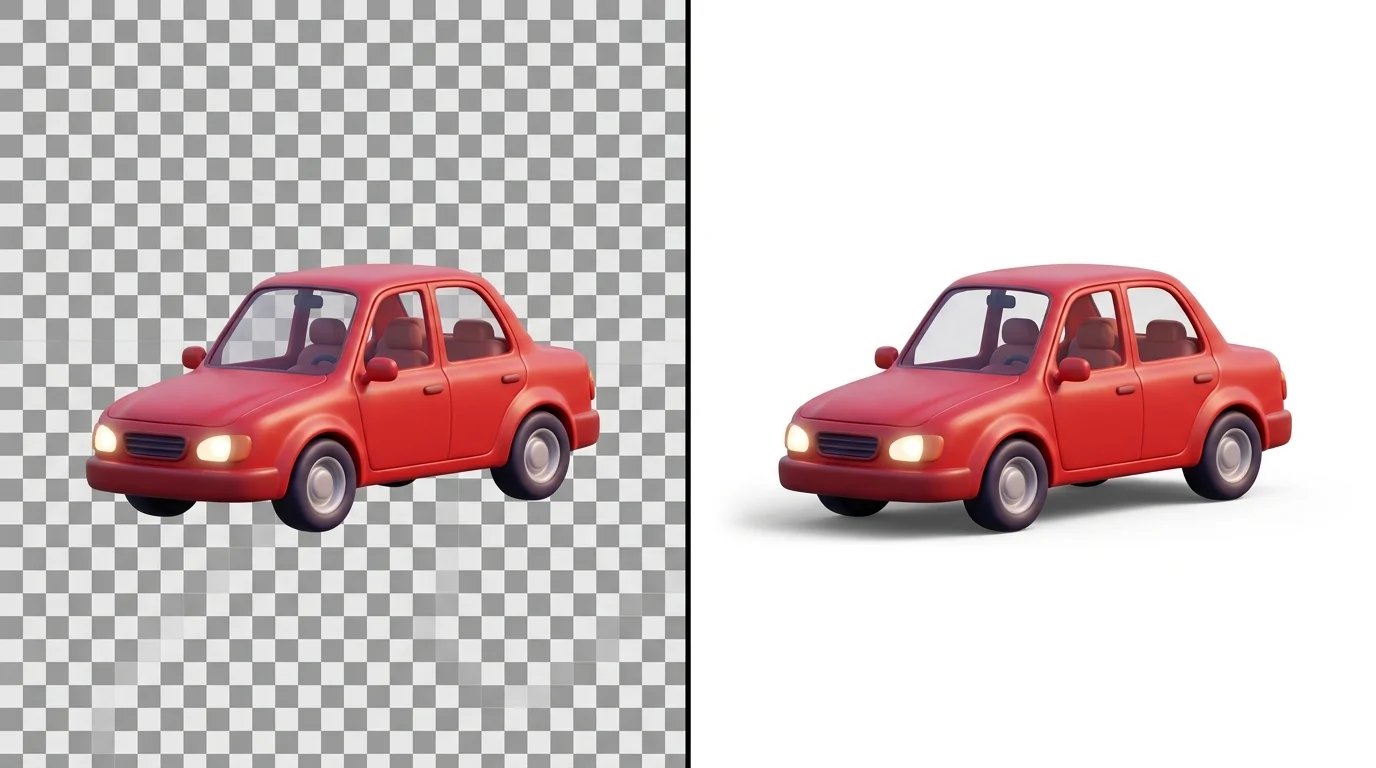
PNG files support transparency through an alpha channel, allowing you to remove backgrounds entirely and preserve only the vehicle itself. This differs fundamentally from JPEG, which uses lossy compression and cannot store transparent pixels—every JPEG must have a solid background color. For e-commerce, this distinction matters considerably: transparent PNGs let you layer car images over any background your platform provides, maintaining visual consistency across listings while reducing file clutter.
The trade-off is file size. According to Pixoconverter's analysis, a high-quality photograph as PNG might reach 5MB, while the same image as JPEG compresses to roughly 500KB—making PNGs typically 2–10× larger. This impacts page load speed directly. Since 53% of mobile users abandon sites that take longer than three seconds to load, oversized transparent images can hurt conversion rates if not optimized.
When to use transparent backgrounds: Dealership websites, Turo listings, and eBay Motors benefit most from transparent PNGs because these platforms allow custom backgrounds or let buyers focus purely on the vehicle. When to use solid backgrounds: If your platform requires static imagery or you're exporting for print catalogs, a professional studio background (white, showroom, or urban scene) works better—it's smaller, loads faster, and looks complete without additional design work.
Modern AI tools like Car Photo Booth handle this automatically: they create transparent PNGs by default while also offering 100+ professional background options. This flexibility means you're never locked into one format—you can generate transparent versions for web platforms and solid-background versions for print or social media, all from the same original photograph.
Step-by-Step: Creating Transparent Car Images Using AI Tools
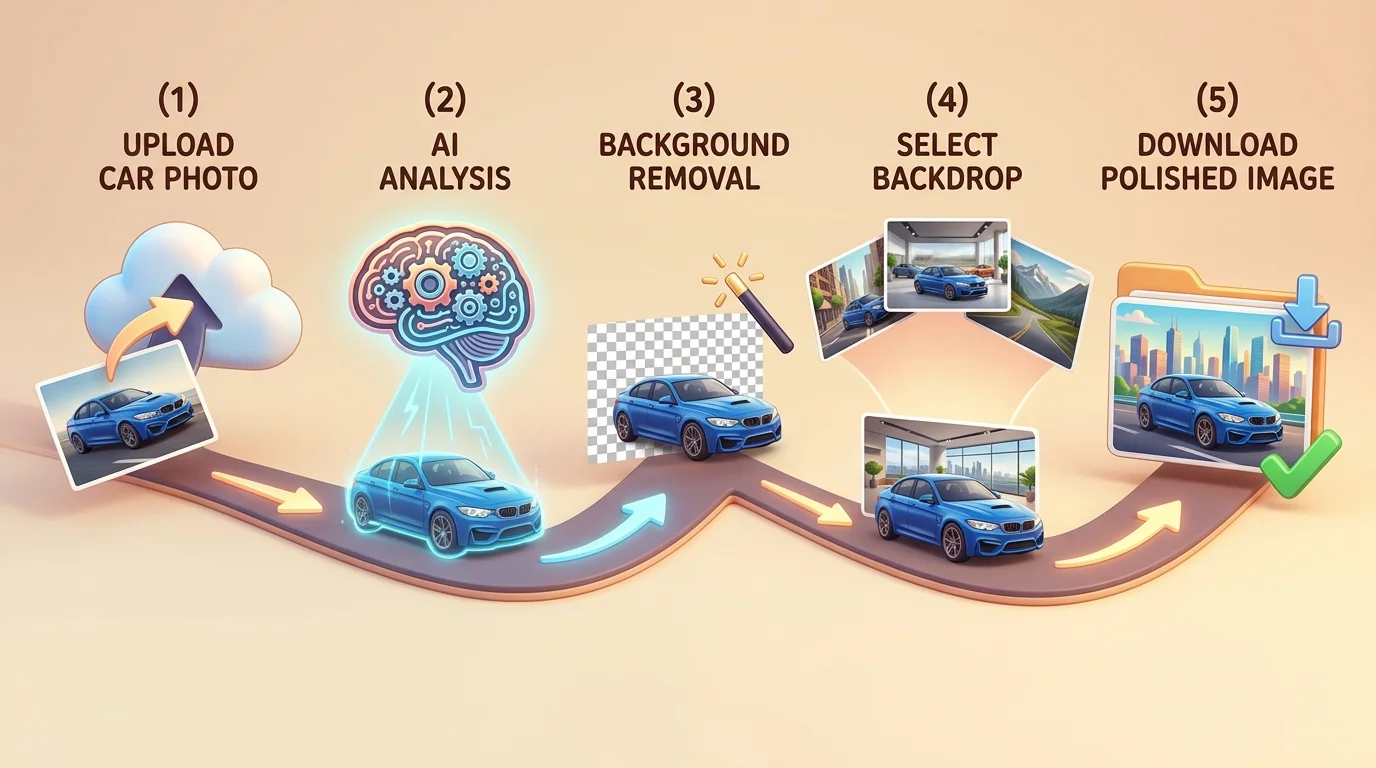
The fastest way to create transparent car images is through AI-powered background removal tools, which automate what once required hours of manual Photoshop work. Unlike traditional photo editors that demand technical skill and time, modern AI solutions process each image in seconds with a single click. Here's the practical workflow:
Step 1: Upload Your Car Photo
Start with a clear, well-lit photo of the vehicle—ideally taken outdoors or in a lot with natural lighting. Open your chosen AI tool (Car Photo Booth, for example) and upload the image. The platform automatically analyzes the vehicle's edges and distinguishes it from the background. Expected result: the tool displays a preview within 2–5 seconds, showing the detected car boundaries.
Step 2: Verify the Background Removal
Review the preview to ensure the AI correctly isolated the vehicle. Check for any missed areas—wheels, mirrors, or trim details sometimes require adjustment. Most tools let you manually refine edges if needed, though AI detection is typically 95%+ accurate on standard car photos. This step takes 10–20 seconds.
Step 3: Choose Your Export Format
Select PNG as your export format to preserve transparency. This creates a true transparent photo generator output—the background becomes a checkerboard pattern (indicating transparency) rather than a solid color. If you need a solid background instead, choose from professional studio options: white, showroom, urban, or nature scenes. Car Photo Booth offers 100+ backdrop choices, letting you match your listing platform's aesthetic.
Step 4: Download and Optimize
Export your image in 4K resolution for maximum quality across devices. Transparent PNGs are larger than JPEGs (typically 2–10× bigger), so consider your platform's upload limits. For web use, compress to 2K if file size becomes problematic—transparency remains intact while load times improve.
Step 5: Upload to Your Listing Platform
Place the transparent image on your dealership website, Turo listing, or eBay Motors ad. The transparent background lets your platform's design shine through or allows buyers to focus entirely on the vehicle without competing visual elements.
Pro Tip: Generate both transparent and solid-background versions from the same photo. Use transparent PNGs for web platforms that support them, and solid backgrounds for print catalogs or social media posts where transparency isn't an option.
This entire process—from upload to download—takes under two minutes per vehicle, making it dramatically faster and cheaper than hiring a photographer or renting a physical studio booth.
Alternative Methods: Manual Tools and Software Comparisons
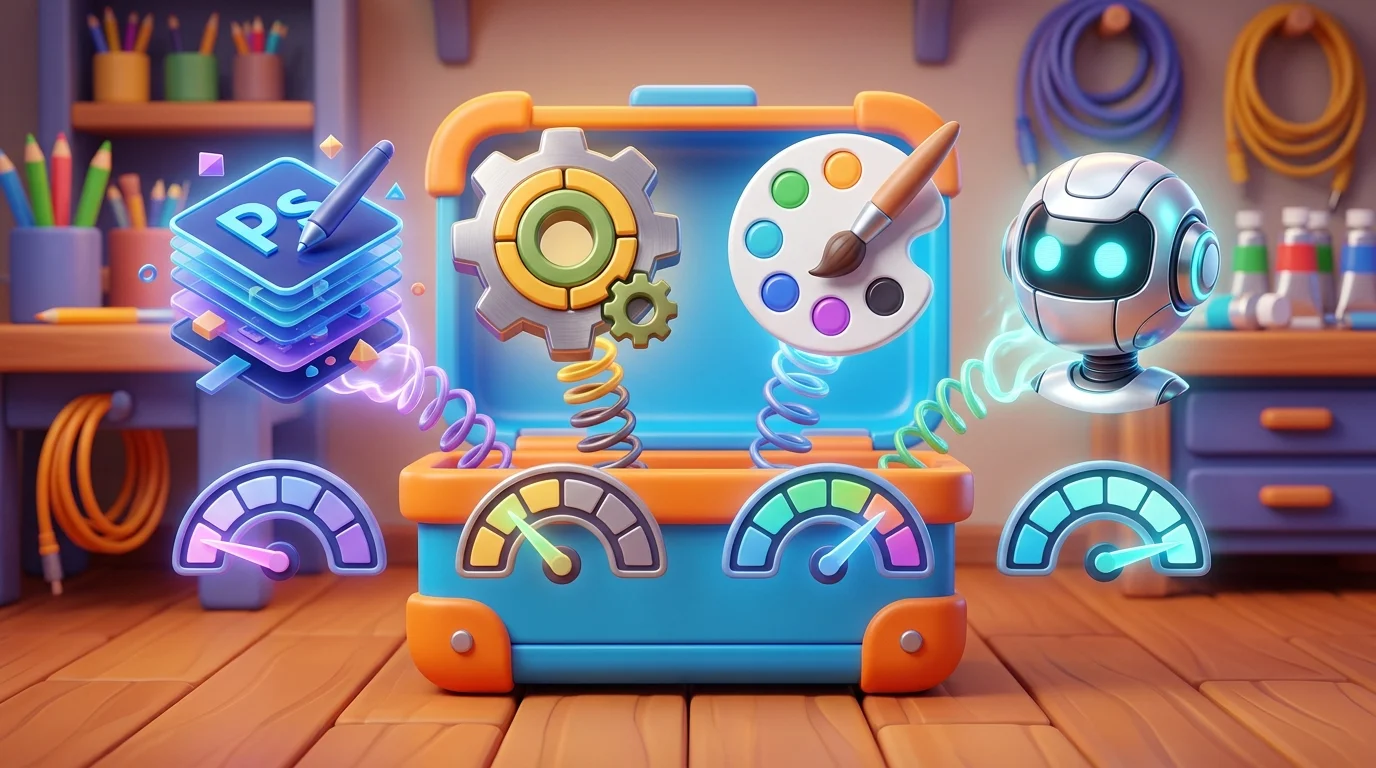
While AI-powered solutions like Car Photo Booth streamline the process of making background image transparent in seconds, some dealerships and photographers prefer manual control over every aspect of image editing. Desktop software such as Adobe Photoshop, GIMP, and online platforms like Canva or Pixlr offer flexibility for professionals who already own design tools or need highly customized results. Understanding when to use each approach helps you choose the right method for your workflow.
| Tool | Learning Curve | Time per Image | Cost | Transparency Quality | Best For |
|---|---|---|---|---|---|
| Photoshop | Steep (weeks to master) | 15–30 min | $55/month | Excellent (pixel-perfect control) | Professional retouchers; complex edits |
| GIMP | Moderate (days to learn) | 20–40 min | Free | Good (manual selection tools) | Budget-conscious photographers |
| Canva | Very low (minutes) | 10–15 min | $13/month | Fair (automated, less precise) | Quick social media graphics |
| Pixlr | Low (hours to learn) | 8–12 min | Free/Premium | Good (decent AI assist) | Small dealers; occasional use |
| Car Photo Booth | None (fully automated) | <2 min | $3–30/car | Excellent (AI-optimized) | High-volume dealerships; Turo hosts |
Manual tools demand significant time investment. Creating a transparent image in Photoshop requires selecting the background with lasso or magic wand tools, refining edges, and exporting as PNG—a process that compounds across dozens of vehicles. GIMP delivers similar results at no cost but steeper learning curves for beginners. Online editors like Canva democratize access but sacrifice precision; their automated background removal often leaves halos or misses fine details like mirrors and trim.
The practical reality: manual methods suit occasional projects or highly specialized edits. For dealerships processing 50+ vehicles monthly, the cumulative time and labor costs exceed what AI automation provides. If you're already proficient in Photoshop and enjoy detailed control, manual editing remains viable. Otherwise, the speed advantage of automated solutions becomes undeniable—especially when you factor in consistency across your entire inventory.
Scaling Transparent Image Creation for High-Volume Dealerships
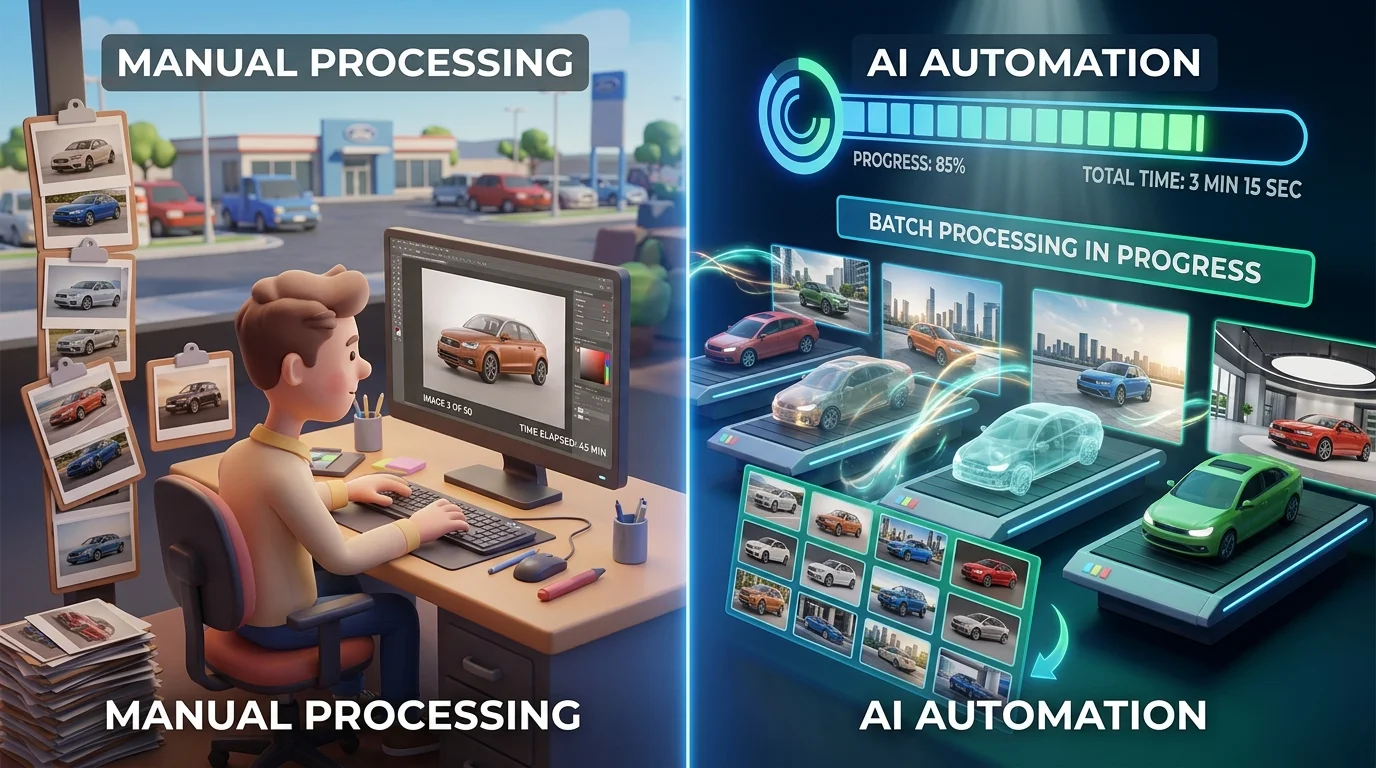
For dealerships managing 50+ vehicles monthly, the bottleneck shifts from image quality to workflow efficiency. Manual transparent image creation—whether through Photoshop, GIMP, or online editors—becomes a labor-intensive liability. A single car requires 8–12 minutes of editing per vehicle; multiply that across a 100-car inventory, and you're looking at 13–20 hours of dedicated work. The math becomes brutal when you factor in photographer costs: according to DealerRefresh Forum, dealership per-vehicle photography rates range from $5–$50 depending on the package, with most dealers paying $7–$30 per car for basic services. Add post-production editing—another $5–15 per vehicle for background removal and studio environment replacement—and your cost per image climbs to $12–$45.
High-volume dealerships need batch processing capabilities. Uploading 50 transparent car photos individually defeats the purpose of automation. Effective scaling requires three core features: bulk upload functionality, API integration for workflow automation, and batch export options that maintain consistent quality across your entire inventory.
Car Photo Booth handles this through automated batch processing. Upload dozens of images simultaneously, and the AI removes backgrounds and applies your chosen professional backdrop in under 2 minutes per car—no manual intervention required. At $3–$30 per car depending on your plan, the cost advantage compounds across volume. A dealership processing 100 vehicles monthly saves approximately $700–$4,500 compared to traditional photographer rates, while reducing turnaround time from days to hours.
Quality control remains essential at scale. Spot-check processed images for edge artifacts, lighting consistency, and background integration. Most AI tools flag problematic images automatically, allowing you to reprocess or manually refine only the exceptions rather than reviewing every single output.
Optimizing Transparent Car Images for Web and Sales Platforms
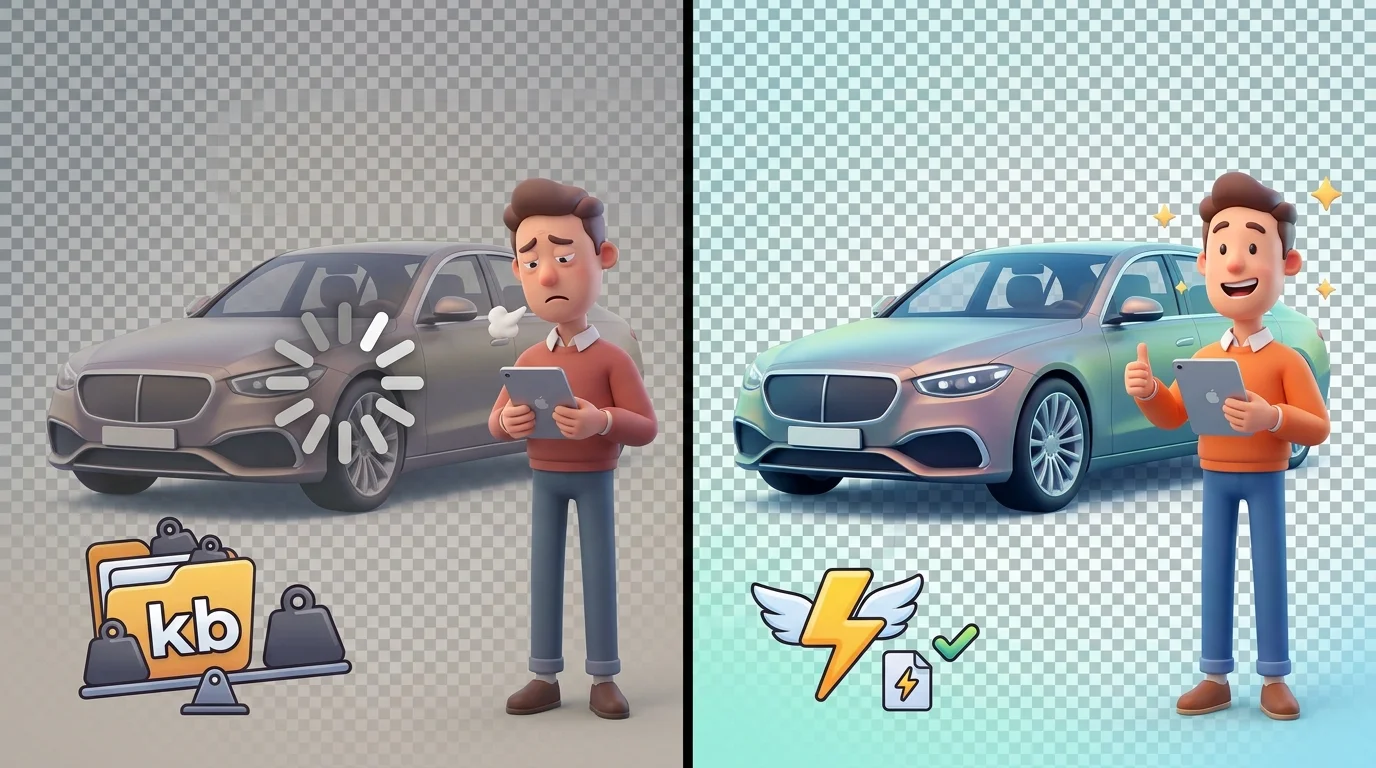
Once your transparent car images are created, the work isn't finished—optimization determines whether they load quickly, rank in search results, and convert viewers into buyers. File size directly impacts page load speed, which search engines reward and customers notice. A 5MB PNG will frustrate mobile users; compress it to 500KB without visible quality loss using tools like TinyPNG or ImageOptim. Maintain your image dimensions while reducing file weight through lossless compression, preserving the transparency layer that makes your background image transparent in the first place.
Platform-specific requirements demand attention. Turo hosts should know that well-photographed cars receive 50% more traffic to their listings, and photos must be at least 5000px wide by 3000px tall to meet platform standards. Dealership websites benefit from responsive design—serve scaled versions for mobile, tablet, and desktop rather than forcing one massive file across all devices. Social media platforms compress aggressively, so test your transparent images on Instagram, Facebook, and TikTok before publishing.
Metadata and naming conventions strengthen SEO. Use descriptive filenames like "2024-honda-civic-sedan-silver-transparent.png" instead of "car1.png." Add alt text describing the vehicle, color, and angle—this helps both accessibility and search visibility. For batch processing at scale, Car Photo Booth's automated export maintains consistent dimensions and quality across your entire inventory, eliminating manual optimization work and ensuring every image meets platform requirements simultaneously.
Choosing the Right Method for Your Automotive Business in 2026

The decision between AI-powered background removal, manual software editing, and hybrid workflows depends on your inventory volume and operational priorities. AI tools dominate for dealerships and high-volume sellers—they process transparent images in seconds at $3–5 per vehicle, eliminating the $30–50 per-car photographer cost and the 25K+ setup expense of physical booths. Manual software like Photoshop offers granular control but demands skilled operators and hours per image, making it impractical for anyone managing 50+ vehicles monthly.
The hybrid approach—using AI for bulk processing, then manual refinement for premium listings—balances speed with quality. Car Photo Booth delivers this efficiency by automating the heavy lifting: background removal, 4K exports, and consistent styling across your entire inventory in one workflow. For 2026, AI-assisted automotive photography has shifted from optional to standard practice. Start your free trial today and see how transparent image creation transforms your listing pipeline within minutes, not weeks.