
Low-quality car photos are silently killing your sales. When a potential buyer scrolls through listings with pixelated, blurry, or poorly lit images, they form an instant judgment—and it's rarely favorable. For dealerships, Turo hosts, and automotive photographers, this isn't just a cosmetic problem. Grainy or low-resolution images signal unprofessionalism, reduce click-through rates, and ultimately cost you deals. Buyers expect to see vehicles clearly, with every detail visible. When your photos fall short, they move to competitors who deliver sharper, more polished visuals.
The good news? You don't need expensive studio equipment or professional photographers to fix this. Modern AI-powered upscaling tools and software solutions can transform ordinary car photos into high-resolution, studio-quality images in seconds—often for just a few dollars per car.
Quick Answer: To increase image resolution for car photography, use AI upscaling tools that intelligently enlarge photos while preserving detail, employ professional software like Photoshop or specialized automotive tools, or rely on AI-powered services that combine background removal with resolution enhancement. Most modern free image upscalers and paid platforms can make pictures bigger while maintaining clarity, turning lot photos into polished assets suitable for online listings, catalogs, and marketing campaigns.
This guide walks you through the most effective methods: AI upscaling technology that works at scale, traditional software approaches for maximum control, and best practices that ensure consistent, professional results across your entire inventory. Whether you're managing dozens of vehicles or hundreds, you'll find practical, cost-effective solutions tailored to automotive sales.
Table of Contents
- Understanding Image Resolution: Pixels, DPI, and Print Quality
- AI-Powered Image Upscaling: The Fastest Solution for Dealerships
- Professional Software Methods: Photoshop and Lightroom Alternatives
- Practical Workflow: Batch Processing Car Photos for Dealerships
- Cost-Benefit Analysis: When to Upscale vs. Retake Photos
- Choosing the Right Resolution Enhancement Method for Your Dealership
Understanding Image Resolution: Pixels, DPI, and Print Quality
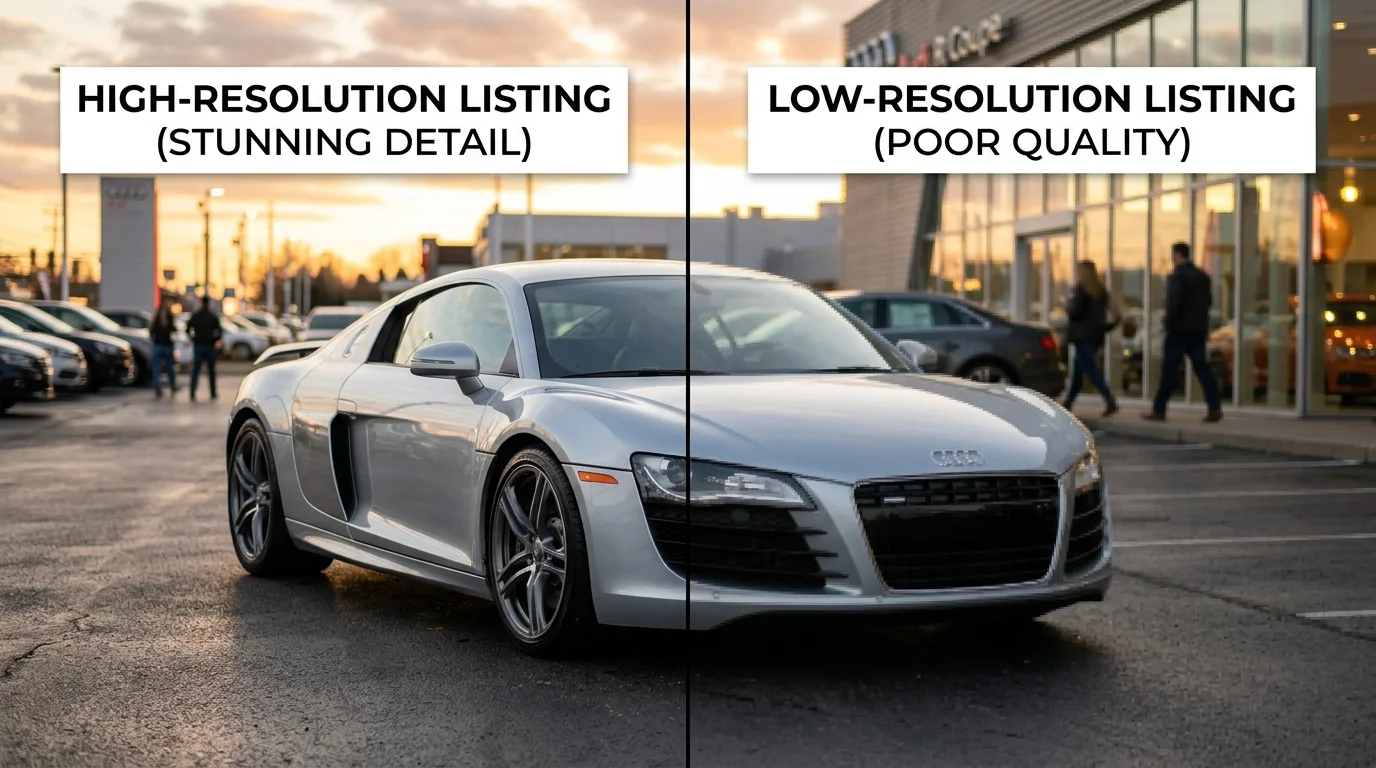
Image resolution is the foundation of professional automotive photography. At its core, resolution refers to two distinct but equally important measurements: pixel dimensions (the total number of pixels in width and height) and DPI—dots per inch (how densely those pixels are packed when printed).
A car photo with 1920×1080 pixels looks sharp on a smartphone screen but appears pixelated and blurry when enlarged for a dealership brochure. This happens because pixels spread further apart as the image grows, losing detail and clarity. Conversely, when you expand an image without increasing pixel count, you're simply stretching existing data—the result is soft, low-definition output that undermines your inventory's presentation.
For digital listings—websites, Turo, classified ads—you need minimum 1200×800 pixels to ensure crisp display across devices. For print catalogs and promotional materials, the industry standard is 300 DPI, which ensures sharp, professional quality on paper. A low-resolution photo at 72 DPI looks acceptable on screen but becomes noticeably fuzzy in print.
The practical impact is measurable. According to 360Booth's research, 75% of car buyers say high-quality photos are the most important factor when researching vehicles online. Blurry, low-resolution images signal poor inventory management and reduce buyer confidence—directly affecting engagement and conversion rates.
Modern AI upscaling tools intelligently expand images while preserving or even enhancing detail, transforming lot photos into assets suitable for both digital and print use. Understanding this technical foundation helps you make informed decisions about which resolution-enhancement method works best for your specific sales channel.
AI-Powered Image Upscaling: The Fastest Solution for Dealerships
AI-powered upscaling represents a fundamental shift in how automotive businesses handle image resolution. Unlike traditional interpolation—which simply stretches pixels and creates blurriness—AI models use deep learning to intelligently reconstruct missing detail, analyzing patterns from millions of high-resolution images to predict what fine details should exist at larger sizes. The result is a 4x, 8x, or even 16x enlargement that maintains sharpness and clarity rather than degrading it.
According to research from Prodia, AI-driven upscaling methods can boost visual quality by up to 90% compared to traditional interpolation techniques. This isn't marginal improvement—it's the difference between a lot photo that looks amateur and one that competes with studio-shot inventory.
Why AI Outperforms Traditional Methods
Pixel interpolation works by averaging neighboring pixels, which produces soft, blurry results. AI upscaling, by contrast, uses neural networks trained on automotive imagery to intelligently fill in detail. The algorithm understands car geometry, paint texture, chrome reflections, and tire treads—it doesn't just guess. When you enlarge a 800×600 photo to 3200×2400, the AI reconstructs edges, surface details, and lighting gradients that preserve the original image's character while dramatically improving clarity.
The Workflow: From Lot Photo to Print-Ready Asset
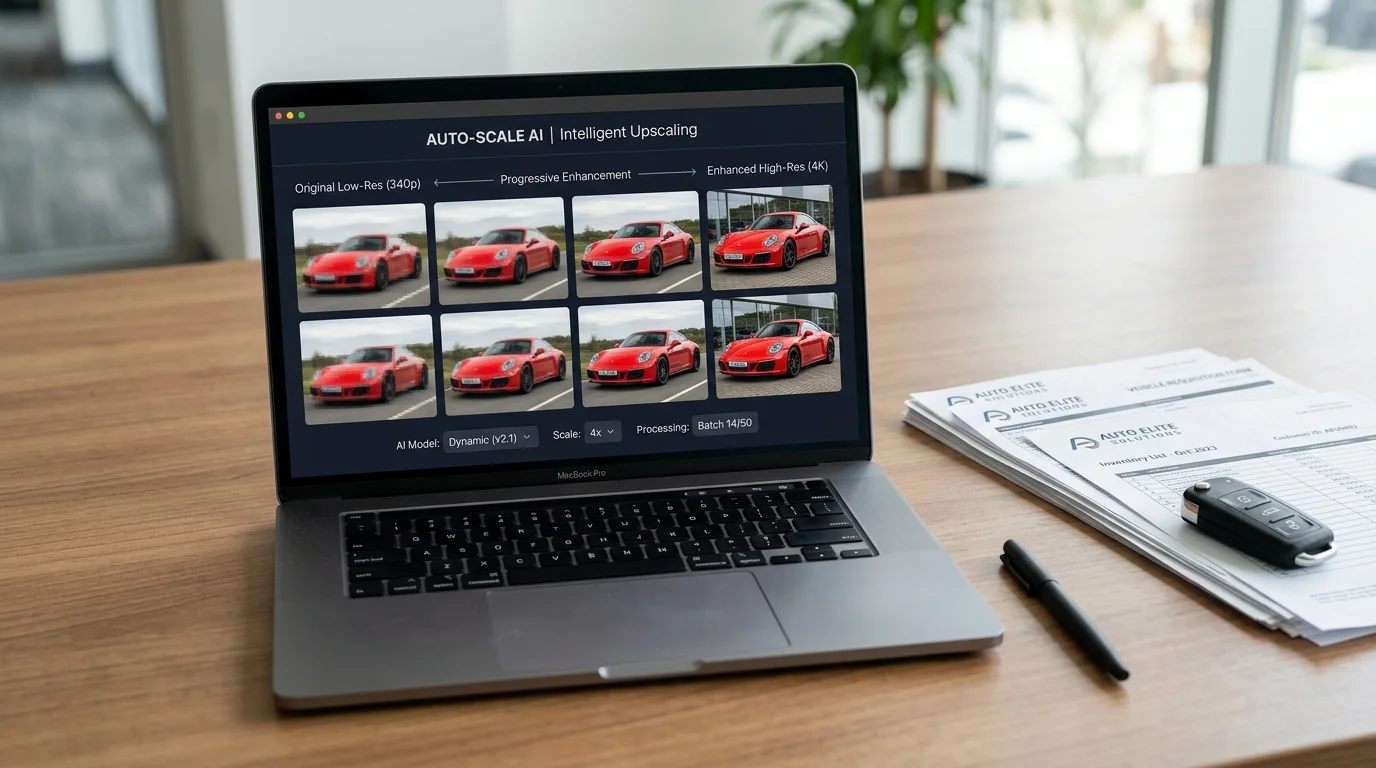
Most AI upscalers follow a consistent process. Upload your original image (JPG, PNG, or TIFF), select your target resolution (typically 2x, 4x, or 8x enlargement), and initiate processing. The AI analyzes the image and generates an upscaled version within seconds to minutes depending on file size and platform. You then download the enhanced file, ready for Turo listings, dealership websites, or print catalogs. No technical knowledge required—the algorithm handles all complexity behind the scenes.
Processing costs are remarkably affordable. AI upscaling services typically charge between $0.02 to $0.10 per image through API-based platforms, with volume discounts available for dealerships processing hundreds of photos monthly. For a dealer managing 50 vehicles, upscaling an entire inventory costs less than a single professional photoshoot.
Speed and Scale Advantage
A photographer charges $30–50 per vehicle for professional shooting. A physical photo booth requires $25,000–60,000 in setup costs. AI upscaling transforms existing lot photos—the ones you already have—into studio-quality assets at a fraction of both costs and time. Bulk processing means you can enhance your entire inventory overnight rather than scheduling shoots across weeks.
This speed matters operationally. When a new vehicle arrives on your lot, you photograph it with your smartphone, run it through an upscaler, and list it within hours. When you need to make an image larger for print materials or digital campaigns, the process takes minutes, not days. For Turo hosts managing seasonal inventory turnover, this efficiency directly impacts listing velocity and rental revenue.
Professional Software Methods: Photoshop and Lightroom Alternatives
Desktop software remains a viable path for users who already own Adobe Creative Cloud subscriptions or prefer offline processing. These tools offer fine-grained control over the upscaling process, though they demand more technical skill than AI-powered solutions and require significantly longer processing times.
Photoshop's Super Resolution represents Adobe's native answer to expanding image dimensions. Available in recent versions, this feature uses machine learning to intelligently interpolate pixels when enlarging photos. The workflow is straightforward: open your car image, navigate to Image > Upscale, and let the algorithm work. Results are respectable for moderate enlargements (up to 2–3x), but the feature shines brightest when expanding images from 2K to 4K rather than attempting dramatic size increases. Processing a single image takes 30–90 seconds depending on file size and your system's GPU capability.
Manual resampling with smart interpolation offers an alternative for those seeking maximum control. Photoshop's Image > Image Size dialog allows you to choose interpolation methods—Bicubic Sharper for reduction, Bicubic Smoother for enlargement. This older technique produces acceptable results for modest upscaling (20–50% increases) but introduces visible artifacts and softness beyond that threshold. It's reliable but labor-intensive, requiring manual sharpening afterward to compensate for quality loss.
Lightroom's upsampling capability (added in recent updates) provides a middle ground. The process integrates directly into the export workflow, allowing you to enlarge images during batch processing without opening Photoshop. This efficiency appeals to photographers managing large catalogs, though quality trails behind Photoshop's Super Resolution for significant enlargements.
The cost barrier deserves mention: Adobe's Photography Plan costs $19.99 monthly when paid annually, according to Design Offset. For dealerships processing dozens of vehicles weekly, this subscription cost plus the time investment—upscaling a 50-car inventory manually requires hours—often exceeds what specialized AI tools charge per image.
| Method | Best For | Processing Time | Quality Ceiling | Learning Curve |
|---|---|---|---|---|
| Photoshop Super Resolution | 2K → 4K enlargements | 30–90 sec/image | High (moderate enlargement) | Medium |
| Manual Resampling | Small increases (20–50%) | 5–10 min/image | Medium | Low |
| Lightroom Upsampling | Batch processing workflows | 20–60 sec/image | Medium | Low |
For automotive photography specifically, these methods work adequately when your source images are already sharp and well-lit. Lot photos with motion blur or poor lighting expose the limitations of pixel-based interpolation—no algorithm can invent detail that wasn't captured. This is where AI-driven approaches, which analyze semantic content rather than just pixel patterns, demonstrate clear advantages for the automotive use case.
Practical Workflow: Batch Processing Car Photos for Dealerships
Processing dozens of vehicle photos weekly demands a system, not improvisation. The difference between handling 10 cars and 100 cars isn't just scale—it's whether your workflow collapses under its own weight or runs like a well-oiled operation.
Step 1: Organize Your Source Files
Create a folder structure that mirrors your inventory system. Use consistent naming: VIN-Make-Model-Angle.jpg (e.g., 5TDJKRFH5LS123456-Toyota-Camry-Front.jpg). This prevents duplicate processing and makes quality control audits trivial. Batch processing tools read metadata; clear file names let you track which images have been upscaled and which haven't.
Step 2: Set Resolution Targets by Channel
Not all platforms need 4K. Turo listings perform well at 2K; dealer websites often display at 1920×1440. Define your target resolution per sales channel before processing begins. This prevents wasting processing time on unnecessary enlargement and keeps file sizes manageable for upload speeds.
Step 3: Use Batch Processing Software
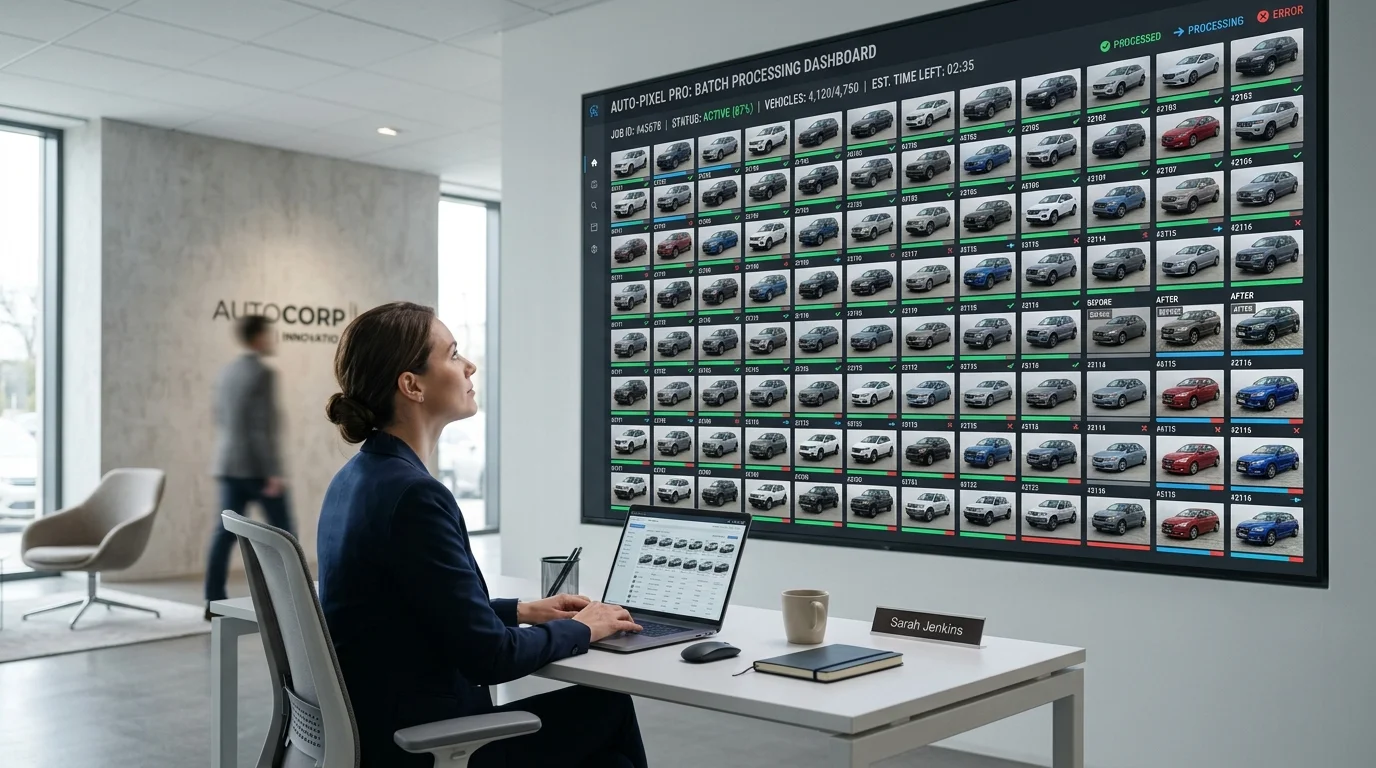
Tools like Car Photo Booth handle multiple images simultaneously, processing 50 photos in the time manual upscaling takes for five. The platform removes backgrounds and applies professional backdrops while enlarging resolution—eliminating the need for separate workflows. Set parameters once, queue your folder, and let the system work while you handle other tasks.
Step 4: Implement Quality Checkpoints
Sample-check every 20th image during processing. Look for artifacts, color shifts, or unnatural edge blending. Catch systematic errors early rather than discovering them after 200 photos are processed.
Step 5: Archive and Version Control
Keep originals separate from processed files. Maintain a master spreadsheet tracking which images have been processed, their target resolutions, and their assigned backgrounds. This prevents reprocessing and ensures consistency across your catalog.
Batch workflows transform image resolution enhancement from a bottleneck into a scalable operation—essential when your inventory turns weekly and your competitors are still manually editing photos one at a time.
Cost-Benefit Analysis: When to Upscale vs. Retake Photos
The decision to upscale existing photos or invest in new photography hinges on three variables: inventory age, budget constraints, and competitive pressure. Understanding the economics of each approach prevents wasted spending and accelerates your path to professional listings.
| Scenario | Best Approach | Cost per Vehicle | Timeline | Quality Result |
|---|---|---|---|---|
| Legacy inventory (100+ vehicles, 2+ years old) | AI upscaling | $0.10–$1.00 | Hours | 2K–4K resolution, professional backgrounds |
| New arrivals (weekly intake) | Upscaling + background replacement | $0.50–$2.00 | Minutes | Studio-quality, consistent branding |
| Seasonal promotions (30–50 vehicles, tight deadline) | AI batch processing | $0.20–$1.50 | Same day | Uniform aesthetic, fast deployment |
| Premium inventory (luxury, specialty vehicles) | Professional photography | $30–$50 per car | 1–2 weeks | Maximum impact, bespoke staging |
| Turo/rental fleet (high turnover, budget-conscious) | AI upscaling with background removal | $0.50–$1.00 | Real-time | Consistent, scalable, cost-effective |
The math is stark: Professional photography costs $30–$50 per vehicle, plus an additional $5–15 per image for post-production editing, according to DealerRefresh Automotive Forums. Upscaling with AI tools like Car Photo Booth costs $0.10–$1.00 per image. For a 200-vehicle lot, professional photography totals $7,000–$13,000; AI upscaling totals $20–$200.
When to upscale: Your inventory is functionally sound but visually dated. Lighting is acceptable, composition is sound, and the vehicle itself is clean. Upscaling recovers value from existing assets without reshoot delays.
When to retake: The original photo has fundamental flaws—harsh shadows, poor angle, cluttered background, or motion blur that upscaling cannot correct. New inventory arriving weekly justifies a streamlined photography process paired with AI background replacement for consistency.
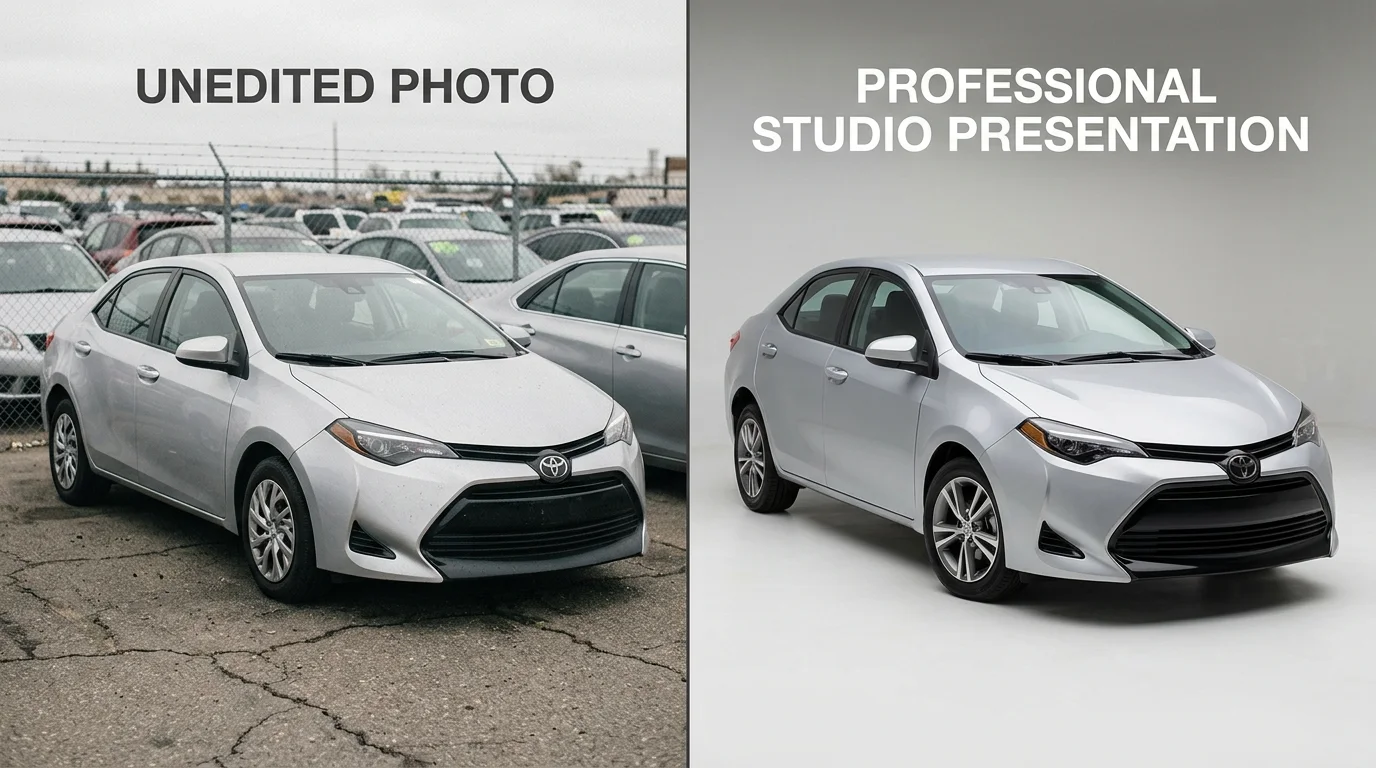
Hybrid workflows prove most efficient: upscale your back catalog while implementing AI-powered background removal for incoming vehicles. This balances legacy asset recovery with forward-facing professionalism, eliminating the false choice between speed and quality.
Choosing the Right Resolution Enhancement Method for Your Dealership
Three distinct approaches now compete for your attention: AI upscaling, professional desktop software, and hybrid workflows that combine both. Each serves a different operational reality, and choosing correctly depends on your inventory volume, technical comfort, and timeline.
AI upscaling remains the fastest path for most dealerships. A free image upscaler lets you test quality on your own vehicle photos without commitment—upload a low-resolution lot shot, process it in seconds, and compare the sharpness to your original. The results speak immediately. At $0.10–$1.00 per image, scaling 200 vehicles costs a fraction of professional retouching. Processing happens automatically; no learning curve exists. This approach dominates when speed and cost efficiency matter more than granular control.
Professional software like Photoshop or Lightroom demands technical expertise and longer processing times per image, but grants pixel-level precision for dealers who already own Creative Cloud subscriptions. This path suits photographers managing smaller batches or users requiring custom adjustments that AI cannot replicate.
Hybrid workflows prove most practical: upscale your existing back catalog while implementing AI-powered background removal for incoming inventory. This strategy recovers value from legacy assets while establishing consistency going forward. Car Photo Booth combines both functions—upscaling combined with background replacement across 100+ professional backdrops—eliminating the false choice between legacy recovery and forward-facing quality.
Test a free upscaler with your own photos today. The quality difference becomes undeniable within seconds, and you'll immediately recognize whether AI meets your dealership's standards or whether additional investment in professional software justifies the complexity.