
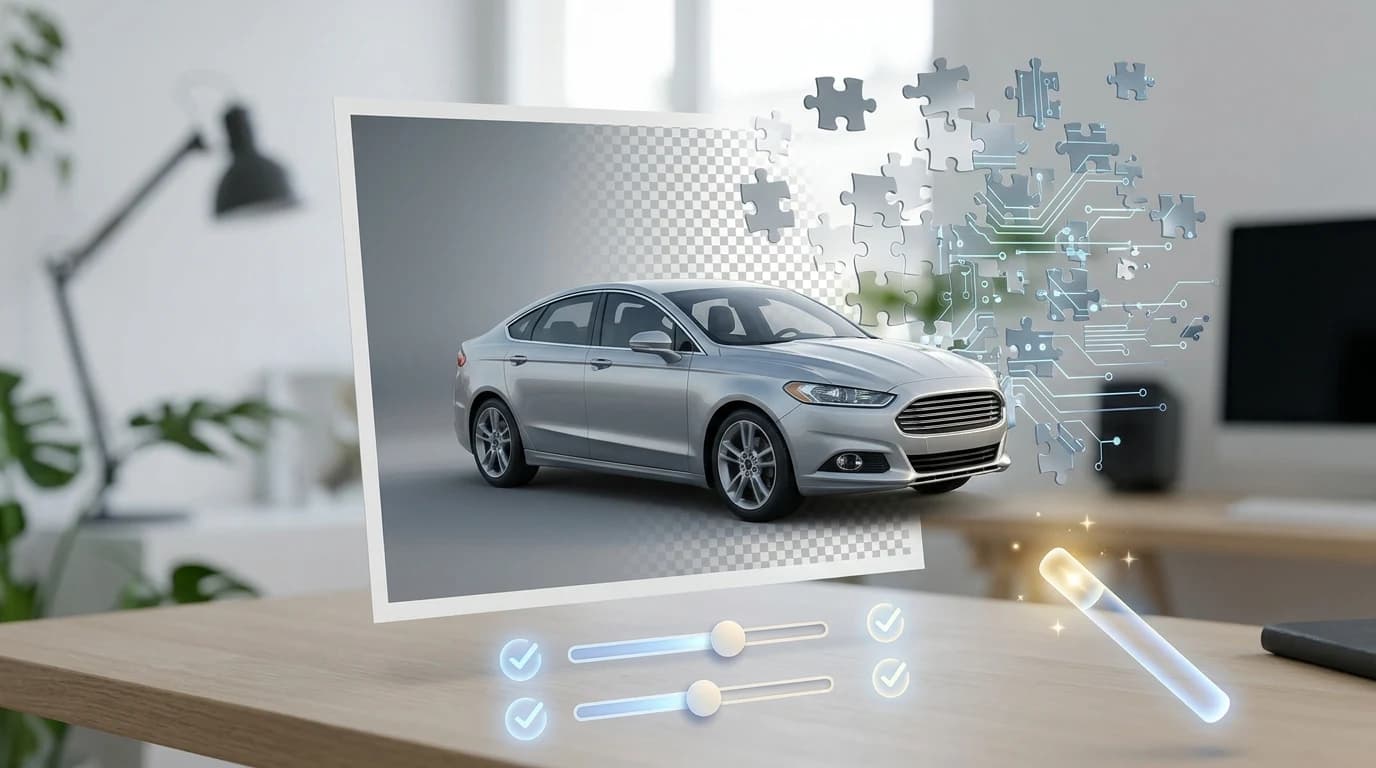
If you've ever asked yourself, how do I make pictures transparent, you're not alone—this simple yet powerful technique is transforming the way car dealers and photographers present vehicles online. Making pictures transparent is a fundamental skill that separates amateur car listings from professional showroom presentations. Whether you're a dealership manager, Turo host, or automotive photographer, learning how to make pictures transparent opens doors to studio-quality results without the studio price tag. Transparent backgrounds let your vehicles command attention—no cluttered lots, no distracting environments, just pure automotive appeal that converts browsers into buyers.
Quick Answer:
To make pictures transparent, use AI background removal tools that automatically isolate your vehicle and strip away the background in seconds. For car dealers and photographers, tools like Car Photo Booth handle this instantly, replacing removed backgrounds with over 100 professional options—from showroom settings to outdoor environments—all without manual editing or technical skills.
Why Transparent Backgrounds Matter for Automotive Product Listings
Transparent backgrounds fundamentally change how vehicles appear in online listings—they shift focus entirely onto the car itself, eliminating the visual noise that typically buries inventory in crowded dealership lots or unprofessional home-shot environments. When a buyer scrolls through dozens of vehicle listings, the ones that stand out visually command attention and drive clicks. Professional vehicle photos with clean backgrounds can increase click-through rates by up to 40% compared to standard parking lot shots, a measurable difference that directly impacts how many qualified leads your inventory generates.
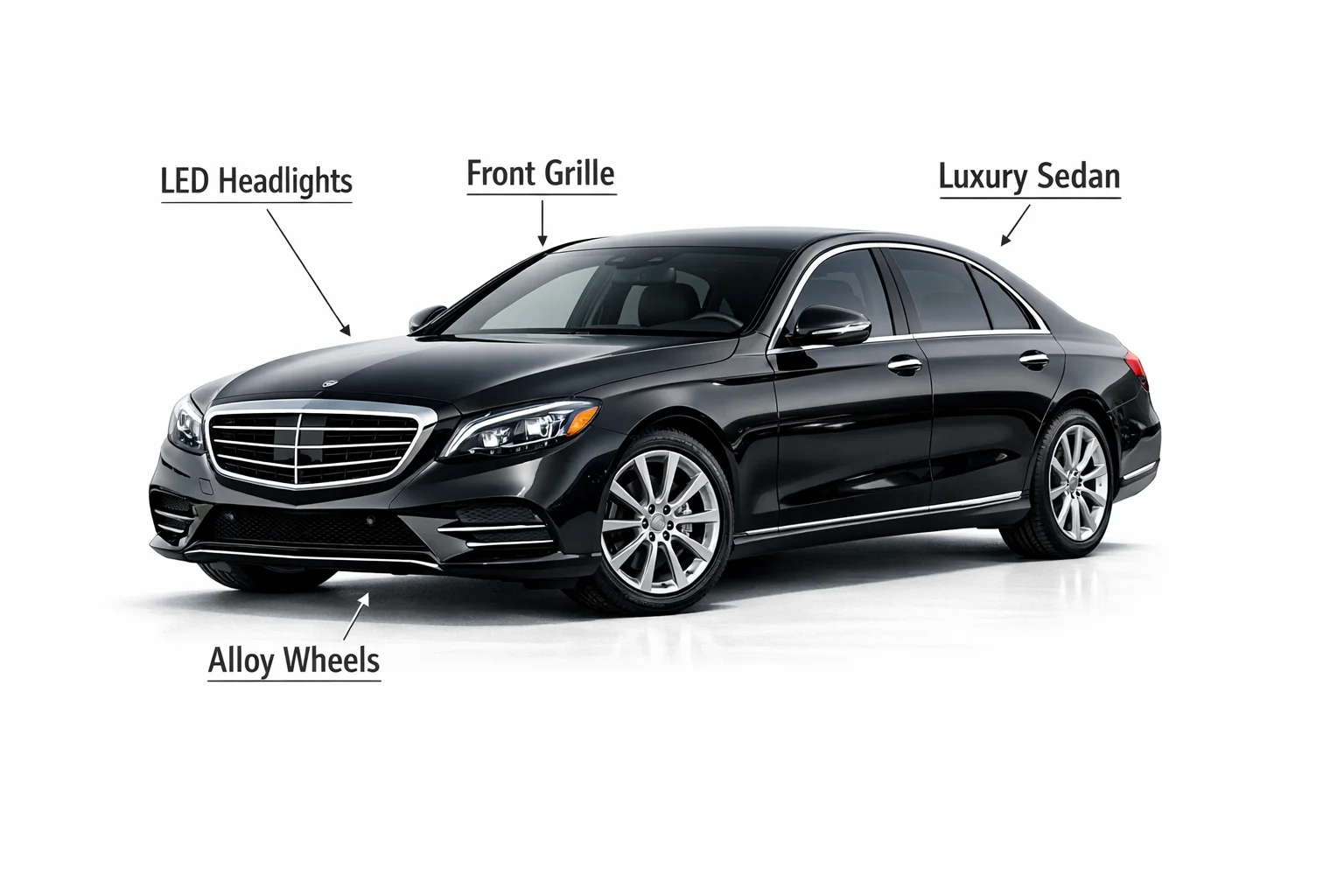
Beyond aesthetics, transparent backgrounds solve a core business problem for dealerships and automotive sellers: cost and consistency. Traditional studio photography runs between $15–20 per vehicle through established services, or requires hiring photographers at $200–500 per hour—expenses that scale painfully across 50, 100, or 500-vehicle inventories. Physical photo booth systems demand capital investment of $38,000–42,875 upfront, plus ongoing maintenance and space allocation. Even after the initial shoot, dealers often spend an additional $5–15 per vehicle on post-processing to remove backgrounds and add professional backdrops. This fragmented workflow creates inconsistency: some cars photograph well in natural light, others look washed out; lot conditions vary by season and time of day; and the final catalog appears disjointed rather than curated.
Cost Savings vs. Studio Photography
Transparent backgrounds paired with professional background replacement eliminate these hidden expenses entirely. Instead of paying per-vehicle fees or maintaining expensive equipment, you process images through an AI tool at a fraction of the cost—typically $3–7 per car depending on volume. For a dealership moving 100 vehicles monthly, the annual savings compared to traditional studio work exceed $15,000–20,000, capital that can be reinvested into inventory acquisition, marketing, or staff. The ROI becomes even more dramatic for high-volume operations: a rental fleet managing 500 monthly listings saves approximately $60,000–75,000 annually by switching from studio photography to transparent background solutions.
The financial advantage extends beyond per-unit pricing. You eliminate the need for dedicated studio space, lighting equipment, and specialized staff. Processing happens in seconds—no scheduling shoots weeks in advance, no waiting for turnaround, no bottlenecks when inventory arrives faster than your photographer can handle. When you can create an image with a transparent background and swap in any of 100+ professional backdrops instantly, you're no longer constrained by physical studio limitations or seasonal weather conditions that affect lot photography.
Consistency Across Inventory
Transparent backgrounds ensure every vehicle in your catalog appears with uniform lighting, framing, and professional presentation. This visual consistency builds trust with online shoppers—when they browse your inventory, they perceive a curated, professional operation rather than a patchwork of inconsistent photos. A sedan photographed in harsh afternoon sun looks dramatically different from one shot at golden hour; a truck photographed against a cluttered service bay tells a different story than one against a showroom backdrop. Transparent backgrounds neutralize these variables, allowing the vehicle itself to be the focal point across your entire listing.
This uniformity also strengthens your brand perception across platforms. Whether listings appear on Autotrader, Craigslist, Turo, or your own website, every image carries the same professional weight. Buyers develop confidence in your operation when they see consistent quality—it signals organization, attention to detail, and legitimacy. For Turo hosts managing rental fleets or photographers building portfolios, this consistency becomes a competitive advantage, directly influencing guest booking decisions and perceived value.
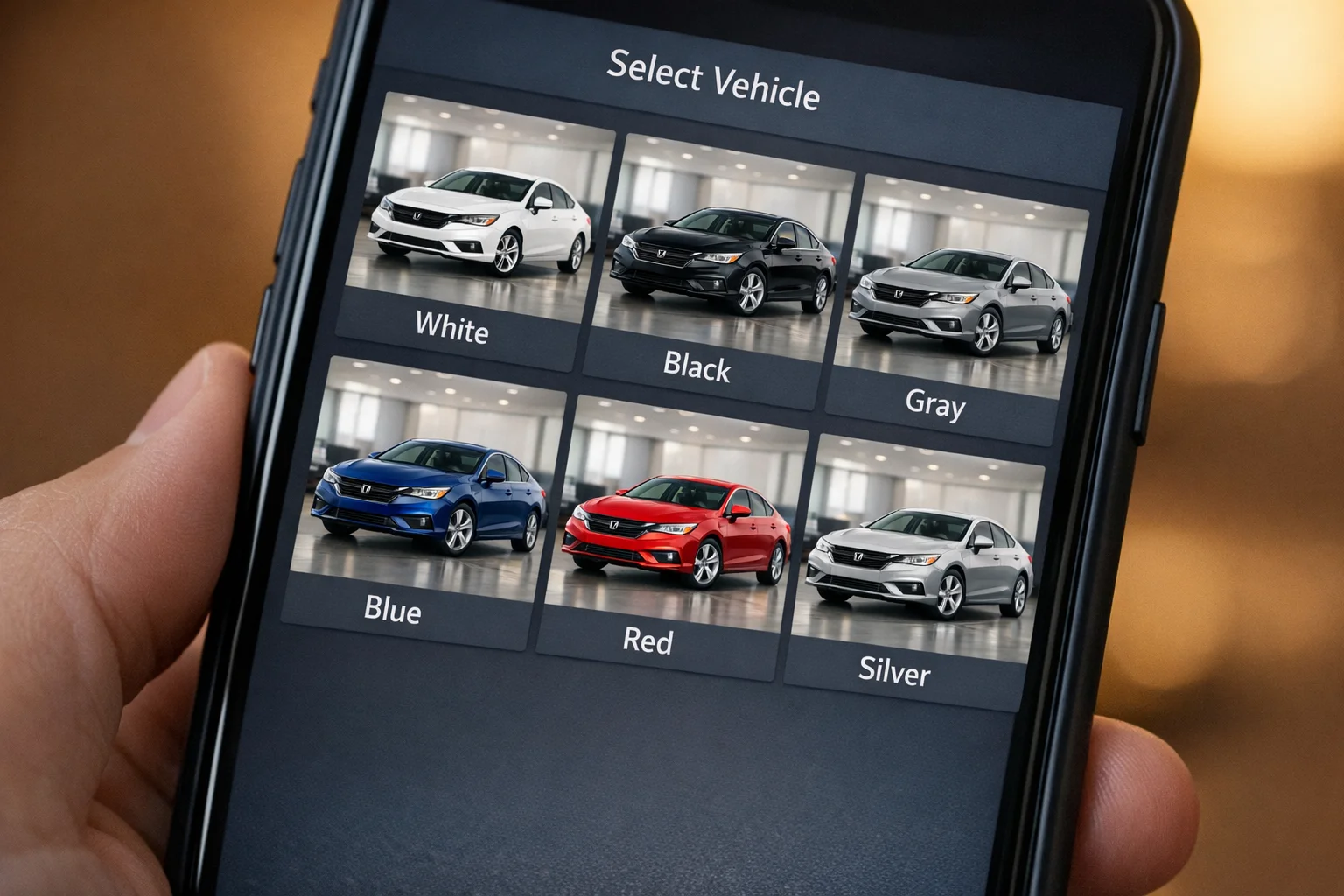
Step-by-Step Methods to Make Pictures Transparent
Making pictures transparent requires choosing the right method for your workflow, budget, and volume. Three primary approaches dominate the automotive photography space: desktop software like Photoshop, free web-based tools, and AI-powered batch processing solutions. Each method trades off speed, cost, skill requirement, and consistency—understanding these trade-offs helps you select the approach that fits your dealership's needs.
Method 1: Using Photoshop's Background Eraser Tool
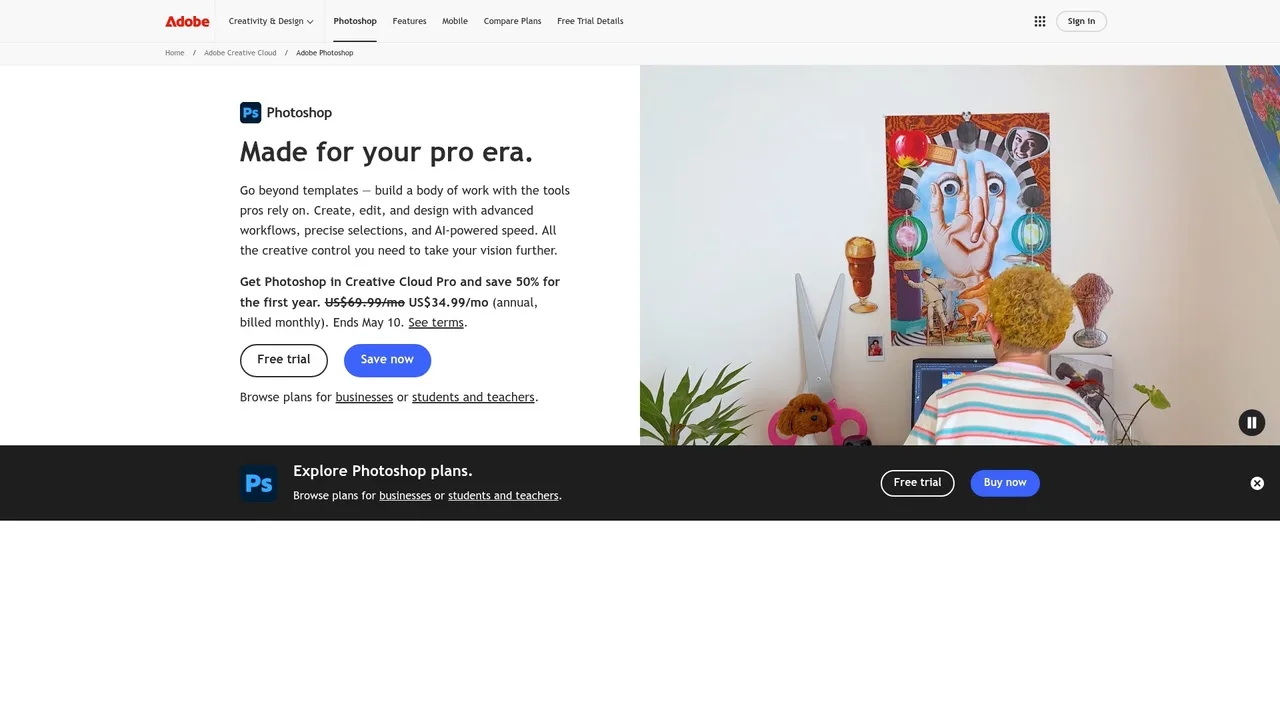
Photoshop remains the industry standard for manual background removal, offering precision control through multiple selection techniques. The Magic Eraser tool works by detecting color similarity and removing adjacent pixels of the same tone, while the Select Subject feature uses machine learning to identify the vehicle automatically. For automotive photography, the most reliable approach combines Select Subject with manual refinement using the Quick Selection tool or the Eraser brush.
Step-by-step process:
- Open your vehicle image in Photoshop and ensure the layer is unlocked (double-click the background layer to convert it to an editable layer).
- Navigate to Select > Subject to let Photoshop's AI identify the car automatically—this typically captures 70–85% of the vehicle boundary accurately.
- Refine the selection using the Quick Selection tool to add or subtract areas. Hold Alt and click to remove unwanted selections; click normally to add missing portions.
- Once satisfied, go to Select > Inverse to select the background instead of the vehicle.
- Delete the background by pressing Delete or Edit > Clear.
- Add a transparent layer beneath your vehicle by creating a new layer and moving it below your car layer.
- Export as PNG with transparency: File > Export As > PNG, ensuring "Transparency" is checked.
Time investment: 15–30 minutes per image, depending on selection complexity. Vehicles with clean edges (sedans, SUVs) process faster; trucks with complex cargo or trailers require more refinement.
Skill level: Intermediate. You need familiarity with layer management, selection tools, and export settings. The learning curve is steep for beginners but manageable within 5–10 practice images.
Cost: Photoshop costs $22.99 per month with annual commitment or $34.49 month-to-month. For dealerships processing 50+ vehicles monthly, this translates to roughly $0.46–$0.69 per image in software costs alone, not accounting for labor.
Method 2: Free Online Background Removal Tools
Web-based tools like remove.bg, PhotoScissors, and Photopea eliminate the need for software installation and subscription fees. These platforms use cloud-based AI to detect and remove backgrounds automatically, making them ideal for small dealers or photographers testing the workflow before investing in premium solutions.
How it works:
- Visit remove.bg or a similar platform and click "Upload Image."
- Select your vehicle photo from your computer or cloud storage.
- The tool processes the image (typically 30 seconds to 2 minutes) and displays a preview with the background removed.
- Download the transparent PNG file or adjust the removal manually using the platform's editing tools if needed.
- For batch processing, some tools offer API access or desktop applications that process multiple images simultaneously.
Accuracy and limitations: Free online tools excel at detecting vehicles but struggle with fine details like mirrors, antennas, or reflective surfaces. You may need to manually touch up 10–20% of images using the platform's built-in eraser or brush tools. Processing time increases during peak hours, and free tiers typically limit you to 40–50 images monthly.
Pricing: Remove.bg starts at $9 per month for 40 credits (approximately $0.23 per image), with costs dropping to roughly $0.11 per image at higher volumes. No subscription required for occasional use—pay-per-image options exist but cost more per unit.
Best for: Small Turo hosts, individual photographers, or dealerships with fewer than 10 vehicles to process monthly. The zero learning curve and instant results make these tools ideal for testing before committing to larger investments.
Method 3: AI-Powered Batch Processing Solutions
Modern AI background removal services designed specifically for automotive dealers automate the entire workflow. These platforms detect vehicles, remove backgrounds, and optionally replace them with professional studio backdrops—all in seconds with minimal human intervention. Car Photo Booth exemplifies this approach, processing vehicle images in 10 seconds while maintaining 4K quality and offering 100+ professional backdrop options.
How it works:
- Upload a batch of vehicle photos (10, 50, or 100+ images) to the platform.
- The AI automatically detects the vehicle, removes the background, and generates a transparent PNG or applies a professional backdrop of your choice.
- Download all processed images at once or integrate them directly into your inventory management system via API.
- No manual selection, refinement, or export steps required—the entire batch completes while you manage other dealership tasks.
Advantages for high-volume dealers:
- Speed: Process 50+ vehicles daily without manual intervention. AI background removal takes seconds compared to 15–30 minutes per image with Photoshop.
- Consistency: Every vehicle receives identical treatment, ensuring uniform lighting and framing across your entire catalog—critical for building buyer trust.
- Scalability: Add 500 images to your queue and retrieve finished assets within hours, making seasonal inventory updates and rapid fleet refreshes feasible.
- Integration: API connections with Autotrader, Craigslist, Turo, and custom CRM systems streamline the workflow from photography to listing publication.
- Zero learning curve: No Photoshop skills or software training required. Dealership staff of any technical level can operate the platform.
Cost structure: Typically $3–$10 per image depending on volume and features. A dealership processing 100 vehicles monthly pays $300–$1,000, compared to $500+ in labor costs if using Photoshop or $200+ in remove.bg credits for lower-quality results.
When to choose this method: Any dealership managing 20+ vehicles monthly, Turo hosts with rotating rental fleets, or photographers building portfolios. The per-image cost drops significantly at scale, making it the most economical option for serious automotive businesses.
Replacing Transparent Backgrounds with Professional Automotive Settings
Once you’ve successfully removed the background to create a transparent image, the next step is enhancing the visual impact by placing your vehicle in a context that complements its style and appeals to your target audience. Replacing transparent backgrounds with professional automotive settings—such as luxury showrooms, cityscapes, or scenic highways—elevates the perceived value of the vehicle and aligns with brand messaging. For car dealers and photographers, this compositing technique is essential for creating compelling, high-conversion listings.
Choosing the right replacement background isn’t just about aesthetics—it’s about storytelling. A high-performance sports car might shine against a racetrack backdrop, while an SUV could be better suited to mountain trails or rugged terrain. To master this visual alignment, consider studying principles of automotive photography composition, which cover lighting, perspective, and environmental harmony to create realistic, engaging scenes.
Modern AI-powered tools like Car Photo Booth simplify this process by offering instant access to over 100 pre-optimized automotive backgrounds, allowing users to swap in professional settings with one click—no design skills required.
Common Mistakes to Avoid When Making Images Transparent
When learning how to make pictures transparent, it's easy to fall into traps that compromise image quality and waste valuable time. One of the most frequent errors is poor subject isolation—especially around fine details like side mirrors, wheel spokes, or license plates. This often happens when using low-quality tools or skipping refinement steps, resulting in jagged edges or unintended transparency that makes the vehicle look unprofessional.
Another common issue is failing to check image resolution after background removal. Reducing image quality during export can lead to pixelation, particularly when photos are displayed on high-resolution platforms like Autotrader or CarGurus. Always ensure your final transparent PNG maintains a resolution of at least 150–300 DPI for optimal clarity Source.
Overlooking file format differences is also a critical mistake. While PNG supports transparency and is ideal for web use, JPEG does not support transparent backgrounds and will default to a white fill. Saving your transparent image in the wrong format defeats the entire purpose. Learn more about choosing the right image file formats for automotive listings.
Lastly, many users neglect to preview transparency against multiple backgrounds before finalizing. A vehicle that looks great against a white backdrop may clash with darker or outdoor scenes. Always test your transparent image with various replacement backgrounds to ensure versatility across different marketing channels.
Scaling Transparent Photo Production for Dealership Operations
For car dealerships processing high volumes of inventory, scaling transparent photo production isn't just about editing efficiency—it's about integrating image processing into a broader operational workflow. Manual editing or one-off AI tools may work for a handful of vehicles, but they quickly become bottlenecks as inventory grows. To scale effectively, dealerships should adopt automated photo solutions that integrate with existing inventory management systems, allowing images to be processed and published seamlessly alongside vehicle listings.
One key strategy is leveraging AI-powered batch processing platforms like Car Photo Booth, which automatically remove backgrounds and apply professional settings across hundreds of images with a single upload. This level of automation reduces editing time from hours to minutes and ensures visual consistency across all listings. When combined with a digital inventory management system, such as those offered by DealerSocket or Reynolds & Reynolds, the photo workflow becomes part of a unified sales pipeline—where new arrivals are photographed, processed, and listed online with minimal manual intervention.
Automating transparent image creation also supports faster time-to-market. Vehicles can be listed the same day they arrive on the lot, improving turnover rates and keeping online inventory fresh—both of which are key factors in search ranking and buyer engagement on platforms like Autotrader and CarGurus.
Choosing the Right Transparent Background Solution for Your Automotive Business
The method you select depends on three variables: volume of vehicles processed monthly, budget per image, and consistency requirements across your inventory. Small dealerships photographing 5–10 vehicles per month can afford manual editing tools like Photoshop or Canva, investing 15–30 minutes per image for precise control. Mid-size operations (20–50 vehicles) benefit from hybrid approaches—combining AI background removal with selective manual refinement. High-volume dealers and Turo hosts processing 100+ vehicles monthly face a clear economic reality: manual methods become unsustainable.
AI-powered solutions eliminate the scaling bottleneck entirely. When you remove backgrounds at $3–7 per vehicle in 10 seconds rather than hiring editors at $30–50 per image, the math shifts dramatically. Beyond cost, consistency matters. Every image processed through the same AI pipeline maintains identical edge quality, color temperature, and composition logic—buyers immediately notice when vehicle photos look professionally uniform versus haphazardly edited.
For dealerships serious about online presentation, test multiple solutions with 5–10 sample lot photos before committing. Compare edge quality on complex areas like wheels and mirrors, processing speed, and how naturally the removed background blends with your preferred studio backdrops. AI background replacement technology processes results instantly, allowing you to evaluate quality without weeks of trial-and-error. Start with your highest-volume vehicle types—sedans and SUVs—where AI performs most reliably, then expand to specialty models once you understand the tool's limitations for your specific inventory.