
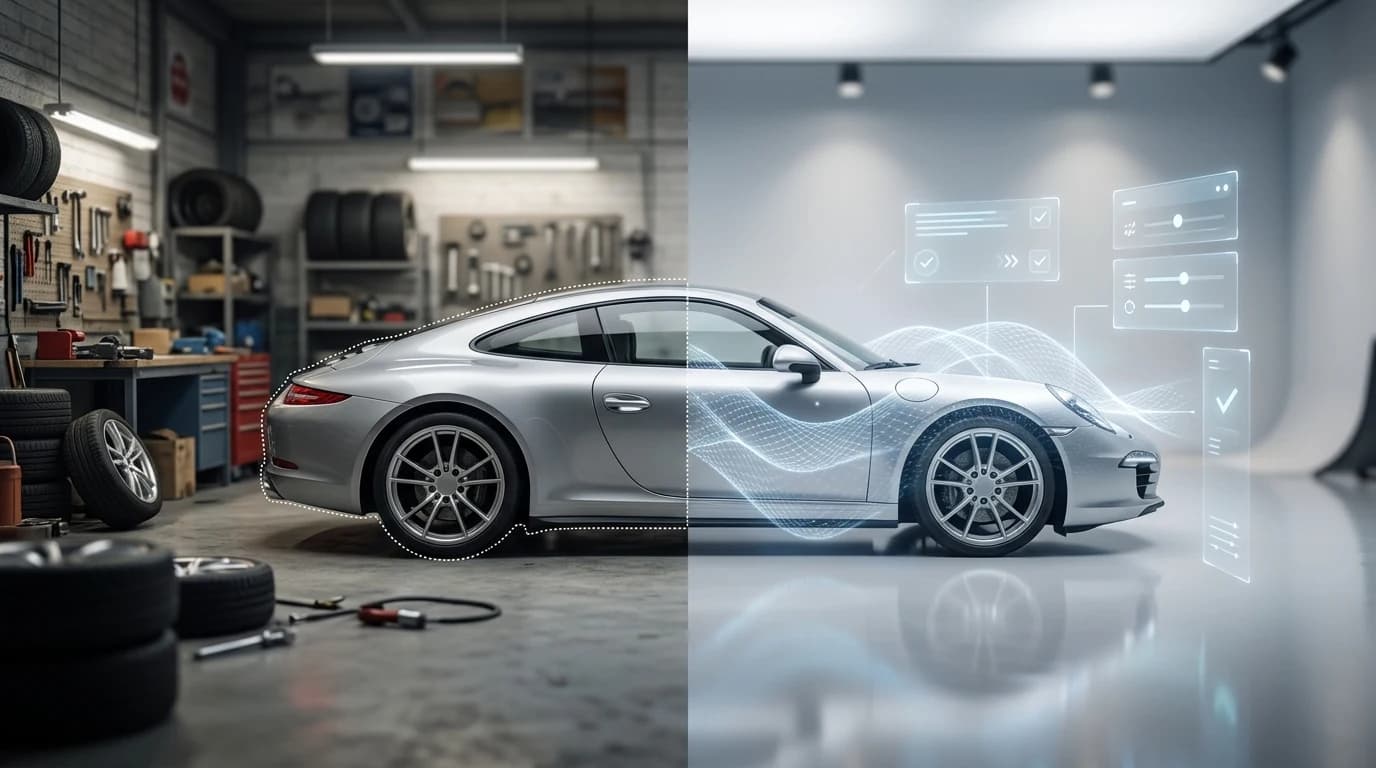
Professional car photography demands more than just a good camera and a sunny day. When 95% of car buyers research online before visiting a dealership, the quality of your vehicle images becomes your first—and sometimes only—chance to make an impression. Yet most dealers and photographers face a persistent problem: inconsistent backgrounds that undermine the professionalism of their listings.
A cluttered lot, a distracting fence, or an overcast sky can instantly diminish a car's appeal, no matter how well-maintained the vehicle itself is. Traditional solutions—renting studio space, hiring professional photographers, or investing in expensive equipment—can cost $25,000 to $60,000 upfront, making it economically unfeasible for smaller dealerships or Turo hosts managing dozens of listings. Research shows that 90% of car shoppers prefer high-quality, polished photos over generic stock images, yet achieving that studio-quality look consistently across your entire inventory has historically required significant time and expense.
Quick Answer: Remove video backgrounds using AI-powered tools that automatically detect and isolate the vehicle, then replace the background with professional studio options in seconds. Modern AI background removal technology eliminates the need for expensive studio setups, allowing you to transform lot photos into showroom-quality images instantly—a process that once required hours of manual editing or professional retouching.
This guide explores why background removal has become essential for automotive businesses, how modern AI tools eliminate the traditional barriers to professional photography, and practical strategies for scaling your photo operations without scaling your budget. Whether you're managing a dealership inventory or listing vehicles on peer-to-peer platforms, removing and replacing backgrounds strategically transforms how buyers perceive your vehicles before they ever make contact.
Table of Contents
- Understanding Background Removal Technology for Video Content
- Step-by-Step Guide to Removing Background from Car Videos
- Step 1: Prepare Your Video Footage (Before Upload)
- Step 2: Upload Your Video File
- Step 3: Select Your Background Option
- Step 4: Process and Review
- Step 5: Export and Download
- Top AI Background Removal Tools for Automotive Professionals
- Real-World Results: How Dealers Increase Listings Quality and Speed
- Common Mistakes to Avoid When Removing Video Backgrounds
- Streamline Your Automotive Photography Workflow Today
Understanding Background Removal Technology for Video Content
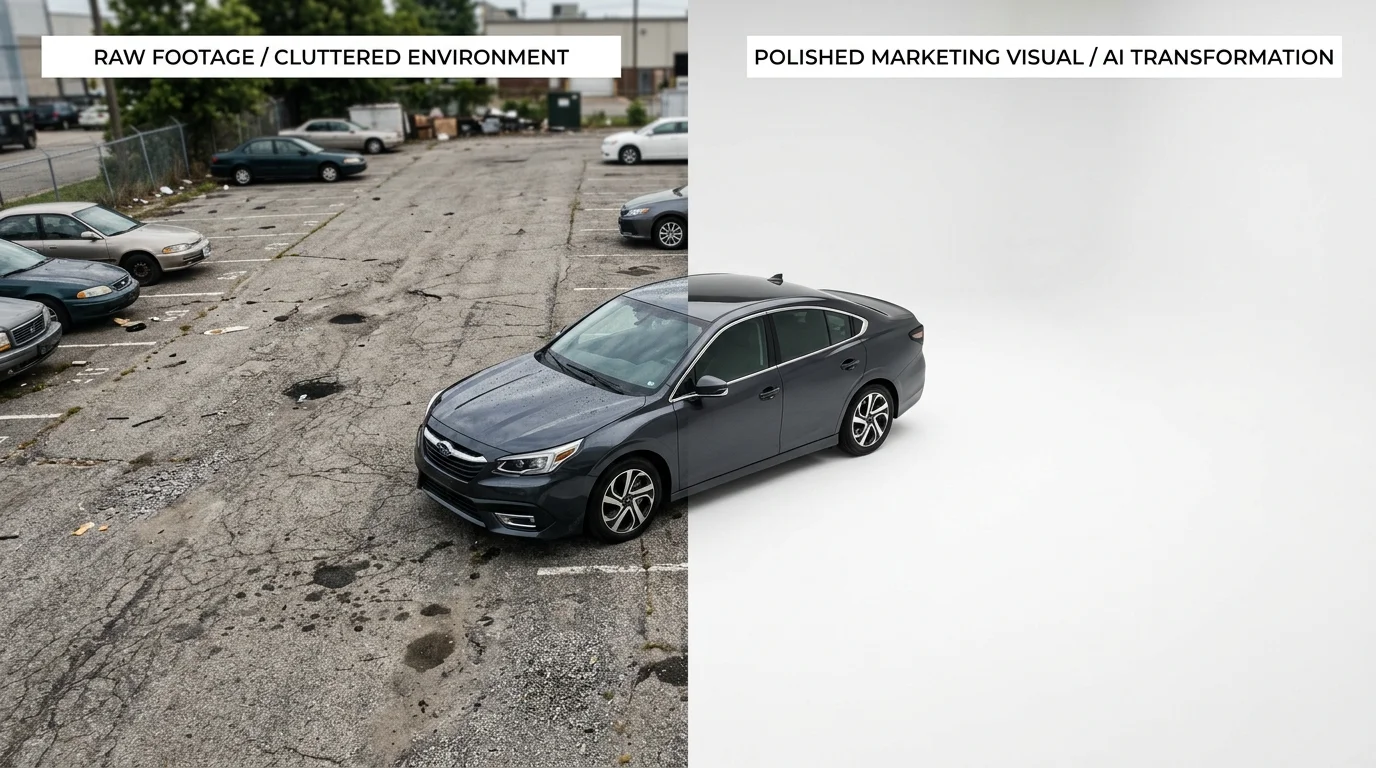
Video background removal operates fundamentally differently from static image processing. While removing a background from a single photograph requires the AI to analyze one frame, video processing demands frame-by-frame consistency across dozens or hundreds of sequential images. According to research on AI video background removal tools, modern systems analyze shapes, edges, and movement patterns at 24 to 60 frames per second, ensuring the vehicle's edges remain sharp and the background swap stays seamless throughout the entire clip.
This consistency challenge is why video background removal traditionally required specialized software and technical expertise. The AI must track the vehicle's position, rotation, and edges across every frame while preventing flickering or misalignment—problems that would be invisible in a still image but glaringly obvious in motion. When you remove background from video content, the technology simultaneously preserves fine details like reflections on chrome trim and handles complex scenarios like wheels rotating or doors opening.
For automotive businesses, this distinction matters enormously. A single professional car photo might take minutes to edit, but a 30-second showroom video shot on a lot requires frame-by-frame precision that would consume hours of manual work. Modern AI-powered solutions now automate this entirely, allowing you to create transparent background video assets or swap in professional studio environments—transforming lot footage into polished marketing content in seconds rather than days. This capability directly addresses the scaling challenge that dealerships and Turo hosts face when managing large inventories across multiple platforms.
Step-by-Step Guide to Removing Background from Car Videos
Removing background from video requires a different approach than static images because consistency across frames is non-negotiable. A single misaligned frame or flickering edge will derail the entire clip. The workflow below walks you through preparation, processing, and export—designed for dealers and photographers managing inventory at scale.
Step 1: Prepare Your Video Footage (Before Upload)
Film your car in consistent lighting conditions, ideally outdoors on an overcast day or in a controlled lot environment. Position the vehicle at a 45-degree angle to showcase depth, and keep the camera steady—use a tripod or gimbal if available. Avoid rapid pans or zoom movements; smooth, deliberate motion allows the background remover AI to track the vehicle cleanly across every frame. Ensure the car occupies at least 60% of the frame to give the algorithm sufficient detail to preserve reflections and trim work. Duration matters: keep initial test videos between 15–30 seconds to verify quality before processing longer content.
Step 2: Upload Your Video File
Access your background remover AI platform and select the video upload option. Most modern tools accept MP4, MOV, and WebM formats up to 4K resolution. Drag and drop your file or browse your device. The system will display a preview thumbnail and estimated processing time—typically 10–60 seconds depending on video length and resolution. Do not close the browser tab during upload; wait for the file to transfer completely before proceeding.
Step 3: Select Your Background Option
Once uploaded, choose your replacement background from the available library. Professional automotive tools offer 100+ options: white studio, showroom floor, outdoor urban settings, or nature backdrops. Preview how each background interacts with your vehicle's lighting and color. Select one that complements the car's finish—matte backgrounds work well for luxury vehicles, while bright showroom settings enhance sports cars. You can also generate a transparent background if you plan to composite the video into custom marketing materials later.
Step 4: Process and Review
Initiate processing. The AI will analyze every frame, detect the vehicle's edges, and apply consistent background removal throughout the clip. Once complete, preview the output at full resolution. Check for flickering at frame transitions, edge alignment around wheels and mirrors, and proper handling of reflective surfaces. If results are acceptable, proceed to export. If not, adjust your background selection and reprocess—most platforms allow unlimited revisions before download.
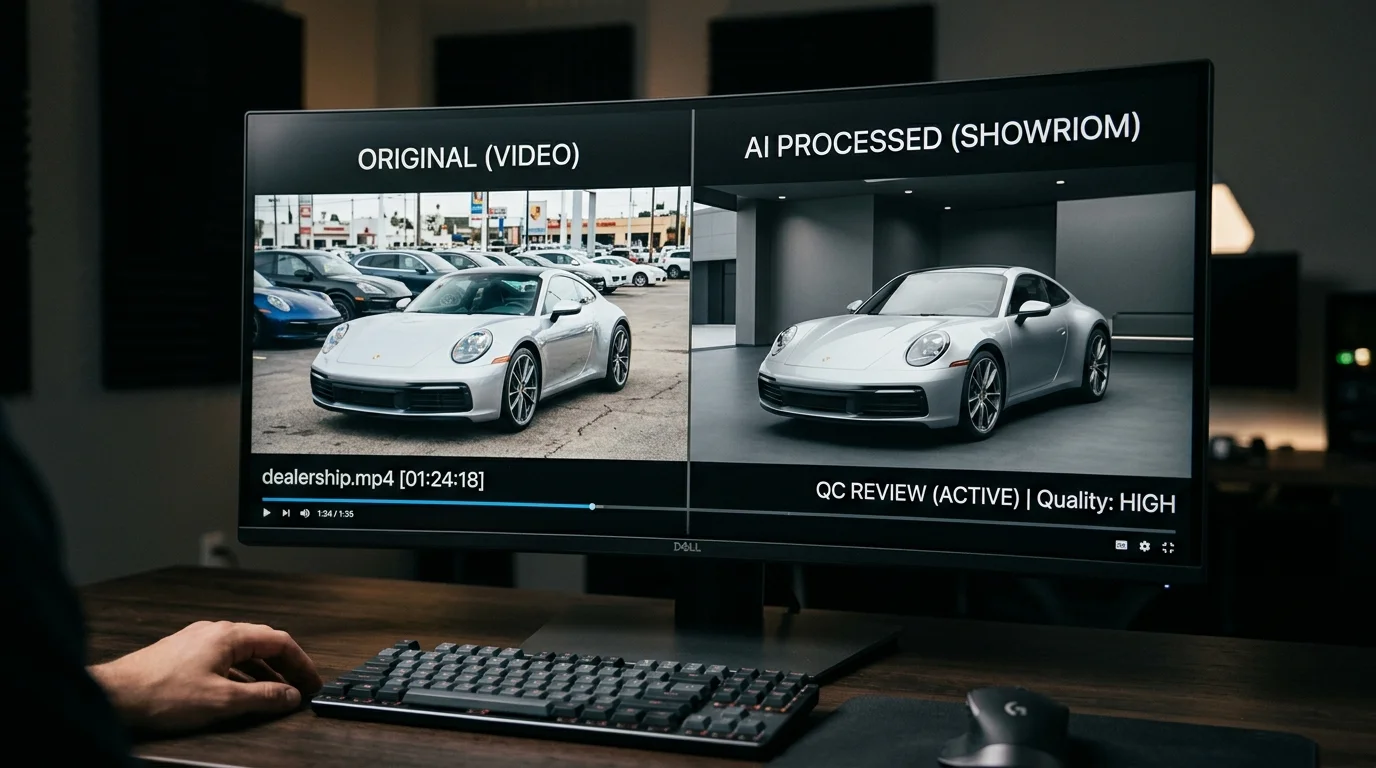
Step 5: Export and Download
Export your video in your desired resolution (2K, 4K, or standard HD). Download the file to your device. The processed video is now ready for upload to dealership websites, Turo listings, or social media platforms. Store the original file separately for future re-processing if background preferences change.
This workflow eliminates hours of manual frame-by-frame editing, transforming lot footage into polished marketing assets in minutes.
Top AI Background Removal Tools for Automotive Professionals
When selecting an AI background removal solution, automotive professionals face a critical decision: generic tools designed for social media, or purpose-built platforms optimized for dealership workflows. The distinction matters significantly when processing dozens of vehicles weekly.
| Platform | Background Library | Batch Processing | Speed | Pricing | Best For |
|---|---|---|---|---|---|
| Car Photo Booth | 100+ automotive-specific backdrops | Yes, unlimited | 10 seconds per image | From $3/car | Dealerships, Turo hosts, high-volume operations |
| Remove.bg | Limited; generic backgrounds | No | 5-10 seconds | $0.50/image (pay-as-you-go) | Quick single edits, non-automotive use |
| Photoshop (Generative Fill) | Custom backgrounds via AI generation | Manual batch via scripts | 30-60 seconds per image | $20/month subscription | Designers wanting full creative control |
| Canva Pro | 100+ generic templates | No | 15-20 seconds | $13/month | Small dealers, occasional use |
| Clipping Magic | None; white/transparent only | No | 20-30 seconds | $0.99/image | Budget-conscious single edits |
The core difference lies in specialization. Generic background removal apps excel at isolating subjects but lack automotive context—they struggle with reflective surfaces, chrome trim, and wheel details that define vehicle presentation. Professional automotive tools understand these challenges and deliver consistency across your entire inventory.
Car Photo Booth addresses the dealership-specific pain point directly: professional photographers charge $50–300 per hour, while traditional background removal services add $5–15 per vehicle. Our platform processes images in 10 seconds with automotive-grade accuracy, delivering studio-quality results at $3 per car—eliminating the need to choose between speed, quality, and budget.
For dealers managing 50+ vehicles monthly, batch processing becomes essential. Most generic tools process one image at a time, forcing manual uploads and downloads. Car Photo Booth handles unlimited batch uploads, applying your chosen background across an entire lot in minutes rather than hours.
The transparent background option—critical for dealers composing vehicles into custom marketing materials—works reliably only when the removal tool understands vehicle geometry. Generic solutions often leave halos or incomplete edge detection around wheels and mirrors. Purpose-built automotive platforms maintain edge precision because they've been trained on thousands of vehicle photographs.
Your choice depends on volume and consistency requirements. One-off edits? Generic tools suffice. Building a professional dealership catalog that competes with luxury showrooms? Automotive-specialized solutions deliver measurable ROI through faster processing, superior edge quality, and professional backdrop libraries designed specifically for vehicle presentation.
Real-World Results: How Dealers Increase Listings Quality and Speed
The economics of vehicle photography hit hard when you're managing inventory at scale. Traditional studio photography costs $30–$50 per vehicle, and physical booth setups demand $25,000–$60,000 in upfront capital. For a dealership rotating 50 vehicles monthly, that's $1,500–$2,500 spent before a single listing goes live. The timeline compounds the problem: professional photographers book weeks out, lot photos sit unoptimized, and inventory ages on the lot while waiting for quality imagery.
According to CDK Global research, nearly 90% of shoppers begin their purchase journey based on photo quality from a dealer's website—yet nearly as many dealerships rely on inconsistent, smartphone-quality lot shots. The cost of delay is measurable: dealers lose approximately $50 per day for every vehicle not properly merchandised.
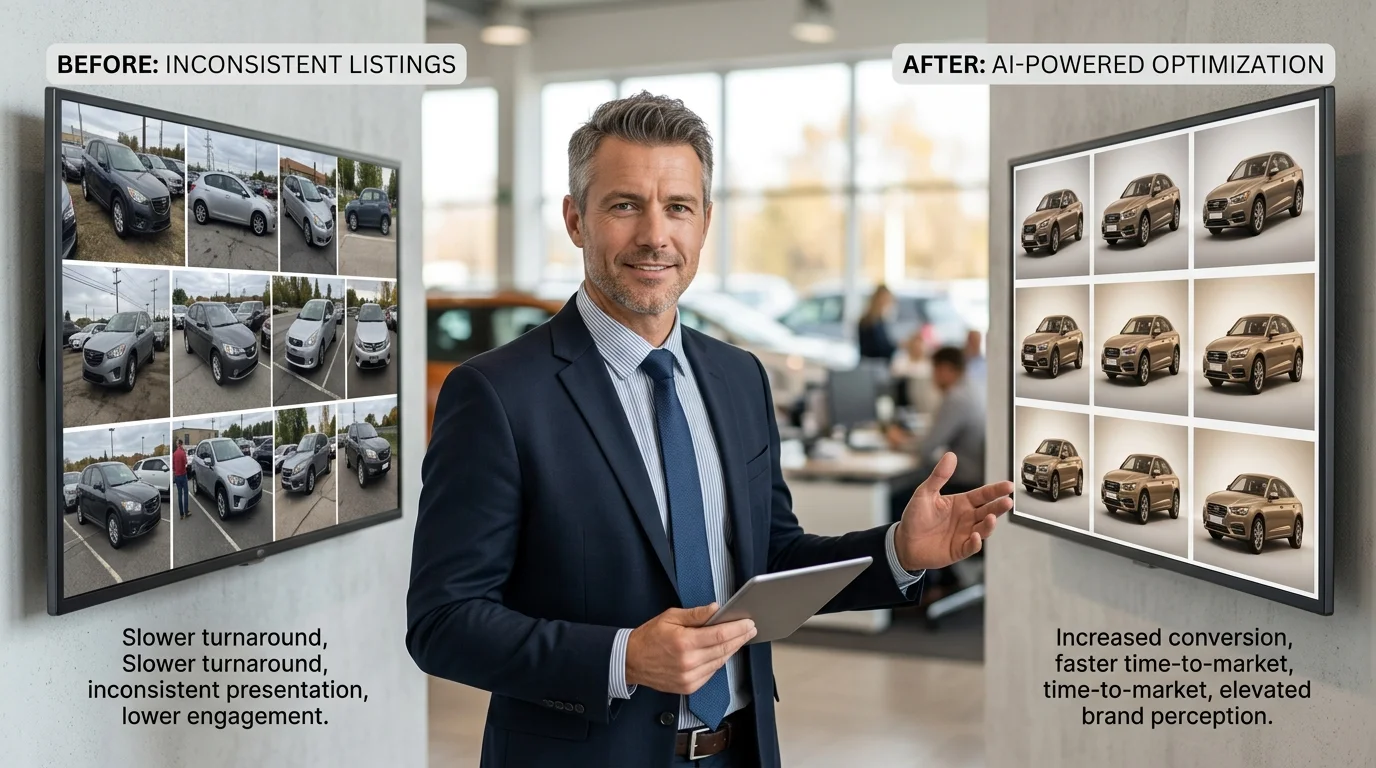
Real results emerge when dealerships shift from reactive photography to proactive image processing. Using an AI background remover, dealers transform lot photos into studio-quality listings in minutes rather than weeks. A dealer processing 50 vehicles monthly reduces per-vehicle costs from $40 to $3, freeing capital for inventory acquisition instead of photography overhead. Consistency becomes automatic: every vehicle receives the same professional treatment, eliminating the visual dissonance that undermines buyer confidence across a catalog.
The speed advantage reshapes operations entirely. Where traditional workflows require scheduling, shooting, editing, and uploading across days, AI-powered workflows compress the cycle to under 10 seconds per image. A dealer with 20 new arrivals can have a fully merchandised, ready-to-list catalog within an hour—not three weeks. This velocity directly impacts days-to-sale metrics. Vehicles photographed and listed immediately compete with fresher inventory across marketplaces, reducing lot dwell time and improving cash flow.
Professional backdrop libraries—spanning showroom environments, urban settings, and scenic backgrounds—eliminate the visual monotony of generic lot photography. Each vehicle appears positioned for its target buyer, whether that's luxury-focused or value-conscious segments. The transparent background option enables dealers to composite vehicles into custom marketing materials without manual editing, unlocking creative control previously reserved for high-budget campaigns.
Common Mistakes to Avoid When Removing Video Backgrounds
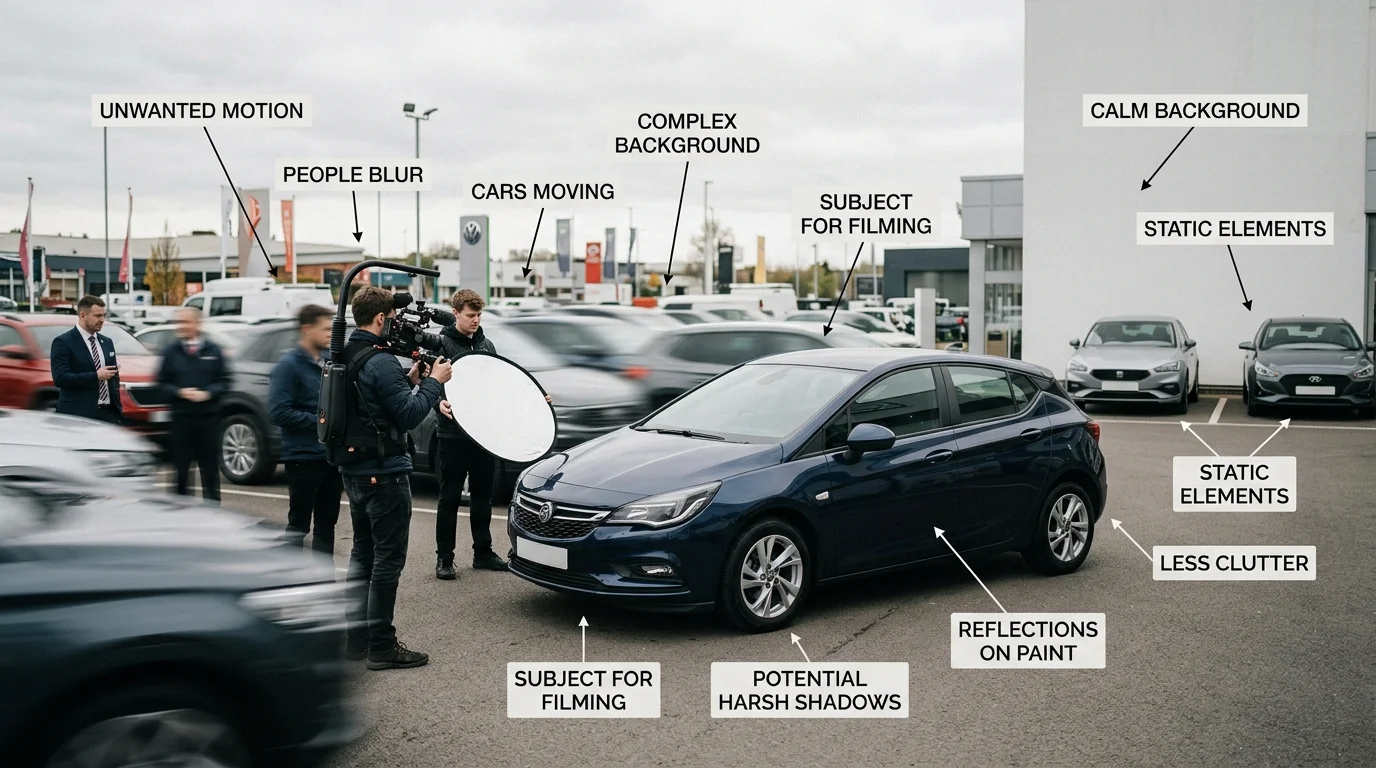
Poor lighting in your source footage is the silent killer of background removal quality. When vehicles are shot in harsh shadows or uneven daylight, the AI struggles to distinguish the car's edges from the environment. The result: jagged masking, halos around the vehicle, or incomplete removal of background elements. Before filming, ensure consistent, diffused lighting across the entire subject. If you're working with existing footage, adjust exposure and contrast in post-production before running it through a background removal application—this preprocessing step dramatically improves mask accuracy.
Moving objects in the background create frame-by-frame inconsistency that no removal tool can fully resolve. A person walking past, another vehicle, or even shifting shadows will cause the background to flicker or the vehicle's mask to shift slightly across frames. Scout your shooting location and film during quiet hours. If movement is unavoidable, choose tools that offer frame-by-frame refinement rather than fully automated processing.
Incorrect video format and resolution mismatches lead to processing failures or degraded output quality. Not all background removal tools accept every codec or frame rate. Verify your video specifications before uploading—most professional solutions require H.264 or ProRes formats at 24-30fps minimum. Over-processing is equally damaging: aggressive sharpening, saturation boosts, or contrast adjustments applied before background removal can make the final composite look artificial and disconnected from the new backdrop.
Always preview a few processed frames before exporting your entire video. This catches masking errors, color mismatches, or lighting inconsistencies early, saving hours of wasted rendering. When you're ready to move from testing to production, tools designed specifically for automotive imagery—like those built into professional car photo solutions—handle these variables more reliably than generic video editors, delivering consistent results across your entire catalog.
Streamline Your Automotive Photography Workflow Today
AI-powered background removal transforms how dealerships and photographers manage inventory photography. Instead of booking expensive studio time or shooting inconsistent lot photos, you can now process entire catalogs in hours rather than weeks. The economics are straightforward: traditional studio photography costs $30–50 per vehicle, while AI background removal and replacement drops that to just a few dollars per image—without sacrificing quality.

The workflow becomes remarkably simple. Upload a photo, remove the background, select from over 100 professional backdrops (showroom, white studio, urban, natural settings), and export in 4K. No technical skills required. This consistency matters enormously when listing dozens of vehicles online; buyers expect polished, uniform presentation across your catalog.
Ready to eliminate the "expensive studio" and "inconsistent quality" problems that have plagued automotive sales? Start with a free account—no credit card required. Test the process on a few of your current inventory photos and see the results immediately. Once you've experienced how quickly AI background removal accelerates your workflow, upgrading to a paid plan becomes an obvious business decision.