
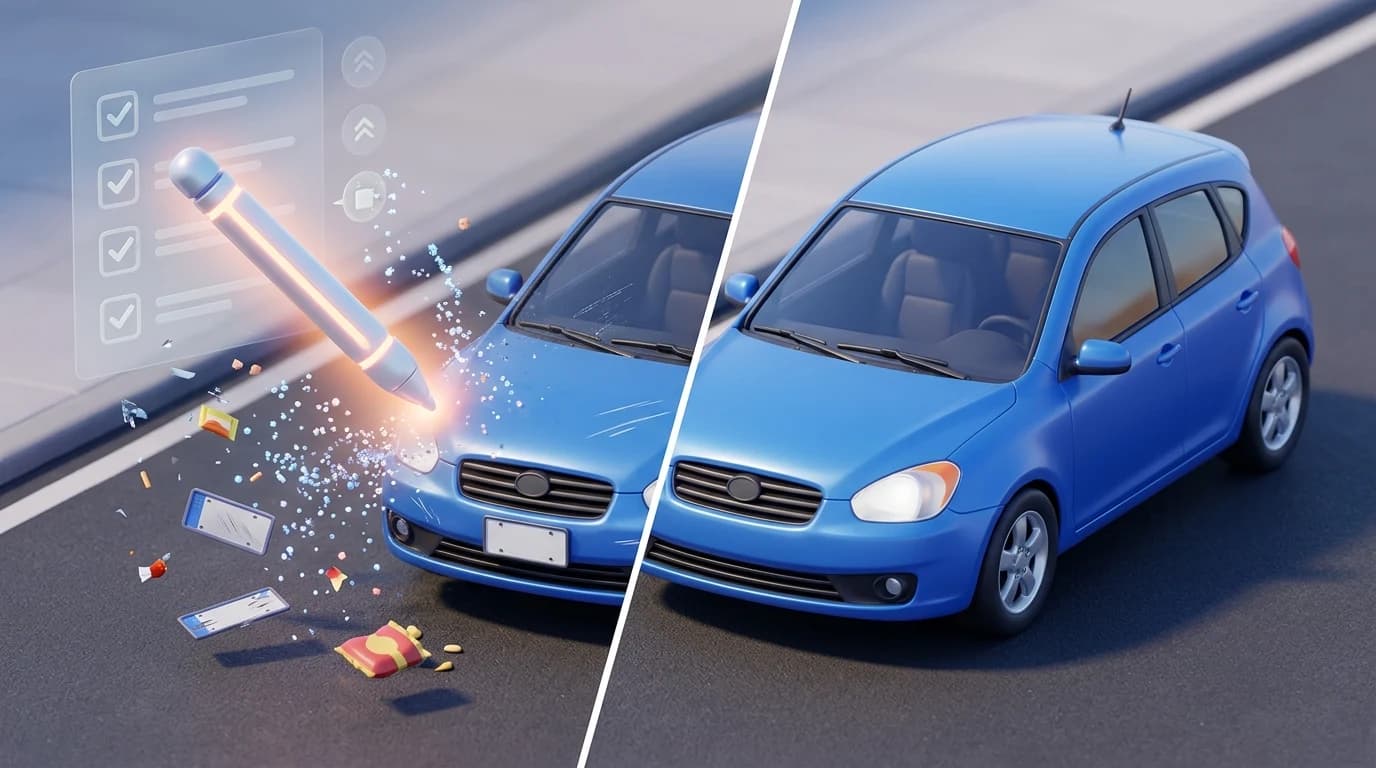
Imperfect car photos cost dealers and photographers more than they realize. A cluttered background, stray person in the frame, or distracting object can instantly undermine a vehicle's appeal—even if the car itself is pristine. Buyers scroll through dozens of listings in seconds, and the first impression determines whether they click deeper or move on. When your inventory photos lack polish, you're competing with dealers who invested in professional studio setups or expensive retouching. The result: longer sales cycles, lower inquiry rates, and reduced profit margins.
Quick Answer: The fastest way to remove unwanted items from car photos is using AI-powered background removal tools that automatically detect and isolate the vehicle, eliminating distractions in seconds. For manual precision, Photoshop's content-aware fill or clone stamp work well but require skill and time. Dedicated automotive photo editing software bridges the gap—offering speed and quality without the steep learning curve.
Professional-looking photos directly impact conversion rates. Buyers trust polished imagery and are more likely to schedule viewings or make inquiries when photos appear studio-quality. This guide walks you through quick, cost-effective methods to remove people, objects, and unwanted backgrounds from your car photos—whether you're a dealership managing hundreds of listings monthly or a Turo host photographing individual vehicles. You'll discover tools ranging from free options to specialized solutions designed specifically for automotive photography, plus practical techniques to implement immediately.
Table of Contents
- Manual Photo Editing: Step-by-Step Guide to Removing Objects
- Mobile Apps for Quick Item Removal: Fast Solutions On-the-Go
- AI-Powered Background Removal: The Fastest Professional Solution
- Comparison: Which Method Works Best for Your Business
- Removing Items from Car Photos: Choose Speed, Consistency, and Professionalism
Manual Photo Editing: Step-by-Step Guide to Removing Objects
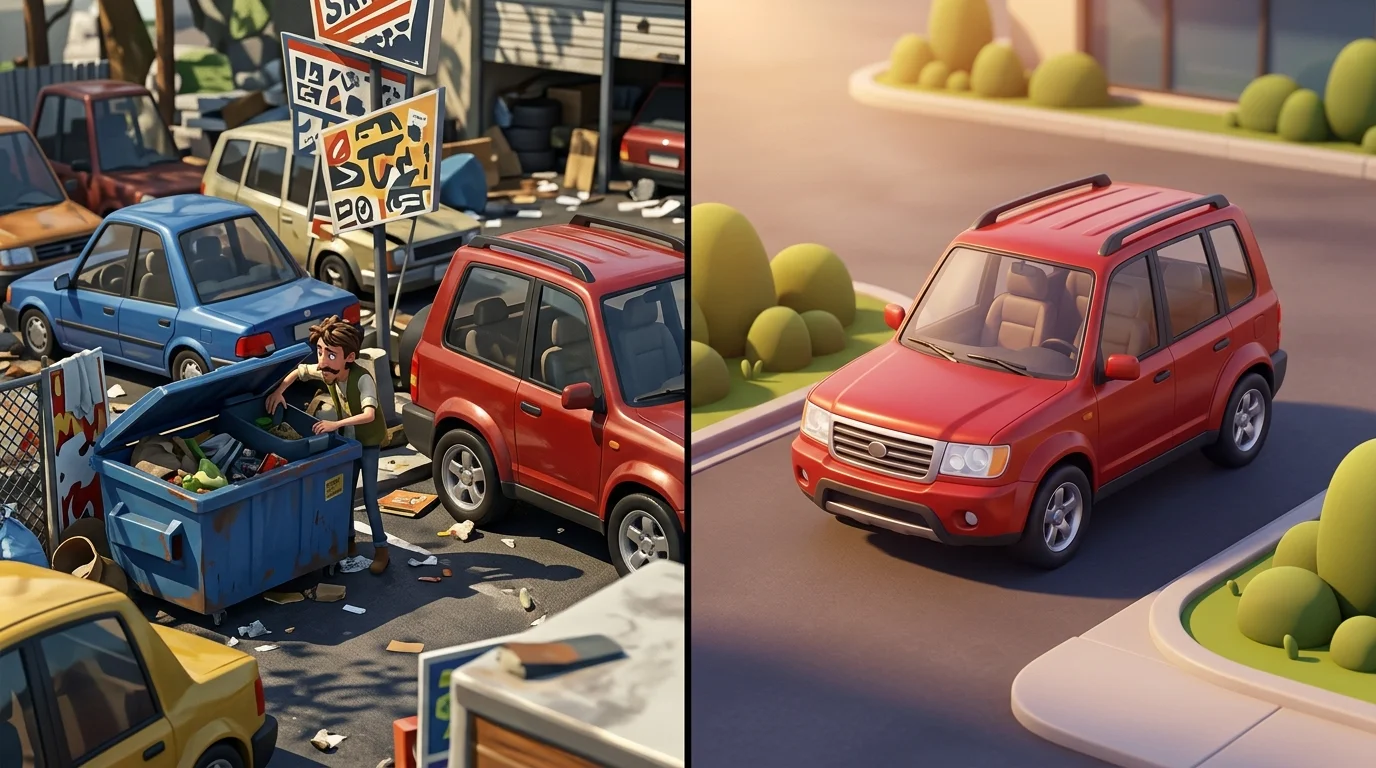
Manual photo editing offers precision when you need to remove specific objects from car photos—a person standing beside the vehicle, a trash bin in the lot, or unwanted signage. However, this approach demands technical skill and significant time investment. Using tools like Photoshop, GIMP, or Canva, you'll work through a deliberate process that typically requires 10–30 minutes per image, depending on complexity.
The Core Process
Start by selecting the unwanted object using your tool's selection instrument—the lasso, magic wand, or free-form selection. Once isolated, you'll choose a removal method. Content-Aware Fill in Photoshop analyzes surrounding pixels and intelligently reconstructs the area, often completing simple removals in under a minute. The Clone Stamp tool manually copies nearby pixels over the object, giving you control but requiring steady hands and patience. The Healing Brush blends copied areas more naturally, reducing visible seams.
After removal, the critical step is blending. Edges frequently appear unnatural—too sharp, too blurry, or mismatched in color and texture. Use feathering to soften transitions, adjust opacity gradually, and sample colors from multiple surrounding areas to maintain consistency. This blending phase often consumes half your editing time.
When Manual Editing Fails
This method struggles with complex backgrounds. Removing a person from a busy parking lot with varied pavement textures, shadows, and line markings becomes exponentially harder than removing them from a clean white wall. Intricate details—reflections in the car's paint, shadows cast by the removed object, or overlapping elements—demand manual correction that quickly becomes tedious.
For dealerships processing dozens of listings weekly, manual editing becomes unsustainable. Each photo represents real labor cost. Simple cases—a single person or small object against relatively uniform backgrounds—work reasonably well. Everything else consumes disproportionate time.
This is precisely where AI-powered solutions like Car Photo Booth excel. Rather than manually selecting and reconstructing, the system automatically detects the vehicle, removes the entire background in seconds, and replaces it with a professional studio backdrop. You eliminate the object problem entirely by replacing the context.
Mobile Apps for Quick Item Removal: Fast Solutions On-the-Go
Mobile apps have democratized photo editing, making object removal accessible to anyone with a smartphone. For dealers processing inventory on the lot, these tools offer genuine convenience—no desktop software required, results in seconds. The trade-off, however, is consistency and depth.
Remove.bg leads the market for background removal, with subscription plans starting at approximately $0.23 per image for monthly credits. The app excels at isolating subjects against uniform backgrounds but struggles when a car sits in a complex lot environment with shadows, reflections, and varied pavement textures. TouchRetouch takes a different approach, letting you manually paint over unwanted objects; yearly plans start at $14.99, and it works reasonably well for small distractions but demands patience for larger removals. Snapseed, Google's free offering, provides healing and clone tools without subscription fees—genuinely useful for minor touch-ups but labor-intensive for serious object removal. Adobe Lightroom Mobile bridges the gap with subscription costs ranging from $4.99 to $11.99 monthly, offering more sophisticated tools but still requiring manual intervention on complex scenes.
The core limitation across all mobile apps: they're reactive, not preventative. You're still working with a flawed original image, removing people or objects piece by piece. For automotive photography, where consistency matters across dozens of listings, this approach creates bottlenecks. Watermarks on free tiers, batch processing limitations, and inconsistent results across varying lot conditions make mobile-only workflows impractical for serious dealership operations.
This is where AI background replacement—like Car Photo Booth's approach—fundamentally differs. Rather than removing objects from problematic photos, the system replaces the entire background automatically, eliminating the problem entirely in seconds.
AI-Powered Background Removal: The Fastest Professional Solution
The fundamental shift from reactive editing to preventative automation defines modern automotive photography. Rather than spending 10–30 minutes per image manually removing people, objects, or lot distractions from individual photos, AI-powered background replacement tools process entire images in seconds—transforming any car photo into studio-quality output automatically.
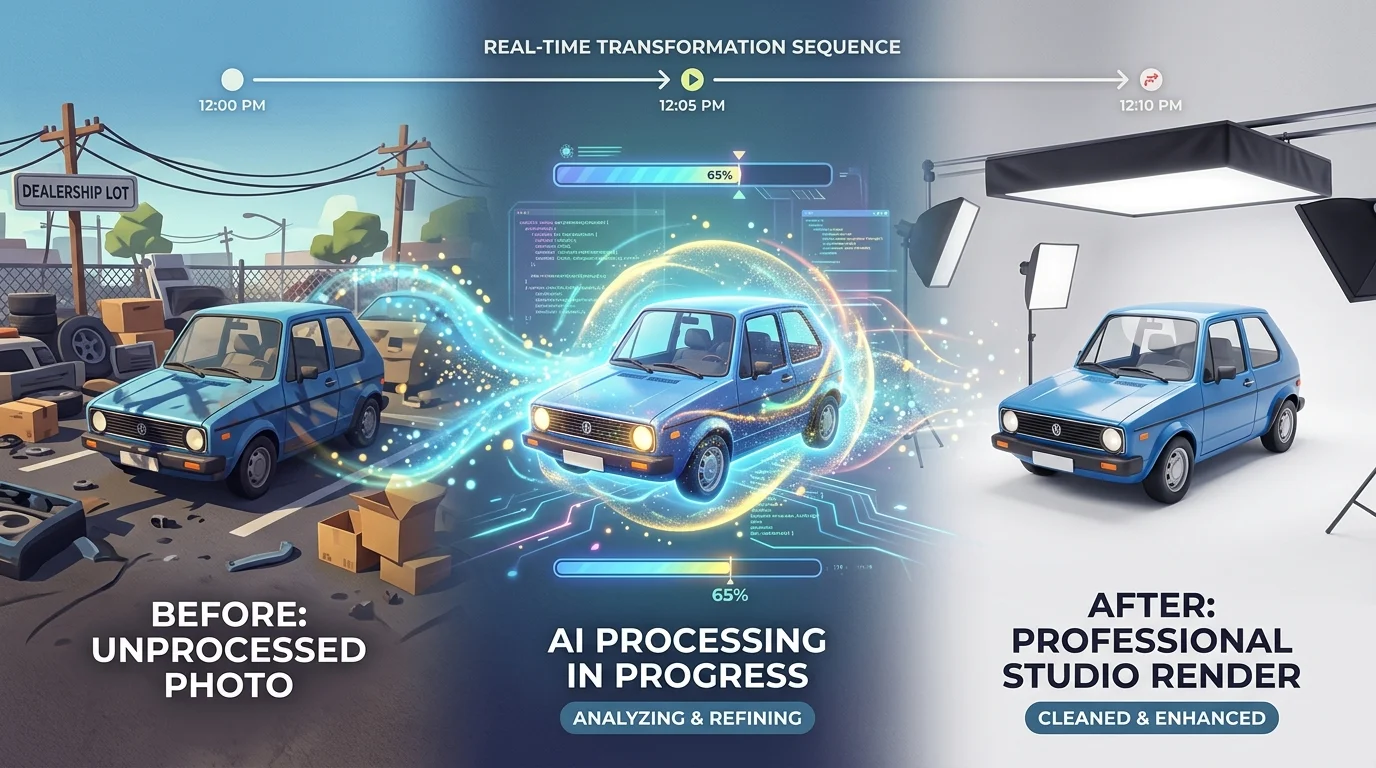
Here's what makes this approach categorically different from mobile apps or manual editing: AI systems trained specifically on automotive imagery understand vehicle composition, lighting, and proportion in ways generic object-removal tools cannot. When you use an AI background replacement system, the algorithm doesn't just remove items from photos—it recognizes the car as the subject, isolates it with precision, and seamlessly places it against one of 100+ professionally designed backdrops (showroom, white studio, urban street, natural landscape). The entire process completes in 3–5 seconds per image, with no watermarks, no manual intervention, and consistent results across your entire inventory.
The economics are transformative. Professional automotive photographers charge $30–50 per vehicle when shooting on location, while post-production editing adds another $5–15 per image. Physical photo booth installations demand capital investments between $38,000 and $42,875 upfront, plus ongoing maintenance. AI background replacement tools cost roughly $3–10 per vehicle depending on volume—a fraction of traditional photography costs and infinitely more scalable than booth-based solutions.
For dealers managing 50–500 vehicle listings, this difference compounds rapidly. A dealer with 200 cars in inventory spending $40 per vehicle through traditional photography faces an $8,000 investment. The same dealer using AI background replacement spends $600–2,000 total, with results ready for immediate listing publication. Turo hosts benefit equally: the ability to transform casual smartphone photos into polished, professional images removes the friction between listing a vehicle and attracting quality bookings.
The scalability advantage extends beyond cost. When you photograph 50 cars across different lot conditions, lighting, and backgrounds, consistency becomes nearly impossible with manual editing. AI systems deliver uniform results regardless of source image quality, lot conditions, or time of day the photo was taken. This consistency builds buyer confidence—your entire inventory appears professionally curated, not assembled from mismatched sources.
Comparison: Which Method Works Best for Your Business
| Dimension | Manual Editing | Mobile Apps | AI Background Removal |
|---|---|---|---|
| Time per photo | 15–45 minutes | 2–5 minutes | 10 seconds |
| Cost per photo | $0 (labor-intensive) | $0–2 | $3–10 |
| Consistency | Varies by editor skill | Moderate | Uniform across inventory |
| Learning curve | Steep (weeks to months) | Minimal (minutes) | None—fully automated |
| Scalability | Impractical beyond 10–20 cars | Feasible for 50–100 cars | Unlimited |

The verdict is clear: Manual editing belongs in the past. For dealers and high-volume sellers managing 50+ vehicles, it's simply not viable—you'll spend more on labor than the entire inventory is worth.
Mobile apps work well for one-off fixes: a person standing beside the vehicle, a trash bin in the lot corner, or minor distractions. They're accessible, require no expertise, and solve immediate problems. But they demand human judgment on every image, introducing inconsistency across your catalog.
AI-powered background removal solves the core problem dealers face: transforming inconsistent lot photos into a unified, professional catalog in minutes. Whether your photos were shot in harsh sunlight, overcast conditions, or cluttered dealership lots, the system delivers the same polished result. This consistency builds buyer confidence—your entire inventory appears intentionally curated, not hastily assembled.
For Turo hosts and photographers, the choice is equally decisive. Speed and affordability compound when you're processing dozens of vehicles weekly. AI removes the friction between capturing a photo and publishing a listing, letting you focus on sourcing inventory rather than editing.
Removing Items from Car Photos: Choose Speed, Consistency, and Professionalism
The decision between manual editing, mobile apps, and AI-powered solutions comes down to one fundamental trade-off: your time versus your results. Manual editing demands expertise, software investment, and hours per vehicle—viable only if you're processing one or two cars monthly. Mobile apps accelerate the process and work well for isolated fixes: a person in frame, a trash bin at lot's edge, or minor distractions. But they still require human judgment on every image, introducing inconsistency across your catalog.
AI-powered background removal eliminates this friction entirely. It transforms lot photos—shot in harsh sunlight, overcast skies, or cluttered dealership environments—into unified, studio-quality images in seconds. For dealers managing 50+ vehicles, Turo hosts processing dozens weekly, or photographers juggling multiple clients, this consistency is non-negotiable. Your entire inventory appears intentionally curated, building buyer confidence and reducing negotiation friction.
The modern standard is clear: test an AI tool at no cost to see the difference professional background removal delivers. Car Photo Booth offers a free trial with no credit card required—process a handful of your current inventory and compare the results side-by-side with your originals. You'll see immediately why speed and professionalism no longer require compromise.