

Professional automotive photography has long been the exclusive domain of high-budget operations. Traditional studio shoots demand thousands in equipment investment, dedicated space, and skilled technicians—costs that place quality imagery out of reach for many dealerships, Turo hosts, and independent sellers. Meanwhile, inconsistent lot photos dilute brand perception and suppress conversion rates across listings.
AI background generators solve this fundamental problem by automating what once required hours of manual editing or expensive reshoot cycles. These tools intelligently remove distracting or unprofessional backgrounds and replace them with curated, studio-quality alternatives—transforming ordinary snapshots into gallery-ready assets in seconds. For automotive businesses managing dozens or hundreds of inventory photos, this shift eliminates the cost barrier while ensuring visual consistency across every listing.
Quick Answer: AI background generators use machine learning to strip away lot clutter and replace it with professional backdrops (showroom, white, urban, natural settings), delivering 4K-quality images in 10 seconds or less. They cost $3–$30 per vehicle versus $30–$50 for traditional photographers, making them essential for dealerships and Turo hosts scaling photo production. This guide covers the best solutions for 2026, from specialized automotive tools like Car Photo Booth to broader AI image editors, helping you choose based on volume, budget, and specific use case.
The solutions covered here range from dedicated automotive platforms optimized for dealer workflows to flexible general-purpose AI editors. Whether you need to process 50 cars monthly or 500, whether you prioritize cost efficiency or advanced customization, this breakdown identifies which tool matches your operation. Understanding how each platform handles background removal, resolution quality, and batch processing will help you eliminate guesswork and invest in the right fit from day one.
Table of Contents
- Why Car Dealers and Photographers Need AI Background Solutions
- Top AI Background Generators for Automotive Photography
- Car Photo Booth: The Dealership Standard
- Remove.bg: The Budget Alternative
- Photoshop & Generative Fill: The Creative Control Path
- Canva Pro & Adobe Express: The Mid-Market Compromise
- Clipping Path Services: The Premium Outsource Model
- Choosing Your Solution
- How to Choose the Right Background Generator for Your Business
- Getting Started with AI Background Generators: Best Practices
- Choosing the Right AI Background Generator for Your Automotive Business in 2026
Why Car Dealers and Photographers Need AI Background Solutions
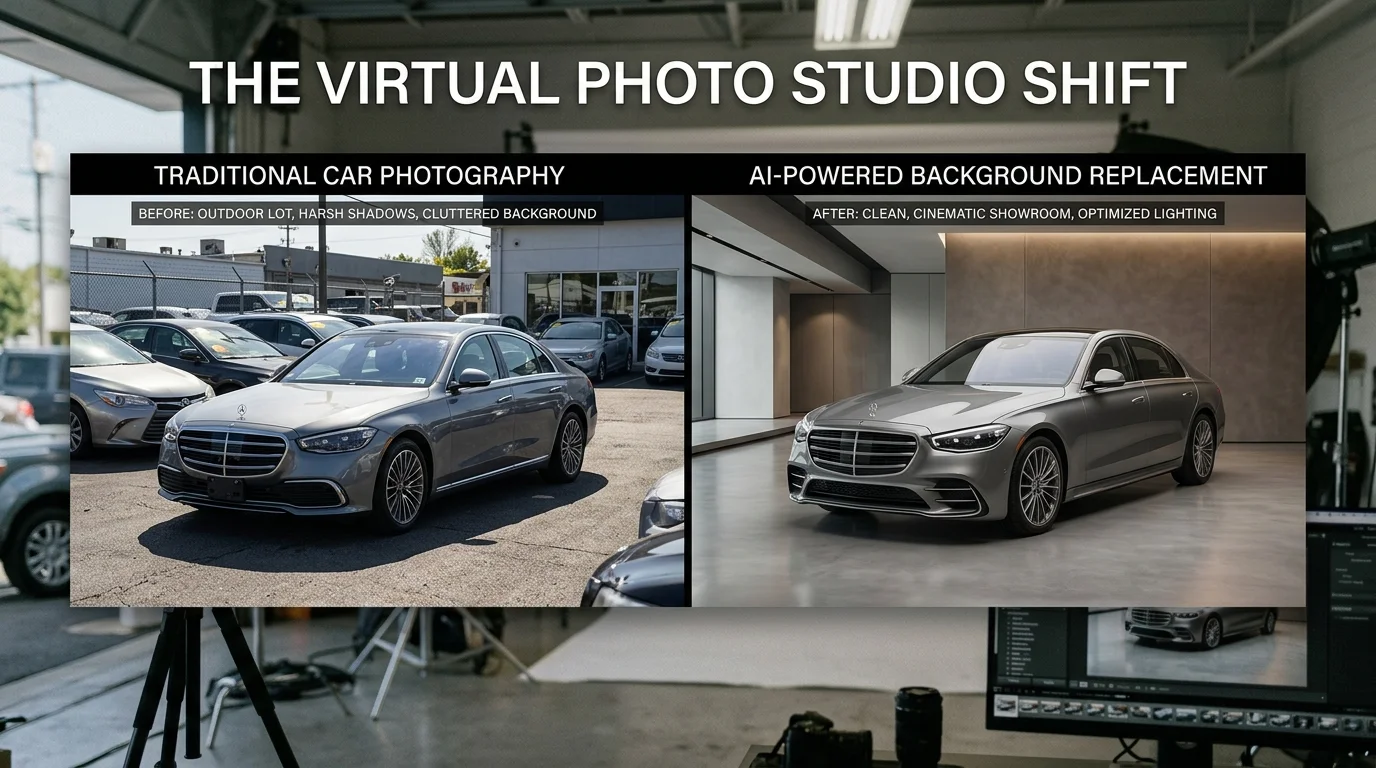
The economics of traditional automotive photography create a significant barrier for dealerships operating at scale. Professional car photographers typically charge $50 to $300 per hour, with per-vehicle costs ranging from $7 to $50 depending on service level and market. Beyond the photographer's fee, dealerships invest an additional $5–$15 per vehicle on post-production work—background removal, retouching, and environment replacement—to achieve the polished studio aesthetic that converts browsers into buyers. For a dealership managing 200 active listings, this translates to thousands of dollars monthly just to maintain visual consistency.
The infrastructure costs compound the problem. A physical photography booth setup ranges from $25,000 to $60,000 in initial capital, plus ongoing maintenance, location rental, and staffing. This locks smaller dealers and independent sellers out of professional-grade imagery entirely, forcing them to rely on inconsistent lot photos that undermine credibility and SEO performance.
AI background removal and replacement technology dismantles these constraints. By automating the extraction of vehicles from cluttered lot environments and applying professional backdrops—showroom, white, urban, or natural settings—dealers eliminate both the per-image cost and the quality variance that plagues large inventories. The process completes in seconds, enabling rapid catalog updates as inventory turns. When you can process 50 cars in under 10 minutes at $3–$5 per vehicle, the ROI becomes immediate. This efficiency particularly benefits Turo hosts and rental fleets managing dozens of listings simultaneously, where traditional photography simply doesn't scale economically.
The real advantage lies in consistency. Every vehicle in your catalog reflects the same professional standard, reinforcing brand authority and trust. This uniformity also improves search engine visibility—clean, well-lit product images are a documented ranking factor for automotive listings.
Top AI Background Generators for Automotive Photography
The automotive photography market has fragmented into specialized solutions, each addressing different operational scales and budgets. Rather than a one-size-fits-all approach, dealerships, Turo hosts, and independent photographers now choose tools based on processing volume, background library depth, and cost-per-image economics. Understanding the landscape requires examining both feature parity and real-world deployment constraints.
| Tool | Background Removal | Professional Backdrops | Processing Speed | Price Per Image | Best For |
|---|---|---|---|---|---|
| Car Photo Booth | AI-powered, pixel-perfect | 100+ studio & lifestyle | 10 seconds | $3–$5 | High-volume dealerships, Turo hosts, rental fleets |
| Remove.bg | Fast, general-purpose | Limited (custom uploads) | 5 seconds | $0.50–$1 | Budget-conscious sellers, simple removal only |
| Photoshop (Generative Fill) | Manual + AI-assisted | Unlimited (user-created) | 2–5 minutes | $20/month subscription | Professional designers, custom creative control |
| Canva Pro | Template-based removal | 10,000+ backgrounds | 30 seconds | $13/month | Small dealers, non-technical users |
| Adobe Express | Generative removal | 100,000+ stock images | 1–2 minutes | $9.99/month | Hybrid workflows, Adobe ecosystem users |
| Clipping Path Services | Manual (outsourced) | Custom per order | 24–48 hours | $2–$10 | Complex vehicles, high-end retouching |
Car Photo Booth: The Dealership Standard
Car Photo Booth stands apart because it solves the specific friction point dealerships face: scaling professional imagery without hiring photographers or managing external vendors. The platform removes vehicle backgrounds in 10 seconds and applies one of 100+ professionally designed backdrops—showroom, white, urban, or natural scenes—each optimized for automotive listings. At $3–$5 per image, processing 50 vehicles takes under 10 minutes, making it economically viable for rapid inventory turnover.
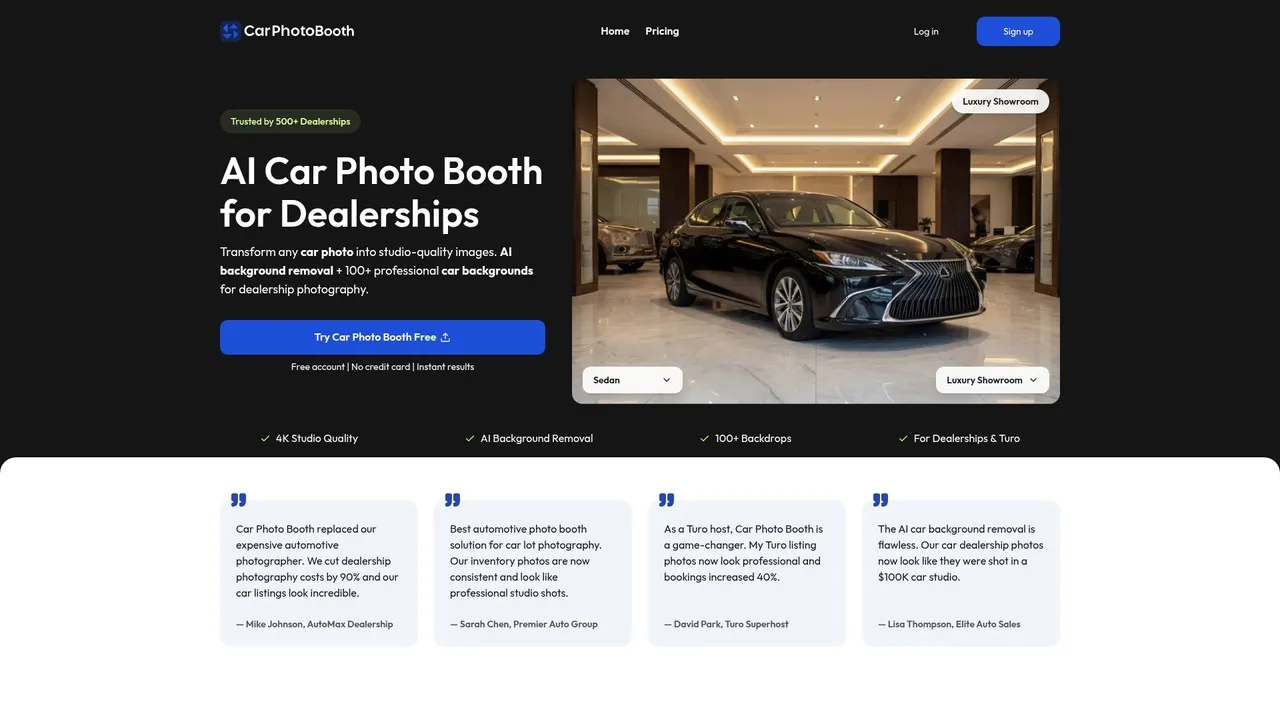
The 4K export quality ensures listings remain sharp across desktop and mobile displays, directly supporting SEO performance since image clarity is a documented ranking factor. Dealerships report consistency across their entire catalog—every vehicle reflects the same professional standard, reinforcing brand authority. The no-watermark policy and instant processing eliminate the friction of third-party vendor dependencies.
Remove.bg: The Budget Alternative
Remove.bg excels at pure background extraction at minimal cost ($0.50–$1 per image). Its AI model handles straightforward lot photos quickly, but it stops at removal—you must source or create replacement backgrounds yourself. This works for sellers uploading to classified sites where a clean white background suffices, but it doesn't address the visual consistency problem that dealerships face. The tool lacks automotive-specific optimization, so edge detection around mirrors, trim, and wheels sometimes requires manual refinement.
Photoshop & Generative Fill: The Creative Control Path
Adobe's Generative Fill (powered by Firefly) offers unlimited creative freedom—designers can remove backgrounds and generate custom scenes pixel-by-pixel. However, this demands technical skill and time. A single vehicle typically requires 2–5 minutes of manual work, making it impractical for processing 20+ cars daily. The $20/month subscription cost is negligible for professional studios but represents hidden labor overhead for dealerships managing high volumes.
Canva Pro & Adobe Express: The Mid-Market Compromise
Both platforms democratize design through templates and drag-and-drop interfaces. Canva Pro ($13/month) includes background removal and access to 10,000+ stock backgrounds; Adobe Express ($9.99/month) offers generative removal with 100,000+ stock images. These suit small dealers or photographers who value ease-of-use over processing speed. The per-image cost is effectively zero once subscribed, but the 30-second-to-2-minute processing window per vehicle becomes a bottleneck at scale.
Clipping Path Services: The Premium Outsource Model
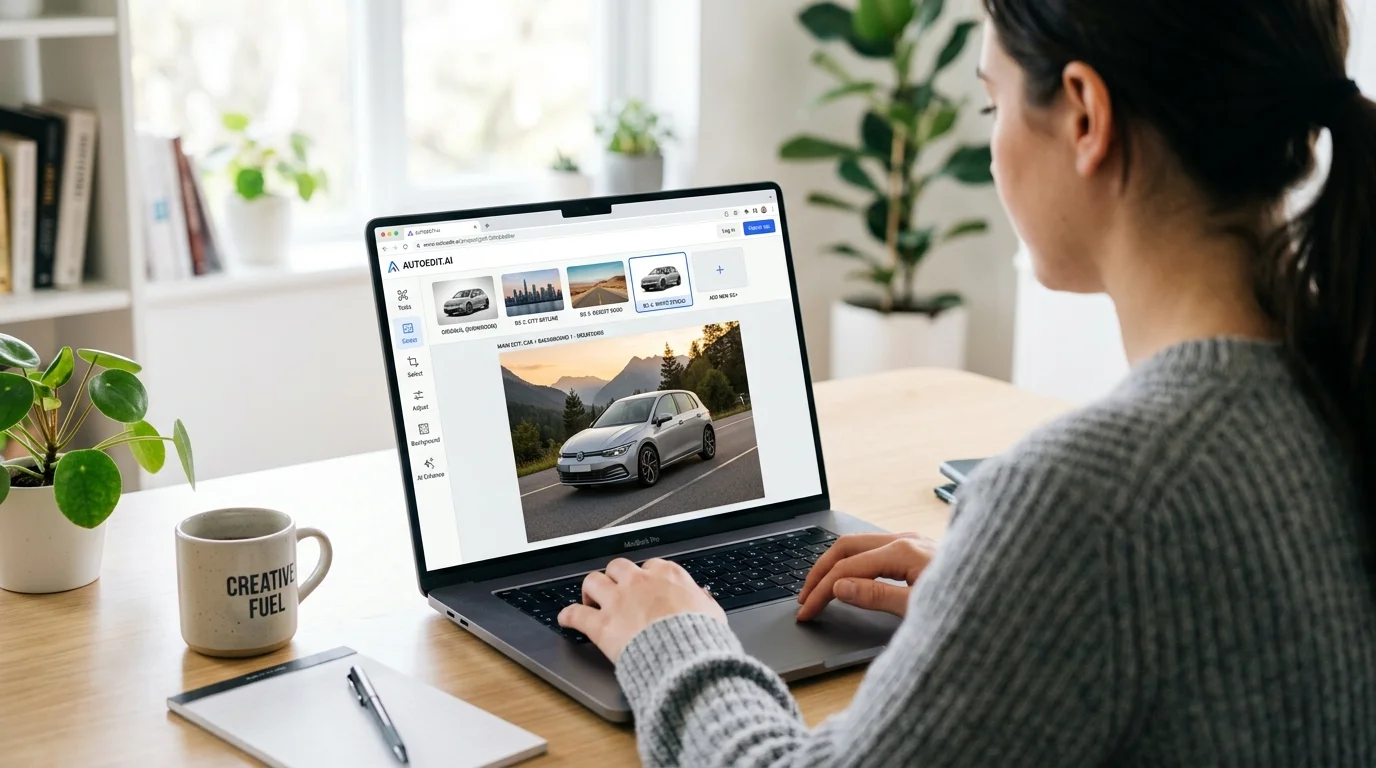
Traditional outsourced editing (Fiverr, Shutterstock, dedicated agencies) delivers pixel-perfect results for complex vehicles or high-end retouching. Pricing ranges $2–$10 per image depending on complexity, with 24–48 hour turnaround. This model suits photographers building premium portfolios or dealerships with small, curated inventories. It's incompatible with rapid catalog updates or seasonal inventory surges.
Choosing Your Solution
High-volume dealerships and Turo hosts managing 50+ listings monthly should prioritize per-image cost and processing speed—Car Photo Booth's $3–$5 rate and 10-second turnaround eliminate vendor friction and scale linearly with inventory growth. Small independent sellers or photographers prioritizing creative control benefit from Photoshop's flexibility or Canva's simplicity, accepting longer processing times. Budget-first sellers can use Remove.bg for extraction, then apply custom backgrounds in Canva or GIMP.
The real decision hinges on whether you're optimizing for cost, speed, consistency, or creative freedom. For dealerships, consistency and speed compound into measurable SEO and conversion gains—which is why AI-powered background replacement has become the standard for professional automotive photography.
How to Choose the Right Background Generator for Your Business
Selecting the right background generator depends on five core variables: monthly photo volume, budget per image, processing speed requirements, background variety needs, and integration capabilities. Understanding where your business falls across these dimensions eliminates guesswork and prevents costly tool-switching later.
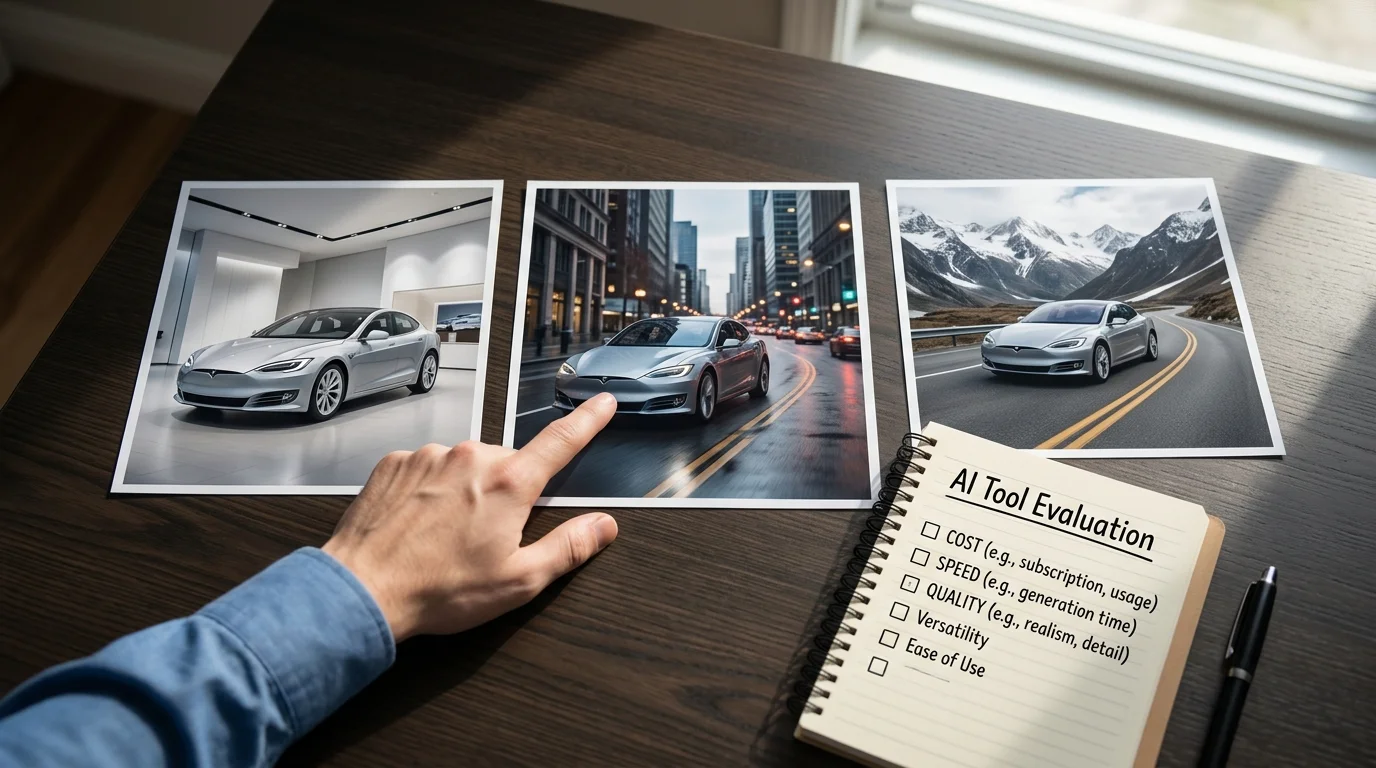
Volume is the primary driver. If you're processing 50+ cars monthly, per-image costs compound into material expenses. A $5 cost per photo becomes $250 monthly; a $30 photographer fee becomes $1,500. For high-volume dealerships and Turo hosts, speed matters equally—10-second processing allows same-day catalog updates, while 24-hour turnaround creates inventory lag during peak seasons.
Budget constraints reshape the decision. Small independent sellers might accept longer processing times in exchange for free or near-free tools. Mid-market dealerships typically optimize for the cost-per-image sweet spot where quality doesn't degrade. Enterprise operations prioritize consistency and integration over unit cost, since studio-quality images compound into measurable SEO and conversion gains across thousands of listings.
Background variety directly impacts listing appeal. Generic white backgrounds work for classified sites but underperform on premium platforms. Professional backgrounds—showroom, urban, luxury garage settings—signal quality and justify higher asking prices. Tools offering 100+ backdrop options provide flexibility across vehicle types without requiring multiple subscriptions.
Processing speed affects workflow. If you shoot 10 cars daily and need same-day uploads, 10-second turnaround is non-negotiable. If you batch-process weekly, overnight processing is acceptable. Consider whether the tool integrates with your existing inventory management system or requires manual uploads.
Ask yourself these questions: Are you managing 50+ monthly listings? Do you need results within hours, not days? Is consistent, professional appearance critical for your brand? Do you require custom backgrounds or specific styling? The answers point directly to your ideal solution—whether that's a specialized AI platform, a flexible design tool, or a hybrid approach combining multiple services.
Getting Started with AI Background Generators: Best Practices
Implementing AI background generators into your workflow requires more than uploading photos and hoping for results. Success depends on preparation, strategic background selection, and quality control—especially when managing dozens or hundreds of listings monthly.
Prepare your source images properly. The quality of your input directly determines output quality. Shoot vehicles in consistent lighting conditions—overcast daylight or controlled studio light work best, as harsh shadows and blown-out highlights confuse removal algorithms. Ensure the car occupies 60-75% of the frame, with clear separation between the vehicle and background. Resolution matters: 2K minimum (1920×1080) ensures your AI background removal process captures fine details like trim, wheels, and chrome without degradation. If you're batch-processing older lot photos, consider upscaling them first—tools that enhance image resolution can salvage lower-quality source material before background replacement.
Match backgrounds to your market and vehicle type. A luxury sedan demands a showroom or high-end garage setting, while a rugged SUV suits outdoor, adventure-oriented backdrops. Dealerships typically benefit from 3-4 core backgrounds (showroom, white, urban, nature) that work across most inventory. Turo hosts should lean toward lifestyle backgrounds—scenic drives, city streets, mountain roads—that tell a story and justify rental rates. Professional car backgrounds signal quality and justify higher asking prices, directly impacting conversion rates on premium platforms.
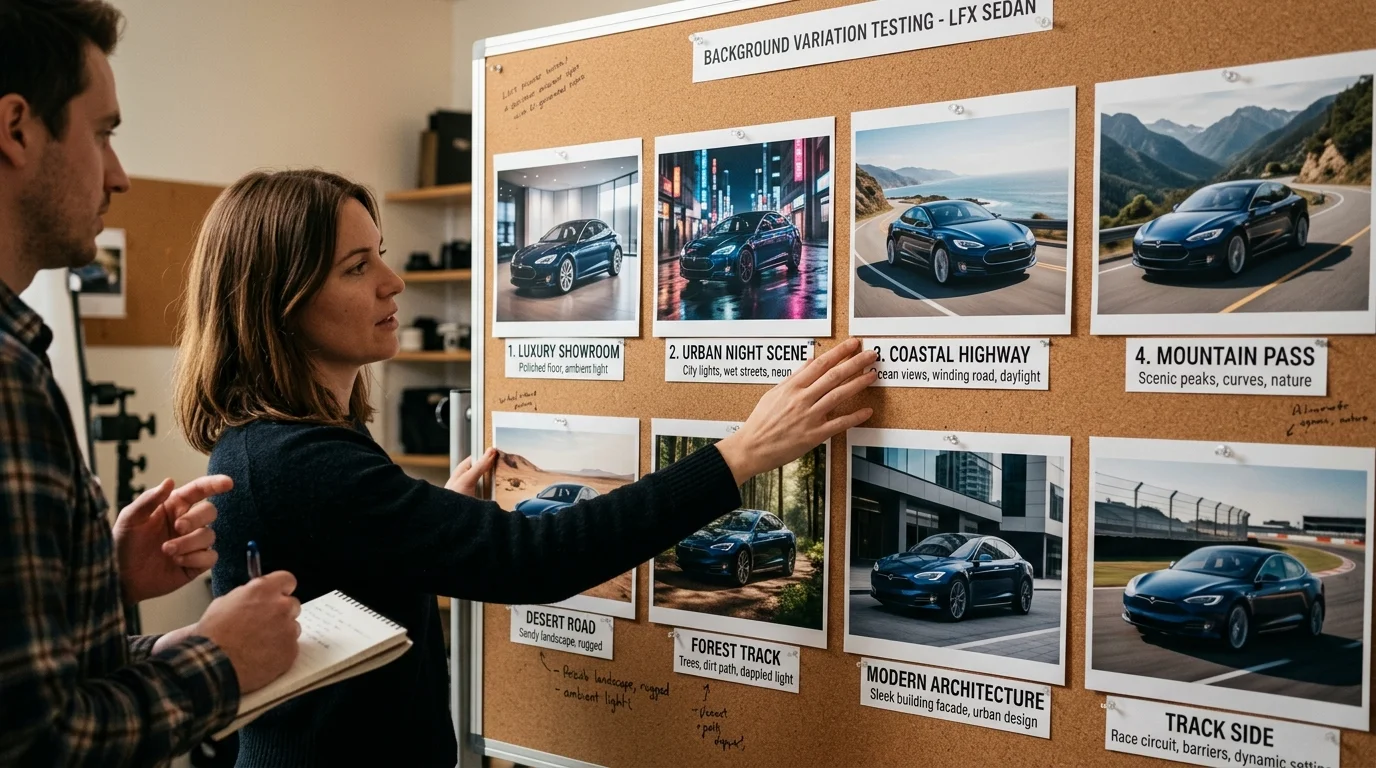
Batch processing saves time and ensures consistency. If you photograph 20 cars on shoot day, process them all at once rather than individually. This approach surfaces quality issues early—if lighting varies across the batch, you'll catch it before uploading to your inventory system. Set processing parameters once and apply them uniformly, creating a cohesive look across your catalog that builds brand recognition.
Implement quality checks before publishing. Review processed images for edge artifacts around wheels, mirrors, and antennas. Verify background lighting matches the vehicle's original lighting direction. A 30-second per-image review prevents embarrassing misalignments from reaching your listings. When working at scale, this checkpoint becomes non-negotiable—one poorly processed image damages credibility across your entire catalog.
Choosing the Right AI Background Generator for Your Automotive Business in 2026
The economics of automotive photography have fundamentally shifted. What once required a $25,000–$60,000 studio setup and $30–$50 per-vehicle processing costs can now be accomplished for a fraction of that investment. AI background generators have matured from experimental tools into production-ready systems that deliver genuinely studio-quality results in seconds. For dealerships managing inventory at scale, Turo hosts competing on presentation, and photographers serving multiple clients simultaneously, this technology is no longer optional—it's table-stakes.
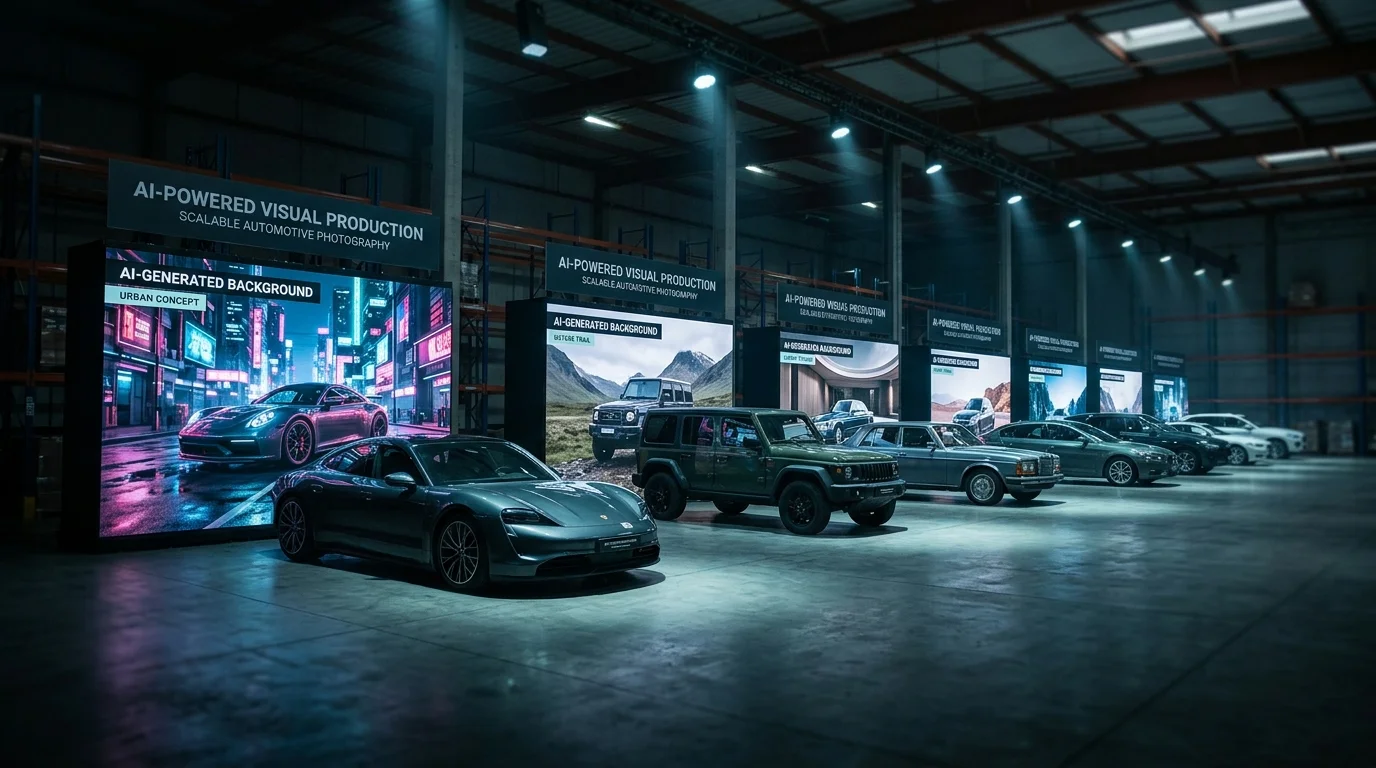
The decision ultimately comes down to three factors: volume, budget, and the specific backgrounds your market demands. A dealership photographing 50 cars monthly operates under entirely different constraints than a Turo host with a single luxury vehicle or a photographer juggling 200+ monthly shoots across multiple clients. The right AI background generator aligns with your operational rhythm, not against it.
Car Photo Booth was built specifically for this landscape. It removes backgrounds and applies one of 100+ professional automotive backdrops—showroom, white, urban, nature—in under 10 seconds per image, delivering 4K exports at roughly $5 per car on the entry plan. There's no learning curve; upload, select a background, and process. The consistency matters as much as the speed: when you're building a catalog that reflects your brand's quality standard, uniform lighting and professional staging across hundreds of images directly impact buyer confidence and conversion rates.
The technology eliminates the friction that once made professional automotive photography exclusive. Test the approach risk-free with a free trial—no credit card required—and process a sample of your inventory. You'll immediately see whether the backgrounds match your brand positioning and whether the processing speed fits your workflow. For most automotive businesses, the answer is yes. The question is no longer whether to adopt this technology, but which tool fits your specific operation.