
In 2026, free AI image editing tools are redefining how dealerships and automotive professionals present vehicles online. With the AI product photography market on track to reach USD 8.9 billion by 2034, studios are no longer the only path to premium visuals. Today’s top solutions leverage artificial intelligence to transform basic smartphone snaps into polished, background-free assets in seconds—ideal for Turo hosts, independent sellers, and high-volume dealerships alike. Approximately 34 million AI-enhanced images are generated daily, underscoring the shift toward automated, scalable visual content.
Quick Answer: The best free AI tools for car photography in 2026 offer instant background removal, studio-quality rendering, and seamless integration with listing platforms. Solutions like Car Photo Booth provide over 100 professional backdrop options—from showroom to urban environments—while eliminating the cost and inconsistency of traditional shoots.
This article explores the leading free AI-powered editors, compares core features, and outlines real-world use cases to help you choose the right tool. We’ll also cover how platforms like AI-powered car photo editing are setting new standards in speed and consistency.
Table of Contents
- Top 5 Free AI Tools for Editing Car Photos in 2026
- How to Transform Car Photos Using Free AI Editing: Step-by-Step Workflow
- Why General AI Editors Fall Short for Automotive Photography
- Car Photo Booth vs. Free AI Editors: Is Paid Worth It?
- Frequently Asked Questions About Free AI Image Editing for Cars
Top 5 Free AI Tools for Editing Car Photos in 2026
For automotive professionals, time and consistency are critical. With 60% of photographers now using AI to automate editing workflows, tools that deliver studio-quality results from smartphone images are no longer optional—they’re essential. The following five free AI-powered platforms stand out for their ability to streamline car photo editing, particularly in background removal, lighting enhancement, and scene replacement.
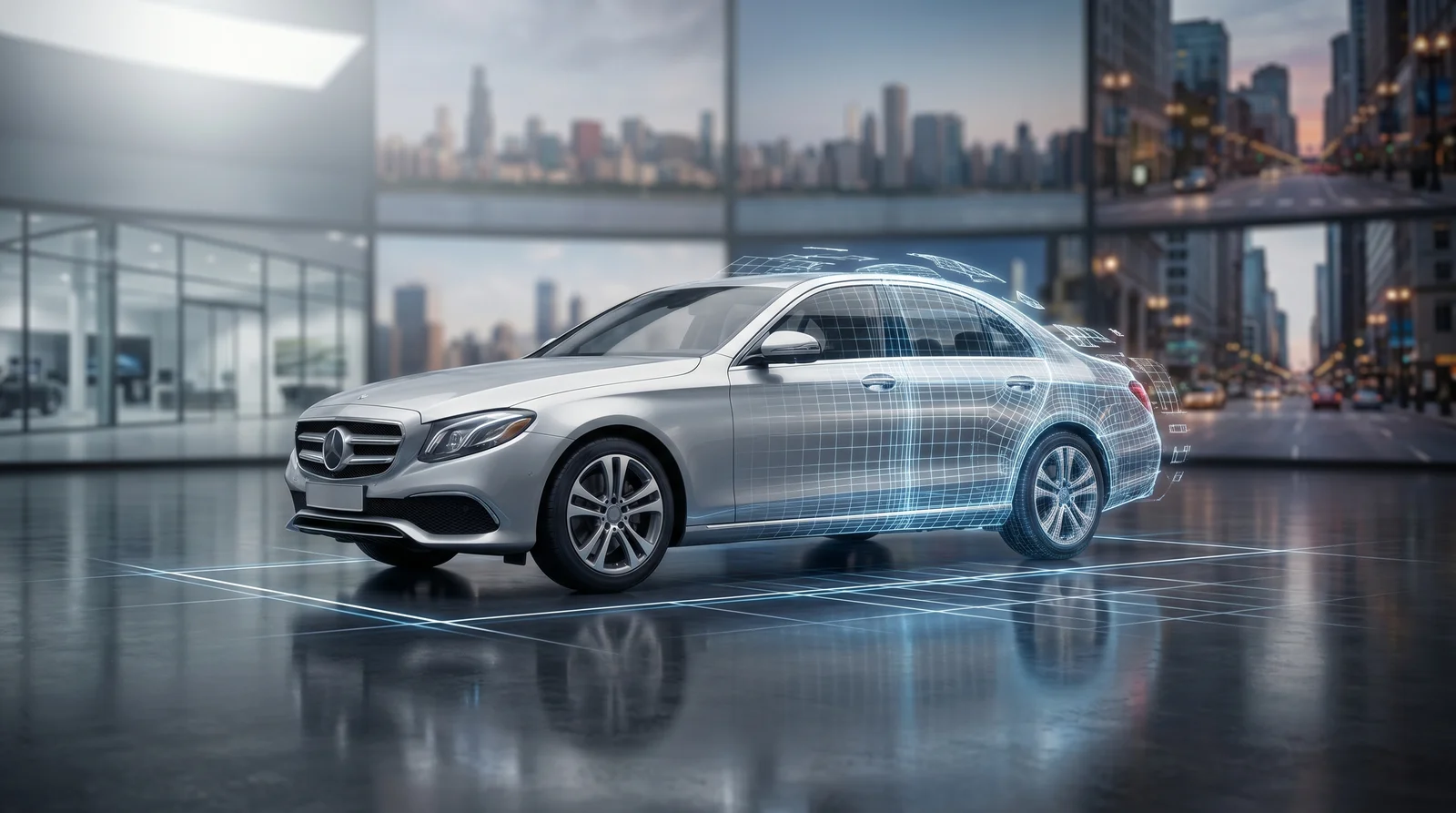
AI doesn’t just edit photos—it reconstructs them with precision tailored to automotive geometry
Fotor excels in rapid enhancements tailored to vehicle listings. Its AI-powered lighting correction automatically balances exposure and reduces shadows under the chassis—common pain points in outdoor lot photography. The background remover functions reliably on car silhouettes, cleanly separating the vehicle from cluttered environments. While its automotive-specific templates are limited, Fotor allows users to save custom studio scenes for reuse, making it a practical choice for dealers managing multiple listings. The interface is intuitive, enabling edits in under a minute per image.
Pixlr delivers high precision in edge detection, removing backgrounds in 3–5 seconds while preserving fine details like reflections and grill patterns—features critical for maintaining vehicle authenticity. Its AI auto-enhance function adjusts white balance and contrast to match showroom standards, minimizing post-processing. One-click studio effects simulate professional lighting setups, and bulk upload support accelerates workflow for high-volume dealerships. For teams already using cloud-based design tools, Pixlr integrates smoothly into existing pipelines.
Canva has evolved beyond graphic design into a viable AI editing platform for automotive marketing. Upload a car photo, and Canva’s AI suggests layout adjustments, crops, and background replacements optimized for digital ads. With thousands of automotive templates—including social media posts, flyers, and inventory cards—users can create cohesive branding across listings. The AI also recommends color schemes based on the vehicle’s paint, enhancing visual appeal without manual input.
Microsoft Designer: AI-Powered Image Polishing for Automotive Use
Built on Microsoft’s cloud ecosystem, Designer integrates seamlessly with Teams, SharePoint, and Dynamics 365—making it ideal for dealership networks managing centralized marketing. Its AI analyzes uploaded car photos and suggests optimized backgrounds, lighting adjustments, and even caption text. While less specialized than niche tools, its strength lies in workflow automation, allowing regional managers to standardize image quality across multiple locations with minimal training.
Car Photo Booth: The AI Tool Built Specifically for Car Imaging
We at Car Photo Booth built our platform to solve one problem: transforming inconsistent, on-site car photos into uniform, studio-grade assets at scale. Unlike general-purpose editors, our AI is trained exclusively on automotive geometry, ensuring precise foreground isolation and natural reflections on paint. With one click, users remove the background and replace it with one of 100+ professional scenes—from white studios to cityscapes—ensuring every listing meets dealership-grade standards. Used by over 500 car dealerships and Turo hosts, our system eliminates the need for costly reshoots or manual editing. For those seeking efficiency and brand consistency, we’ve also developed AI-powered solutions for professional car backgrounds that integrate directly into listing platforms.
| Tool | Background Removal Speed | Auto Lighting | Automotive Templates | Best For |
|---|---|---|---|---|
| Fotor | 10–15 sec | Yes | Limited | Quick touch-ups |
| Pixlr | 3–5 sec | Yes | No | Precision editing |
| Canva | 8–12 sec | Yes | Yes | Ad creation |
| Microsoft Designer | 10–14 sec | Yes | No | Enterprise workflows |
| Car Photo Booth | <5 sec | Yes | 100+ scenes | Dealerships & Turo hosts |
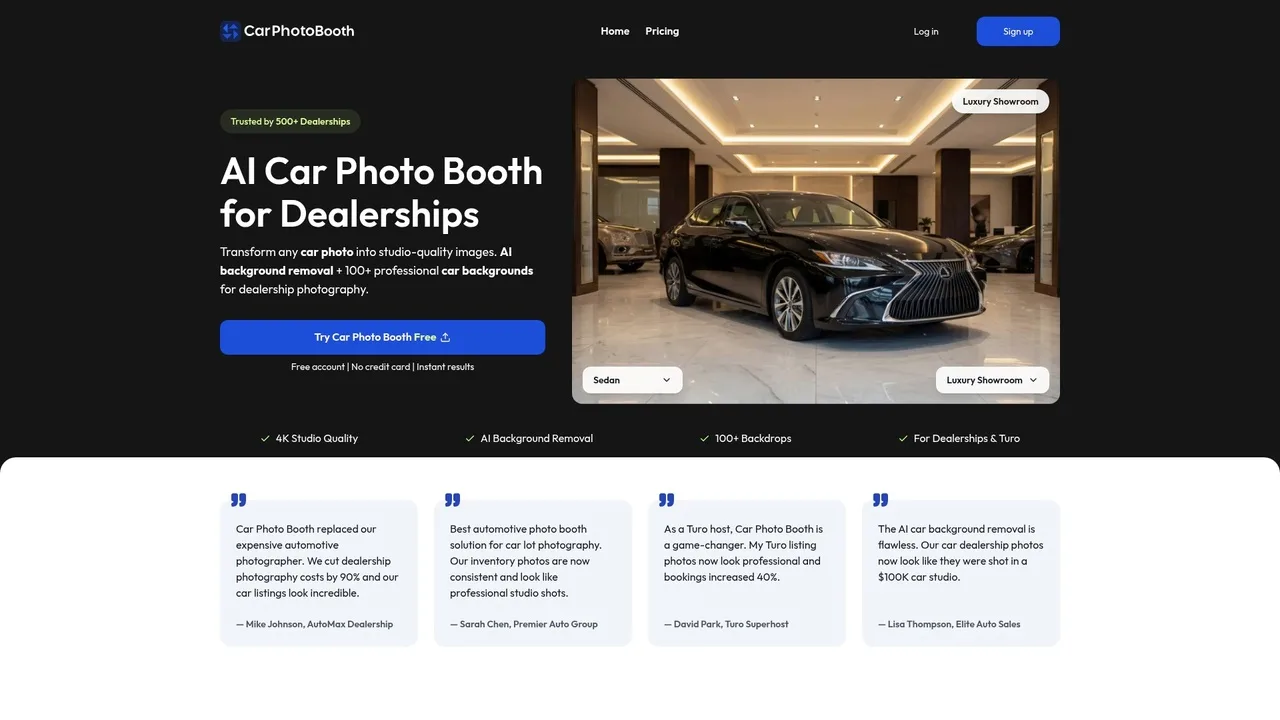
Car Photo Booth’s platform delivers automotive-specific AI editing with one-click background swaps and studio lighting simulation
How to Transform Car Photos Using Free AI Editing: Step-by-Step Workflow
Transforming raw car photos into polished, listing-ready visuals no longer requires design expertise or hours of manual editing. With the right free AI image editing tools, dealerships and Turo hosts can complete a full AI car photo workflow in under a minute per image—freeing up time and cutting post-production costs significantly. Below is a proven, four-step process that delivers consistent, professional results.
Step 1: Upload and Clean the Original Vehicle Image
Start with a well-lit, full-frame photo taken in natural daylight, ensuring the entire vehicle is visible and in focus. Once uploaded to your chosen AI platform, use automated cleanup tools to remove minor imperfections like dust, water spots, or lens glare. Advanced systems detect surface reflections and blemishes specific to automotive paint, correcting them without altering the car’s true color or finish. This pre-processing stage ensures a clean base for background removal and is especially valuable for dealers managing high-volume inventory.
Step 2: Remove Background with AI Detection
AI-powered foreground isolation is the core of any efficient workflow. The best tools use automotive-specific models trained to recognize complex contours—such as grilles, side mirrors, and alloy wheels—ensuring crisp edges without manual masking. While generic editors may struggle with fine details, platforms like Car Photo Booth process these elements accurately in under five seconds. This precision eliminates the 8 to 15 minutes of manual labor per image typical with traditional software, drastically accelerating turnaround for full vehicle sets.
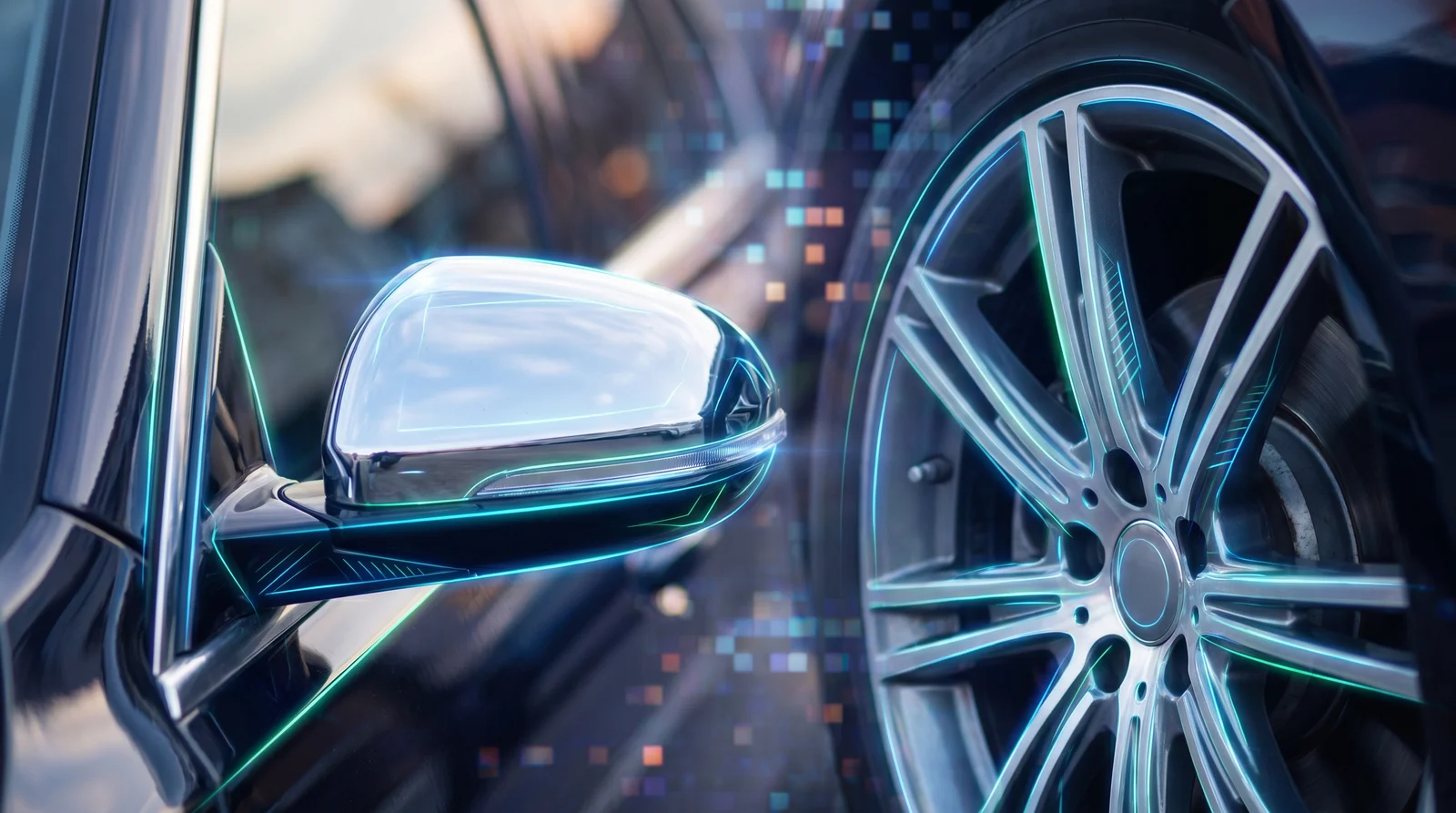
Precision matters—AI trained on automotive geometry captures reflections and fine edges that general tools miss
Step 3: Apply Studio-Quality Backgrounds and Lighting
After background removal, place the vehicle in a context that matches your branding or listing platform. Select from professional scenes like showroom floors, urban streets, or scenic landscapes—each designed to enhance car photos with AI-matched lighting and perspective. The AI adjusts shadows and reflections to blend naturally with the new environment, creating depth and realism. For consistent branding across listings, save your preferred scene as a default template.
Step 4: Export and Optimize for Online Listings
Download the final image in JPEG or PNG format at 1920x1080 resolution—ideal for platforms like AutoTrader, Cars.com, or Turo. Ensure file sizes stay under 2MB to maintain fast load times without sacrificing clarity. Many AI tools, including AI-Powered Car Photo Editing: Transform Vehicle Images in 2026, offer batch export and auto-resizing, streamlining deployment across multiple channels.
Why General AI Editors Fall Short for Automotive Photography
While free AI image editors have made photo enhancement more accessible, most general-purpose tools are not engineered for the unique demands of automotive photography. Platforms like Adobe Express, Luminar, or Google’s Gemini may offer background removal and basic retouching, but they lack the precision and specialized features required to present vehicles in a way that builds buyer confidence. For dealerships, Turo hosts, and automotive professionals, subpar edits can undermine credibility—especially when inconsistent lighting, unrealistic scenes, or poor edge rendering make photos look artificial.
The Problem with Generic Background Replacements
Standard AI editors often place vehicles on generic backgrounds—beaches, highways, or abstract gradients—that clash with automotive branding or listing context. These mismatches disrupt visual storytelling and reduce perceived professionalism. A luxury sedan on a muddy off-road trail, for instance, creates cognitive dissonance for buyers. In contrast, effective automotive image background removal should integrate contextually appropriate, brand-aligned environments like showroom floors or urban boulevards. At Car Photo Booth, we’ve built our system around 100+ automotive-specific scenes that maintain stylistic consistency across listings, ensuring every image supports the vehicle’s market positioning.
Edge Detection Failures on Chrome, Glass, and Rims
Cars present complex edge challenges due to reflective surfaces, intricate wheel designs, and transparent glass. General AI tools frequently struggle with AI car photo enhancement around chrome trims, alloy rims, and windshield contours, resulting in jagged cutouts or halos. These artifacts are especially visible in zoomed-in views and damage the perception of quality. Specialized processing is required to preserve fine details while cleanly isolating the vehicle—something generic editors don’t prioritize.
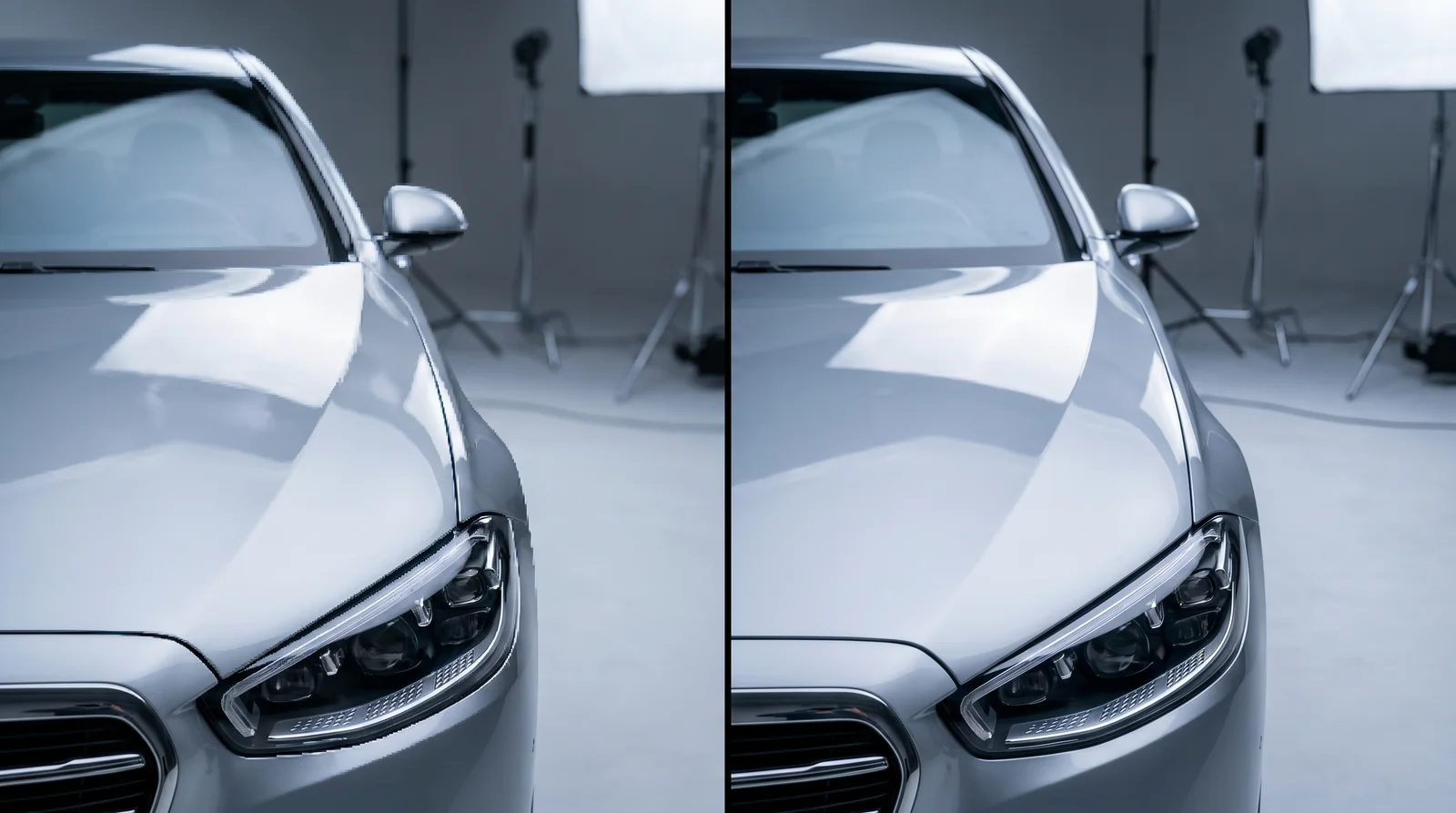
Generic AI tools fail on reflections and contours—specialized models deliver showroom-ready precision
Missing Automotive Branding and Styling Controls
Most free tools offer no vehicle-specific enhancements such as virtual wax effects, tire shine, or shadow correction tailored to car proportions. Without these, photos lack the polished, showroom-ready finish that drives engagement. Professional car photo editing isn’t just about removing backgrounds—it’s about enhancing realism. That’s why we developed targeted AI models at Car Photo Booth that simulate studio lighting and surface reflections specific to automotive finishes, delivering results indistinguishable from high-end photo shoots. For a deeper look at how AI transforms basic shots into marketing assets, see our guide on AI-Powered Car Photo Editing: Transform Vehicle Images in 2026.
Car Photo Booth vs. Free AI Editors: Is Paid Worth It?
For automotive professionals, the choice between free AI tools and a specialized paid service like Car Photo Booth comes down to operational efficiency, brand consistency, and long-term cost. While free ai image editing platforms offer entry-level accessibility, they often fail to deliver the precision and scalability required by dealerships, Turo hosts, and fleet operators managing high-volume listings.
Time per Image: Automation vs. Manual Adjustments
Processing a single car photo with free tools can take 5–10 minutes when factoring in manual corrections for misaligned masks, halos, and uneven lighting. In contrast, Car Photo Booth completes full AI car photo enhancement in under 30 seconds per image—with zero manual input. For a 15-image vehicle set, that’s under a minute versus 2–4 hours of labor-intensive editing. This speed isn’t just convenient; it directly accelerates time-to-market, reducing costly delays in inventory turnover.
Consistency Across Vehicle Lineups
Dealerships rely on visual uniformity to project professionalism. Free editors apply generic AI models, resulting in inconsistent shadows, angles, and background scaling across vehicles. Car Photo Booth uses automotive-specific AI trained on thousands of car images, ensuring every photo maintains the same studio-grade lighting, perspective, and background alignment. This uniformity strengthens brand identity and improves buyer trust across digital catalogs.
Cost of Time vs. Subscription: Real Business Math
Consider a team spending 8 hours weekly on manual photo editing. At $25/hour in labor costs, that’s $800/month—equivalent to dozens of Car Photo Booth subscriptions. With free tools, hidden costs accumulate fast: delayed listings, re-shoots, and inconsistent output impact conversion rates. According to research from Spyne AI, AI editing reduces photography costs by up to 70–80% compared to traditional methods. For businesses processing 20+ vehicles monthly, the ROI is clear: a paid subscription pays for itself in time saved and improved listing quality.
| Feature | Free AI Editors | Car Photo Booth |
|---|---|---|
| Avg. Time per Image | 5–10 min (with fixes) | <30 seconds |
| Background Consistency | Low (generic models) | High (100+ automotive-specific options) |
| Edge Accuracy (Chrome, Glass) | Moderate to poor | High (AI optimized for car contours) |
| Batch Processing | Limited or none | Full 15+ image sets automated |
| Branding Control | None | Uniform lighting, angles, and styling |
For high-volume operators, professional car photo editing isn’t an expense—it’s a profit lever. See how our platform achieves this in our guide to AI-Powered Car Photo Editing: Transform Vehicle Images in 2026.
Frequently Asked Questions About Free AI Image Editing for Cars
Are AI-edited car photos allowed on Turo and AutoTrader?
Platforms generally permit minor AI enhancements that improve presentation without misrepresenting the vehicle. According to Turo’s official listing guidelines, AI-altered images that modify the car itself—such as changing color, adding non-existent features, or altering condition—are prohibited. However, cleaning up surroundings, removing clutter, or replacing backgrounds to better showcase the vehicle are acceptable uses of free ai image editing, as long as the car remains accurate and unaltered.
Can free AI tools handle multiple car photos at once?
Most free-tier AI editors lack robust batch processing, requiring manual uploads and adjustments per image. This slows down high-volume workflows for dealerships or Turo hosts managing full inventories. In contrast, specialized solutions like Car Photo Booth automate editing across 15+ images simultaneously, ensuring uniform output and saving significant time compared to general-purpose tools.
Do AI editors work on dark or rainy-day car photos?
Yes, many AI car photo enhancement systems can correct underexposure, reduce noise, and even simulate removal of raindrops or overcast skies. While free tools offer basic correction, they often struggle with reflections, distorted lighting, or wet surfaces. For reliable results on suboptimal shots, AI models trained specifically on automotive visuals—like those in our AI-Powered Car Photo Editing guide—deliver superior accuracy and realism.