
Professional automotive photography has long been gatekept by cost and complexity. Traditional studio setups demand $25,000–$60,000 in equipment investment, while hiring photographers runs $30–$50 per vehicle. For dealerships managing hundreds of listings, rental platforms like Turo hosts juggling multiple properties, and automotive photographers building portfolios, this overhead becomes unsustainable. Yet inconsistent backgrounds across lot photos, weather-dependent shoots, and editing bottlenecks continue to plague online listings, directly impacting buyer confidence and conversion rates.
The solution lies not in expensive studios, but in intelligent automation. Modern AI-powered tools now eliminate backgrounds and replace them with professional studio environments in seconds—transforming ordinary lot photos into gallery-ready images without the studio rental, the photographer's fee, or the weeks of post-production editing.
Quick Answer: Change car photo backgrounds using AI background removal tools that automatically detect your vehicle, strip away the original background, and apply one of 100+ professional studio settings in under 10 seconds. The process requires no editing skills, produces 4K-quality results, and costs a fraction of traditional photography. This guide covers the mechanics of background replacement, step-by-step workflows, and how to achieve studio-quality results with minimal effort.
This article walks you through the entire process: how background replacement technology actually works, what tools deliver professional results, a detailed workflow from raw lot photo to finished listing image, common pitfalls that compromise quality, and when this method reaches its limits. Whether you're processing 5 cars or 500, you'll understand exactly how to transform your inventory photography from inconsistent to compelling.
Table of Contents
- Why Changing Car Photo Backgrounds Matters for Your Business
- Step-by-Step Guide to Changing Car Photo Backgrounds
- Prerequisites & Setup
- Step 1: Prepare Your Original Car Photo
- Step 2: Upload Your Image to the AI Tool
- Step 3: Verify Background Removal Accuracy
- Step 4: Select Your Professional Background
- Step 5: Download and Save Your Final Image
- Comparing Background Replacement Methods: AI vs. Manual Editing
- Real-World Results: Dealerships and Turo Hosts Using AI Background Replacement
- Common Mistakes When Changing Car Photo Backgrounds and How to Avoid Them
- Getting Started with Professional Car Photo Backgrounds Today
Why Changing Car Photo Backgrounds Matters for Your Business
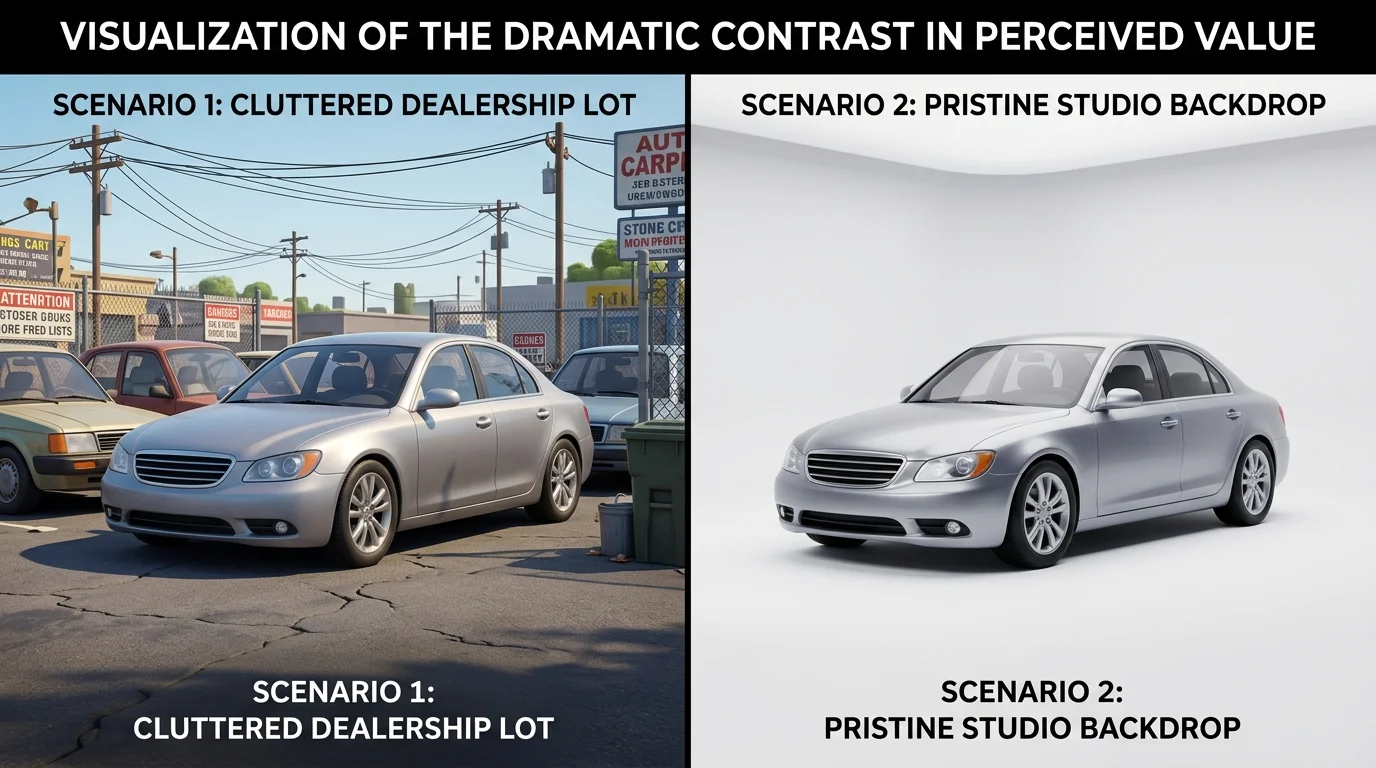
The difference between a car photo taken on a cluttered dealership lot and one set against a pristine studio backdrop isn't subtle—it's transformative. According to research from XCite Auto, when dealerships replace poor visuals with crisp, professionally framed images, vehicle detail page engagement can spike by as much as 675%. That's not marginal improvement; that's the gap between a listing that gets noticed and one that disappears into scroll fatigue.
Buyers make split-second judgments based on what they see first. Ninety-five percent of car shoppers say professional-looking images significantly boost perceived vehicle value, while 87% would click on well-lit, polished photos over blurry or background-cluttered ones. A distracting lot background—power lines, neighboring vehicles, weathered pavement—competes for attention and undermines the vehicle's appeal. Professional dealership photography eliminates that noise entirely.
The financial case is equally compelling. Listings with professionally edited photos boost sales conversion rates by up to 30%. Yet traditional routes carry steep costs: professional photographers charge $300–$2,000 per image, or dealerships pay $15–$20 per vehicle through vendor services, plus another $5–$15 per vehicle for post-production editing. A physical studio setup demands $15,000–$50,000 upfront, plus $2,000–$5,000 monthly overhead. For Turo hosts and smaller operations, these economics are prohibitive.
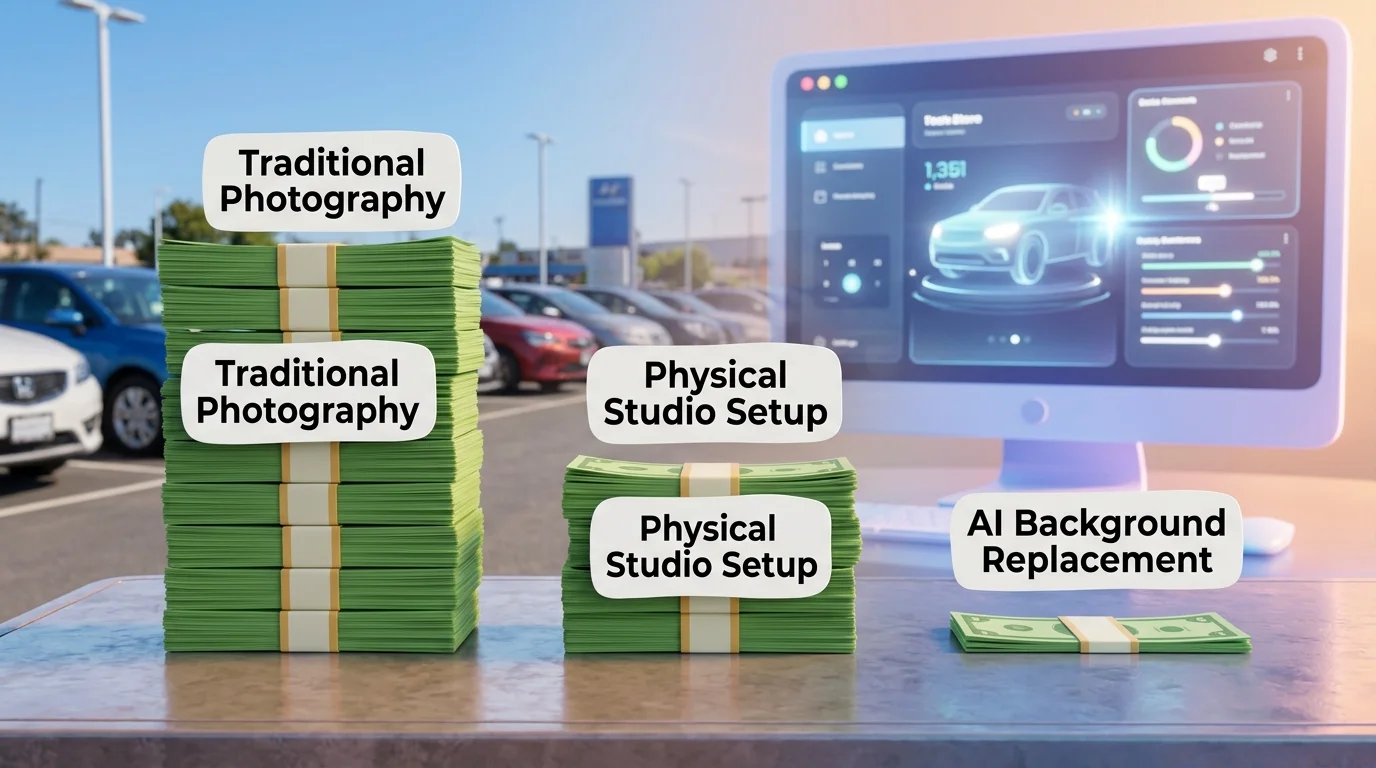
Modern AI-powered background replacement solves this calculus. You capture the vehicle—regardless of location or lighting—and transform it into a gallery-ready image within seconds. The result is consistency across your entire inventory, faster listing turnaround, and dramatically lower per-vehicle costs. That's why professional backgrounds matter: they're not cosmetic. They're a conversion lever.
Step-by-Step Guide to Changing Car Photo Backgrounds
Prerequisites & Setup
Before you begin, ensure you have a clear, well-lit photo of the vehicle—ideally shot from a three-quarter angle with minimal shadows. You'll need a web browser and an internet connection; no software installation is required. Most AI background removal tools process images in 10–30 seconds, so plan for roughly 2–3 minutes per vehicle from upload to download. Difficulty level is beginner-friendly; no technical expertise needed.
Step 1: Prepare Your Original Car Photo
Start with your best source image. The vehicle should be in focus and well-exposed; overexposed or severely underlit photos may confuse the AI's edge detection. Shoot outdoors or in natural light when possible—this gives the AI clearer boundaries between the car and its surroundings. Avoid extreme angles or partially cropped vehicles. File format matters: JPEG or PNG files work universally, and images between 1–4 MB upload fastest.
Step 2: Upload Your Image to the AI Tool
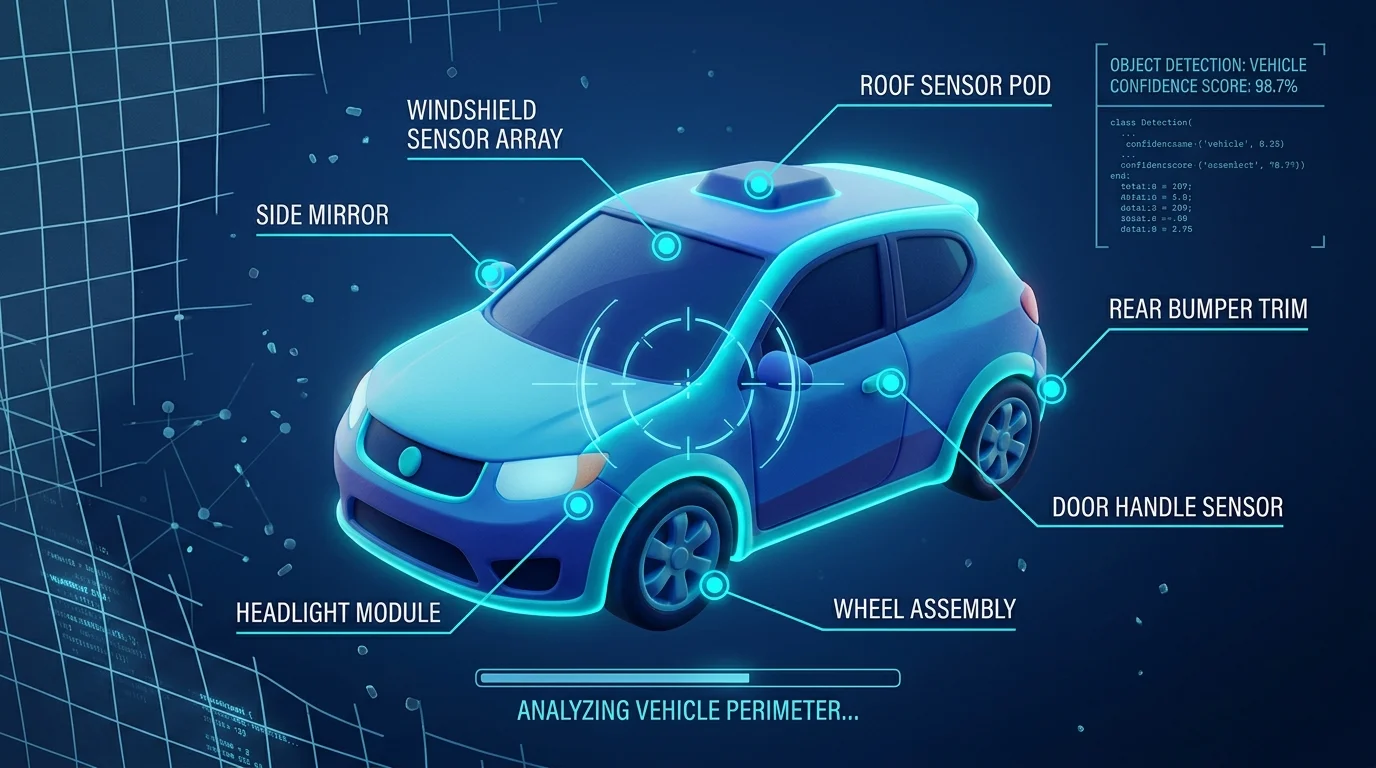
Open Car Photo Booth and click "Upload Photo" or drag your image directly into the interface. The system automatically analyzes the vehicle's contours and begins background removal within seconds. You'll see a preview showing the detected car silhouette overlaid on a transparent background. This preview stage is critical—it's where you verify the AI correctly identified the vehicle's edges.
Step 3: Verify Background Removal Accuracy
Examine the preview closely. Look for any rough edges, missed areas (wheels, mirrors, trim details), or over-cropped sections. Most modern AI tools handle standard vehicle angles flawlessly, but unusual lighting or reflective surfaces may require a second attempt. If the removal looks clean, proceed; if not, re-upload a clearer source image or adjust the original photo's contrast before trying again.
Step 4: Select Your Professional Background
This is where your image transforms. Choose from 100+ pre-designed backgrounds: luxury showroom interiors, clean white studios, urban streets, or natural outdoor settings. Each background is color-graded and lit to match professional photography standards. If you need a simple colour background change—say, from the default white to a soft grey or branded colour—most tools offer custom colour background change options. Preview your selection in real-time to ensure the vehicle's lighting harmonizes with the new backdrop.
Step 5: Download and Save Your Final Image
Once satisfied, click "Download" or "Export." The system generates your image in 4K resolution (or your selected quality tier) within 10 seconds. Save the file with a descriptive name—include the vehicle's year, make, and model for easy catalog management. Your new image is now ready for listing platforms, dealership websites, or Turo inventory.
Pro tip: Process images in batches. Upload 10–15 vehicles, let them queue, and download all processed files at once—this cuts your per-vehicle time in half.
Comparing Background Replacement Methods: AI vs. Manual Editing
When scaling dealership operations, the method you choose for background replacement directly impacts your production timeline and bottom line. Here's how the leading approaches stack up:
| Method | Cost Per Image | Time Per Image | Learning Curve | Scalability |
|---|---|---|---|---|
| AI Background Removal | $0.20–$3 | 2–5 seconds | Minimal (click & download) | Excellent (100+ images/day) |
| Manual Photoshop Editing | $15–$40 | 24–48 hours (team turnaround) | Steep (weeks of training) | Poor (5–10 images/day per editor) |
| Hire Professional Photographer | $30–$50 per car | 1–2 weeks (shoot + edit) | N/A | Very poor (scheduling bottleneck) |
| Physical Photo Booth Setup | $25K–$60K upfront + $5–$15/image | 15–30 minutes per car | Moderate | Limited (space & equipment constraints) |
The gap widens dramatically at scale. A dealership processing 50 vehicles weekly faces a choice: spend $1,500–$2,000 on manual editing with 2–3 week delays, or invest in AI-powered dealership photo solutions that deliver results in under an hour for under $100.
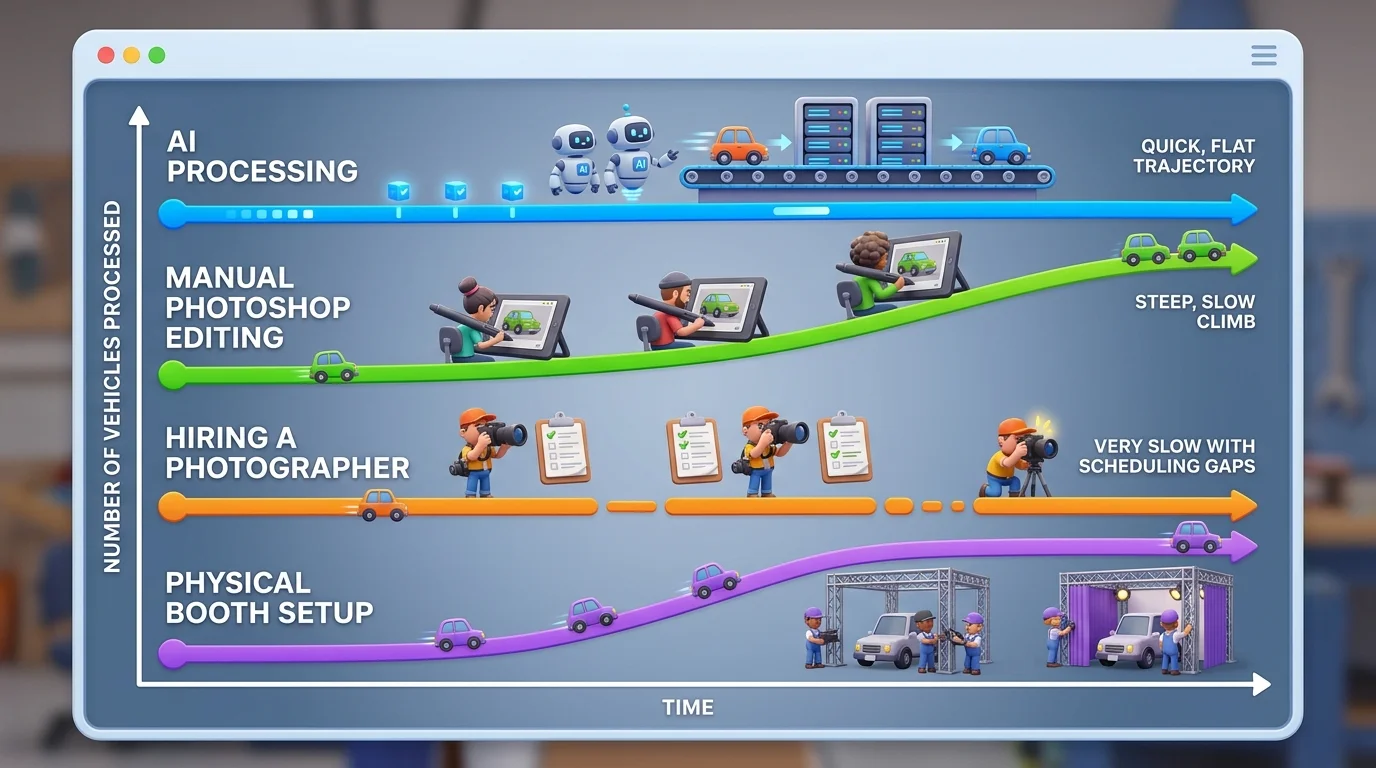
AI excels because it removes the human bottleneck entirely. According to Car Studio AI research, AI processes images in 2–5 seconds compared to manual editing's 24–48 hour turnaround. There's no learning curve—upload, select a background from 100+ professional options, download. Consistency is automatic; every image receives identical color grading and lighting standards.
Manual editing demands skilled labor, ongoing training, and quality control oversight. Physical booths require real estate, lighting rigs, and infrastructure investment that only pays off at very high volumes. For most dealerships and Turo hosts, these methods represent unnecessary friction.
The decision becomes clear: when you need professional car photography at dealership scale, AI background replacement isn't just faster—it's the only economically viable path forward.
Real-World Results: Dealerships and Turo Hosts Using AI Background Replacement
A mid-sized dealership in the Midwest processes roughly 40 vehicles weekly across three lots. Their challenge was consistent—background pictures of cars varied wildly depending on weather, lot condition, and time of day. Manual retouching consumed 15–20 hours per week at $25–40 per image. After adopting AI background replacement, they reduced processing time to under 2 hours while cutting costs by 70%. Every vehicle now appears against identical, studio-quality backdrops. The result: their online listings became visually cohesive, and average time-to-sale dropped by 8 days.
A Turo host managing a fleet of 12 premium vehicles faced a different problem. Automotive photography for rental platforms demands frequent updates—seasonal changes, new vehicles, wear-and-tear documentation. Hiring a photographer for each refresh cost $400–600 per session. With AI background removal and professional backdrop options, they now refresh their entire fleet's photography monthly for under $50. Bookings increased 23% within two months, attributed partly to polished, consistent imagery that signals vehicle quality and care.
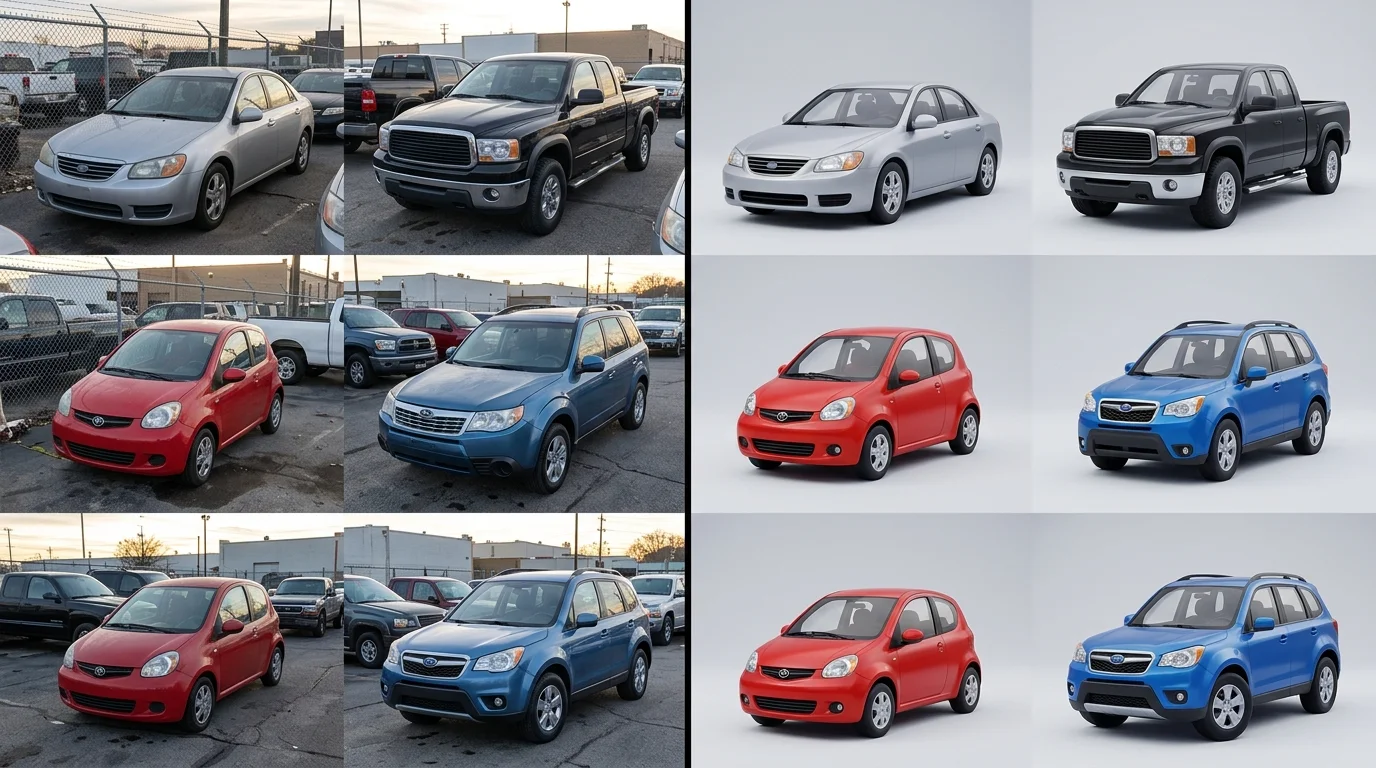
These outcomes aren't anomalies. Dealerships and rental hosts consistently report that standardized, professional car photo backgrounds eliminate the friction between inventory and buyer confidence. When every vehicle in your catalog looks studio-ready—whether it's against a luxury showroom, clean white backdrop, or urban setting—customers perceive higher quality and professionalism, regardless of the vehicle's actual condition or original lot environment.
Common Mistakes When Changing Car Photo Backgrounds and How to Avoid Them
The most common pitfall is starting with a low-quality source image. A photo shot in poor lighting, at an awkward angle, or with visible dirt and reflections will produce subpar results regardless of the professional background you apply. The AI can only work with what it receives. Always photograph vehicles in natural daylight, from a three-quarter angle, ensuring the entire vehicle is in frame and the paint is clean. This foundational step determines whether your final image looks polished or compromised.
Selecting an inappropriate background for the vehicle type is equally damaging. A luxury sedan demands a showroom or upscale urban setting—placing it against a casual outdoor backdrop undermines its positioning and confuses buyers about the vehicle's market segment. Conversely, a practical SUV against a minimalist white background may feel sterile. Match your background choice to the vehicle's class, condition, and target buyer. When you upscale car photos with AI, ensure the background complements, not contradicts, the vehicle's narrative.
Ignoring lighting consistency is another frequent error. If shadows fall unevenly across the car in your source photo, the new background won't reconcile those inconsistencies—the vehicle will appear artificially placed. Review your original image for uniform lighting before processing.
Finally, skipping quality review and uploading unoptimized files wastes inventory space and slows page load times. Always preview the edited image at full resolution, verify the background removal is clean around mirrors and trim, and compress files appropriately for web without sacrificing clarity. These small checks prevent costly republishing cycles.
Getting Started with Professional Car Photo Backgrounds Today
The transformation from cluttered lot photography to studio-quality car photos is no longer reserved for large dealerships with six-figure budgets. AI-powered background replacement has democratized professional automotive photography, making it accessible to independent dealers, Turo hosts, and small-scale photographers alike. The speed advantage alone—processing dozens of vehicles in the time it once took to edit one—fundamentally changes how you operate. Rather than waiting days for a photographer or spending hours in Photoshop, you can refresh your entire inventory in an afternoon.
Cost-effectiveness compounds this advantage. Traditional studio setups demand $25,000 to $60,000 in equipment and space rental; professional photographers charge $30–$50 per vehicle. AI background replacement costs as little as $3–$7 per car, with consistent results across your entire catalog. This consistency matters deeply—every vehicle benefits from the same polished aesthetic, whether it's a luxury sedan or a practical SUV, building visual cohesion that builds buyer confidence.
The scalability factor reshapes your business model. As you grow from 10 to 100 vehicles monthly, your production timeline doesn't multiply proportionally—the system handles volume with the same speed and reliability. Ready to experience this transformation firsthand? Car Photo Booth offers a free account with no credit card required, letting you process your first batch of photos instantly and see results before committing to a plan. Professional automotive photography is no longer a luxury—it's a competitive baseline, and it's within reach today.