
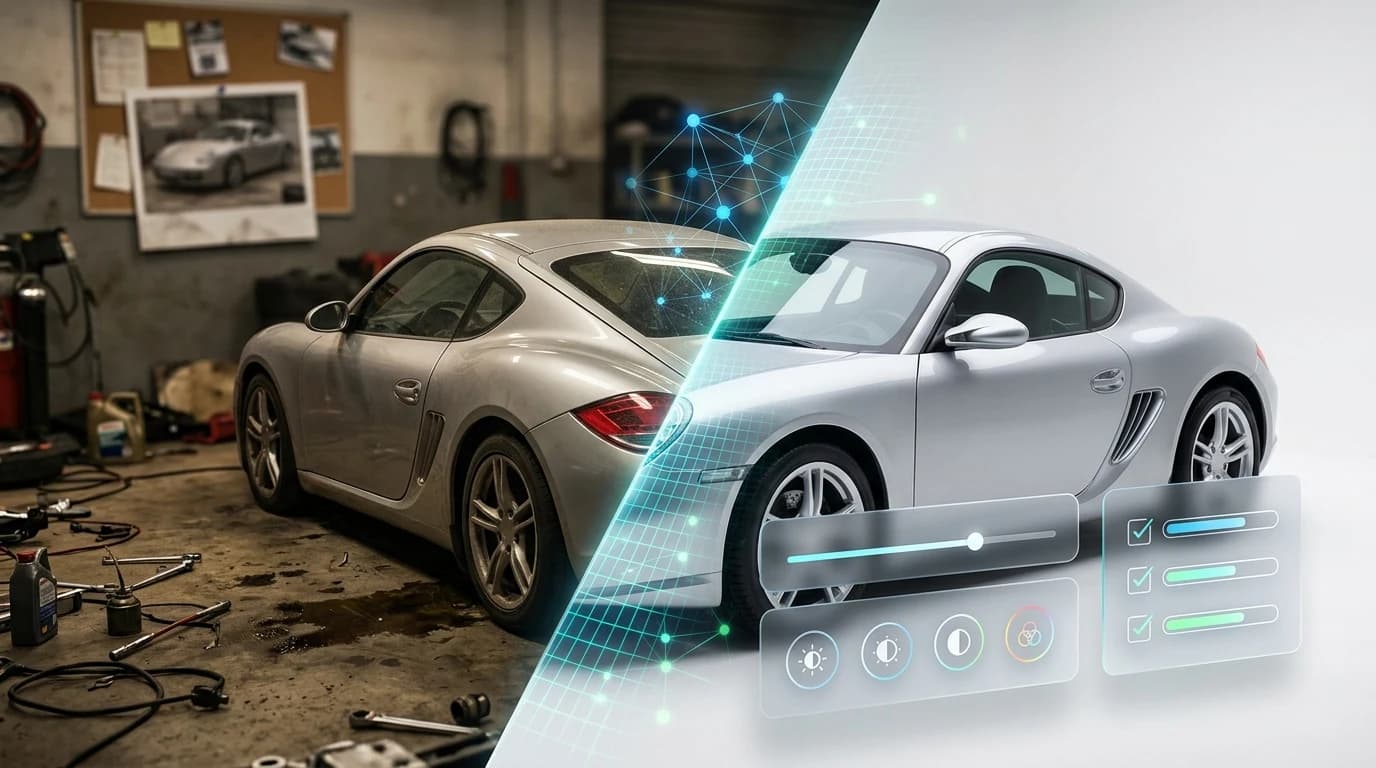
The process of cleaning up pictures for online car listings has become essential to success in automotive sales. Whether you're a dealership photographing inventory on a crowded lot, a Turo host shooting from your driveway, or an automotive photographer managing dozens of shoots weekly, inconsistent and unprofessional vehicle images directly damage conversion rates and buyer confidence. A vehicle with poor lighting, distracting backgrounds, or uneven color correction gets scrolled past—even if the car itself is desirable.
The stakes are real. Buyers form first impressions in seconds, and professional-looking imagery signals quality and trustworthiness. Yet traditional solutions—studio rentals costing $25,000–$60,000 in setup, or hiring photographers at $30–$50 per car—remain financially unrealistic for most dealerships and independent sellers managing high volume. This gap between what buyers expect and what sellers can afford to produce has created a bottleneck that slows inventory turnover and leaves money on the table.
Quick Answer:
The fastest way to clean up car pictures for online listings is using AI background removal and replacement tools that automatically isolate vehicles and apply professional studio backdrops in seconds. This eliminates the need for expensive studio rentals or manual editing, transforming lot photos into polished, conversion-ready images at a fraction of traditional photography costs.
This guide walks you through why image quality matters, what specific problems affect car listings, and the most efficient methods—from AI-powered solutions to manual editing techniques—to get professional results without breaking your budget. You'll discover how to remove distracting backgrounds, correct lighting inconsistencies, and apply cohesive styling that makes your entire inventory look studio-shot and ready to sell.
Table of Contents
- Traditional Methods vs. Modern AI Solutions for Picture Cleanup
- Manual Editing: The Time and Cost Problem
- AI Background Removal: Speed and Consistency
- Step-by-Step Guide to Cleaning Up Car Pictures with AI Tools
- Step 1: Upload Your Raw Car Photo
- Step 2: Let AI Remove the Background Automatically
- Step 3: Choose from 100+ Professional Backgrounds
- Step 4: Download and Use Your Enhanced Image
- Best Practices for Cleaning Up Pictures Across Your Inventory
- Maintain Visual Consistency Across Listings
- Optimize Input Photos for Best Results
- Streamline Batch Processing Workflows
- ROI and Business Impact of Professional Car Photo Cleanup
- Cost Savings vs. Traditional Photography
- Conversion Rate Improvements
- Start Cleaning Up Your Car Pictures Today
Traditional Methods vs. Modern AI Solutions for Picture Cleanup
Manual Editing: The Time and Cost Problem
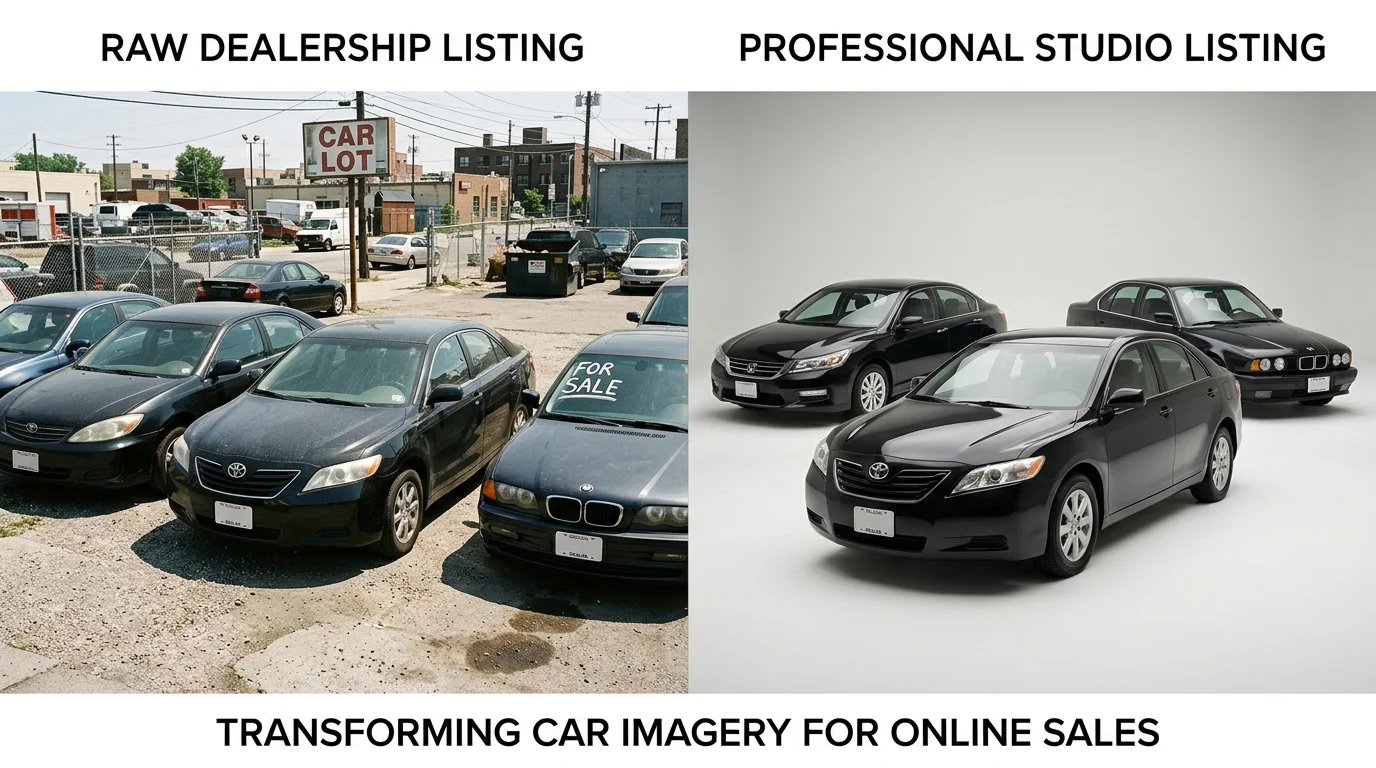
Professional photographers and manual editing workflows have long been the industry standard for dealership inventory, but the economics no longer work at scale. Hiring a dedicated photographer to shoot your lot typically costs between $7–$20 per vehicle, with national averages hovering around $15–$20 when working with established services. For a dealership processing 50–100 vehicles monthly, this translates to $750–$2,000 in photography costs alone—before accounting for scheduling delays, inconsistent lighting, or reshoot requests.
Beyond the per-vehicle fee, manual post-processing in Photoshop or Lightroom demands significant time investment. Removing a distracting background, correcting color cast, adjusting exposure, and applying consistent styling takes 30–60 minutes per image for someone with intermediate skills. A dealership with 100 cars in inventory faces 50–100 hours of editing work—equivalent to 1–2 full-time employees dedicated solely to photo cleanup. For independent sellers or smaller operations, this becomes prohibitively expensive or simply impossible to execute consistently.
The deeper problem is consistency. When multiple photographers shoot your inventory over weeks or months, each brings different equipment, lighting preferences, and editing styles. One car appears in warm, golden light; another looks cold and institutional. This visual inconsistency erodes buyer confidence and makes your entire catalog feel unprofessional—the opposite of what you're trying to achieve.
AI Background Removal: Speed and Consistency
AI-powered background removal solves both the time and cost equation. These systems automatically detect vehicle edges with precision, isolate the car from its surroundings, and apply professional studio backgrounds in seconds. Unlike manual masking, which requires painstaking hand-tracing around complex shapes like wheels and mirrors, AI algorithms handle these details instantly and accurately.
The cost difference is dramatic. AI solutions like Car Photo Booth deliver studio-quality results for $3–$5 per image—a 70–80% reduction compared to traditional photography. Processing time drops from hours to seconds: upload a photo, select your preferred background from 100+ professional options (showroom, white studio, outdoor settings, luxury environments), and download a 4K-ready image. A dealership can transform 50 cars in under 10 minutes.
Consistency becomes automatic. Every image uses the same lighting model, the same background quality, and the same color grading standards. Your entire inventory looks cohesive and intentional—as if every vehicle was shot in the same professional studio under identical conditions. This uniformity builds trust with buyers and makes your listings stand out against competitors using mismatched, lot-shot photos.
| Metric | Manual Photography | Manual Editing (Photoshop) | AI Background Removal |
|---|---|---|---|
| Cost per image | $15–$20 | $10–$30 (labor) | $3–$5 |
| Time per image | 30–60 min (shoot + setup) | 30–60 min (editing) | 10–30 sec |
| Consistency | Variable (depends on photographer) | Variable (depends on editor) | Uniform (algorithmic) |
| Scalability | Low (limited by availability) | Low (limited by labor) | High (unlimited) |
| Quality | Professional | Professional | Studio-quality |
| Monthly cost (50 cars) | $750–$1,000 | $500–$1,500 | $150–$250 |
For dealerships and Turo hosts managing dozens of listings monthly, the ROI is immediate. You recover the cost of a year's subscription within the first 10–20 processed images. More importantly, you reclaim the time your team would spend in editing software and redirect it toward sales, customer service, or inventory acquisition—activities that actually generate revenue.
Step-by-Step Guide to Cleaning Up Car Pictures with AI Tools
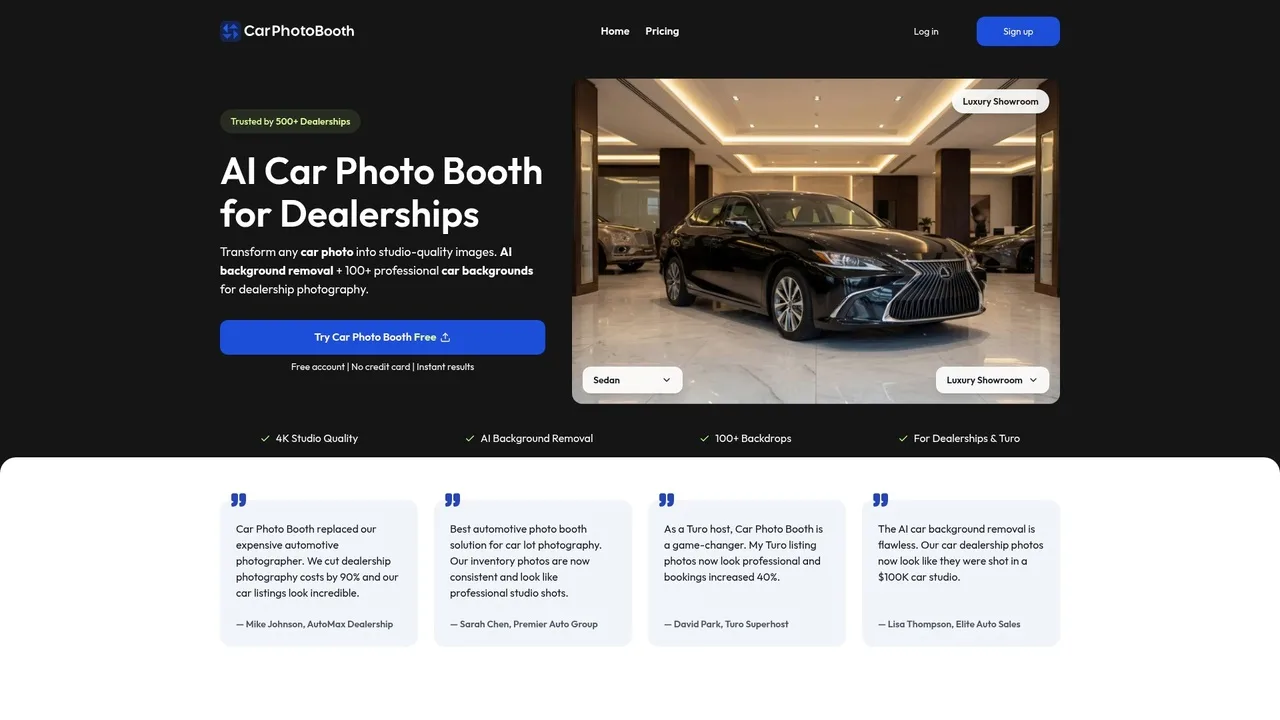
The workflow for transforming raw car photos into professional listings is straightforward and requires no design experience. What once demanded hours in Photoshop or thousands of dollars in studio rental now takes seconds. Below is the exact process, broken down into four actionable steps.
Step 1: Upload Your Raw Car Photo
Begin by selecting the image you want to enhance. This can be a smartphone snapshot from your lot, a DSLR photo from inventory intake, or any image pulled from your existing catalog. Car Photo Booth accepts standard formats—JPG, PNG, and WebP—and works with images of any resolution, though higher quality inputs (2K and above) produce sharper final results.
Simply drag and drop your file into the upload area or click to browse your device. The platform processes the image within seconds; no account setup or credit card is required to test the free tier. Supported file sizes range up to 25MB, which covers virtually all automotive photography use cases. If you're batch-processing multiple cars, you can queue uploads one after another without waiting between conversions.
Step 2: Let AI Remove the Background Automatically
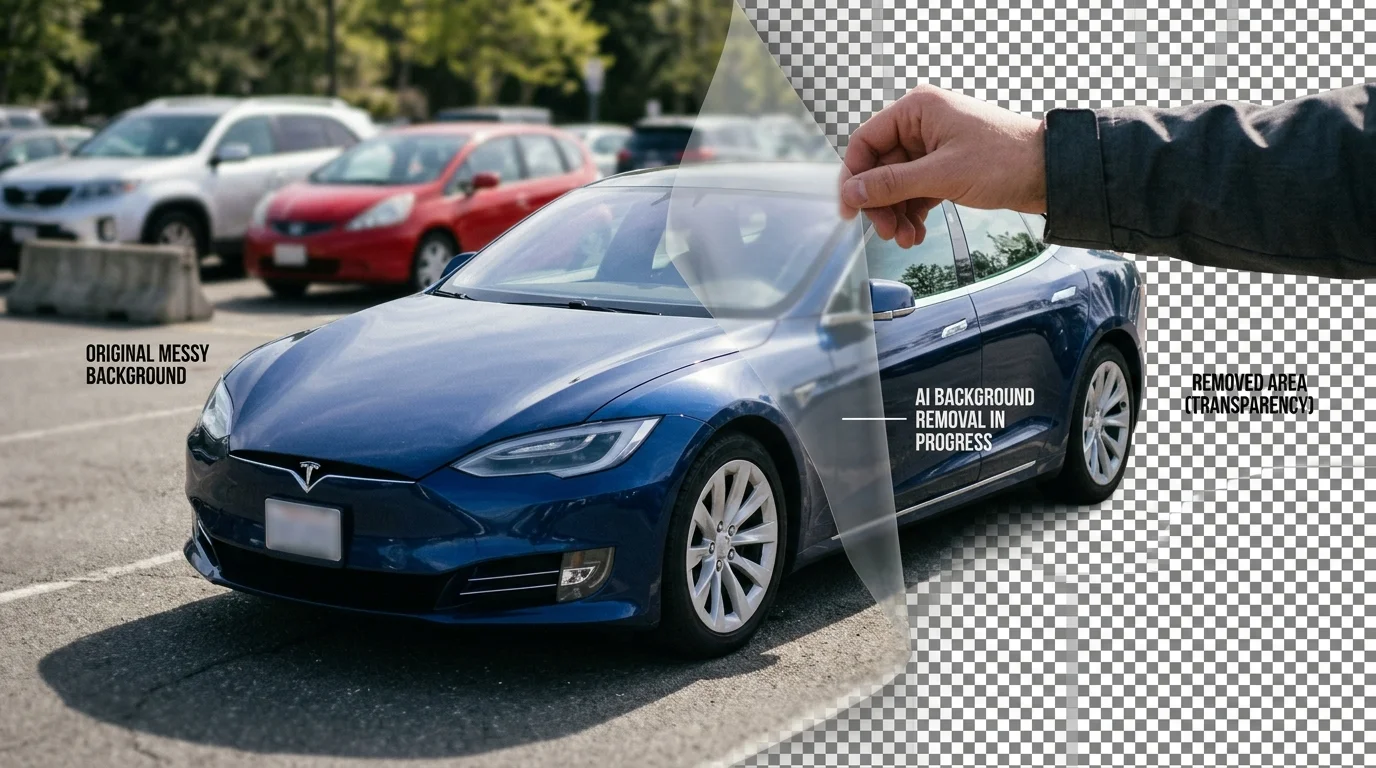
Once uploaded, the AI immediately analyzes the image and isolates the vehicle from its surroundings. This detection happens in real time—no manual selection or masking required. The algorithm handles complex scenarios that would frustrate traditional editing: reflections on chrome trim, shadows cast by the car, wet pavement, and even partially obscured wheels or bumpers.
The system separates the vehicle with pixel-level precision, preserving fine details like door handles, grille texture, and window reflections. Within 10–30 seconds, you'll see a preview of the cleaned image with a transparent background, ready for the next step.
Step 3: Choose from 100+ Professional Backgrounds
This is where your listing transforms. Car Photo Booth offers over 100 curated backdrops organized by category: luxury showroom interiors, modern dealership lots, white studio environments, urban cityscapes, and natural outdoor settings. Each background is professionally photographed and optimized for automotive display.
Preview each option in real time to see how your vehicle appears against different contexts. A luxury sedan typically performs better against a high-end showroom backdrop, while a rugged SUV shines in an outdoor or adventure-themed setting. The AI automatically scales and positions the vehicle to match the perspective of the chosen background, creating a seamless composite that looks naturally photographed rather than artificially composited.
Step 4: Download and Use Your Enhanced Image
Once you've selected your background, the final image renders in 4K quality—ready to download and deploy across your sales channels. Save the file to your device, then upload directly to your dealership website, eBay Motors, Craigslist, Turo, or any inventory management system. The entire process—from upload to download—takes under two minutes per image.
For dealerships processing dozens of cars monthly, batch workflows accelerate the timeline further. Upload ten photos, apply backgrounds to all of them, and download the complete set in under fifteen minutes. This efficiency is what makes the ROI so compelling: you reclaim the time your team would spend in editing software and redirect it toward customer engagement and sales activities that actually move inventory.
Best Practices for Cleaning Up Pictures Across Your Inventory
Scaling photo cleanup across dozens or hundreds of vehicles requires more than just technical skill—it demands a systematic approach that balances consistency with efficiency. When you're managing large inventory, small decisions compound: a mismatched background here, an inconsistent lighting approach there, and suddenly your listings look disjointed rather than cohesive. The goal is to establish workflows that maintain professional quality while dramatically reducing the time your team spends on post-production.
Maintain Visual Consistency Across Listings
Your dealership's photo gallery is a visual conversation with potential buyers. When every vehicle appears against the same professional backdrop—whether that's a luxury showroom, a clean white studio, or an outdoor setting—buyers develop trust in your brand's presentation. Consistency signals professionalism and makes your inventory feel curated rather than haphazard.
Select two or three signature backgrounds that align with your brand identity and stick with them across your entire catalog. A luxury dealership might pair a high-end showroom backdrop with an upscale outdoor setting. A volume dealer might use a clean white background for clarity and a modern dealership interior for context. The key is repetition: when a buyer scrolls through ten of your listings and sees the same polished backdrop, they internalize that your operation maintains standards.
This approach also simplifies decision-making during batch processing. Rather than deliberating over which background suits each car, your team applies the same preset to every vehicle in a processing session. This reduces cognitive load and accelerates throughput significantly.
Optimize Input Photos for Best Results
The quality of your source images directly affects the final output. While AI background removal tools are remarkably forgiving—they handle imperfect lighting and partial obstructions—you'll achieve superior results by following basic photography principles.
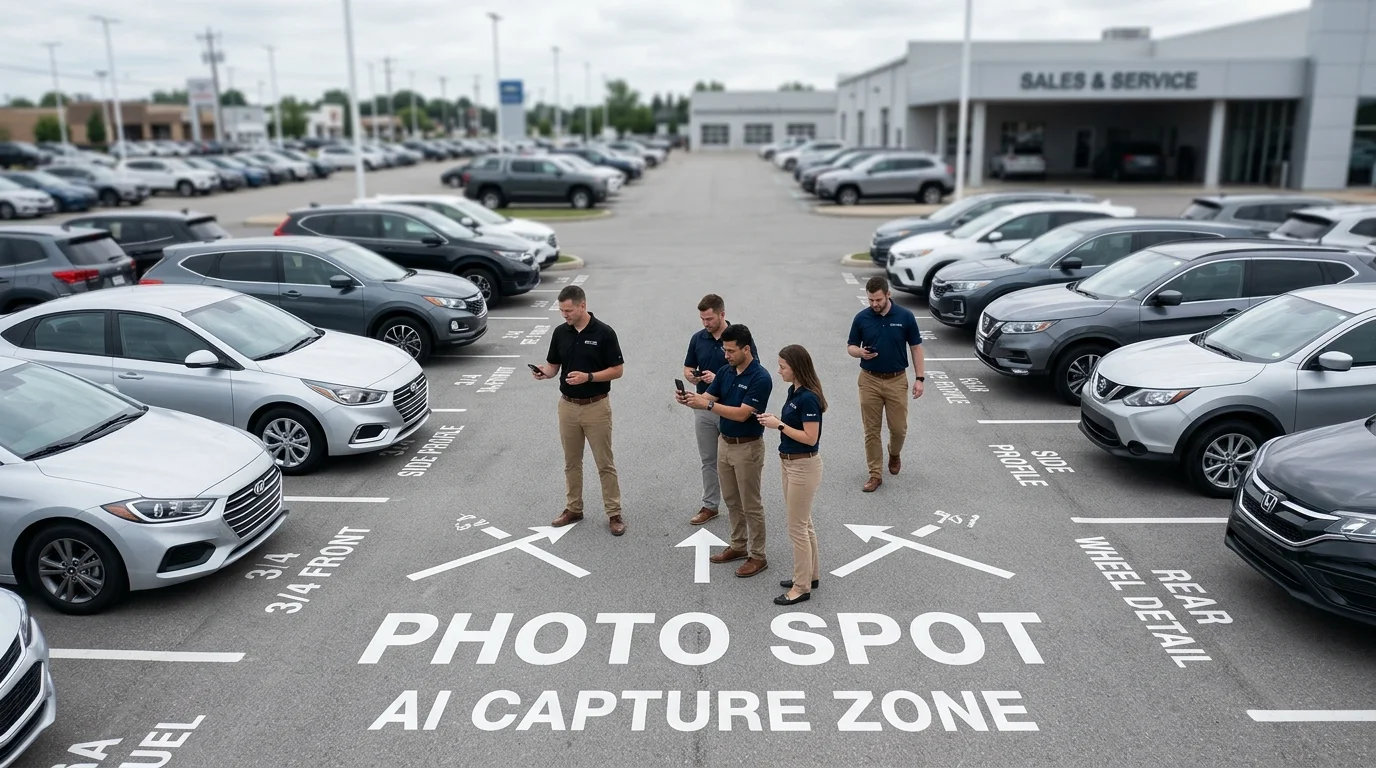
Shoot source images in adequate natural or studio lighting that clearly reveals the vehicle's contours, paint finish, and details. Avoid harsh midday sun that creates blown-out highlights or deep shadows that obscure body lines. Position the vehicle at a consistent angle across your lot—typically a three-quarter front view works best for showcasing both the front fascia and side profile. Minimize distractions: remove people, equipment, and signage from the frame when possible. If your lot photos include reflections or glare, note that removing glare from car photos is a separate consideration, though many AI tools handle minor reflections during background removal.
Consistency in shooting angles and distance from the vehicle helps the AI scale and position each car uniformly when backgrounds are applied, creating a cohesive gallery aesthetic.
Streamline Batch Processing Workflows
Processing fifty to one hundred car photos individually would consume two to three days of manual labor. Batch workflows compress that timeline to two to three hours. Upload your entire folder of vehicle photos at once, select your signature background preset, and let the system process all images in parallel. Most modern tools, including Car Photo Booth, generate 4K-quality exports automatically, eliminating the need for separate upscaling steps.
After processing completes, organize your downloads by vehicle type or lot section, then upload directly to your inventory management system, dealership website, or listing platforms like eBay Motors, Craigslist, or Turo. This integration eliminates manual file transfers and reduces errors. For dealerships managing seasonal inventory rotations, batch workflows become even more valuable—you can refresh your entire photo gallery in a single afternoon rather than spreading edits across weeks.
ROI and Business Impact of Professional Car Photo Cleanup
Professional vehicle photography directly influences dealership profitability and inventory turnover. The financial case for upgrading from amateur lot photos to studio-quality images is substantial and measurable across multiple business metrics.
Cost Savings vs. Traditional Photography
The economics of photo cleanup have shifted dramatically with AI solutions. Traditional studio photography requires significant upfront capital: a physical photo booth setup costs $25,000 to $60,000, with ongoing operational expenses. Professional photographers charge $30–$50 per vehicle, which compounds quickly across a dealership's inventory. A mid-sized dealership processing 500 vehicles annually spends $15,000–$25,000 on photography alone, before accounting for editing, retouching, and background replacement.
AI-powered cleanup eliminates these constraints. Car Photo Booth and similar tools operate on a subscription model starting at $3 per image with no equipment investment. A dealership processing 500 photos annually pays approximately $1,500 annually—a 90% reduction compared to traditional methods. For high-volume operations managing 2,000+ vehicles yearly, the savings exceed $60,000 annually while maintaining consistent studio-quality results.
| Method | Setup Cost | Per-Image Cost | Annual Cost (500 cars) | Time to Process |
|---|---|---|---|---|
| Professional Photographer | $0–$5K | $30–$50 | $15,000–$25,000 | 2–4 weeks |
| Physical Photo Booth | $25,000–$60,000 | $10–$20 | $5,000–$10,000 + equipment | 1–2 weeks |
| AI Photo Cleanup Tool | $0 | $3–$7 | $1,500–$3,500 | 2–3 hours (batch) |
Conversion Rate Improvements
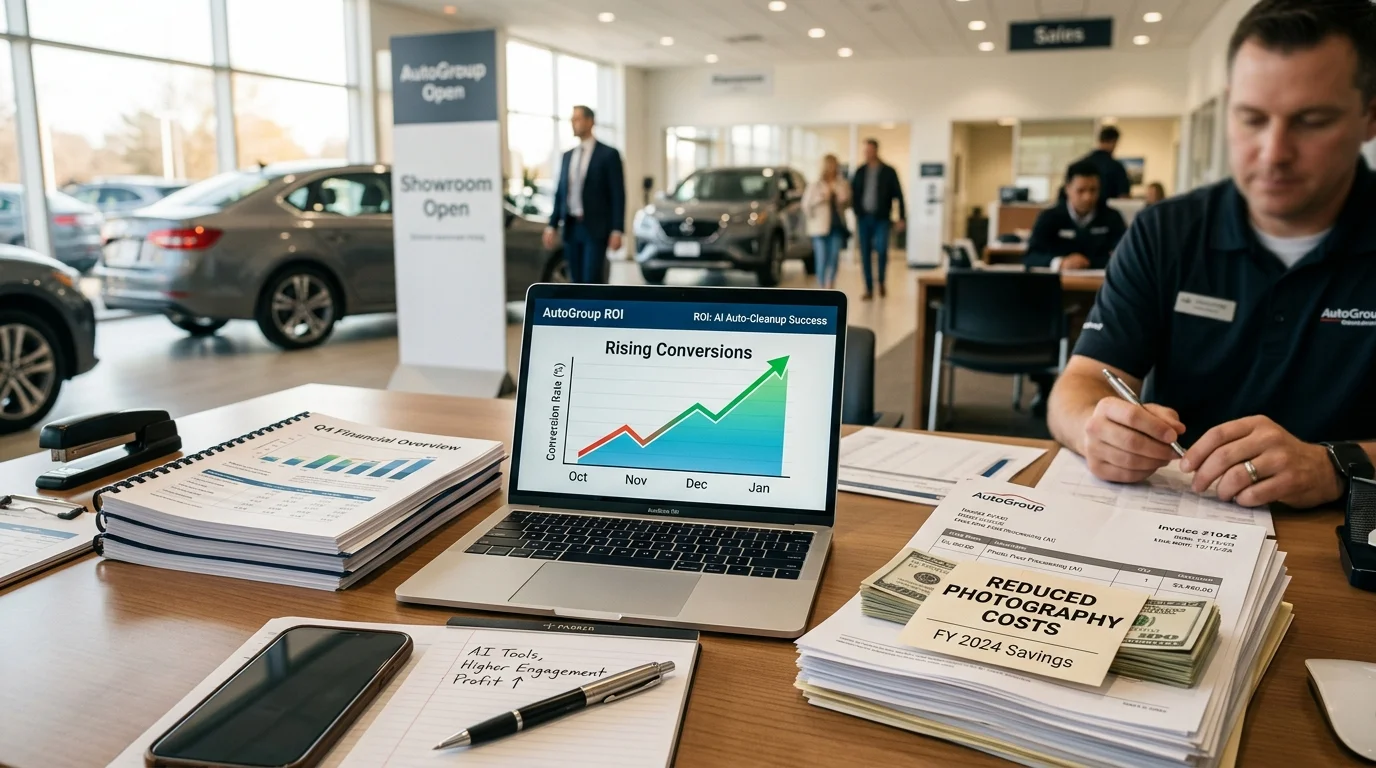
Per data from Studio Metro Desk, high-quality vehicle photos increase listing views by 47% and generate 62% more leads, with buyers willing to pay up to $1,000 more for visually appealing cars online. When dealerships replace poor visuals with professional images, VDP (Vehicle Detail Page) engagement can spike by as much as 675%, fundamentally changing how inventory moves through the sales funnel.
The mechanism is straightforward: buyers form first impressions within seconds. Professional backgrounds eliminate distracting lot clutter, inconsistent lighting, and weather-related imperfections. Consistent, studio-quality presentation builds buyer confidence and reduces friction in the consideration phase. Listings with multiple professional images generate 30% more inquiries than those with basic photography, directly shortening sales cycles and reducing days-on-lot costs.
For dealerships operating at a 2% conversion rate, a 47% increase in qualified leads translates to tangible revenue impact. A dealership selling 100 vehicles monthly at average gross profit of $2,500 per unit gains an additional $117,500 in gross profit annually by simply upgrading photo quality—a return that dwarfs the $1,500–$3,500 annual investment in AI photo cleanup tools.
Start Cleaning Up Your Car Pictures Today
The choice is clear: AI-powered background removal eliminates the friction that has traditionally made professional car photography expensive and time-consuming. Unlike manual editing workflows that demand hours of skilled labor or traditional studio setups requiring tens of thousands in capital investment, modern AI tools deliver studio-quality results in seconds—at a fraction of the cost.
Dealerships, Turo hosts, and automotive photographers can now transform lot photos into polished, consistent inventory presentations without hiring external teams or maintaining physical infrastructure. The 100+ professional backgrounds available through platforms like Car Photo Booth ensure every vehicle presents uniformly, whether you're listing a compact sedan or a luxury SUV. Buyers see consistency; consistency builds trust; trust accelerates purchase decisions.
The mechanics are straightforward: upload your photo, select a background from showroom, urban, or scenic options, and export in 4K quality within 10 seconds. No design experience required. No watermarks. No monthly retainer fees to photographers. The result is immediate, repeatable, and scalable across your entire inventory.
Start your free trial today—no credit card, no commitment. See firsthand how professional backgrounds transform your listings and how faster, cheaper photo cleanup directly impacts your bottom line through increased VDP engagement and qualified leads.