
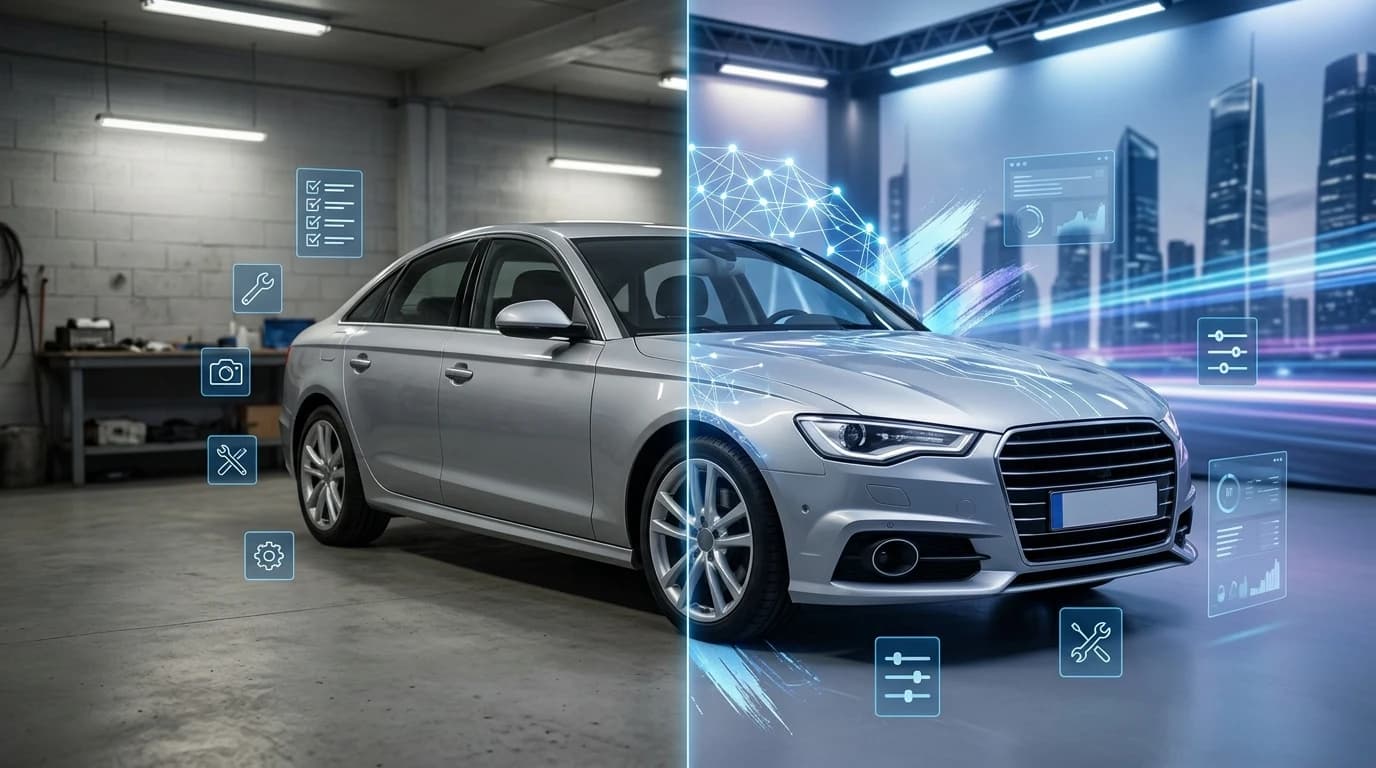
Dealership photography has long been a bottleneck for automotive businesses. Professional studio shoots cost $30–50 per vehicle, require dedicated space, and demand scheduling around photographer availability. Yet quality images are non-negotiable: according to CDK Global research, nearly 90% of car shoppers are drawn to a dealership's website based on photo quality alone. The result is a painful paradox—high-quality imagery drives sales, but producing it consistently drains budgets and creates workflow friction across inventory management.
AI image extension solves this directly. Instead of reshooting or accepting inconsistent lot photos, dealerships now expand existing vehicle pictures into polished, studio-ready assets within seconds. This technology removes backgrounds, extends compositions, and applies professional backdrops—transforming ordinary smartphone or lot photos into inventory-ready materials.
Quick Answer: AI image extension uses artificial intelligence to expand and enhance car photos by removing backgrounds and replacing them with professional studio backdrops. It solves the automotive photography problem by eliminating expensive studio sessions and producing consistent, high-quality images at a fraction of traditional costs—enabling dealers, Turo hosts, and photographers to scale inventory photography without proportional budget increases.
This guide walks you through how AI image extension works, why it's reshaping dealership photography, and practical methods to implement it into your workflow. Whether you're managing hundreds of vehicles or shooting individually, you'll discover how to stretch limited photography resources into professional-grade results.
Table of Contents
- Understanding AI Image Extension Technology for Vehicle Photography
- Step-by-Step Process: Extending Your Car Photos with AI Tools
- Real ROI: Cost Savings and Time Efficiency for Your Dealership
- Best Practices for Maximizing Photo Quality and Brand Consistency
- Common Questions About AI Image Extension for Car Photography
- Start Extending Your Car Photos Today: Next Steps for Dealerships and Photographers
Understanding AI Image Extension Technology for Vehicle Photography
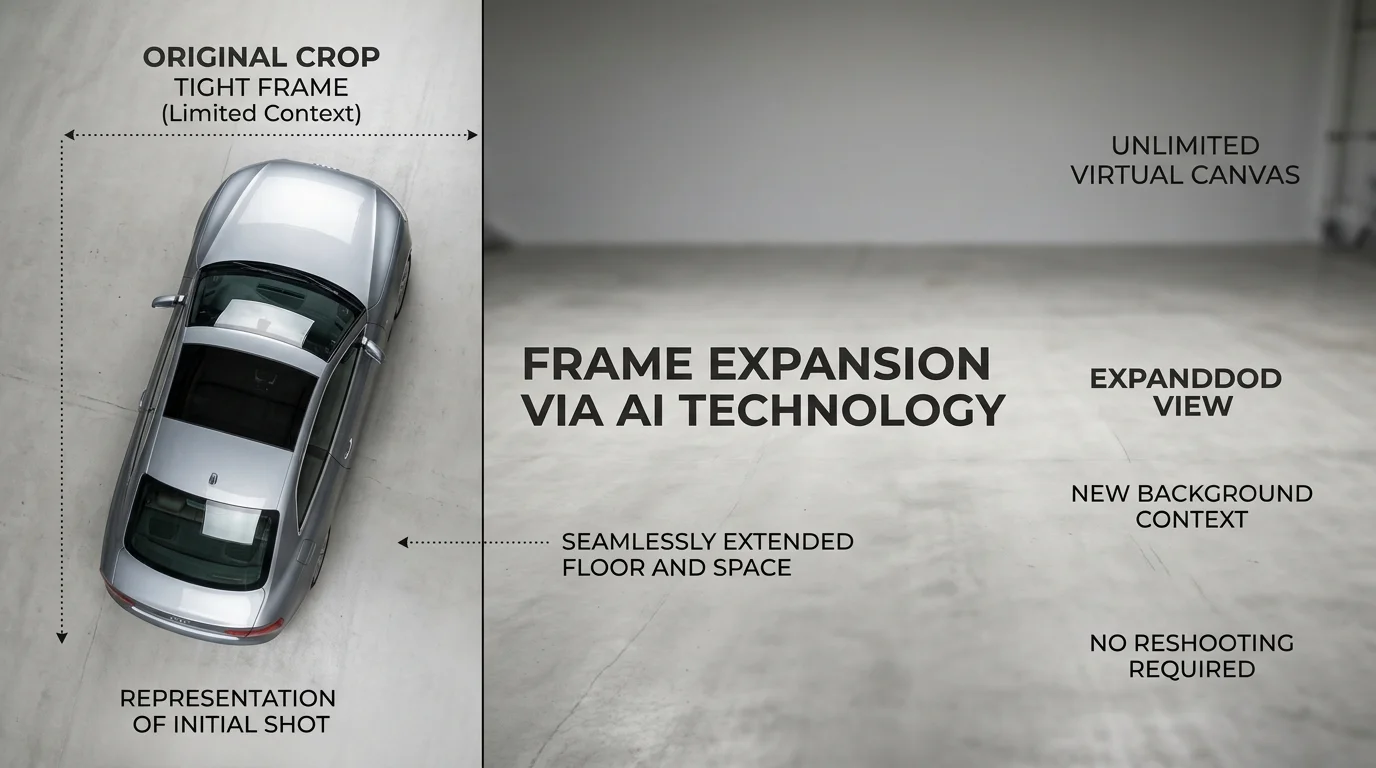
AI image extension represents a fundamental shift in how automotive photography works. Unlike simple cropping or resizing—which merely removes or compresses existing pixels—AI image extension intelligently expands the canvas of a vehicle photo while generating photorealistic new content to fill the expanded areas. This distinction matters enormously for dealers managing inventory at scale.
The core technology operates through three interconnected processes. First, AI algorithms analyze the vehicle image to identify and remove the background with pixel-level precision, isolating the car itself. Second, the system uses deep learning models trained on millions of automotive images to intelligently generate new pixels that extend the composition—understanding perspective, lighting, and spatial relationships to maintain visual coherence. Third, professional studio backdrops are seamlessly inserted behind the vehicle, creating the polished appearance of a controlled studio environment.
What makes this approach powerful is that it solves a real operational problem: inconsistent framing across inventory. A vehicle photographed on a crowded lot at noon looks fundamentally different from one shot in golden hour with distracting elements in the frame. Traditional solutions required reshooting or accepting visual inconsistency. AI image extension transforms these uneven lot photos into standardized, professional assets without returning to the lot.
The technology maintains photorealistic quality because the AI doesn't simply blur or stretch pixels—it synthesizes new content based on learned patterns from professional automotive imagery. This means expanded photos retain natural lighting, shadow behavior, and compositional balance. When you're changing car photo backgrounds at scale, this intelligent approach produces results indistinguishable from intentional studio photography, allowing dealers to present every vehicle with consistent visual quality regardless of original capture conditions.
Step-by-Step Process: Extending Your Car Photos with AI Tools
1. Upload Your Original Car Photo
Start by selecting the vehicle image you want to enhance. This can be a lot photo, a hastily framed shot, or any image where the composition feels cramped or the subject lacks breathing room. Open your AI image extender tool and locate the upload button—most platforms accept JPG, PNG, and WebP formats. The upload process typically takes 5-10 seconds depending on file size. Once uploaded, you'll see a preview of your original image. This step matters because it establishes your baseline: you're working with what you have, not starting from scratch. The AI will analyze the vehicle's position, lighting, and surrounding context to intelligently expand the frame.
2. Select Your Desired Professional Background
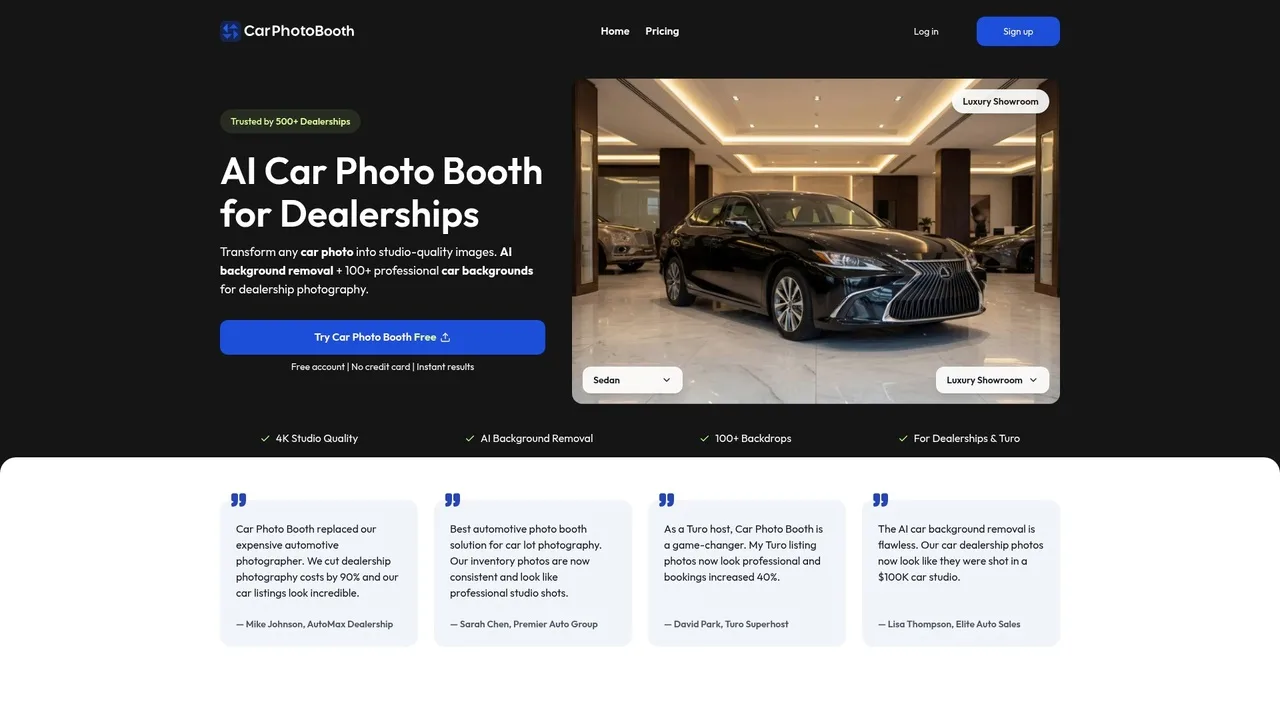
After upload, you'll access a library of pre-designed backgrounds. Car Photo Booth offers over 100 professional options—luxury showroom interiors, clean white studios, urban streetscapes, natural outdoor settings, and more. Browse through categories and select the background that aligns with your listing's narrative. A luxury sedan might benefit from a high-end showroom backdrop, while a rugged SUV could shine against a mountain landscape. This choice takes 1-2 minutes but significantly impacts perceived vehicle value. The background you select will frame how potential buyers emotionally respond to the vehicle before they even see specifications.
3. Adjust Composition and Framing
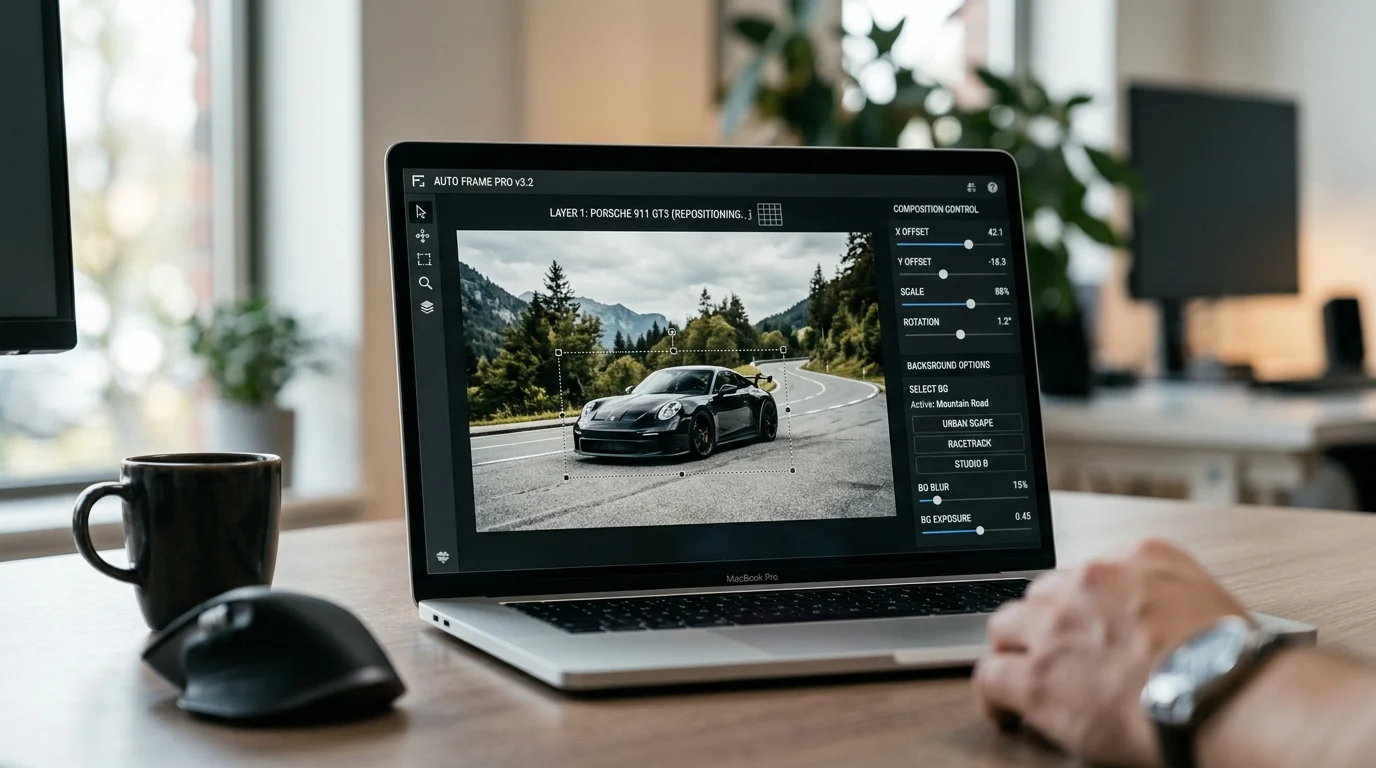
Most AI tools allow fine-tuning of the expanded composition. You can adjust where the vehicle sits within the new frame—centered, left-aligned, or positioned to create dynamic visual balance. Some platforms let you control the expansion direction (left, right, top, bottom) or adjust the intensity of the background blend. Spend 2-3 minutes here experimenting with different framings. The goal is ensuring the vehicle remains the clear focal point while the expanded space feels natural and intentional, not artificially stretched. When you change car photo backgrounds at scale, consistency in framing across your inventory creates a cohesive, professional catalog appearance.
4. Review the AI-Generated Result
Before finalizing, examine the expanded image closely. Check for seamless blending between the original vehicle and newly synthesized areas, consistent lighting and shadow behavior, and natural perspective lines. The AI should have synthesized new content that feels photorealistic, not obviously artificial. This review step typically takes 2-3 minutes and is critical—it's your quality gate. If the result doesn't meet your standards, adjust background selection or framing and regenerate.
5. Download and Export in Your Required Format
Once satisfied, download the final image. Most platforms offer multiple resolution options—2K for quick uploads, 4K for premium listings. Select your preferred format and export. The entire process, from upload to download, typically completes in under 5 minutes per vehicle. This efficiency is the core advantage: what once required studio rental, professional photographers, and post-processing now happens in minutes at a fraction of the cost.
Real ROI: Cost Savings and Time Efficiency for Your Dealership
The financial case for AI image extension is compelling when you examine the numbers side by side. Traditional automotive photography creates a cost structure that compounds quickly across inventory. Professional photographers charge between $10–$30 per vehicle on average, with experienced specialists commanding $50–$300 per hour depending on location and expertise. Physical photo booths demand upfront capital of $38,000 to $60,000+ for installation, plus monthly maintenance and financing costs of $667–$893. Post-production editing—background removal, color correction, and retouching—adds another $5–$15 per vehicle. For a dealership managing 100 vehicles, this traditional approach costs $2,000–$4,500 monthly just in photography and editing labor.
| Method | Cost Per Vehicle | Setup Cost | Time Per Vehicle |
|---|---|---|---|
| Professional Photographer | $30–$50 | $0 | 30–60 min |
| Physical Photo Booth | $25–$60 | $38K–$60K+ | 15–20 min |
| Post-Production Editing | $5–$15 | $0 | 20–30 min |
| AI Image Extension | $3 | $0 | <5 min |
AI-powered image extension collapses these costs dramatically. At $3 per vehicle with no setup fees, a dealership processing 100 cars monthly saves $2,700–$4,200 compared to traditional methods. More critically, speed-to-market accelerates by up to 82% with AI automation, reducing the $50-per-day cost of unmerchandised inventory. A vehicle listed with professional photos within hours instead of days directly impacts turnover rates and profit margins.
For Turo hosts and independent photographers, the ROI operates differently but proves equally powerful. Higher-quality listings generate more bookings and inquiries. When you can transform lot photos into studio-quality assets in minutes using AI image extension, you eliminate the friction of expensive reshoot schedules. Photographers can expand their service offerings—delivering premium backgrounds and extended compositions—without hiring additional staff or renting studio space. This scalability converts fixed costs into variable ones, making profitability achievable at any volume.
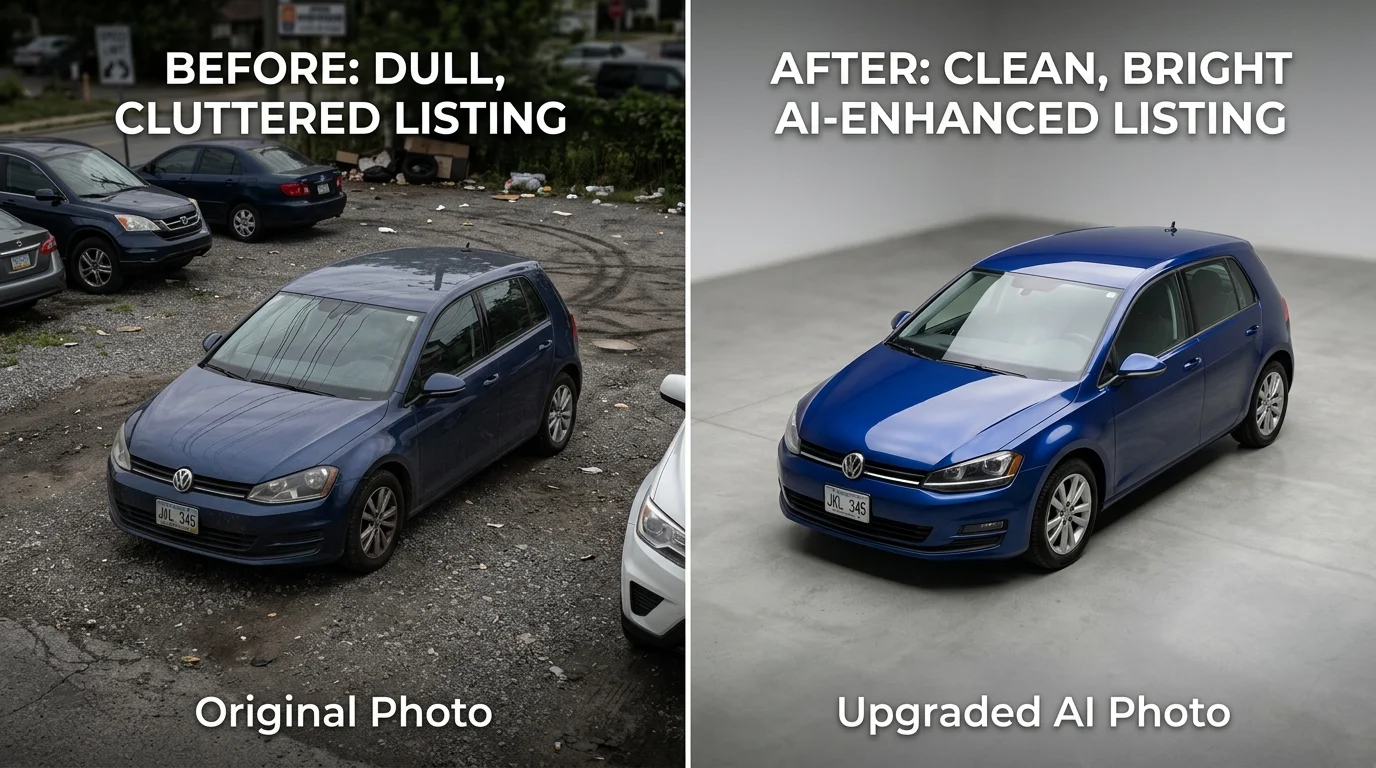
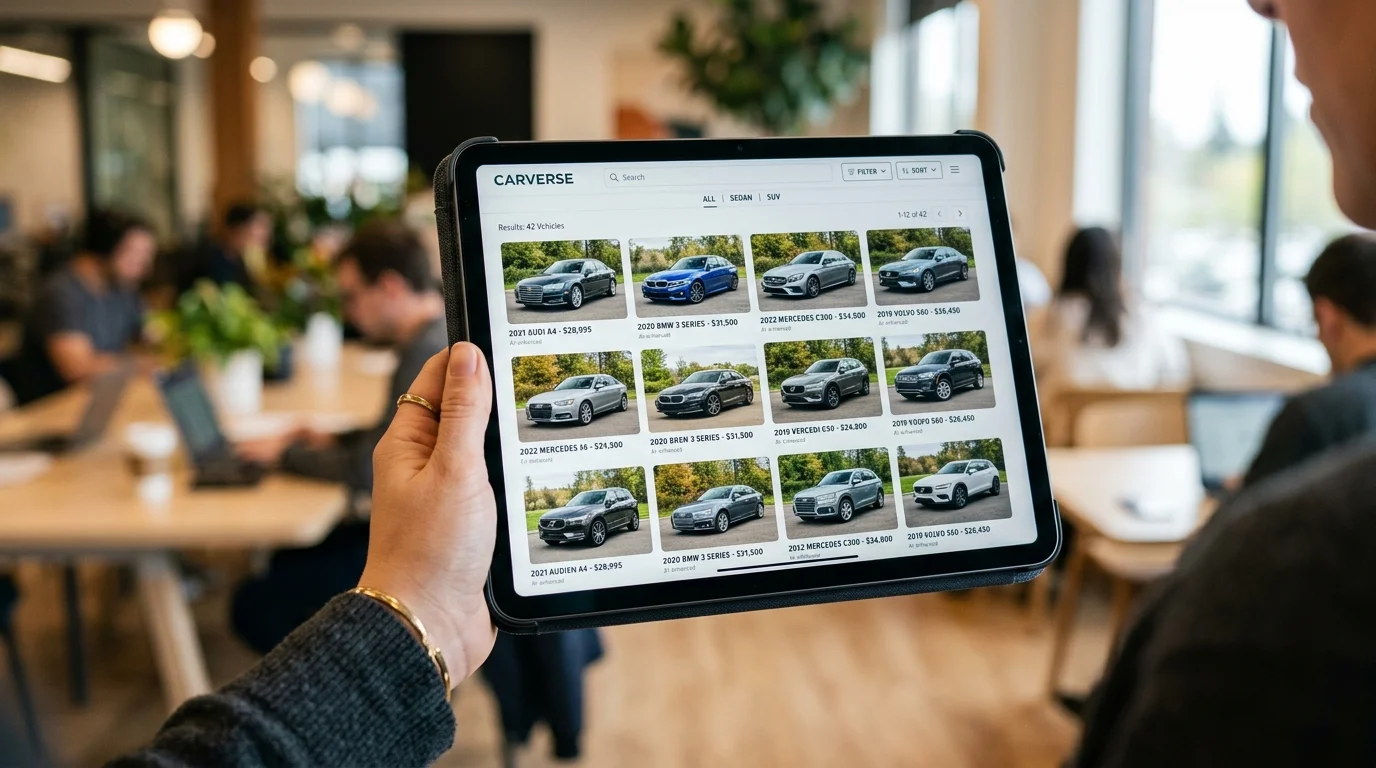
The hidden advantage lies in consistency. When you change car photo backgrounds using AI, every vehicle in your catalog maintains uniform lighting, framing, and presentation. This cohesion builds brand trust and reduces buyer friction—prospects see a professional operation, not a patchwork of amateur snapshots.
Best Practices for Maximizing Photo Quality and Brand Consistency
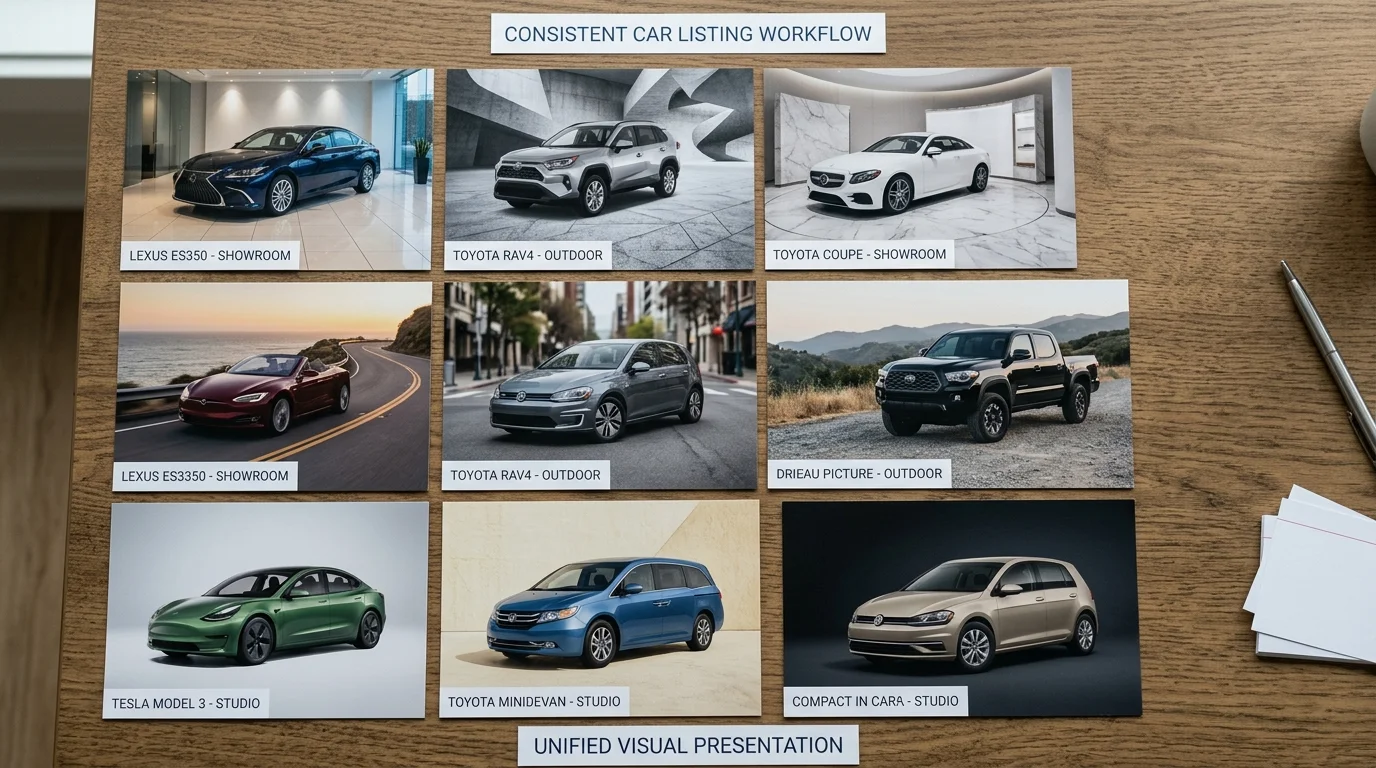
Consistency across your vehicle inventory transforms how buyers perceive your operation. When every car photo maintains uniform lighting, angle, and presentation style, prospects see a professional dealership—not a collection of hastily assembled snapshots. This cohesion builds trust and reduces friction in the buying journey.
Standardize Your Capture Angle and Lighting
Photograph vehicles from the same angle every time: typically a three-quarter front view that showcases the vehicle's profile and front fascia. Consistent lighting—whether natural overcast conditions or controlled studio setup—ensures that when you extend car photos with AI, the backgrounds integrate seamlessly. Inconsistent source material creates visible seams and unnatural compositions that undermine credibility.
Match Backgrounds to Vehicle Type and Brand Identity
Luxury vehicles belong in showroom or upscale urban settings. SUVs and trucks perform better against outdoor, rugged backdrops. Economy sedans suit clean, minimalist environments. Your brand identity color palette matters too—if your dealership uses cool blues and grays in marketing, select backgrounds that echo those tones. This intentional pairing reinforces brand recognition across every listing.
Batch Process with Quality Control Checkpoints
Process vehicles in groups of 10–20, not one at a time. After each batch, review three random samples for background quality, edge detection accuracy, and overall polish. This catches systematic issues early—perhaps your lighting angle needs adjustment, or a particular background choice isn't resonating. Batch processing also accelerates workflow and reduces per-image handling time.
Leverage Background Variety Strategically
You don't need all 100+ available backgrounds. Select 5–8 that align with your brand and vehicle mix. Rotating between two or three primary backgrounds (showroom, outdoor, neutral) while occasionally introducing a secondary option keeps inventory fresh without creating visual chaos.
Document Your Workflow
Create a simple checklist: source photo angle, lighting conditions, selected background, export resolution (4K for premium listings, 2K for volume), and final approval. This standardization ensures every team member produces identical results, critical when multiple staff handle photo processing.
When expanding your photo library, consistency compounds—each new vehicle reinforces the professional standard you've established, making your entire catalog more compelling to buyers.
Common Questions About AI Image Extension for Car Photography
Will the extended photo look realistic?
Yes, when you use a modern AI image extender designed for automotive work, the results are indistinguishable from professionally shot images. The technology analyzes your original vehicle photo—lighting, reflections, shadows, color temperature—and seamlessly extends the composition into a new background. Edge detection is precise, and the vehicle blends naturally without halos or artifacts. The key is selecting a tool built specifically for car photography rather than generic image software.
Can I use these photos on my website and in listings?
Absolutely. Extended photos are yours to use commercially—on your dealership website, classified listings, social media, and print materials. There are no licensing restrictions. You own the final image outright, which means you can modify, republish, or archive them as needed for your inventory management.
What if my original photo is low quality?
AI image extenders work best with reasonably clear source images, but they're forgiving. A slightly underexposed or soft-focus lot photo will still produce usable results because the AI focuses on the vehicle itself, not the background. However, if your original is severely blurry or has extreme lighting issues, consider retaking it first—the quality ceiling is determined by your input.
How long does processing take?
Processing is nearly instantaneous. Most modern tools, including Car Photo Booth, deliver extended images in 10 seconds or less. This means you can process an entire lot of 50 vehicles in under 10 minutes, making it practical for high-volume dealerships.
Can I customize the background colors and styles?
Yes. Professional tools offer 100+ background options—showroom environments, outdoor settings, neutral backdrops, and branded spaces. You can rotate between styles to keep your catalog fresh while maintaining visual consistency. Most platforms let you preview backgrounds before processing, ensuring brand alignment.
Start Extending Your Car Photos Today: Next Steps for Dealerships and Photographers
The case for AI image extension is no longer theoretical—it's operational reality for dealerships moving inventory faster and photographers commanding premium rates without premium overhead. The efficiency gains are immediate: processing an entire lot in minutes instead of hours, maintaining visual consistency across hundreds of listings, and eliminating the $25,000-$60,000 capital investment in physical photography booths. For Turo hosts and independent dealers, this translates directly to competitive advantage in crowded online marketplaces where first impressions drive click-through rates and conversion.
The path forward requires only one decision: start. Car Photo Booth removes friction entirely—no credit card required for your free trial account, no software installation, no learning curve. Upload your first vehicle photo, select from 100+ professional background options spanning showroom environments, outdoor settings, and neutral studio backdrops, and watch AI processing deliver studio-quality results in 10 seconds. This isn't a feature to evaluate later; it's a capability to test immediately against your current photography workflow.
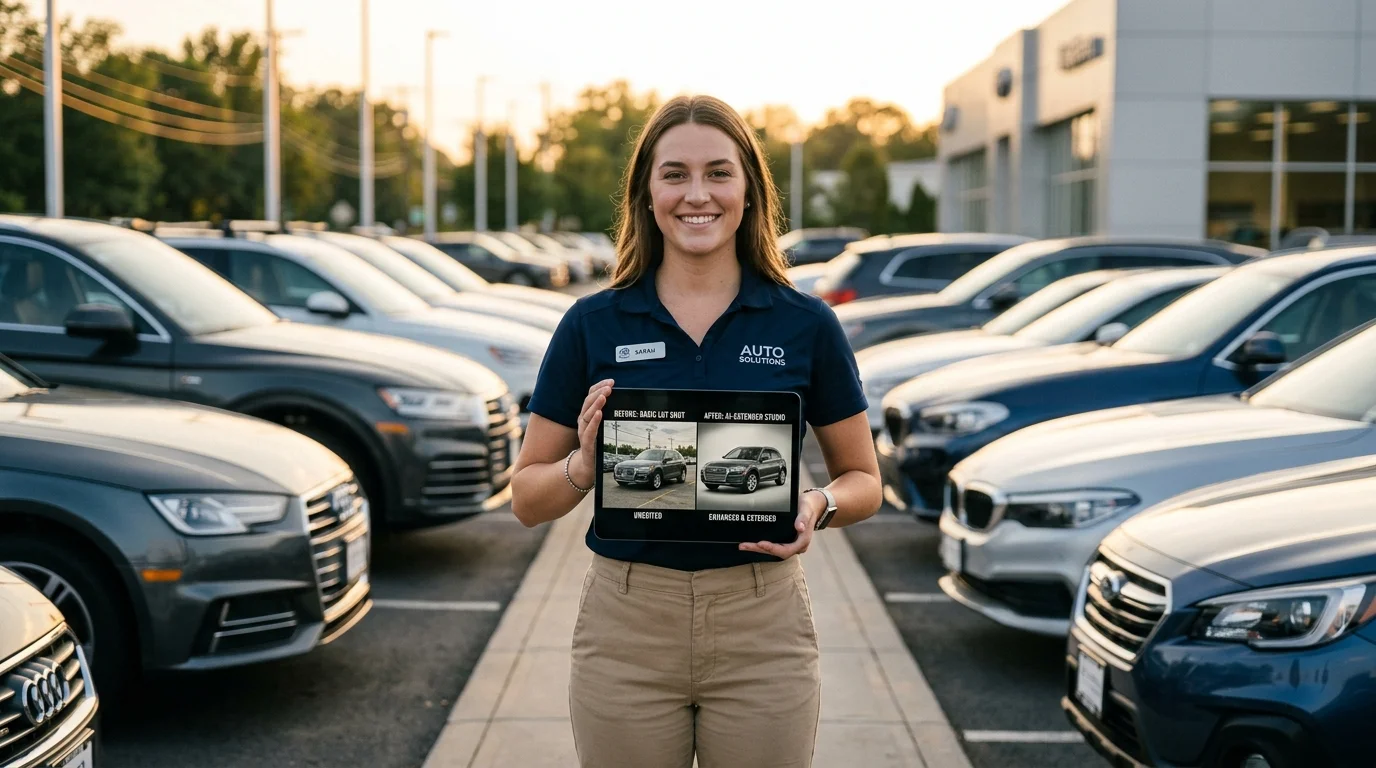
Beyond the immediate ROI, AI image extension represents the infrastructure layer of modern automotive sales. As buyers increasingly research vehicles through digital channels first, the quality and consistency of your visual assets determine whether they schedule a test drive or move to the next listing. Professional background replacement technology has matured from novelty to necessity. The competitive advantage belongs to dealerships and photographers who adopt it now, not those who wait for the technology to feel familiar.
Your next step is measurable and risk-free: process five vehicles through Car Photo Booth's free tier this week. Compare the results against your current photography standards. The data will guide your scaling decision far more reliably than any article ever could.