
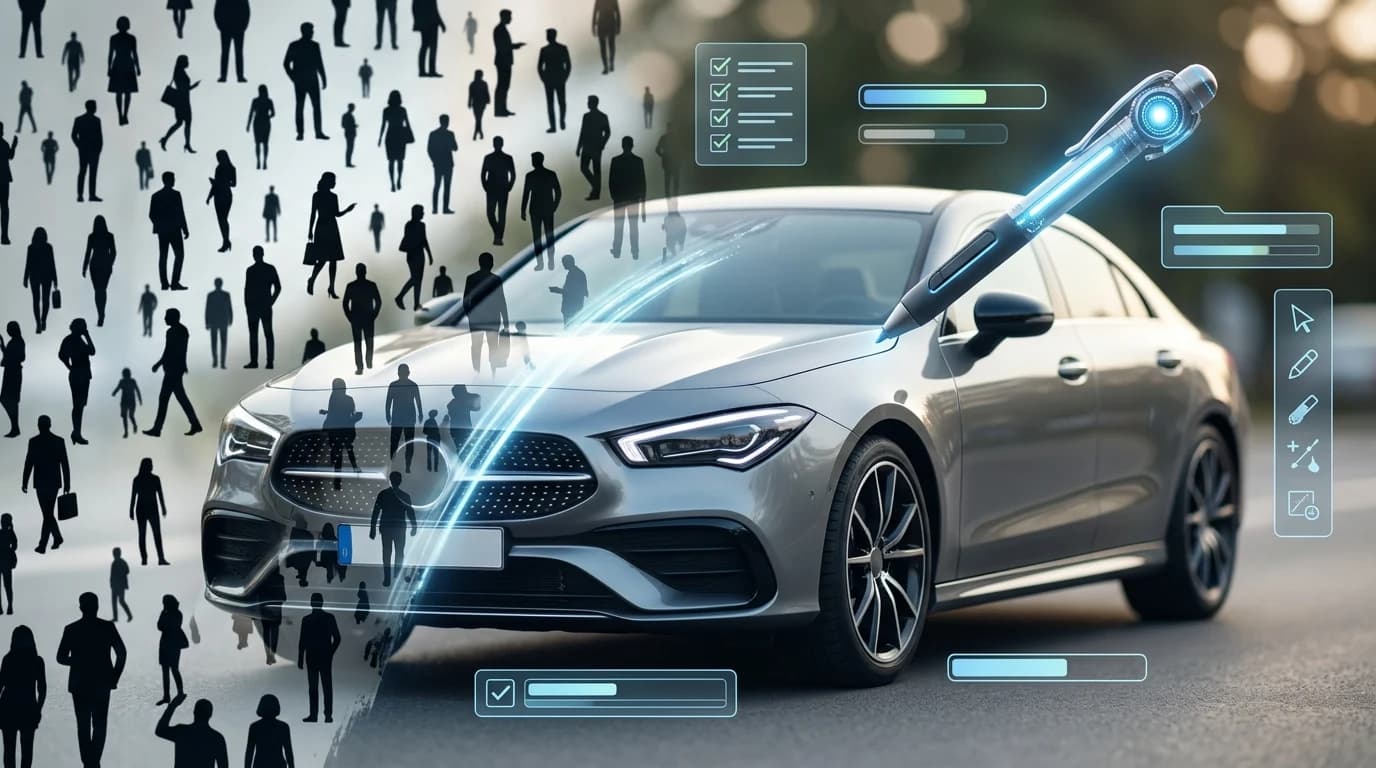
Professional car photography is expensive. A single studio session can cost $30–$50 per vehicle, and hiring a dedicated photographer for lot inventory shoots demands time and budget that most dealerships struggle to justify. Yet buyers expect clean, polished images—and the presence of people in photos creates visual clutter that distracts from the vehicle itself. A salesman leaning against the hood, a customer walking past, or even a reflection of someone in the windshield undermines the professional appearance your listings demand. Removing these distractions manually requires either reshooting (more time, more cost) or paying a photo editor for manual touch-ups (slow and inconsistent). This is where modern AI-powered solutions change the equation entirely.
Quick Answer: The fastest way to remove a person from a car photo is to use AI background removal tools like Car Photo Booth, which automatically detects and removes people while preserving the vehicle in seconds. For manual editing, Photoshop's Content-Aware Fill or free alternatives like GIMP work for smaller edits, though they require skill and take significantly longer. This guide covers both automated and manual approaches, plus when each method makes sense for your dealership workflow.
This article walks you through every method to remove people from car photos—from one-click AI solutions to professional editing techniques. You'll learn which approach fits your volume, budget, and timeline, and discover how to integrate clean photo production into your daily dealership operations.
Table of Contents
- Traditional Methods vs. AI-Powered Solutions for Person Removal
- Step-by-Step: Using AI Tools to Remove People from Car Photos
- Beyond Person Removal: Professional Background Replacement for Dealerships
- Cost and Time Savings: ROI of AI Photo Editing for Your Dealership
- Common Questions About Removing People and Objects from Car Photos
- Transform Your Car Inventory Photos Today
Traditional Methods vs. AI-Powered Solutions for Person Removal
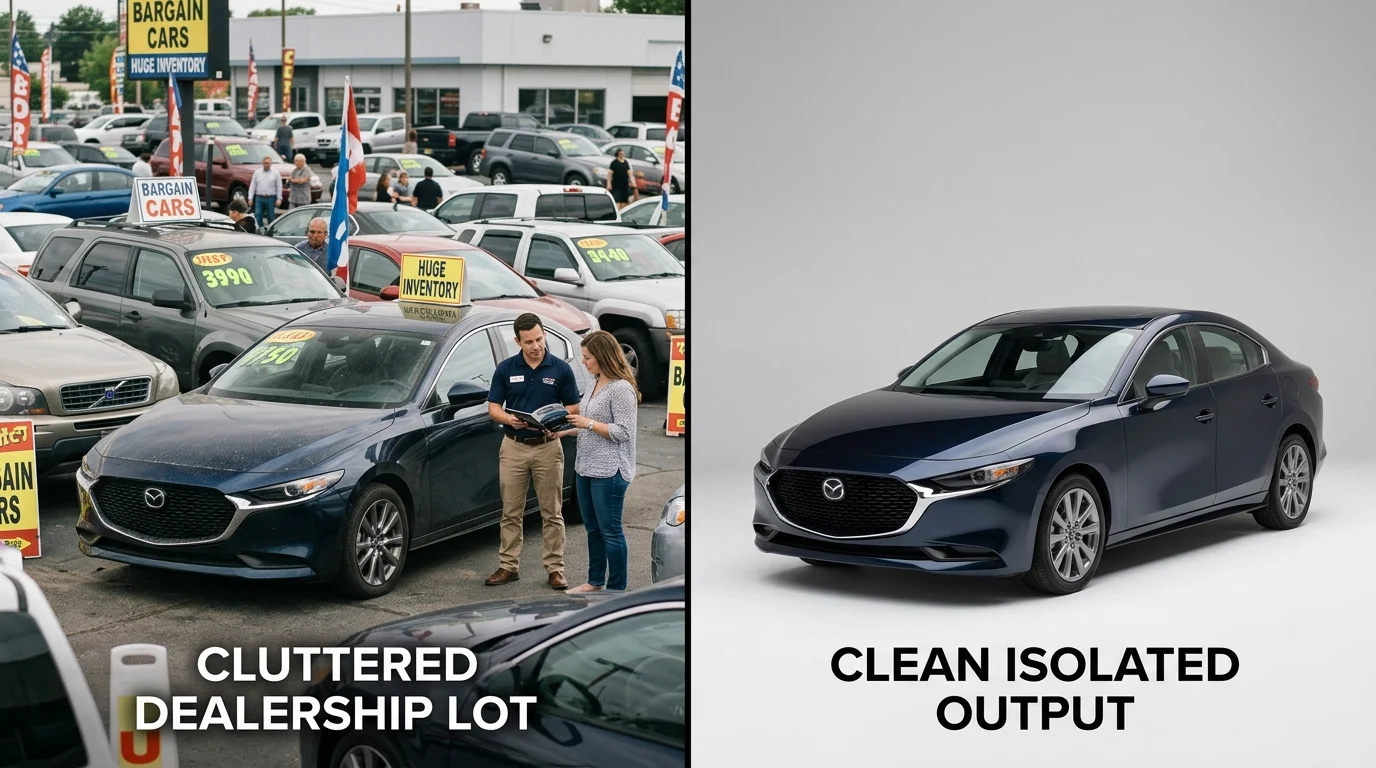
The approach you choose to remove a person from car photos fundamentally shapes your dealership's workflow efficiency and cost structure. Traditional manual methods—Photoshop editing, hiring freelance retouchers, or outsourcing to editing services—have dominated the industry for years, but they come with significant trade-offs that modern AI solutions are designed to eliminate.
Manual editing requires either in-house expertise or outsourced labor. A skilled Photoshop operator can remove unwanted people using cloning tools, healing brushes, or Content-Aware Fill, but this demands technical proficiency and typically takes 10–30 minutes per image depending on complexity. Freelance retouchers charge between $0.40 to $5+ per image, with background removal and person removal falling into the higher tier. For dealerships processing 50–100 vehicles monthly, these costs compound quickly—adding $5–15 per vehicle in post-production expenses alone.
Professional photographers and dedicated editing teams offer consistency but at a premium. According to DealerRefresh Automotive Dealer Forums, dealerships spend an additional $5–15 per vehicle on background removal and editing when using manual teams. This approach works for low-volume operations but becomes economically unsustainable at scale.
AI-powered solutions invert this equation entirely. Tools like Car Photo Booth process images in seconds—detecting and removing people while preserving vehicle detail automatically. No skill required, no per-image cost scaling, and consistency across your entire inventory. The comparison is stark: manual editing demands hours of skilled labor; AI delivers studio-quality results instantly.
| Method | Time per Image | Cost per Image | Skill Required | Consistency |
|---|---|---|---|---|
| Manual Photoshop | 10–30 min | $2–5 | High | Variable |
| Freelance retouchers | 5–15 min | $0.40–5 | None (outsourced) | Medium |
| Professional team | 5–10 min | $5–15 | None (outsourced) | High |
| AI background removal | 10–30 sec | <$1 | None | Excellent |
For dealerships serious about scaling photo production without proportional cost increases, AI-driven person removal isn't just faster—it's the only economically viable path forward.
Step-by-Step: Using AI Tools to Remove People from Car Photos
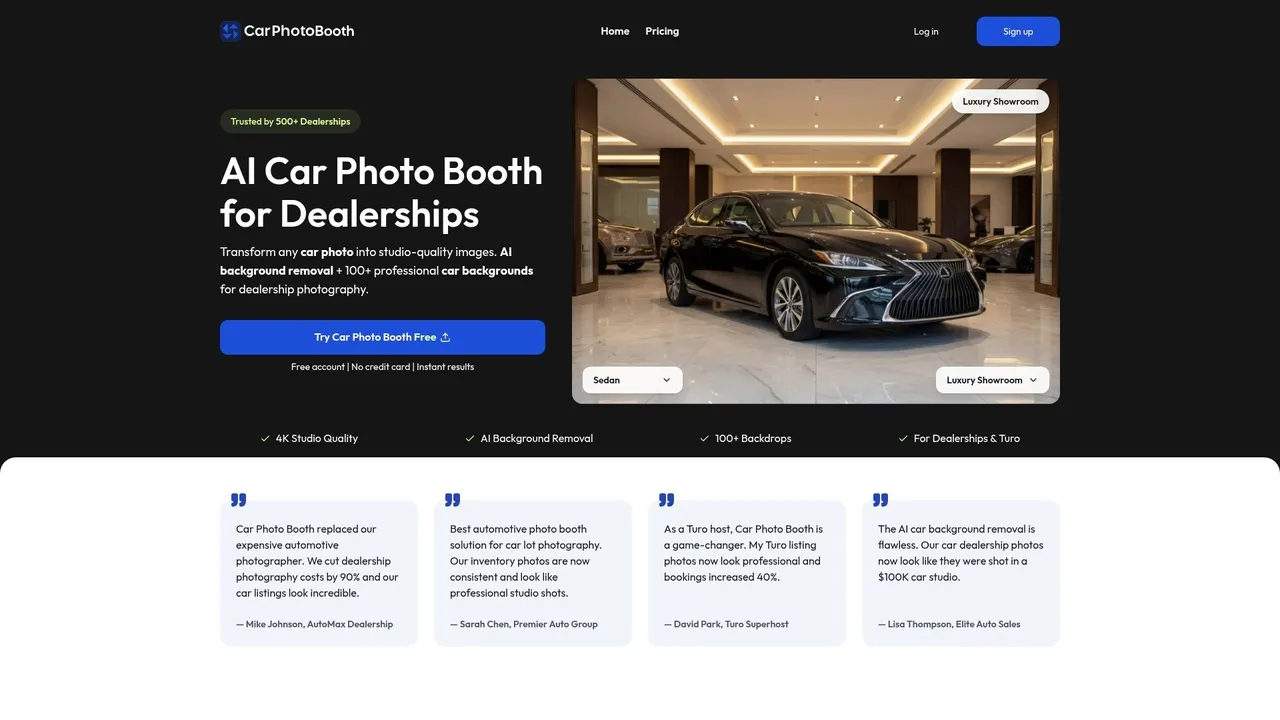
Most AI background removal tools follow a consistent workflow, making the process accessible even for users without photo editing experience. Here's how to efficiently remove people from your car photos using modern AI solutions.
Step 1: Upload Your Image
Start by selecting the photo containing the person you want to remove. Open your chosen AI tool and click the upload button—most platforms accept JPG, PNG, and WebP formats. The image should be at least 300×300 pixels for reliable processing. You'll see a preview within seconds as the tool analyzes the image content.
Step 2: Identify the Person or Object
Once uploaded, the AI automatically detects the background and foreground elements. Many tools highlight detected people with selection boxes. Review the detection accuracy—if the person wasn't fully identified, use the manual selection tool to draw around the target area. This step typically takes 10–20 seconds.
Step 3: Initiate Removal Processing
Click the "Remove" or "Process" button. The AI uses inpainting technology to intelligently fill the space where the person stood, reconstructing the background based on surrounding pixels. According to research on modern AI capabilities, these tools can process batches of 300–500 images in under 30 minutes with 99% accuracy on straightforward product photos. Processing time for a single image ranges from 10–30 seconds.
Step 4: Review the Result
Examine the output carefully. Check for seamless blending, color consistency, and any artifacts around the removal area. If the result shows imperfections, most tools allow you to adjust the selection and reprocess. This quality-control step prevents publishing visibly edited photos.
Step 5: Download and Export
Once satisfied, download the processed image. Most platforms offer 2K or 4K resolution exports. Choose your preferred format and save directly to your device or cloud storage for batch uploads to your listing platforms.
Pro Tip: Process multiple photos in succession rather than one at a time. Many AI tools, including Car Photo Booth, support batch uploads, allowing you to queue 10–50 images and process them simultaneously while you handle other tasks.
Beyond Person Removal: Professional Background Replacement for Dealerships
Removing a person from a car photo solves an immediate problem, but it addresses only half the equation. Once the unwanted figure disappears, you're left with whatever background existed in the original shot—a cluttered dealership lot, a dingy garage wall, or an unremarkable street. This is where professional background replacement transforms your workflow from damage control into strategic asset creation.
When dealerships replace poor or generic visuals with crisp, professional images, vehicle detail page engagement can spike by as much as 675%, and 95% of car buyers say professional-looking images significantly boost perceived vehicle value. A person-free photo against a generic lot backdrop still underperforms compared to the same vehicle positioned in a luxury showroom, a clean white studio environment, or a scenic outdoor setting. The background itself communicates quality, desirability, and professionalism.
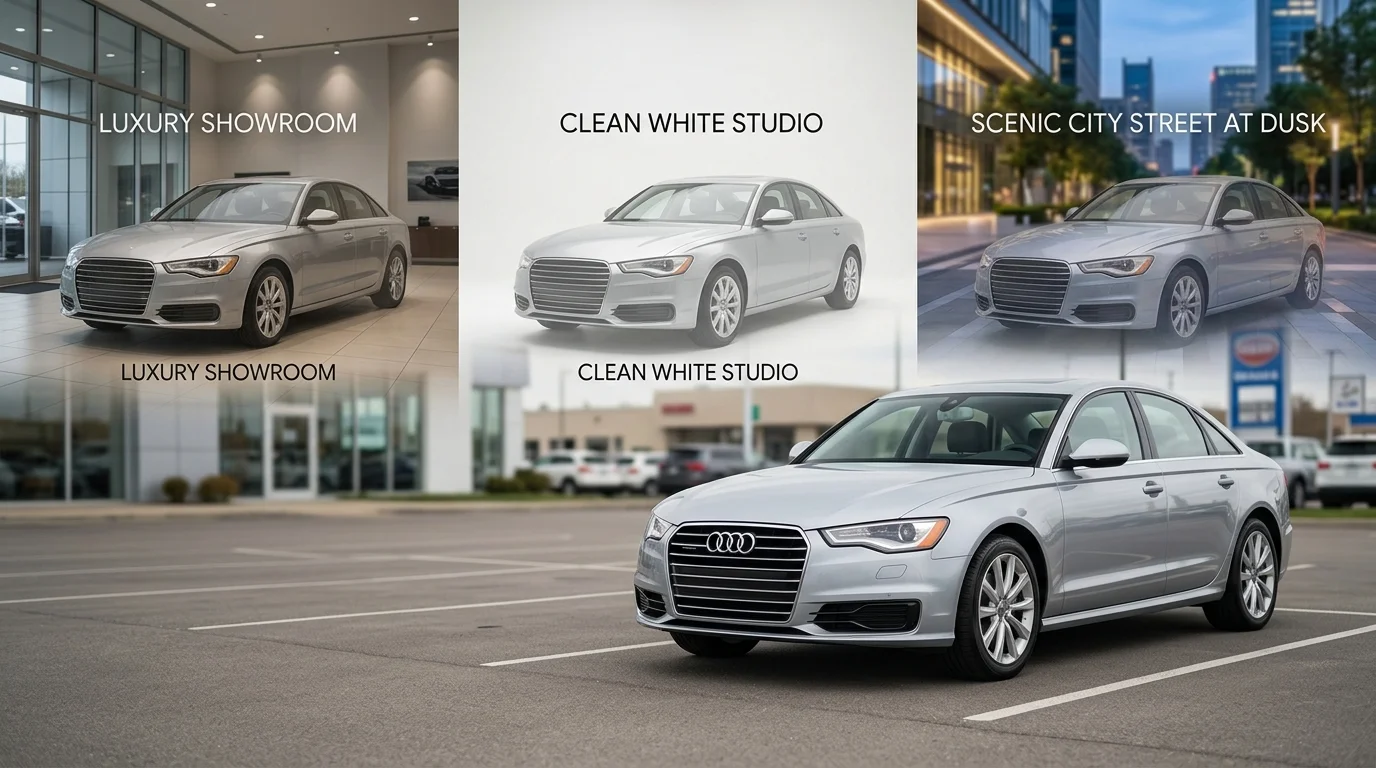
Modern AI tools now offer 100+ professionally designed backgrounds specifically built for automotive listings. These range from classic showroom interiors and minimalist white studios to dynamic urban environments and pristine natural landscapes. Rather than spending hours in Photoshop or paying $30–50 per image for a photographer to reshoot vehicles in controlled environments, you can process bulk inventory in minutes. The AI intelligently masks the vehicle boundaries and seamlessly composites it onto your chosen backdrop, preserving vehicle details while eliminating background inconsistency across your catalog.
Car Photo Booth provides exactly this capability—after removing unwanted elements, you select from premium backdrops that align with your brand positioning. A luxury dealership might choose showroom or high-end urban settings, while volume dealers benefit from clean, distraction-free white or neutral backgrounds that emphasize vehicle condition. This two-step workflow (removal + replacement) elevates casual lot photos into cohesive, professional inventory that drives conversion and justifies premium pricing in buyer perception.
Cost and Time Savings: ROI of AI Photo Editing for Your Dealership
The financial case for AI-powered photo editing is straightforward: traditional automotive photography methods drain dealership budgets while delivering inconsistent results. Consider the actual costs of conventional approaches against what modern AI solutions deliver.
| Method | Cost Per Vehicle | Setup/Monthly | Annual Cost (200 cars) |
|---|---|---|---|
| Professional Photographer | $30–50 | — | $6,000–10,000 |
| Physical Photo Booth | — | $1,350–1,717/month | $16,200–20,604 |
| Manual Retouching | $20–30 | — | $4,000–6,000 |
| AI Background Removal (Car Photo Booth) | $3–5 | Included | $600–1,000 |
A dealership managing 200 vehicles annually faces a stark reality: hiring photographers costs $6,000–10,000 per year, while physical booth installations demand $16,200–20,604 in monthly fees alone. Manual retouching adds another $4,000–6,000 to the budget. Even accounting for subscription costs, AI-powered solutions reduce per-image expenses to $3–5—a 80–90% reduction compared to traditional methods.
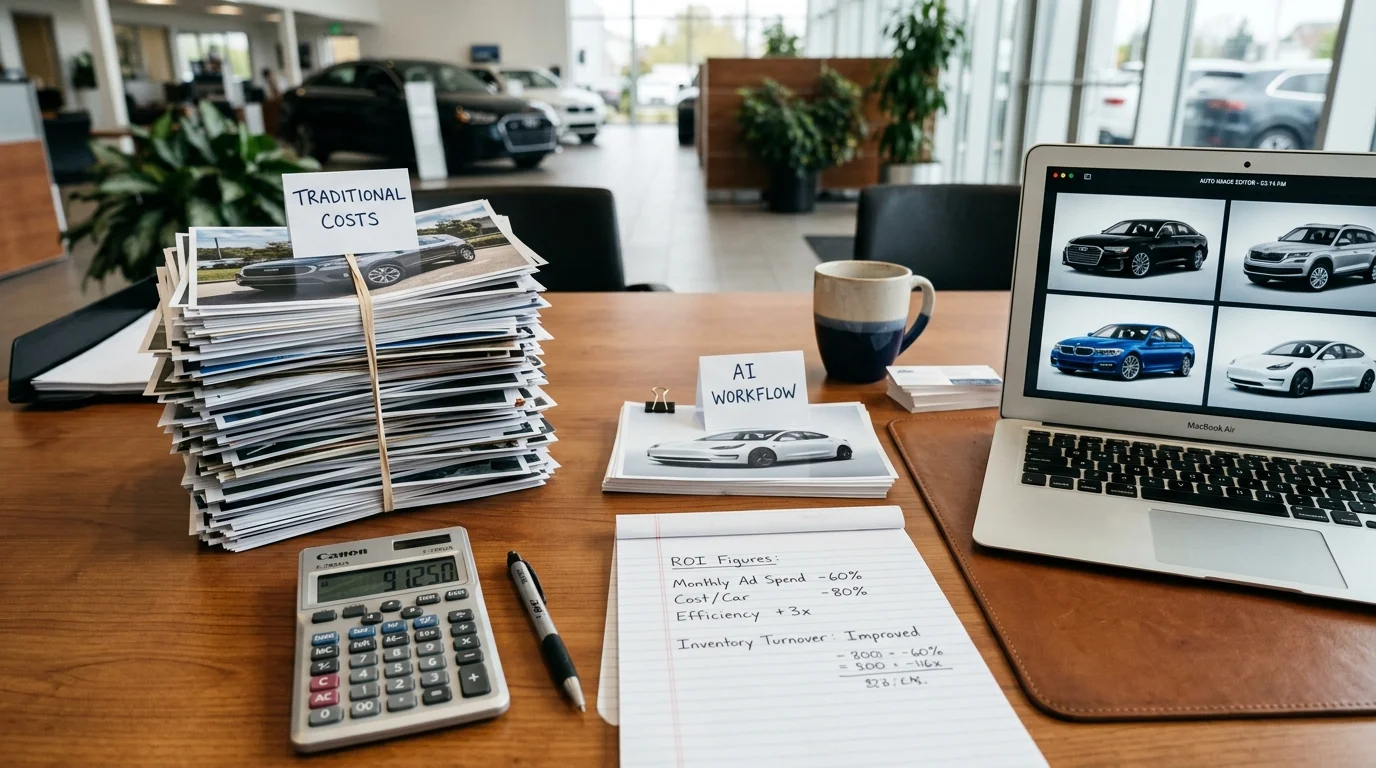
Beyond per-image savings, consider opportunity cost. Each day a vehicle sits without professional merchandising photos costs dealerships approximately $50 in lost sales velocity. AI processing eliminates delays: images transform from lot photos to studio-quality assets in seconds, not days. A dealer processing 200 cars monthly recovers $3,000 in lost selling time alone.
The ROI compounds when you factor in consistency. Traditional methods produce visual variance across your inventory—some cars shot in sunlight, others indoors, backgrounds cluttered or distracting. AI ensures every vehicle presents identically polished, professional presentation, reinforcing brand credibility and justifying premium pricing in buyer perception.
Common Questions About Removing People and Objects from Car Photos
Can AI remove people without leaving artifacts or ghosting?
Modern AI background removal tools use advanced neural networks trained on millions of images, allowing them to distinguish vehicle boundaries from surrounding elements with remarkable precision. When removing a person from a car photo, the algorithm analyzes pixel patterns and depth cues to reconstruct missing background areas seamlessly. However, results depend on image quality and contrast. If a person stands directly against a cluttered background—say, parked cars or foliage—the AI may struggle to fill the gap naturally. Clean, well-lit photos with clear subject separation produce artifact-free results consistently. Tools like Car Photo Booth process images in under 10 seconds, eliminating the need for manual touch-ups in most cases.
Does background removal work equally well on all car colors and finishes?
Yes, AI-powered removal functions independently of vehicle color or paint finish. Whether you're processing a matte black sedan, white SUV, or metallic sports car, the algorithm identifies the car's edges based on geometric and textural boundaries rather than color alone. Dark vehicles against dark backgrounds may require slightly higher image contrast for optimal results, but modern systems handle these scenarios effectively. The real variable is environmental clarity—bright, diffused lighting produces cleaner separations than harsh shadows or backlit conditions.
How long does processing typically take, and can I batch-process multiple photos?
Most AI tools process individual images in 5–15 seconds. Batch processing capabilities vary by platform. Car Photo Booth handles bulk uploads, allowing dealerships managing 50+ vehicles monthly to process entire inventory batches without manual per-image intervention. This efficiency directly addresses the workflow bottleneck that plagues traditional retouching approaches.
Can the system remove multiple people from a single photo?
Yes. AI background removal doesn't target specific individuals—it removes the entire background layer and replaces it. If three people stand in front of a vehicle, the algorithm removes all of them simultaneously along with the background, then applies your chosen professional backdrop. This makes the tool equally effective for cluttered lot photos with multiple obstructions.
Is the quality sufficient for online listings and marketing materials?
Absolutely. AI-processed images deliver 2K–4K resolution suitable for all digital channels: classified listings, dealership websites, social media, and email campaigns. The consistency and polish rival studio photography at a fraction of the cost, directly addressing why dealerships transition from expensive photographer services to automated solutions.
Transform Your Car Inventory Photos Today
The decision to adopt AI-powered photo editing represents a fundamental shift in how dealerships approach inventory presentation. Rather than accepting the cost and inconsistency of traditional studio photography, you now have access to a solution that delivers professional results in seconds. Removing people from car photos—and replacing cluttered lot backgrounds with polished studio environments—directly impacts your online presence and sales velocity.
The business case is clear: faster processing means quicker listings, consistent visual quality builds buyer confidence, and dramatic cost reductions free up budget for other marketing initiatives. When you transform vehicle photos into studio-quality images, you're not just editing pictures—you're creating a competitive advantage.
Car Photo Booth makes this transformation accessible. Upload your lot photos, remove unwanted people and backgrounds in one step, and choose from over 100 professional backdrops—all without manual retouching. The result: a polished, cohesive inventory that converts browsers into buyers.
Start with a free account today. No credit card required. Process your first batch of photos and see how AI-powered editing transforms your dealership's online presence.