
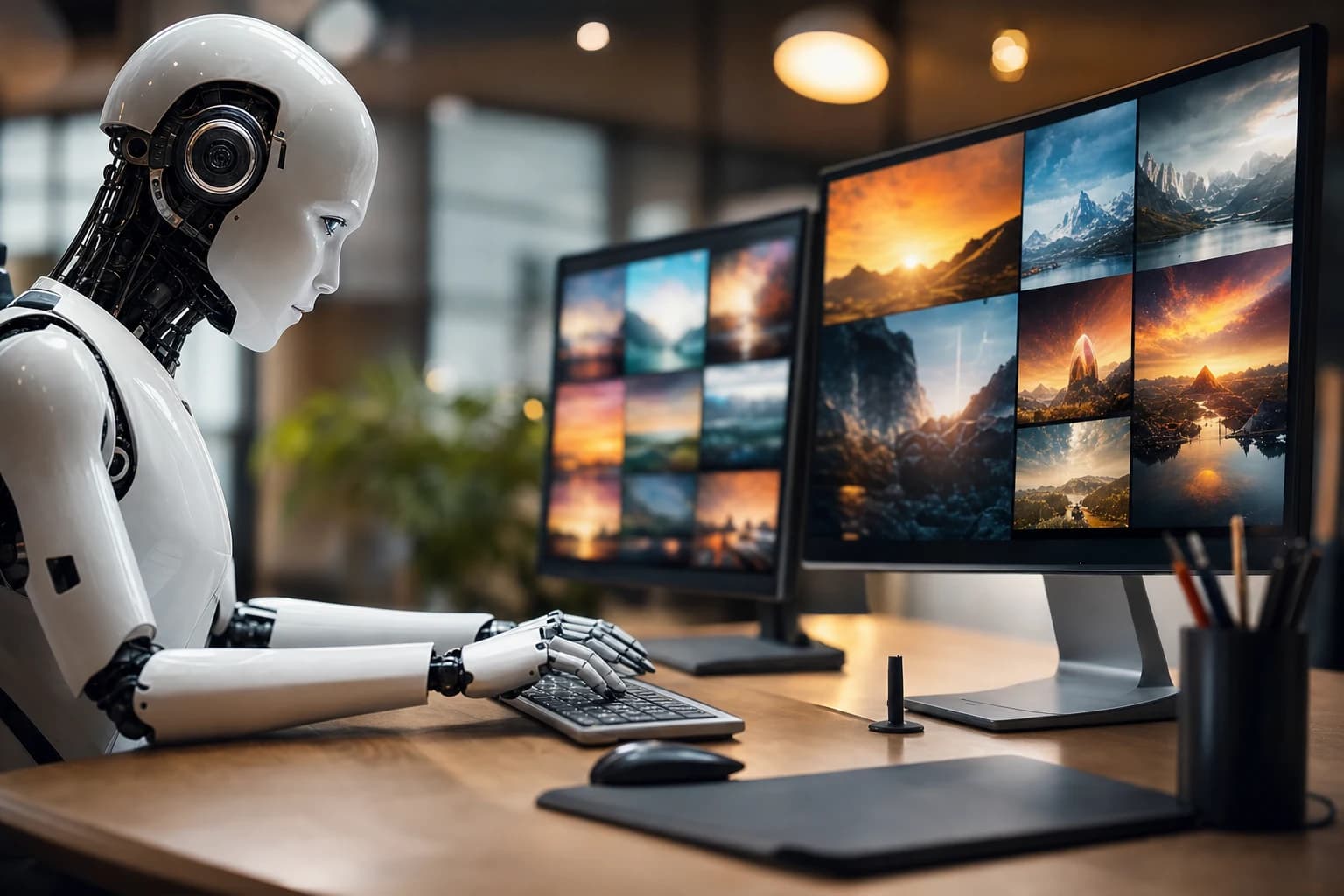
An AI banner generator for car sales represents a fundamental shift in how automotive professionals create marketing visuals. Rather than investing in expensive studio shoots or struggling with inconsistent photography from lot cameras, dealers and photographers can now transform ordinary snapshots into studio-quality promotional assets in seconds. This technology addresses the core challenge facing the automotive industry: the need for compelling, consistent imagery at scale without proportional costs.
Quick Answer: An AI banner generator automates image enhancement and background replacement, instantly converting raw car photos into professional marketing materials. For dealers, this means reduced photography costs, faster inventory uploads, and visually cohesive online listings that drive buyer engagement.
This guide explores how to leverage AI photography tools to streamline your visual marketing workflow, the practical steps to get started, common pitfalls to avoid, and when this approach works best for your dealership or photography business.
Table of Contents
- Why AI Banner Generators Matter for Auto Sales and Dealership Marketing
- How to Generate Professional Car Banners: Step-by-Step Process
- Essential Features of Top AI Banner Generator Tools
- Best Practices for Maximum Conversion and Impact
- How to Integrate AI-Generated Banners Into Your Dealership Workflow
- Common Mistakes to Avoid When Using AI Banner Generators
- Getting Started with AI Banner Generation Today
Why AI Banner Generators Matter for Auto Sales and Dealership Marketing
The competitive advantage in automotive sales hinges on a single, unglamorous reality: professional vehicle photography drives sales velocity and customer confidence. Yet most dealers and Turo hosts face a painful trade-off between cost and quality. Creating standout marketing visuals has historically meant expensive studio shoots, time-consuming manual editing, or accepting inconsistent, amateur-looking lot photos that hemorrhage sales opportunities.
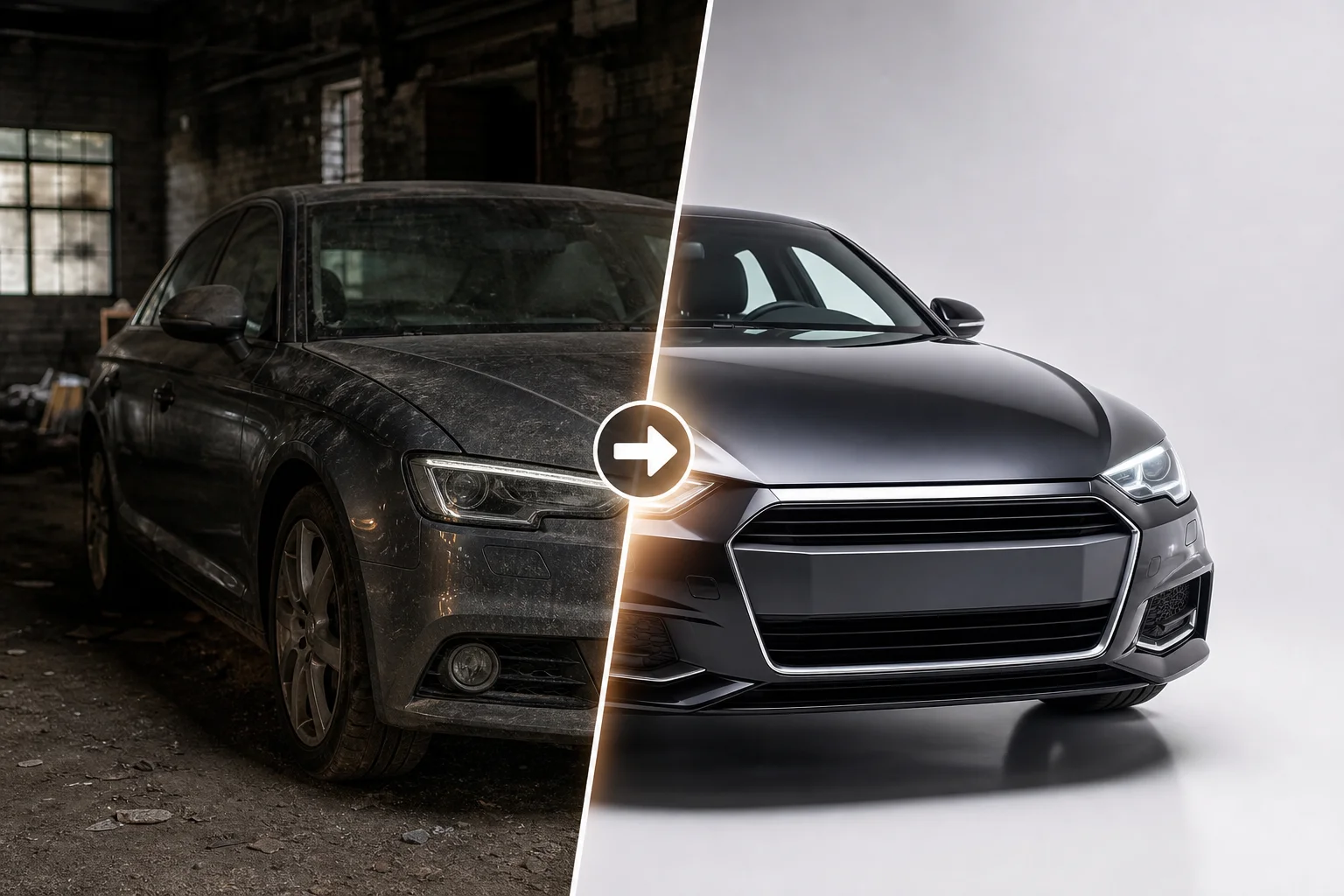
AI technology bridges the gap between amateur lot photos and professional studio imagery
How Poor Car Photos Cost You Sales
Poor-quality vehicle images create an immediate credibility gap. According to research from AutoTrader, dealerships using high-quality photos sell their cars 20% faster than those using low-quality imagery. More compellingly, 70% of car buyers identified high-quality photos as the most important factor when evaluating a purchase online.
Every delayed or substandard photo has measurable cost implications. The average vehicle holding cost approaches $46 per day in floorplan fees alone—meaning slow photography workflows directly compound your carrying costs. When potential buyers encounter grainy, inconsistently lit, or distracting background imagery, they move to the next listing. The damage extends beyond lost clicks: studies show professional images increase online-to-showroom conversion rates by 30-50%, compared to amateur photography.
The ROI of Professional-Grade Banners and Marketing Images
Automated photo enhancement tools solve this without proportional cost increases. Rather than paying professional photography rates of $200–$500 per hour, dealerships can now leverage AI-powered solutions to transform existing lot shots into studio-quality assets instantly. Listings with professionally presented photos sell 32% faster, directly reducing holding time and inventory stagnation.
The math is stark: one professional photographer handles 8–12 vehicles per day at premium rates. AI-driven dealership marketing tools—like those offered at Car Photo Booth—process unlimited inventory with consistent, professional backgrounds in seconds, scaling your marketing efforts without hiring additional staff. This democratizes professional-grade automotive imagery for smaller dealerships competing against larger chains.
How to Generate Professional Car Banners: Step-by-Step Process
The process of transforming a standard lot photo into a professional marketing asset happens in four straightforward stages. Each step builds on the previous one, and the entire workflow—from upload to final export—typically takes under two minutes per vehicle. Whether you're managing inventory across multiple platforms or creating banners for a single Turo listing, this structured approach ensures consistency and quality at scale.
Step 1: Upload Your Original Car Photo
Select a clear, well-lit photo of the vehicle taken from a three-quarter front angle—this perspective showcases the body lines and design most effectively. The photo should have a resolution of at least 1,200 × 800 pixels, though higher resolution images (1,500+ pixels) yield sharper results. Avoid images taken in harsh shadows or extreme backlighting; overcast daylight or covered lot lighting produces the best starting point for AI image processing.
Upload your file directly through the platform's interface. Most tools accept JPG, PNG, and WebP formats. The system automatically detects the vehicle and isolates it from the background within seconds. No manual selection or masking is required.
Step 2: Select Your Background and Style
Once the vehicle is isolated, choose from a library of professional backgrounds. Showroom interiors, clean white or black surfaces, urban streetscapes, and natural outdoor settings are all available options. For online listings on Autotrader or Craigslist, a crisp white or showroom background conveys professionalism and attracts immediate attention. Social media campaigns perform well with lifestyle backgrounds—think urban garages or scenic drives—that create context and emotional connection.
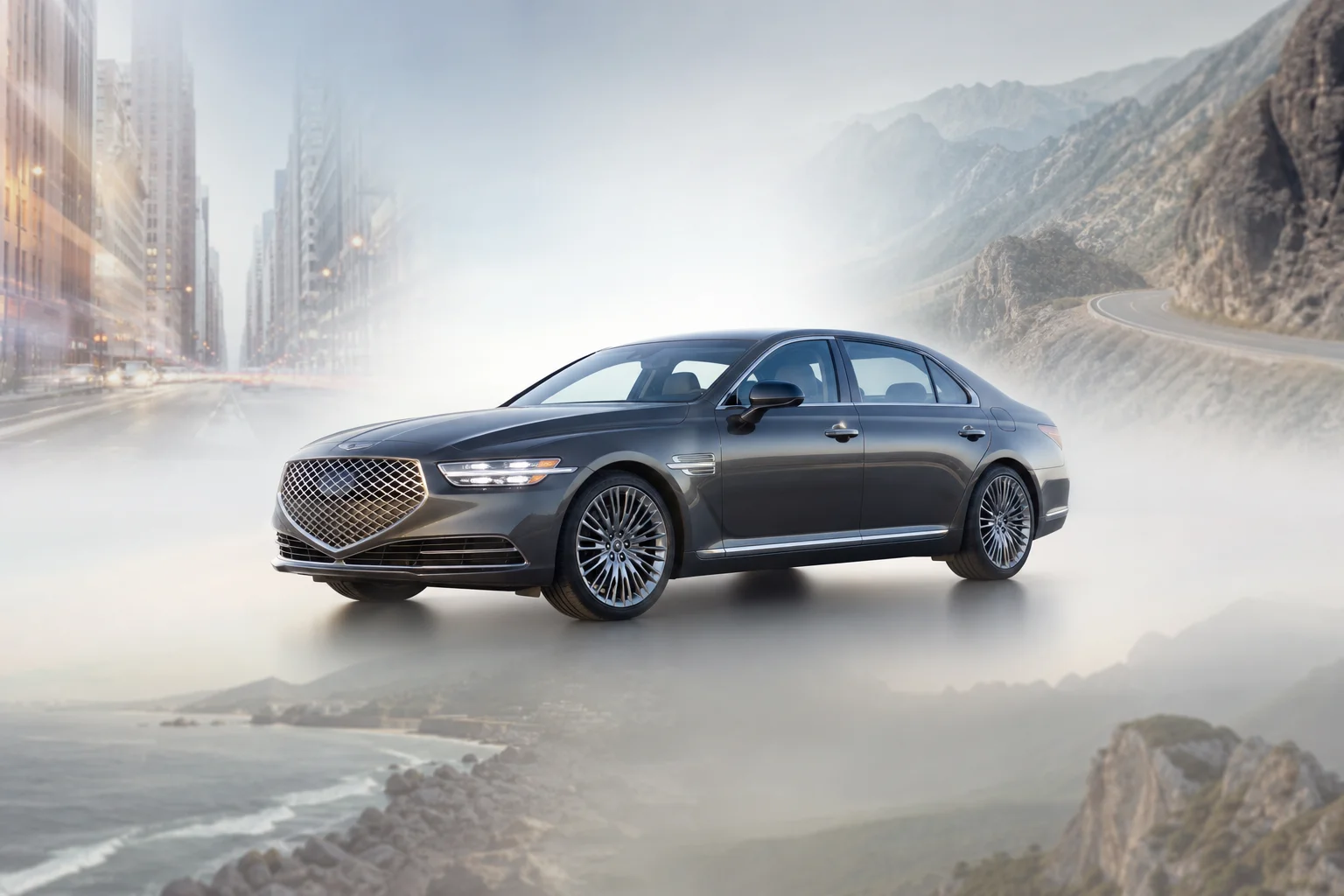
Selecting the right background context is crucial for targeting specific buyer demographics
Consider where the banner will appear: dealership websites benefit from consistent, branded backgrounds, while marketplace listings gain advantage from neutral, distraction-free settings. Select the option that aligns with your marketing channel and brand guidelines.
Step 3: Adjust Details and Fine-Tune the Output
Most AI banner creation tools offer optional refinements. Brightening adjustments help if the original photo was taken on an overcast day. Color grading corrections address unusual color casts from poor lighting conditions. Shadow adjustments add dimension and visual depth. These tweaks are subtle but noticeable—especially when comparing your enhanced image alongside competitors' amateur photographs on the same listing platform.
Step 4: Download and Deploy Your Banner
Export your image in multiple formats optimized for different platforms. Download full-resolution versions (1,920 × 1,440 pixels) for dealership websites, compressed formats for email campaigns, and square crops for Instagram. Save organized batches with clear naming conventions—this streamlines bulk uploads to Autotrader, social media, or email marketing systems. Deploy immediately across all channels to maximize visibility and reduce time-to-market.
Essential Features of Top AI Banner Generator Tools
Premium AI banner generators distinguish themselves through performance, customization depth, and integration capabilities that scale with your dealership's growth.
Background Variety and Quality Standards
The foundation of any professional tool is its background library. Industry leaders offer 50 to 100+ pre-designed backgrounds—from showroom environments and neutral studios to outdoor settings and lifestyle scenes. Quality matters more than quantity: realistic, high-resolution backgrounds maintain credibility with potential buyers, while cheap-looking, obviously photoshopped backdrops undermine your listing's authority. A strong professional background library eliminates the need for expensive re-shoots and ensures visual consistency across your entire inventory.
Speed and Scalability for High-Volume Dealerships
Processing velocity separates tools designed for hobbyists from enterprise solutions. According to research from Spyne, AI editing processes a complete vehicle set in under 60 seconds, compared to 3–7 day backlogs with manual workflows. For dealerships managing hundreds of vehicles, batch processing capabilities and API integration with your dealership management system become critical. These automations save hours weekly and enable rapid deployment across Autotrader, Craigslist, social channels, and your website simultaneously.
| Feature | Essential | Premium Only |
|---|---|---|
| Background Library | 20–50 options | 100+ curated backgrounds |
| Processing Speed | 2–3 min per image | <60 seconds per set |
| Batch Processing | Limited | Unlimited concurrent uploads |
| API Integration | No | Yes, with DMS systems |
| Brand Customization | Basic | White-label, custom logos |
| Support | 24/7 phone + dedicated manager |
Best Practices for Maximum Conversion and Impact
Technical capability means nothing without strategic deployment. The difference between a dealer generating professional images and a dealer converting those images into sales lies in how intentionally you apply them across your vehicle inventory and marketing channels.
Matching Backgrounds to Your Target Buyer
Your background choice directly shapes buyer psychology and perceived value. Luxury vehicles photographed against upscale showroom or premium urban environments signal higher market positioning—these backgrounds attract serious, high-intent buyers with established budgets. Budget-conscious shoppers, by contrast, respond better to clean, neutral backgrounds that emphasize affordability and clarity without unnecessary visual complexity.
Platform matters equally. A Turo listing attracts travelers evaluating rental experiences—lifestyle backgrounds perform better here. Dealership websites and Craigslist listings serve different purposes: dealership sites benefit from consistent branded backgrounds that reinforce professional identity, while Craigslist buyers expect straightforward, honest imagery. Test different background styles with your audience segments and track click-through rates and inquiry volume to identify what resonates. Choosing the best background for a car photo requires understanding not just aesthetics, but buyer intent.
Building Consistency Across Your Inventory
Professional appearance builds trust faster than perfection. When every vehicle photo uses the same background style, lighting approach, and color grading, buyers perceive your inventory as curated and trustworthy rather than hastily assembled from random smartphone shots. This visual uniformity directly reduces hesitation—buyers who see consistent quality across 50 inventory photos make faster purchase decisions.
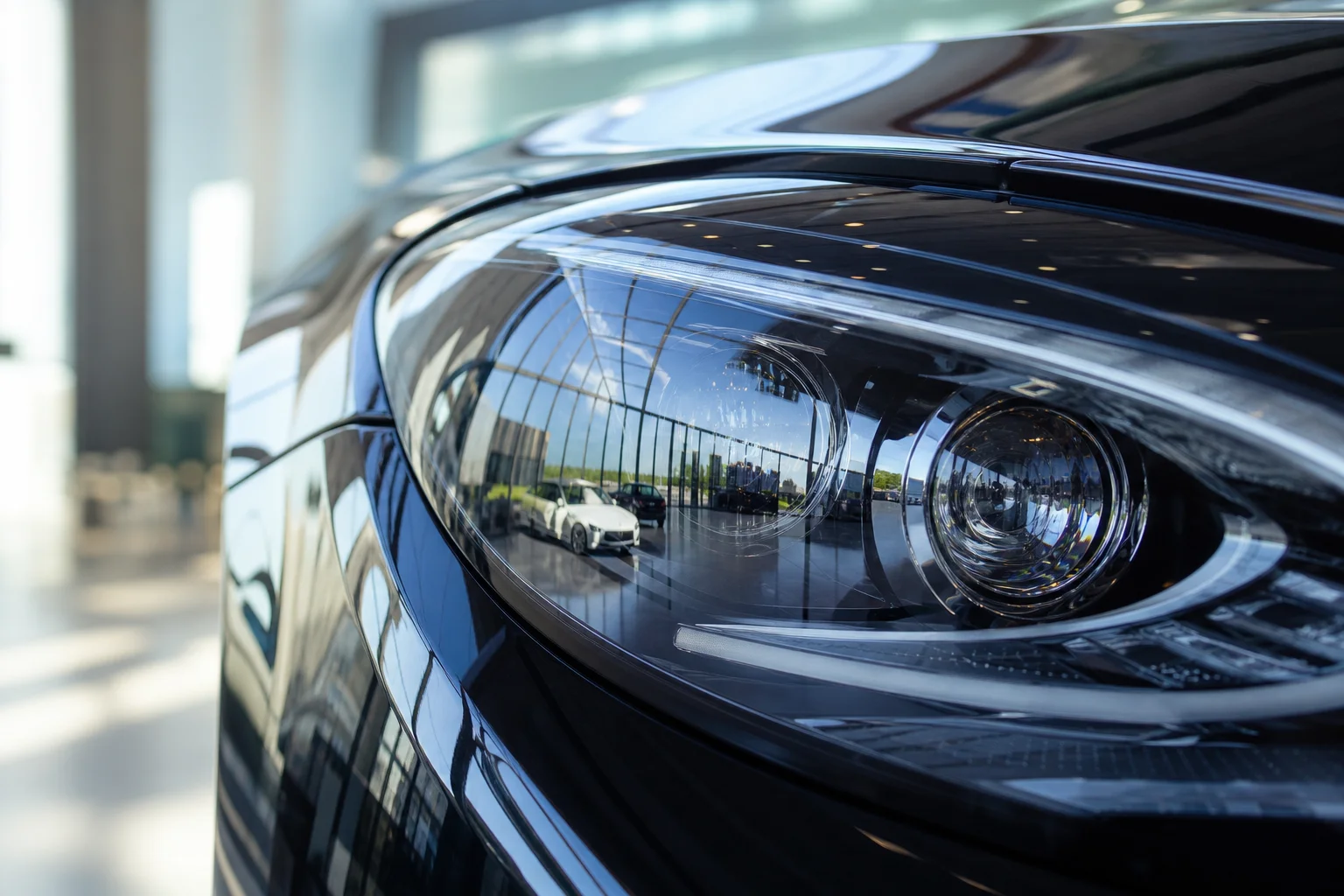
Consistent lighting and backgrounds across inventory build immediate trust with potential buyers
Consistency also accelerates your vehicle listing strategy across channels. A standardized approach to background selection means you can repurpose the same edited photos across your website, marketplace listings, and social campaigns without awkward visual discontinuity. This multiplies your marketing optimization efforts—one professional image serves multiple conversion points rather than requiring channel-specific variations. The strategic layer transforms capability into measurable results.
How to Integrate AI-Generated Banners Into Your Dealership Workflow
Consistency across your inventory means nothing if the process requires manual intervention at every stage. Integration is where operational efficiency becomes measurable revenue. The goal is to embed AI-generated banners into existing dealership systems so that processing happens automatically—photos uploaded, backgrounds applied, listings populated—without requiring your team to switch between tools.
Automating Photo Workflows with API Integration
Enterprise-level AI tools offer API access that connects directly to your dealership management system (DMS) and listing platforms. When you configure this integration, the pipeline becomes seamless: a new vehicle enters your inventory, photos are automatically sent to processing, backgrounds are applied based on your preset standards, and the finished images push directly to your website, AutoTrader, Cars.com, and local classifieds without manual steps. According to research from Dealer Image Pro, dealers achieve a 4-day speed-to-market increase on average using automated photography systems with API integration. Given that the average dealership days' supply in 2026 is 76 days, every day matters for inventory turnover and floorplan costs.
The financial impact is equally stark: compare manual photo outsourcing at $45 to $120 per vehicle against AI processing that costs under $0.50 per image. For a dealership processing 100 vehicles monthly, that's a difference between $54,000–$144,000 annually versus mere hundreds of dollars.
Organizing and Managing Generated Image Libraries
As volumes scale, naming conventions and metadata become critical:
- Folder structure:
/VIN-StockNumber/GeneratedAssets/BackgroundVariations/ - File naming:
VIN-VehicleName-BackgroundStyle-DateProcessed(e.g.,5TDJKRFH7KS234567-2022-Toyota-Highlander-ShowroomWhite-2026-01-15) - Tagging system: Add metadata tags (color, condition, background type, listing channel)
- Cloud storage: Use unified platforms with API access for automatic sync across systems
This structure allows your team to retrieve, repurpose, or update images across hundreds of listings in seconds—transforming reactive photo management into a scalable asset library.
Common Mistakes to Avoid When Using AI Banner Generators
Even capable AI tools fail without proper fundamentals:
Low-quality source images: AI enhances existing content—blurry or underexposed photos produce disappointing results. Ensure proper lighting and sharpness before processing. Re-shoot weak inventory rather than relying on AI to salvage subpar source material.
Mismatched backgrounds: A luxury sedan against an industrial backdrop creates visual discord. Match backgrounds to vehicle positioning: premium vehicles deserve professional showroom settings; work trucks suit practical contexts. This foundational image optimization principle prevents marketing pitfalls.
Over-processing artifacts: Excessive saturation, contrast, or clarity creates artificial plastic results. Restrained adjustments maintain authenticity and professional credibility far better than aggressive enhancement. Quality control means knowing when to stop.
Ignoring platform specifications: Social feeds, marketplaces, and dealership sites demand different aspect ratios. Processing without verifying final dimensions forces awkward cropping during deployment, negating your optimization effort and destroying composition.
Visual inconsistency across inventory: Varying backgrounds, lighting intensity, and processing depth fragment your catalog. Establish standards—consistent color temperature, background families, saturation levels—and apply uniformly across all listings to reinforce brand professionalism.
Quick solution: Create a quality control checklist before batch processing. Define acceptable source criteria, standardize background selections by vehicle tier, and test processed images on actual listing platforms. Professional car backgrounds should reinforce the vehicle, not distract from it.
Getting Started with AI Banner Generation Today
AI banner generation eliminates the cost and time barriers of traditional studio photography. These tools deliver consistent, professional-quality visuals at scale—essential for dealerships and rental platforms in today's inventory-driven marketplace. Your implementation guide starts here: test the technology with current lot photos, establish quality standards across your catalog, and measure conversion lift. Professional car backgrounds transform ordinary listings into showroom-ready assets. With Car Photo Booth, process inventory in minutes rather than weeks. Start free today and let the results guide your next steps—when professional visuals drive engagement, the data speaks for itself.
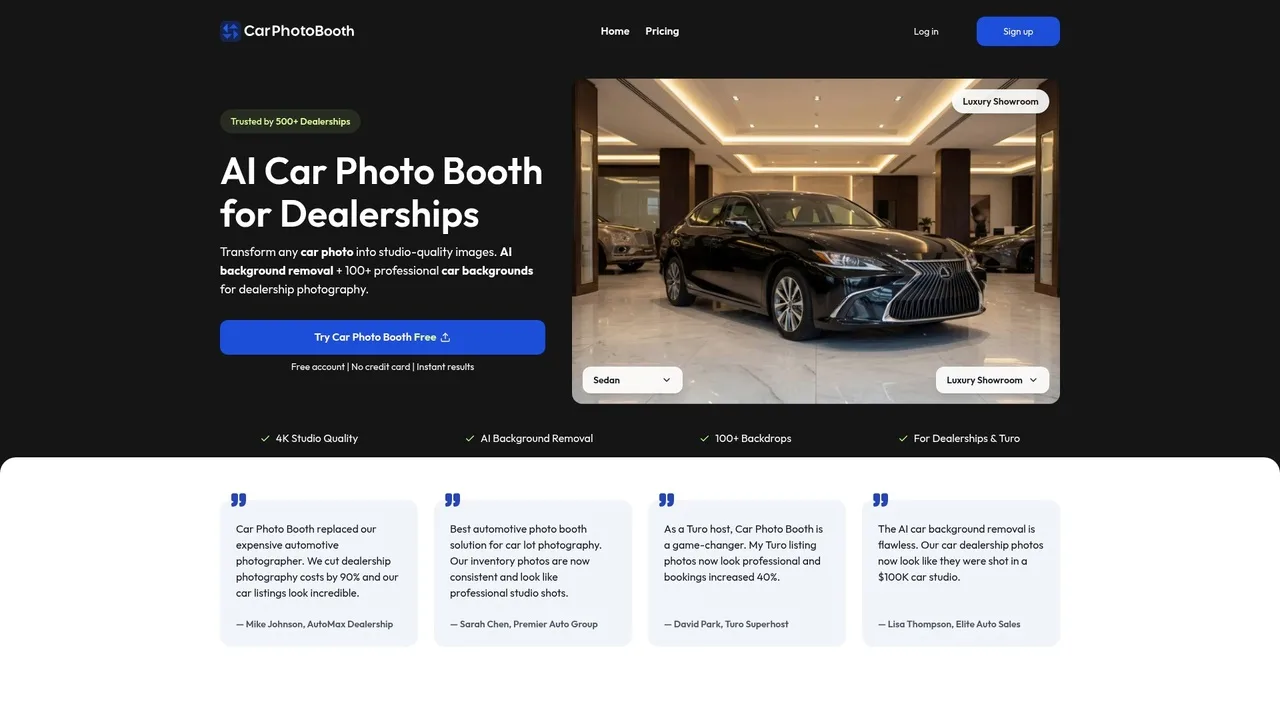
Car Photo Booth offers an intuitive interface for transforming raw photos into marketing assets