
Car dealerships face a persistent challenge: creating consistent, professional-quality vehicle photos at scale without the prohibitive costs of studio photography or professional photoshoots. Lot photos are often inconsistent—taken in harsh sunlight, cluttered backgrounds, or varying lighting conditions—making inventory look less appealing than it deserves. Traditional solutions demand $25,000–$60,000 in booth equipment or $30–$50 per vehicle in photographer fees. Free AI photo editors eliminate this friction entirely, automating background removal and replacement in seconds while maintaining studio-quality results. These tools solve the core problem: transforming ordinary lot photos into polished, market-ready images without hiring professionals or building expensive infrastructure. This shift democratizes automotive photography, enabling dealerships of any size to compete visually online.
Quick Answer: Free AI photo editors use machine learning to automatically remove car backgrounds and replace them with professional studio settings, turning basic lot photos into gallery-quality images in under a minute. They eliminate expensive studio costs, ensure visual consistency across inventory, and integrate seamlessly into dealership workflows—ideal for dealers, Turo hosts, and auto photographers managing high-volume listings. Solutions like AI photoshoot technology deliver 2K–4K resolution exports with zero watermarks, making professional photography accessible without hiring specialists.
This article reviews the best free and freemium AI photo editors available in 2026, comparing features, ease of use, and output quality. We'll cover which tools work best for different dealership sizes, explain how AI background replacement actually works, and guide you toward solutions that integrate with your existing photo management systems. Whether you're processing five vehicles or five hundred per month, you'll find a practical option that fits your workflow and budget.
Table of Contents
- How Free AI Photo Editors Work for Automotive Images
- Top Free AI Photo Editors for Car Dealerships and Auto Businesses
- Cost-Benefit Analysis: Free AI Editors vs. Professional Photography Services
- Getting Started: Step-by-Step Guide to Using Free AI Photo Editors for Car Listings
- Frequently Asked Questions About Free AI Photo Editors for Auto Sales
- Choosing the Right Free AI Photo Editor for Your Auto Business in 2026
How Free AI Photo Editors Work for Automotive Images
Free AI photo editors for automotive use rely on machine learning models trained to recognize vehicle boundaries and separate them from their surroundings. The core process happens in three stages: detection, removal, and replacement.
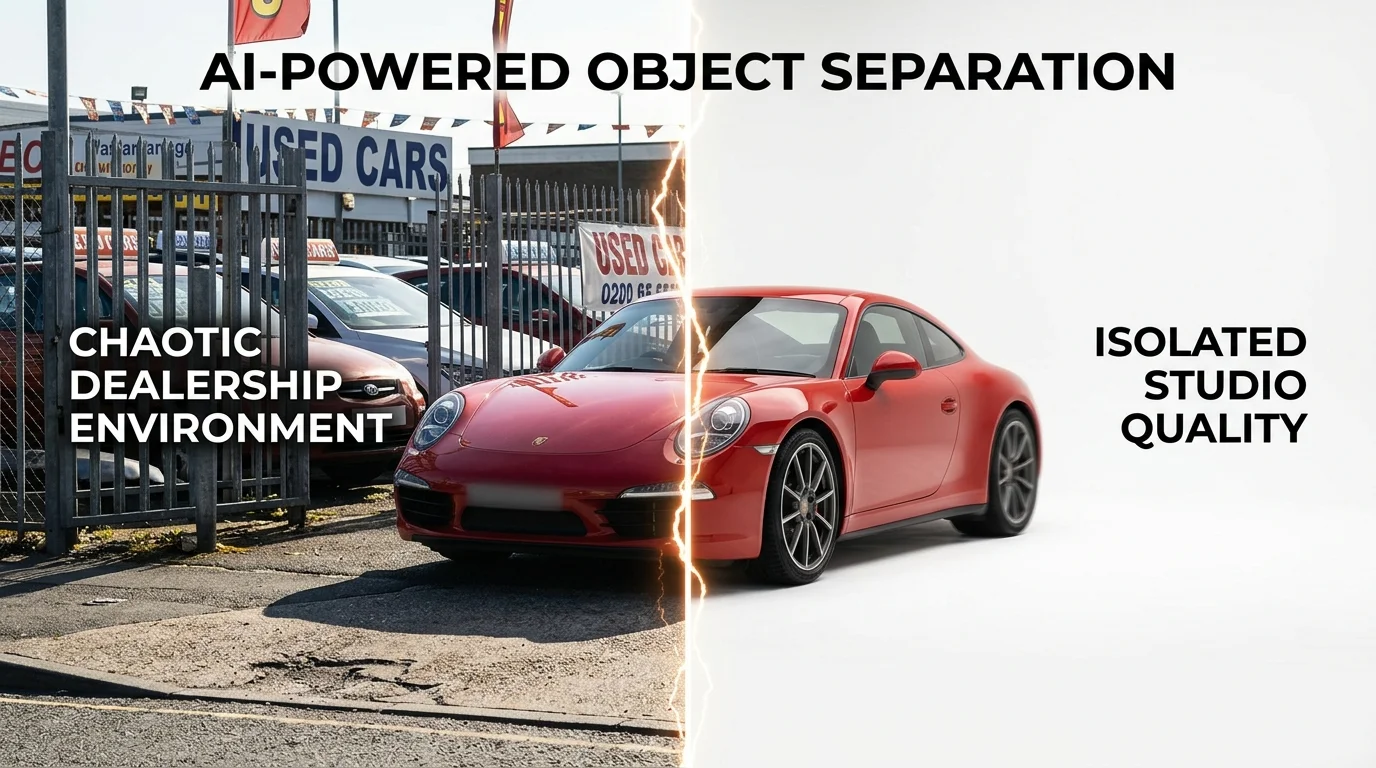
Automated Background Detection and Removal
The AI first analyzes your car photo pixel by pixel, identifying edges, colors, and textures that distinguish the vehicle from everything behind it. Modern neural networks excel at this because they've been trained on thousands of automotive images—they understand the subtle gradations between a car's metallic paint and a cluttered dealership lot, or between tires and asphalt. Within seconds, the background is stripped away, leaving a clean cutout of the vehicle itself. This solves the dealership's primary pain point: lot photos often show tangled backgrounds, other cars, weather-beaten pavement, or signage that distracts buyers from the vehicle itself.
Professional Background Replacement
Once isolated, the car is placed onto a professional backdrop. Free and freemium tools typically offer 50–100+ preset backgrounds: showroom interiors, pure white studios, urban streets, scenic landscapes, or luxury garages. Each backdrop is pre-lit and color-graded to match studio photography standards. This ensures visual consistency across your entire inventory—critical for e-commerce listings where buyers expect uniform presentation.
Lighting and Color Correction
Many AI editors also apply subtle adjustments to exposure, contrast, and white balance. If your original photo was taken in harsh midday sun or dim indoor light, the AI compensates by normalizing the vehicle's appearance. This creates the illusion that every car was photographed under ideal conditions, even if some shots were taken on cloudy days or in poor lighting.
The result: a photo that looks professionally shot in a studio, processed in under a minute, without hiring a photographer or renting expensive equipment. Tools like AI photoshoot technology deliver 2K–4K resolution exports with zero watermarks, making this accessible for dealers managing high-volume inventory.
Top Free AI Photo Editors for Car Dealerships and Auto Businesses
The market for free and freemium AI photo editing tools has expanded dramatically, offering dealerships genuine alternatives to expensive studio setups. However, not all tools are created equal for automotive use—some excel at general image editing, while others are purpose-built for vehicle photography. Understanding which free tier actually serves your dealership's workflow is critical before committing to a paid plan.
| Tool | Free Tier Limit | Background Removal | Preset Backdrops | Resolution | Best For |
|---|---|---|---|---|---|
| Car Photo Booth | 15 photos/month | Yes (AI) | 100+ professional | 2K–4K | High-volume dealerships |
| Remove.bg | Unlimited (0.25 MP) | Yes | Limited | Low resolution | Quick background removal only |
| Canva | Limited features | No (Pro only) | 100+ | 1080p | Design-forward dealers |
| Photoshop (free trial) | 7 days | Yes (generative) | None | Full resolution | Advanced editing needs |
| Pixlr | 5 GB/month | Yes | 50+ | 1080p | Budget-conscious teams |
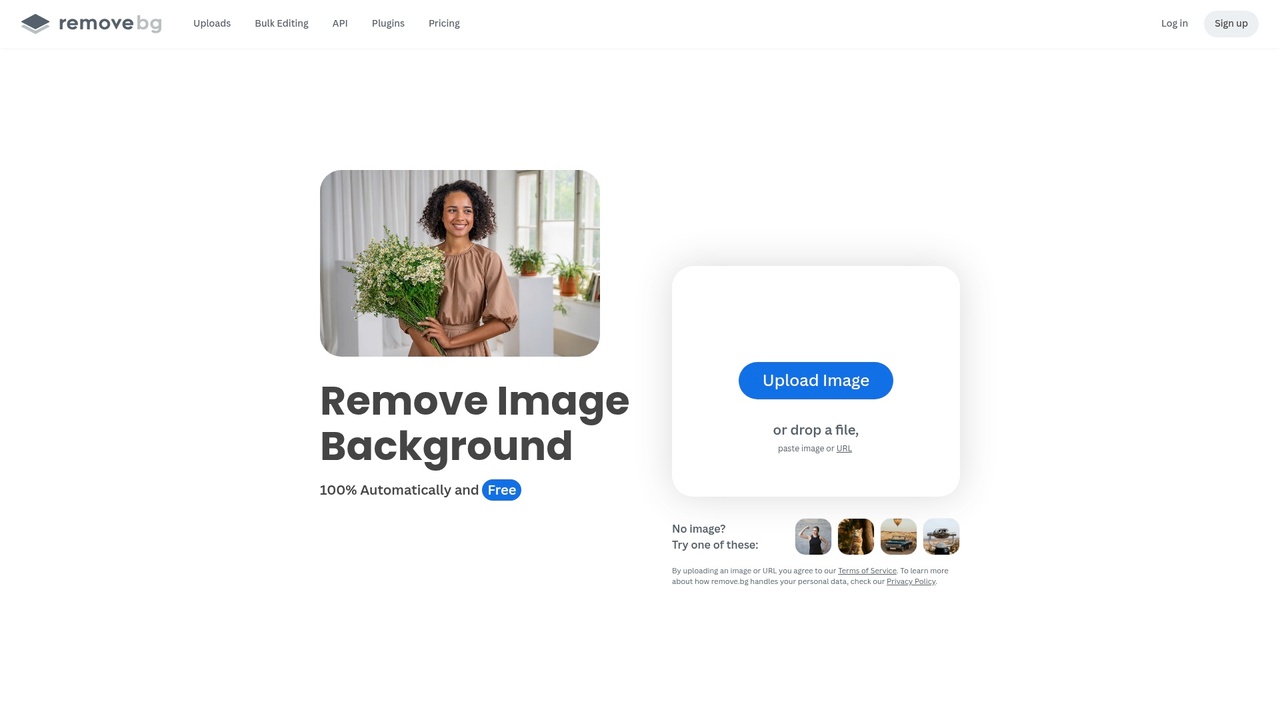
Remove.bg offers unlimited background removals on its free plan, but at a significant catch: the free tier outputs images at just 0.25 megapixels, which is unsuitable for dealership listings where buyers expect crisp, detailed vehicle shots. The paid tiers, ranging from €3 to €89 per month, unlock higher resolutions, but this creates a cost-per-image problem for dealers processing dozens of vehicles weekly. The tool excels at isolation—removing backgrounds cleanly—but provides no preset automotive backdrops, forcing you to source or design your own.
Canva, while popular for general marketing, requires a Pro subscription at $12.99 per month to access background removal features. The free plan locks you out of this core function entirely, making it impractical for dealership photo workflows without paid commitment. Its strength lies in template-based design for promotional graphics, not in transforming raw lot photos into studio-quality inventory shots.
Pixlr bridges the gap between free and paid. Its free tier allows 5 GB of monthly uploads and includes basic background removal with access to 50+ preset backgrounds. Resolution caps out at 1080p, which is acceptable for web listings but falls short of the 2K–4K standard that high-end dealerships and luxury inventory demand. Processing speed is moderate—typically 15–30 seconds per image—making it viable for smaller operations but slower for high-volume dealers.
Adobe Photoshop's free trial grants seven days of full access, including generative fill and background removal powered by AI. However, after the trial expires, single-app subscriptions cost $34.49 monthly, with generative AI features consuming credits (500 monthly for single-app users). This makes Photoshop economical only if you need advanced retouching beyond background replacement—for instance, removing reflections, adjusting lighting, or cloning out unwanted objects. Most dealerships find the learning curve steep and the per-image cost prohibitive compared to dedicated automotive tools.
Car Photo Booth operates on a different model: the free tier provides 15 photos per month with full 2K resolution, zero watermarks, and access to all 100+ professional backdrops (showroom, white studio, urban, luxury garage, nature scenes). This is purpose-built for dealership workflows. The Starter plan at $7 per month expands to 50 images monthly, bringing the per-image cost to roughly $0.14—far below the $30–$50 photographers charge per vehicle or the $25,000–$60,000 upfront cost of a physical photo booth. Processing takes 10 seconds, and the AI background removal is trained specifically on vehicle photography, meaning edges around mirrors, trim, and wheels are cleaner than generic tools produce.
For dealerships managing 20–50 vehicles monthly, the free tier of Remove.bg or Pixlr might suffice if you're willing to accept lower resolution or invest time sourcing custom backgrounds. For operations processing 100+ vehicles monthly, the math shifts: free tiers become bottlenecks, and paid plans quickly exceed the cost of a dedicated automotive solution. The key differentiator is whether the tool understands car photography—lighting, reflections, wheel detail, trim clarity—or treats vehicles as generic objects.
When evaluating free options, ask yourself: Does the tool provide automotive-specific backdrops, or will I spend hours sourcing or designing them? Does the free resolution meet my listing platform's standards? Can I process my monthly volume within the free tier's limits, or does the cost-per-image of paid plans exceed my budget? These questions determine whether a "free" tool is truly free or simply a trial for a paid commitment you'll eventually make.
Cost-Benefit Analysis: Free AI Editors vs. Professional Photography Services
The math on dealership photography is straightforward once you account for all variables. Professional automotive photographers typically charge $10–30 per vehicle, with many operations paying an additional $5–15 per vehicle for post-production editing before images are listing-ready. That's $15–45 per car just to get inventory photos to a publishable state. For a dealership moving 50 vehicles monthly, that's $750–$2,250 spent on photography alone—before considering turnaround time or consistency issues.
Physical photo booths present a different cost structure: $38,000–$42,875 for purchase, or $893–$1,717 monthly for rental. Even at the lower rental tier, that's $10,716 annually—a fixed cost that only makes sense if you're processing 300+ vehicles per year consistently. The booth solves consistency but locks you into infrastructure and ongoing maintenance.
Free AI photo editors occupy the middle ground, though "free" requires scrutiny. Most free tiers impose limits: Remove.bg offers 50 free images monthly, Pixlr caps resolution, and Canva restricts background libraries. Once you exceed these thresholds, paid plans kick in at $5–15 monthly—negligible compared to photographer fees. The real advantage emerges at scale: dealerships that switch to AI photography tools reduce costs by 70–80% on average compared to traditional services.
| Method | Cost Per Vehicle | Monthly Cost (50 cars) | Setup/Infrastructure | Turnaround Time |
|---|---|---|---|---|
| Professional Photographer | $15–45 | $750–$2,250 | None | 2–3 weeks |
| Physical Photo Booth (rental) | $18–34 | $900–$1,700 | $893–$1,717/month | Same-day |
| Free AI Editor (within limits) | $0–3 | $0–150 | None | 5–10 minutes |
| Paid AI Plan | $3–7 | $150–350 | None | 5–10 minutes |
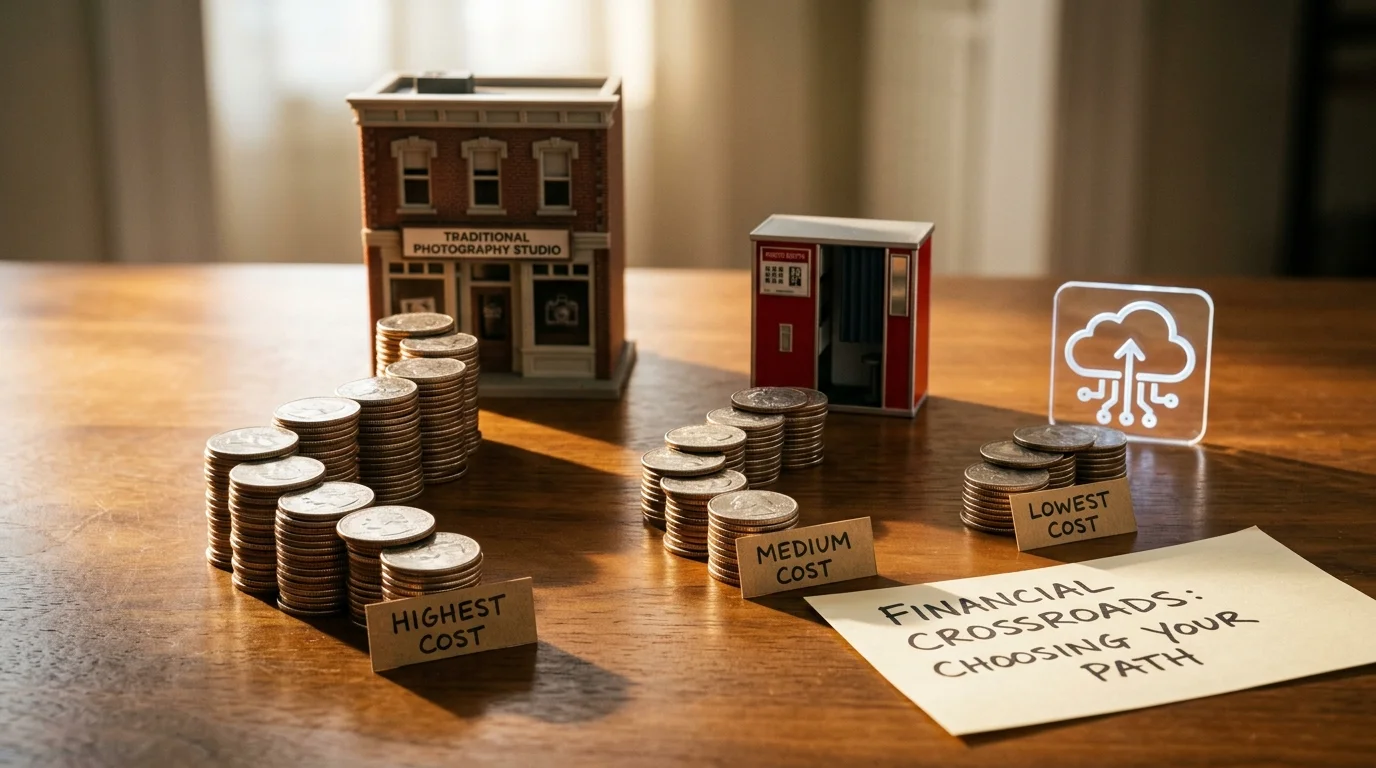
The ROI calculation favors AI tools decisively. A dealership processing 100 vehicles monthly saves $1,200–$4,500 monthly by switching from photographers to AI editors—even accounting for paid subscription costs. That's $14,400–$54,000 annually. Faster turnaround matters too: cars listed within 24 hours of arrival sell 15–20% faster than those listed after a week, and inventory holding costs run $35–50 per vehicle daily. Speed translates directly to capital recovery.
The catch: free tiers work only for dealerships under 50 vehicles monthly. Beyond that threshold, the bottleneck shifts from cost to capacity. Paid AI plans ($3–7 per vehicle) remain dramatically cheaper than photographers, but you're no longer truly "free." The question becomes whether the tool understands automotive photography—whether it preserves wheel detail, handles reflections, and offers studio-grade backgrounds—or whether you're paying for a generic image editor that requires hours of manual refinement per vehicle.
Getting Started: Step-by-Step Guide to Using Free AI Photo Editors for Car Listings
The workflow for transforming raw lot photos into professional inventory images follows a consistent pattern across most AI editors. Even team members with no design experience can execute this process in minutes once they understand the core steps.
1. Upload Your Car Photo
Start with a clear, well-lit photo of the vehicle. Most AI editors accept JPG, PNG, and WebP formats. The image doesn't need to be perfectly composed—AI background removal handles imperfect framing, shadows, and cluttered lot backgrounds automatically. Higher resolution uploads (2K or above) yield sharper final exports.
2. Select Your Background
This is where the magic happens. Choose from your library of professional backdrops—showroom interiors, clean white studios, urban streets, or natural landscapes. Most platforms offer 50–100+ options. For brand consistency, establish a standard backdrop for your dealership (e.g., "Luxury Showroom" for all sedans, "Outdoor Urban" for trucks). Document this choice so every team member applies the same aesthetic.
3. Apply Fine-Tuning (Optional)
Adjust brightness, contrast, or saturation if needed. Many free tiers skip this step, but paid plans allow shadow enhancement and wheel detail preservation—critical for accurate vehicle representation.
4. Download and Export
Export at the highest available resolution your plan allows (2K for free, 4K for paid). According to research from Car Studio AI, dealerships report 50% time reduction in photo editing during the first week, with AI enhancing a single car photo in under 30 seconds compared to 20 minutes per photo with manual editing.
5. Batch Process Multiple Vehicles
Upload 10–20 photos at once. Most platforms queue them automatically. While processing runs in the background, your team can photograph the next batch. This parallelization eliminates the bottleneck of sequential editing.
6. Maintain Consistency Across Inventory
Create a simple style guide: same background, same export settings, same naming convention. Upload processed images directly to your listing platform—no additional steps needed. When you're ready to scale, paid plans unlock API integrations and bulk processing that automate this entire workflow.
Frequently Asked Questions About Free AI Photo Editors for Auto Sales
Q: Are free AI photo editors actually good enough for professional dealership listings?
Yes, but with caveats. Free tiers excel at background removal and basic enhancement—the core task for inventory photos. However, they typically cap resolution at 2K, which is acceptable for web listings but not print catalogs. Paid plans unlock 4K export and advanced features like shadow detail preservation, which matters for luxury vehicles where wheel definition and trim clarity influence buyer perception.
Q: Can I legally use AI-edited photos in my inventory listings?
Absolutely. You own the original photo, so you own the edited version. No copyright issues arise from using free AI editors on your own vehicle images. The concern vanishes entirely when the AI tool (like Car Photo Booth) explicitly grants you ownership of processed images with no watermarks or restrictions.
Q: Do I need technical skills to use these tools?
No. Modern free AI editors are designed for non-technical users. Upload, select a background, download. Most process photos in under 30 seconds. The learning curve is measured in minutes, not hours.
Q: How do I maintain consistent photo quality across my entire inventory?
Create a style guide: same background choice, same export settings, same image dimensions. Batch upload 10–20 photos at once and apply identical processing. Consistency comes from workflow discipline, not the tool itself.
Q: What happens when I outgrow the free tier?
Upgrade to paid plans. Most platforms offer seamless transitions—your existing photos remain accessible, and you gain higher resolution exports, faster processing, and API integrations for bulk automation.
Q: Can free AI editors handle damaged or low-quality lot photos?
Partially. Background removal works on poor-quality images, but if the vehicle itself is blurry or poorly lit, the AI can't fix that. For severely compromised photos, consider AI upscaling solutions designed specifically for car photography before background replacement.
Choosing the Right Free AI Photo Editor for Your Auto Business in 2026
The decision to adopt a free AI photo editor is no longer a question of capability—it's a question of fit. Modern AI-powered solutions have eliminated the false choice between affordability and quality. A dealership spending $25,000 on a physical photo booth or $30–50 per vehicle with a photographer can now achieve comparable results for a fraction of that cost, often within the first month of use.
The right tool depends on your specific priorities. If your workflow centers on automotive inventory and you need consistent, studio-quality backgrounds across dozens of vehicles weekly, automotive-specific platforms like Car Photo Booth deliver speed and precision without the learning curve. If your team occasionally needs design flexibility beyond background replacement—adding text, adjusting lighting, or creating promotional graphics—Canva's freemium model offers broader creative control. Advanced users comfortable with technical workflows may prefer Photoshop's free tier or open-source alternatives, though these demand more expertise.
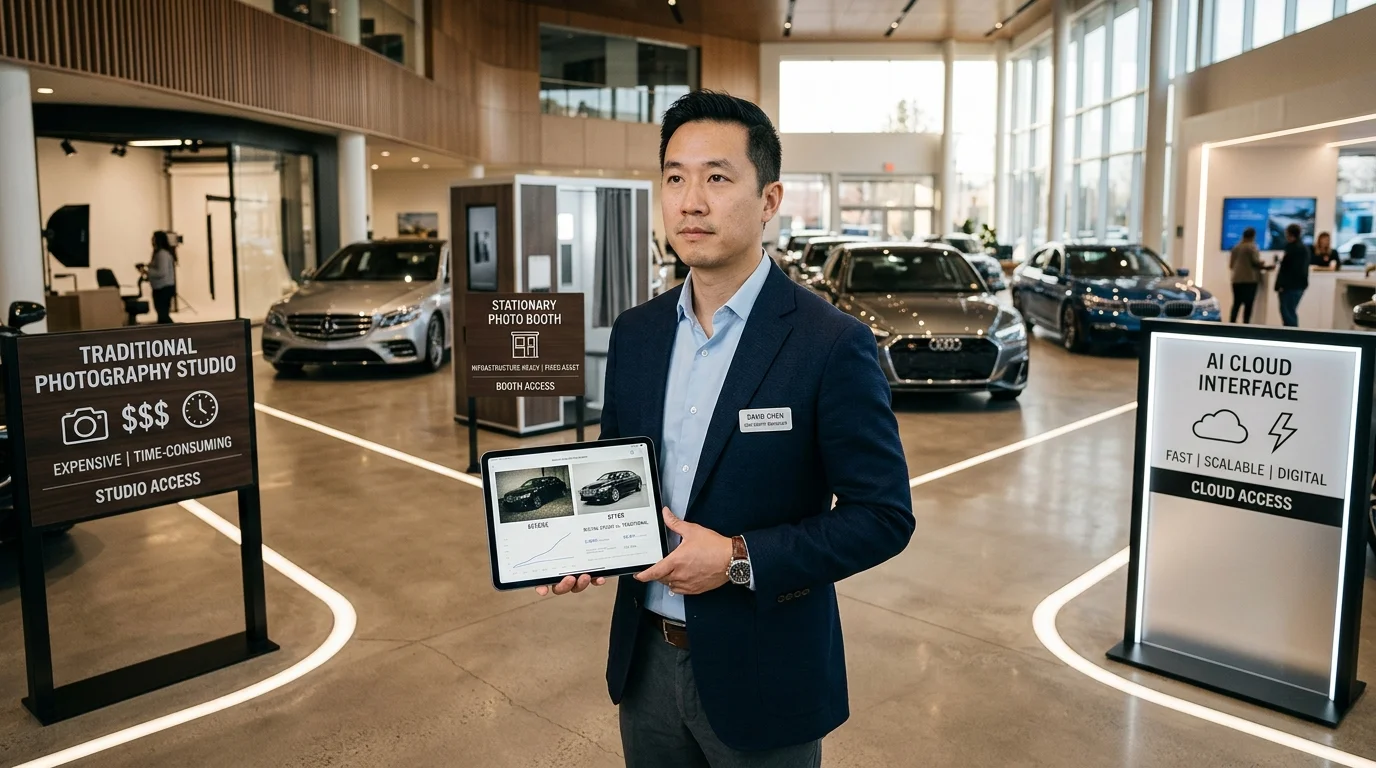
The cost-benefit math is decisive: free AI editors eliminate the studio overhead entirely while compressing processing time from hours to seconds. Consistency improves because your entire inventory follows one workflow, not the subjective choices of multiple photographers. Quality no longer depends on lighting conditions or lot location—it depends on your AI tool's background library and export resolution.
Ready to test this yourself? Start with a free account—no credit card required. Upload 5–10 photos from your current inventory and compare the results to your existing studio images. The difference will clarify whether this approach fits your operation.