
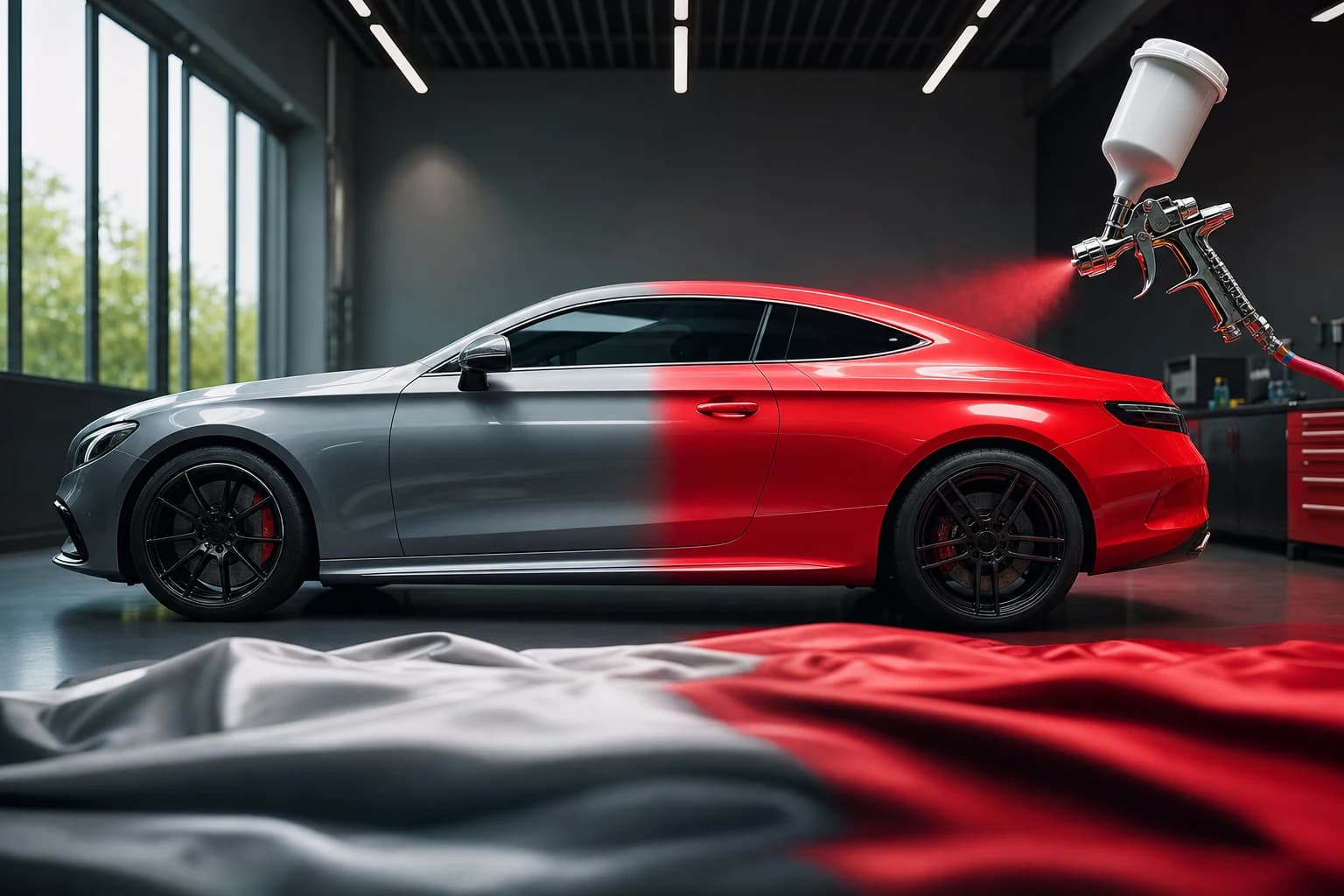
Showcasing a vehicle in multiple colors to attract different buyers traditionally meant expensive studio re-shoots—bringing the car back repeatedly, paying for lighting, photographer time, and editing for each color variant. For dealers managing large inventories, this approach quickly becomes prohibitively costly and logistically difficult.
Quick Answer: AI tools now enable you to change a car's color digitally in photos, letting you showcase multiple color options from a single photograph without costly re-shoots. Modern artificial intelligence instantly transforms vehicle appearance while preserving realistic lighting and detail, making professional color visualization accessible to dealers and photographers at a fraction of traditional costs.
Today's AI-powered photo technology eliminates this bottleneck. You can transform a blue sedan into red, silver, or black variants in minutes—all from one original image. The digital color-change process pairs naturally with other photo enhancements; many dealers combine AI color transformation with AI background replacement to create fully refreshed product shots. This guide walks you through how to leverage these AI car photography capabilities to expand your inventory presentation, save thousands on production costs, and provide buyers the visual options they demand.
Table of Contents
- Why Showing Multiple Car Colors Matters for Your Bottom Line
- Step-by-Step Process to Change Car Colors with AI Photo Tools
- Top AI Tools for Realistic Car Color Changes in 2026
- Real-World Applications: Boost Sales with Multi-Color Listings
- Avoid These Common Mistakes When Changing Car Colors
- Start Showing Your Cars in Every Color Today
Why Showing Multiple Car Colors Matters for Your Bottom Line
Color directly influences purchasing decisions in automotive sales. According to research by TruConversion, 85% of shoppers cite color as a primary reason for product selection, and 90% of initial assessments depend on color alone. For dealerships, this creates a critical challenge: you may stock a vehicle in one or two colors, yet buyers search for multiple color variants online.
Traditional photo solutions are costly. Professional automotive photographers charge $7–20 per vehicle, with additional expenses of $5–15 per vehicle for background removal and post-processing. Shooting the same car five or six times in different colors multiplies these costs prohibitively, pushing inventory expansion out of reach for most operations.
AI-powered color transformation eliminates this friction entirely. Car Photo Booth and similar tools transform a single photograph into five, eight, or ten color variants in minutes—each preserving realistic lighting and reflective detail. When paired with professional background options, the effect compounds dramatically. Dealerships report measurably faster sales cycles because buyers find their preferred color immediately, removing a critical friction point in the decision process and directly improving your marketing ROI. The cost savings alone—eliminating multiple re-shoots per vehicle—pay for itself within weeks.
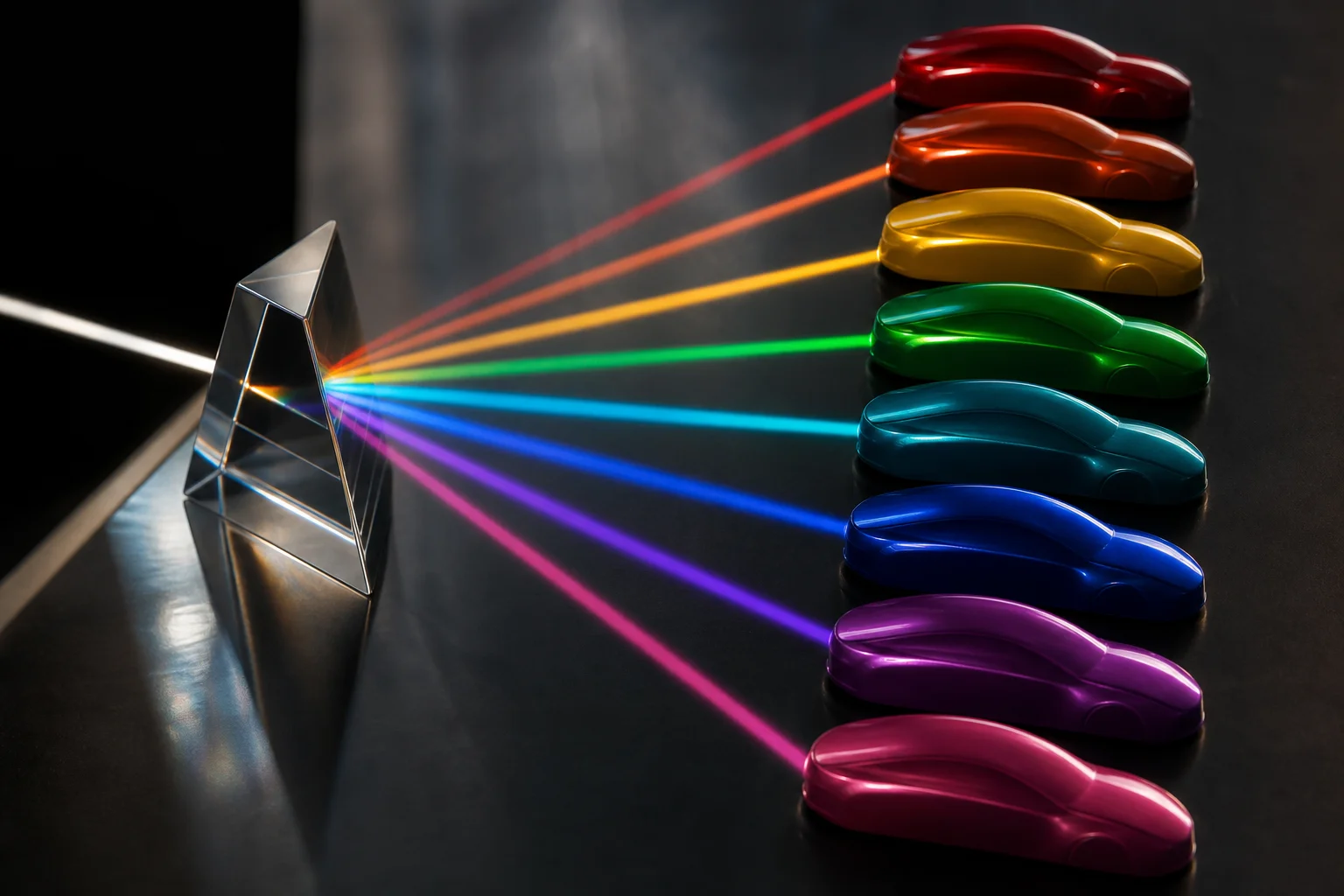
The spectrum of choice: How color variety influences buyer decisions.
Step-by-Step Process to Change Car Colors with AI Photo Tools
Preparing Your Original Car Photo for Color Conversion
Start with a clear, well-lit photograph of your vehicle. AI color transformation tools work best when the source image has consistent lighting, sharp focus on the vehicle body, and minimal distractions. Professional or smartphone photos taken outdoors during daylight—or in a controlled setting—yield the most realistic results. Avoid heavily shadowed or overexposed images, as these compromise the tool's ability to accurately map color changes across reflective surfaces. A 15-second photo review ensures you're starting with a foundation that preserves realistic shadows and highlights during the color shift process.
Selecting and Applying Color Variations
Once your image is uploaded to an AI color editing platform, the workflow becomes straightforward. Most tools present a palette of preset colors—pearl white, midnight black, cherry red, metallic silver, and dozens more—alongside options for custom color selection. Simply click or tap the target color, and the AI processes the vehicle in real time. The intelligence here matters: quality solutions preserve the original lighting, material reflections (chrome, glass, rubber), and shadow detail. A red sedan doesn't just turn blue uniformly; the highlight on the hood shifts, the tire sidewalls remain consistent, and reflections in windows adapt naturally. This realism is what drives buyer confidence. As noted in our guide on best AI background generators for car photos, pairing color transformation with professional background options multiplies the impact—buyers see a vehicle in their preferred color against a dealership showroom, outdoor setting, or clean studio backdrop. At Car Photo Booth, this entire color selection and application process takes seconds, not the 20+ minutes traditional Photoshop edits demand.
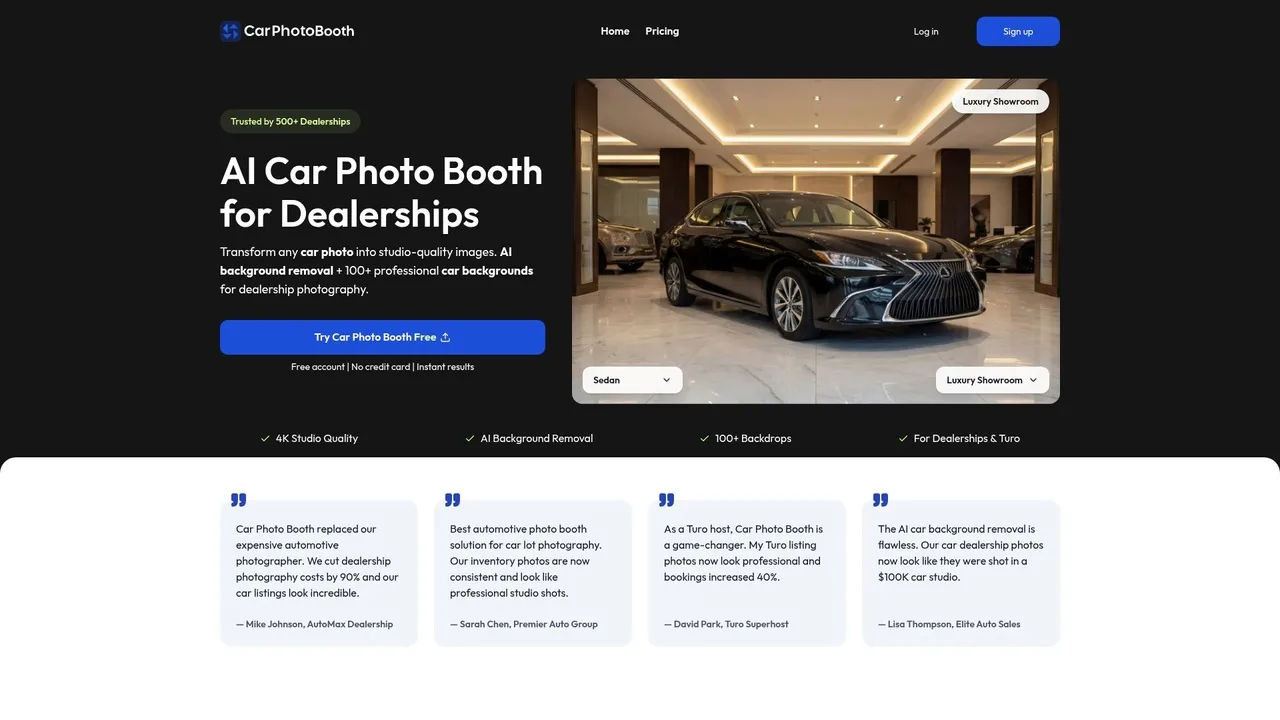
Interface of Car Photo Booth demonstrating real-time color selection.
Reviewing and Exporting Your Color-Changed Images
Before finalizing, preview your color-changed images at full resolution. Check that metallic finishes, matte details, and trim accents render correctly in your chosen color. Examine how the color appears under different lighting within the preview—this prevents surprises when buyers view listings on mobile or desktop. Export in web-ready formats: JPG for fast-loading listings (typically 1–3 MB per image) or PNG if you need transparent backgrounds for overlay applications. Most dealerships export at 1920×1080 or higher for multi-platform use. This workflow—from upload to final export—completes in minutes, according to automotive photo processing benchmarks, compared to hours of manual editing. Batch-process multiple colors of the same vehicle simultaneously to populate your catalog with color variants at scale, eliminating the friction of re-shooting inventory or maintaining duplicate photography sessions.
Top AI Tools for Realistic Car Color Changes in 2026
Selecting the right AI tool for automotive color transformation separates professional results from amateur edits. Not all AI photo editors deliver the precision dealers need—generic platforms often struggle with vehicle metallics, trim details, and realistic lighting. Automotive-specific solutions have emerged as the clear choice for dealerships, photographers, and Turo hosts who require speed and consistency.
Automotive-Specific AI Solutions vs. Generic Editors
Generic AI editors like Photoshop plugins or Canva-based tools apply color shifts uniformly across the image, producing flat, unrealistic results. They lack understanding of how automotive finishes—metallic paint, matte accents, chrome trim, and glass—respond to color changes. Vehicle-aware AI systems, by contrast, analyze the car's structural elements and lighting to preserve depth and authenticity.
Car Photo Booth exemplifies this difference. Purpose-built for automotive imagery, it applies color changes while maintaining realistic metallic effects and accurately rendering trim accents in their original finish. The platform combines color transformation with intelligent background replacement—dealers access over 100 professional presets ranging from showroom floors to outdoor scenes—eliminating the need for separate tools. Per industry metrics, dealerships using automotive-specific AI photo editing tools report 90% reductions in photography costs compared to studio re-shoots.
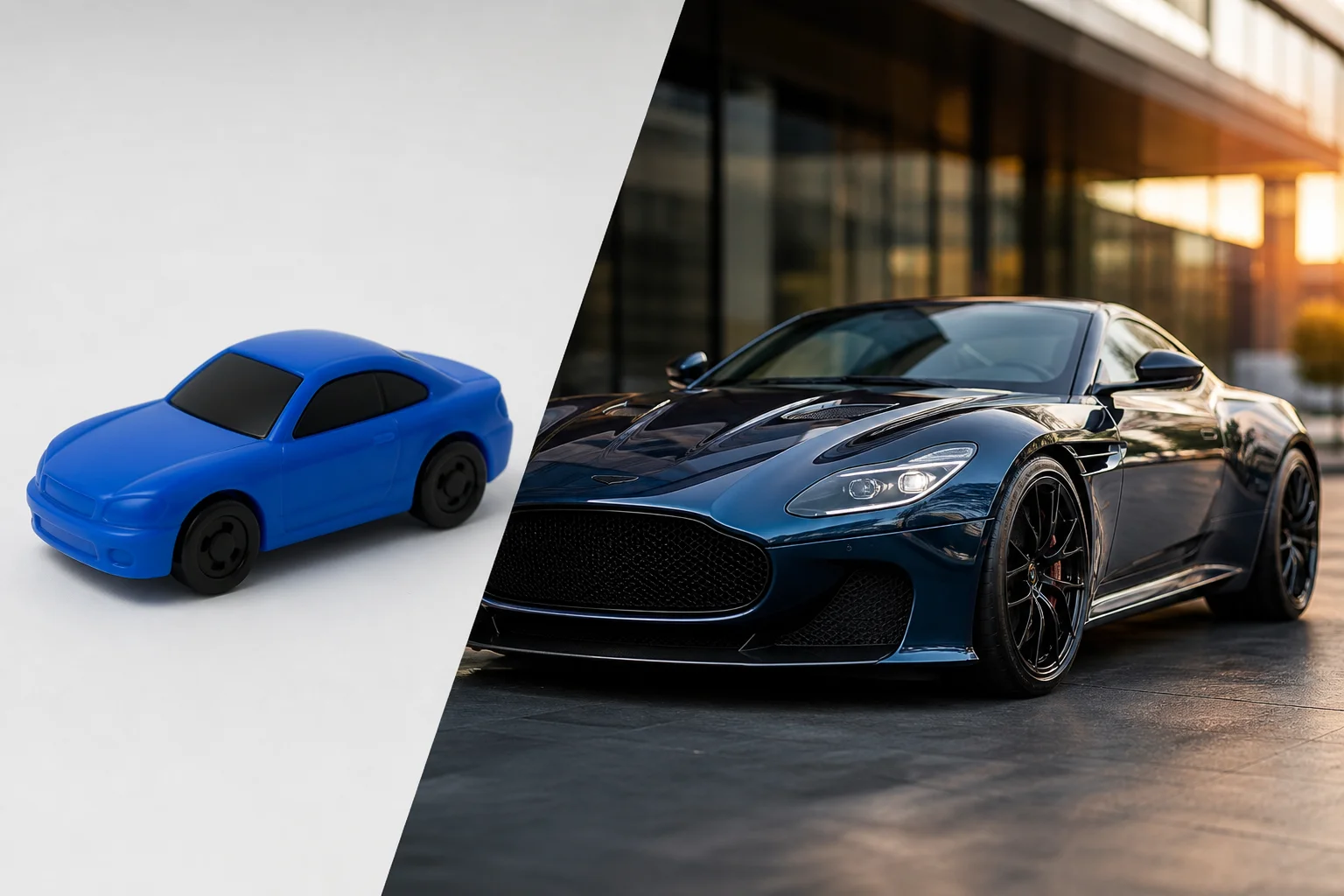
The difference between generic overlays and intelligent automotive rendering.
Specialist tools also integrate seamlessly with dealer workflows. Batch processing lets you color-shift an entire inventory of one model across five color options in minutes, auto-populating your catalog without manual per-image adjustments.
Key Features to Look for in a Color-Change Tool
Evaluate tools against these critical criteria: batch processing capability (essential for scaling across inventory), realistic metallic and matte color rendering (the benchmark separating professional from amateur), intuitive UI requiring no design training, and multi-format export (JPG for fast-loading listings, PNG for transparency overlays). Integration with existing CMS platforms and APIs matters for high-volume operations. Look for tools offering preset backgrounds, since color changes alone—without professional context—still underperform plain stock photos in buyer engagement.
The best tools consolidate multiple painful tasks into one platform, eliminating context-switching and duplicate workflows that waste dealership time.
Real-World Applications: Boost Sales with Multi-Color Listings
Multi-color inventory visualization transforms how buyers interact with vehicle listings. When a single car appears in multiple color variations, it directly addresses buyer indecision at the critical decision point—before they contact you. Professional, consistent dealer listings drive engagement because they eliminate friction: a prospect sees their preferred color option immediately, rather than wondering if the vehicle exists in other finishes.
Here are three practical scenarios where color-shifting delivers measurable results:
Sedan dealer holding one silver unit: Instead of photographing the same car six times, apply AI color changes to show it in pearl white, black metallic, red, gunmetal, bronze, and champagne. Each color variant gets its own listing thumbnail, capturing searches across all color preferences. Buyers searching "silver sedan" still find the inventory listing with an actual silver variant, while "black sedan" queries reach the same physical asset in different digital form.
Turo host optimizing booking volume: Professional AI-enhanced listing photos drive higher customer engagement on rental platforms. A Turo host with a single luxury sedan can display it in multiple colors to match seasonal demand, style preferences, and regional trends—increasing visibility across different buyer personas without owning multiple vehicles.
Automotive photographer offering visualization services: Present color-change capabilities as a premium upsell to dealership clients. Rather than charging $800 per studio re-shoot, offer a "multi-color package" using AI tools—delivering five color variants for one low price, dramatically improving your margin while solving your clients' inventory visibility problem.
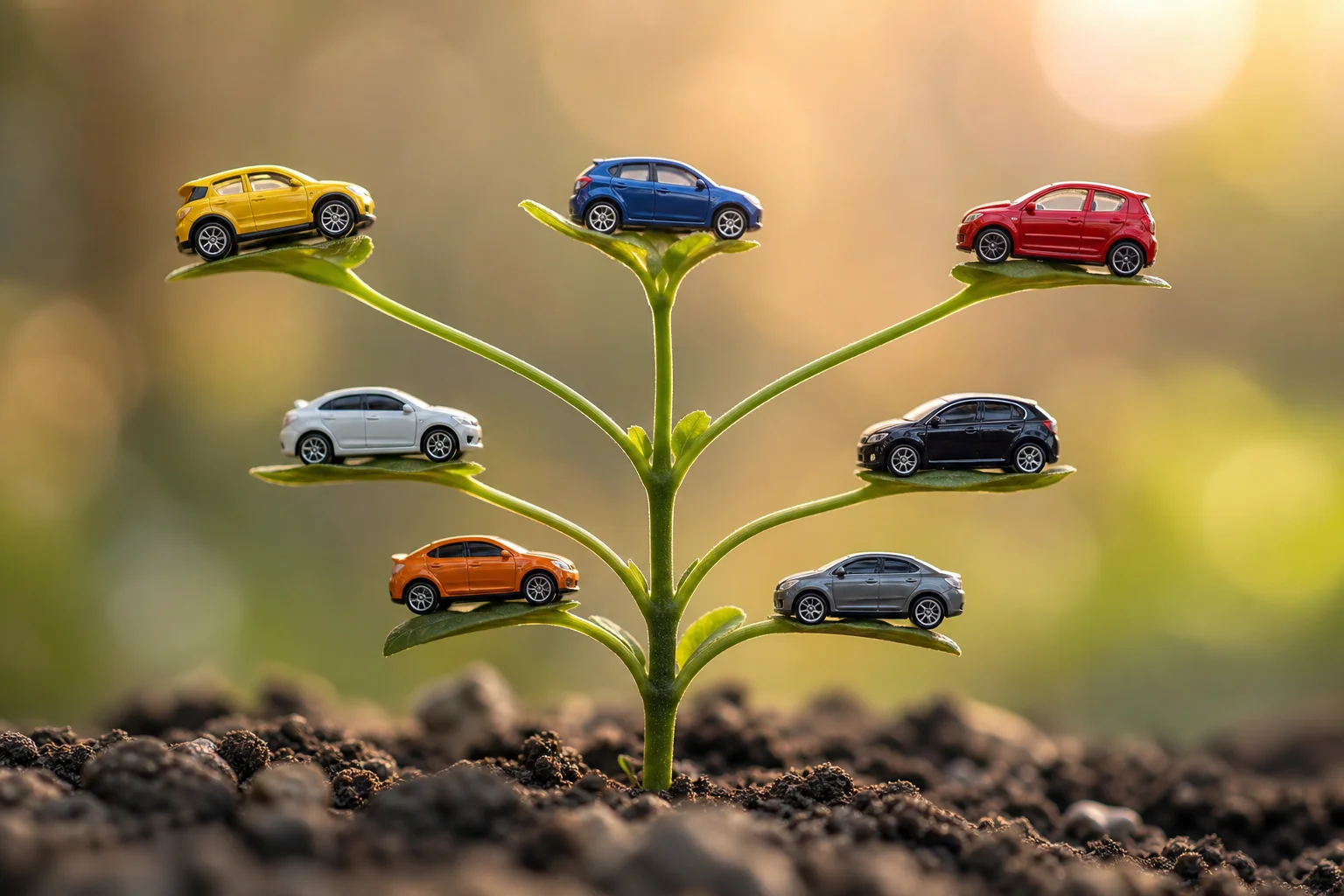
Scaling inventory options from a single asset.
According to Turo hosts, those using professional AI-enhanced vehicle photography report a 40% increase in bookings after upgrading their listing imagery. Combined with professional car backgrounds, multi-color options create the broader search coverage and reduced customer indecision that accelerate sales conversion.
Avoid These Common Mistakes When Changing Car Colors
Unrealistic Color Saturation and Tone Issues
Over-saturated colors are the quickest way to signal amateur editing. When AI tools push saturation too aggressively, the result looks plastic and fake—buyers immediately sense something's off. Professional color accuracy demands restraint. The goal is a color change that maintains natural tone and depth, preserving the vehicle's authentic light reflection. Quality tools balance saturation intelligently, keeping the rendered color believable against the background and lighting environment. If your red looks like neon and your blue lacks depth, you've lost credibility before the customer even sees the interior.
Ignoring Material Texture and Reflections
Metallic, matte, pearl, and custom finishes aren't just color—they're material properties with distinct reflective behaviors. Poor tools apply flat color overlays that ignore these nuances, making a metallic silver look like matte paint. Professional rendering preserves how light interacts with the finish. A metallic paint reflects highlights differently than a matte coating; a pearl finish bends light in complex ways. When your color change erases these material characteristics, the image quality suffers dramatically. Advanced AI systems recognize finish type and adjust accordingly, ensuring the new color maintains the original surface properties and realistic lighting interactions that buyers expect to see.
Background and Lighting Mismatches
Color changes that clash with your professional car background destroy the illusion of authenticity. A warm sunset backdrop paired with cool shadows on the vehicle signals inconsistent lighting—and dealership buyers notice immediately. The vehicle's highlights, shadows, and overall tone must align with environmental lighting. Poor masking compounds this problem: if color spills into the background or shadows appear disconnected from the light source, your professional standards collapse. This is where amateur and pro results diverge sharply.
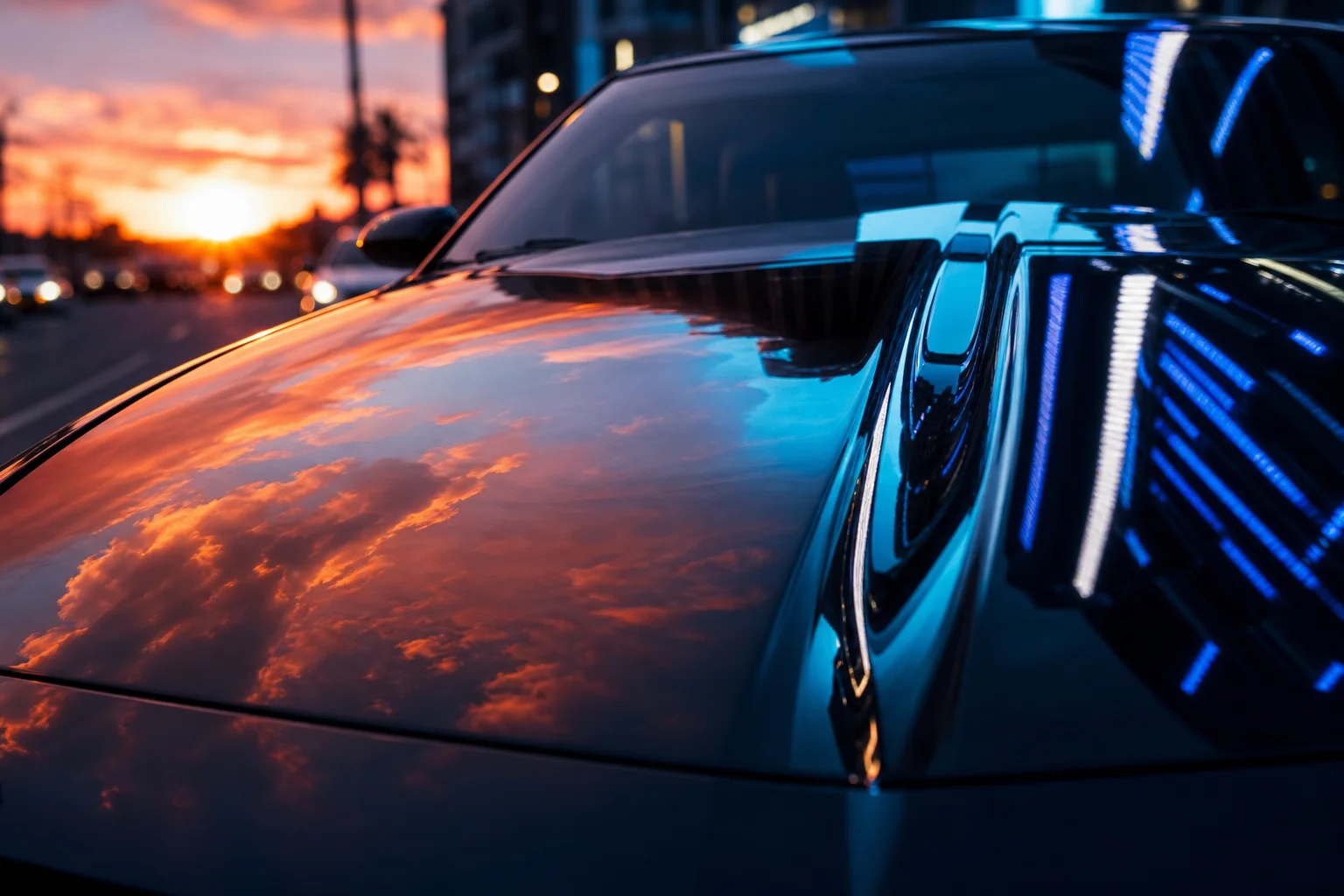
The importance of matching environmental lighting to vehicle reflections.
Start Showing Your Cars in Every Color Today
These technical considerations—paint finishes, lighting consistency, background harmony—separate professional results from amateur edits. But they're only the foundation. The real business opportunity lies in what AI color transformation enables: showing buyers the exact vehicle they want to see, without reshooting.
Traditional multi-color inventory visualization demanded a massive investment. You'd schedule studio time, return the vehicle repeatedly for each color variant, and pay for editing labor on every iteration. The time drain alone sabotaged your sales velocity. Buyers scrolled past static single-color listings while you waited weeks to photograph the same car in blue, red, and silver.
AI color-changing tools collapse this friction. A single quality photograph becomes ten. Workflow optimization happens at the point of capture, not post-production. Your photography efficiency multiplies without proportional cost increases. Dealerships that once spent $500–$1,500 per vehicle on multi-color shoots now generate comparable results in minutes. That cost savings scales directly into profit or reinvestment in additional inventory content.
The psychology matters too. Buyers respond to seeing their preferred colors displayed immediately. Rather than guessing whether that sedan looks better in graphite or pearl, they see it both ways. Conversion friction drops; decision confidence rises.
Your action is simple: start testing with your highest-priority inventory today. Platforms like Car Photo Booth let you upload existing photos and generate color variations instantly. No contracts, no learning curve. Your best vehicles deserve to be shown in every color your buyers might want—and now, you can afford to do it.