
In the competitive automotive market, first impressions matter enormously. When a potential buyer encounters your vehicle listing online, the quality of the photography can determine whether they click through or scroll past. Yet many dealerships face a persistent challenge: achieving consistent, professional-looking images across their entire inventory without the astronomical costs of traditional studio photography. The solution lies in transparent backgrounds—a simple but transformative technique that isolates your vehicles from distracting environments and allows them to shine against clean, professional backdrops.
Quick Answer: Transparent backgrounds are PNG image formats with no background content, allowing your car to stand alone for flexible placement on any backdrop or marketplace. They're essential for auto dealers because they eliminate the high cost of studio photography (often $30–50 per vehicle), ensure visual consistency across inventory listings, and dramatically improve click-through rates on classified sites and dealership websites. This guide walks you through why this matters, how to create transparent car photos, and which tools—including AI-powered solutions—deliver studio-quality results in seconds rather than hours.
Traditional lot photography leaves much to chance: inconsistent lighting, cluttered backgrounds, and vehicles photographed from different angles and environments. When you standardize your visual presentation through transparent backgrounds, you reclaim control over how your inventory appears across every platform—from AutoTrader and Cars.com to your own website and Turo listings. Beyond aesthetics, transparent backgrounds solve a real operational problem: the cost and time burden of professional shoots. Instead of hiring photographers or renting expensive studio space, dealerships can now transform ordinary lot photos into polished, marketplace-ready assets in minutes.
The shift toward transparent car photography also reflects changing buyer behavior. Consumers now expect clean, professional imagery as a baseline standard. Vehicles presented against professional studio backgrounds generate stronger engagement, higher perceived value, and increased conversion rates compared to cluttered lot shots. This guide explores the business case for transparent backgrounds, the technical methods to create them, and how modern AI tools have democratized professional automotive photography for dealers of all sizes.
Table of Contents
- Traditional Methods: Manual Background Removal Techniques
- Modern Solution: AI-Powered Transparent Background Creation
- Best Practices for Creating Professional Transparent Car Photos
- Scaling Transparent Background Creation for Your Dealership
- Choosing the Right Transparent Background Solution for Your Business
Traditional Methods: Manual Background Removal Techniques
Before AI-powered solutions became accessible, dealerships and photographers relied on manual editing techniques to create transparent backgrounds. These methods—primarily using Adobe Photoshop, GIMP, or online editors—remain technically viable but demand significant time investment and specialized skills.
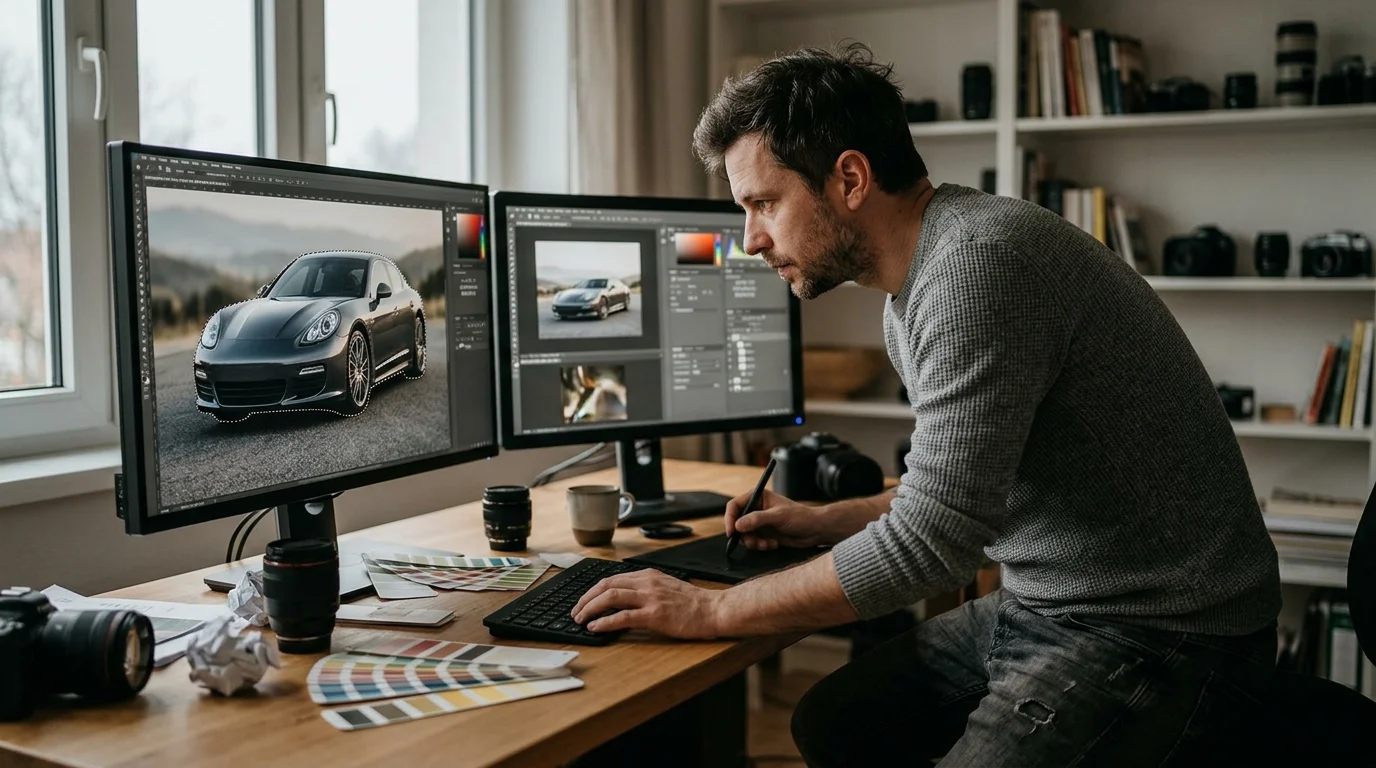
The Manual Workflow
The traditional approach involves three core steps: selecting the vehicle, removing the background, and exporting as a transparent file. Using Photoshop, you'd typically employ the Magic Wand, Lasso, or Pen tool to isolate the car, then refine edges and delete the background layer. GIMP, the free alternative, offers similar functionality through its selection tools, though with a steeper learning curve. For those without software access, online editors like Canva or Pixlr provide browser-based options—but these sacrifice precision and control.
According to Car Studio AI, manual editing for car photo background removal typically requires 15–20 minutes per image using professional tools like Photoshop. For a dealership processing 50 vehicles weekly, this translates to 12–16 hours of labor—a substantial operational cost that compounds across inventory rotations.
Why Manual Methods Fall Short at Scale
The fundamental limitation is labor intensity. Erasing background in GIMP or Photoshop demands consistent technique, steady hands, and color correction expertise to avoid halos or unnatural edges around the vehicle. Even experienced editors struggle with complex scenarios: reflections on chrome, semi-transparent windows, or intricate trim details. Quality varies dramatically between operators, creating inconsistent visual presentation across your catalog.
For dealerships managing dozens of vehicles monthly, manual editing becomes economically unsustainable. Hiring dedicated photo editors increases payroll; outsourcing to freelancers introduces delays and quality control friction. The skill barrier also means training staff or relying on specialized talent—neither option scales efficiently.
Modern dealerships now recognize that converting photos to transparent backgrounds should be fast, consistent, and affordable. This shift has driven adoption of AI-powered background removal tools that eliminate manual selection work entirely, processing images in seconds rather than minutes while maintaining professional-grade results.
Modern Solution: AI-Powered Transparent Background Creation
Machine learning has fundamentally transformed how dealerships approach background removal. Modern AI algorithms analyze vehicle images with pixel-level precision, automatically detecting car boundaries—including chrome reflections, window transparency, and intricate trim details—without manual intervention. This automation eliminates the skill barrier entirely. Where traditional photo editing required steady hands, color correction expertise, and hours of meticulous work, AI-powered systems now deliver professional results in seconds.
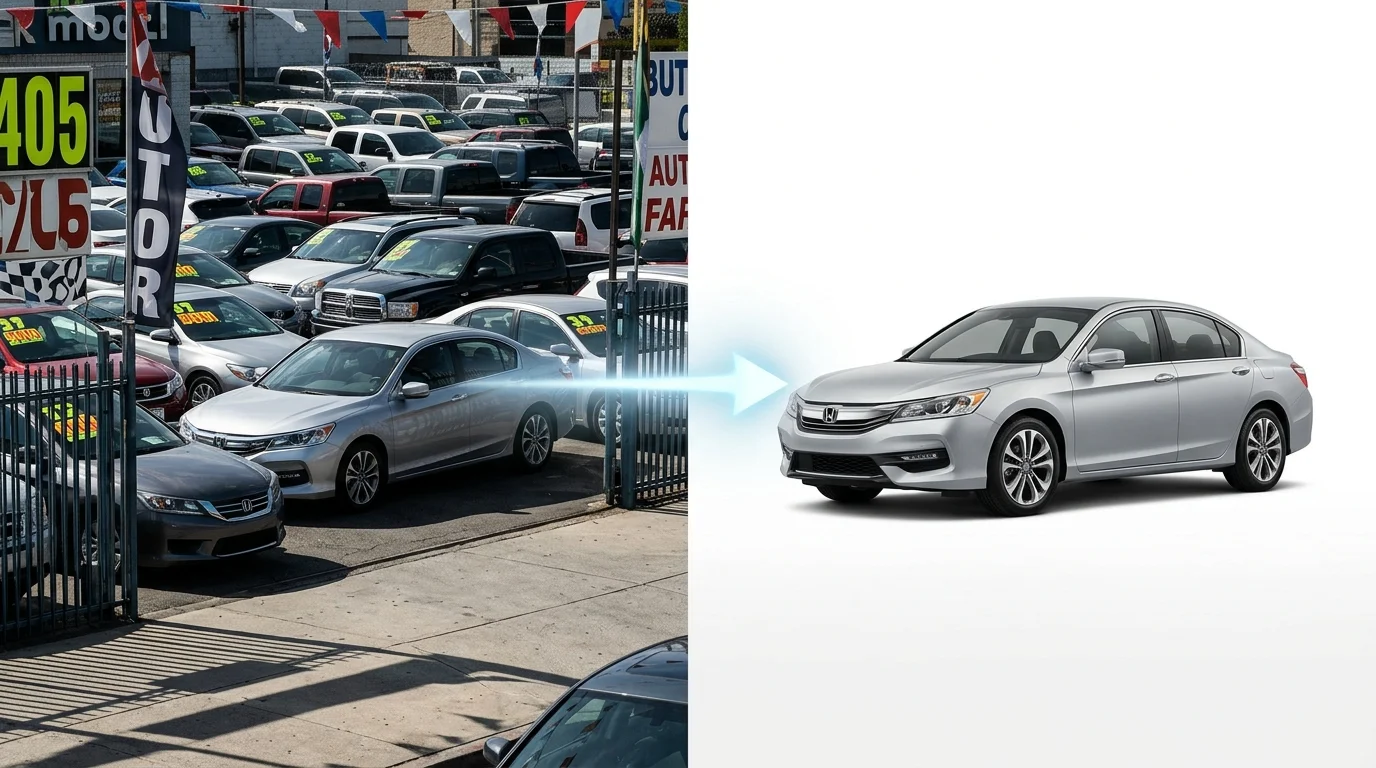
The speed advantage alone reshapes dealership economics. According to Car Studio AI research, AI background removal processes car images in 2–3 seconds per photo, compared to 15–20 minutes for manual editing in tools like Photoshop or GIMP. For a dealership managing 50 vehicles monthly, this difference translates from roughly 12–16 hours of editor time to under 3 minutes of processing. The cost per image drops dramatically—AI solutions typically charge $0.02 to $3.00 per photo, versus $200–500 per hour for professional photographers or $300–2,000 per completed image.
Consistency emerges as a secondary but equally critical benefit. Every vehicle processed through the same AI model receives identical treatment: uniform edge detection, no color halos, no operator fatigue affecting quality. Your entire catalog maintains cohesive visual presentation across hundreds of listings. Batch processing capabilities mean uploading 20 lot photos and receiving finished, transparent-background images within minutes—something impossible with manual workflows or even outsourced freelancers managing queue delays.
Integration with existing dealership systems matters too. AI background removal tools accept standard JPG or PNG inputs and export clear PNG backgrounds ready for immediate use in online listings, print catalogs, or virtual showrooms. No proprietary file formats, no learning curves, no dependency on specialized talent. Listings featuring AI-processed, studio-quality backgrounds receive up to 3x more engagement than those with natural, distracting lot backgrounds—making the investment immediately measurable in customer interest and conversion metrics.
Best Practices for Creating Professional Transparent Car Photos
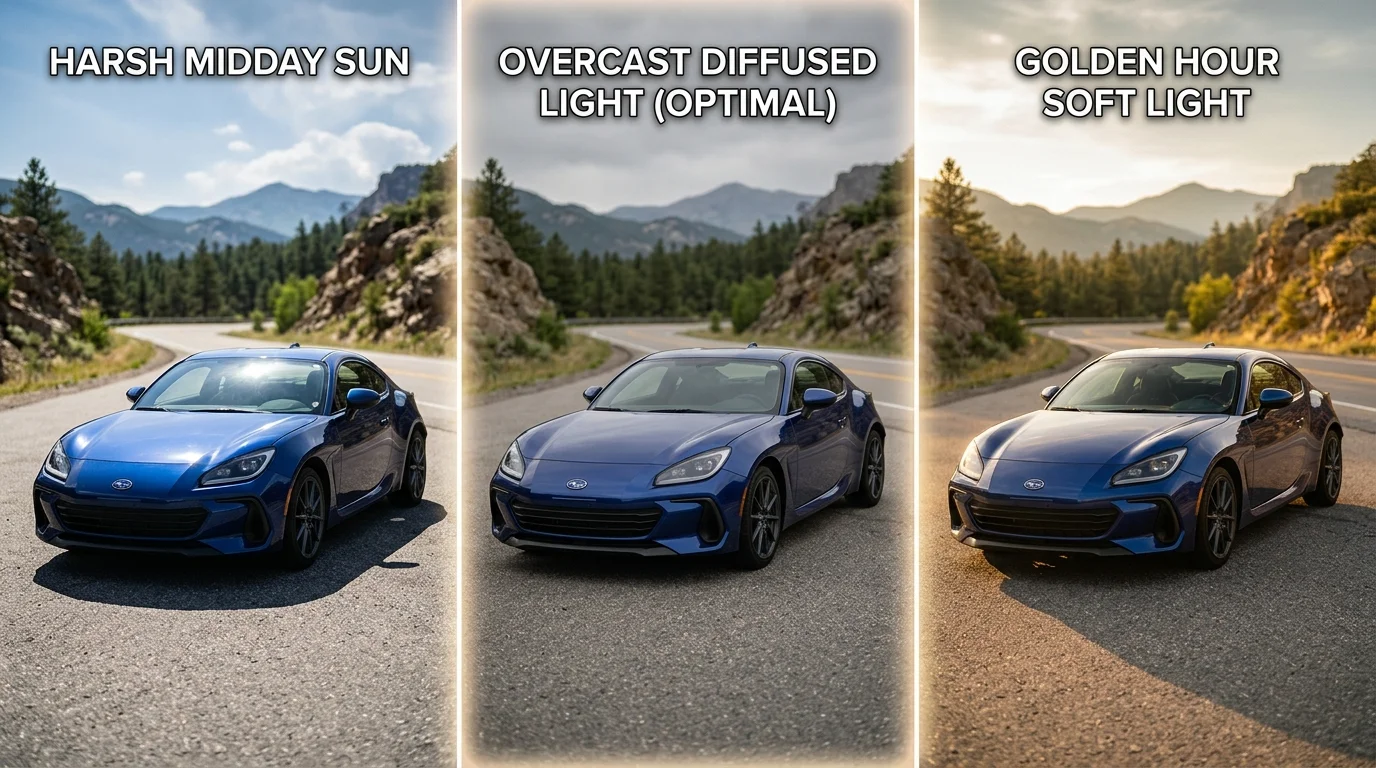
Preparing your source images correctly is the foundation for successful transparent background creation. The quality of your input directly determines the precision of AI edge detection and the final visual impact of your listings. Start with optimal lighting conditions: shoot vehicles in soft, diffused daylight or overcast conditions rather than harsh direct sunlight, which creates blown-out highlights and deep shadows that confuse edge-detection algorithms. Midday or early morning light produces the cleanest vehicle separation from surroundings, minimizing color halos and ensuring crisp cutout boundaries.
Camera angle selection matters significantly across vehicle types. For sedans and coupes, position the camera at a 45-degree angle to the front quarter panel—this showcases design lines while maintaining full vehicle visibility. SUVs and trucks benefit from slightly wider angles that capture their height and presence without distortion. Avoid extreme low or high angles, which can create perspective warping that AI systems struggle to process cleanly. Keep the vehicle centered in the frame with minimal background clutter; the fewer competing elements present, the faster and more accurately the AI identifies vehicle edges.
File format and resolution impact both processing speed and output quality. Export source images as high-quality JPG files (minimum 2K resolution, ideally 4K) before uploading to background removal tools. While PNG files preserve transparency, JPG compression at 85–95% quality provides sufficient detail for AI analysis while reducing file size. After processing, export final images as PNG with transparent backgrounds—this format preserves edge quality and allows seamless integration into your listings, catalogs, or virtual showrooms.
Verification of output quality requires systematic review. Examine edges around door handles, mirrors, and wheel wells for color fringing or incomplete removal. Check that no vehicle details were inadvertently clipped, particularly on extended bumpers or spoilers. For batch processing, sample 5–10 images from every 50 processed to catch systematic issues early. Tools like Car Photo Booth process images in under 10 seconds, allowing rapid quality checks before publishing dozens of listings simultaneously.
Different vehicle types demand slight adjustments. Luxury sedans with glossy finishes may require slightly higher source resolution to capture reflective details. Trucks with complex grille patterns benefit from frontal positioning to ensure complete edge definition. Convertibles with retractable tops should be photographed with tops down for maximum visual impact and cleaner edge detection.
Scaling Transparent Background Creation for Your Dealership
Processing hundreds or thousands of vehicle photos efficiently separates dealerships that move inventory quickly from those stuck with outdated listings. When you're managing a large lot, the bottleneck isn't quality—it's velocity. A single dealership with 500 vehicles in inventory faces a critical decision: invest days in manual editing or find a system that processes photos to transparent backgrounds in minutes.
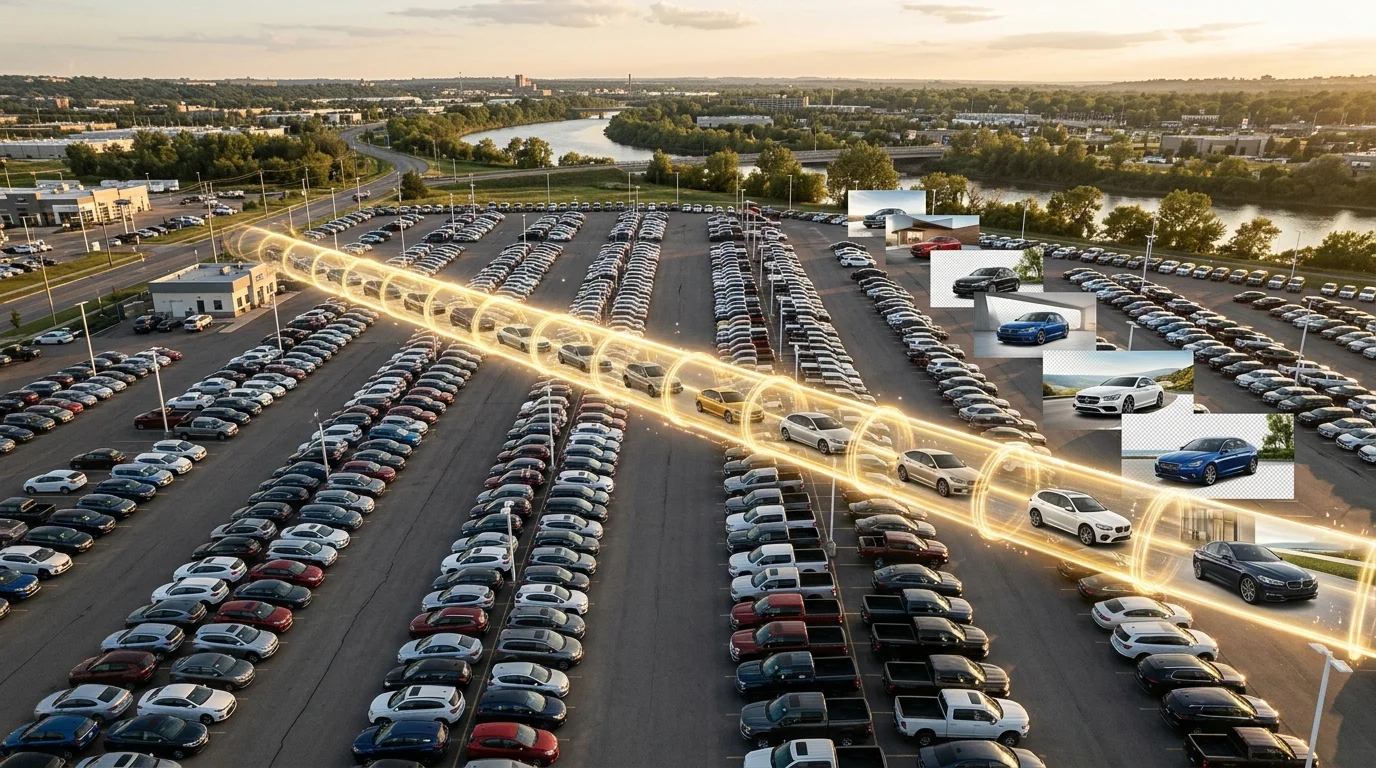
Batch processing transforms this equation entirely. Rather than editing vehicles one at a time, modern AI tools process dozens simultaneously, reducing per-vehicle processing time from hours to seconds. This matters because, according to research from Spyne, every day a vehicle sits on the lot without proper merchandising costs dealerships up to $50 in carrying costs, floorplan interest, and depreciation combined. Accelerating time-to-listing directly impacts your bottom line.
API integration with your inventory management system eliminates manual workflows entirely. When a new vehicle enters your system, photos automatically queue for background removal and replacement with your chosen studio backdrop. Your team uploads raw lot photos once; the system handles the rest. This automation reduces administrative overhead while ensuring consistency across every listing—no more mismatched backgrounds or forgotten edits.
Team workflows benefit from centralized dashboards where managers monitor processing status, approve batches, and export finished assets directly to listing platforms. Dealerships using streamlined systems report reducing photo preparation time from 2–3 days to 2–3 hours for complete inventory refreshes. At professional photography rates of $10–20 per vehicle, the ROI becomes obvious: a 50-vehicle batch that once cost $500–1,000 and consumed days of scheduling now processes in under an hour at a fraction of the cost.
Scaling also means flexibility. Whether you're processing luxury sedans requiring 4K detail or high-volume used inventory, the same workflow adapts. AI-powered solutions like Car Photo Booth handle this variability automatically, adjusting processing parameters based on vehicle type while maintaining quality standards across your entire catalog.
Choosing the Right Transparent Background Solution for Your Business
The evolution from manual Photoshop editing to AI-powered automation represents a fundamental shift in how dealerships approach vehicle photography. What once required hours of painstaking pixel-by-pixel work—carefully isolating vehicle edges, creating clean PNG backgrounds, and ensuring flawless transparency—now happens in seconds. This isn't merely a convenience upgrade; it's a competitive necessity.
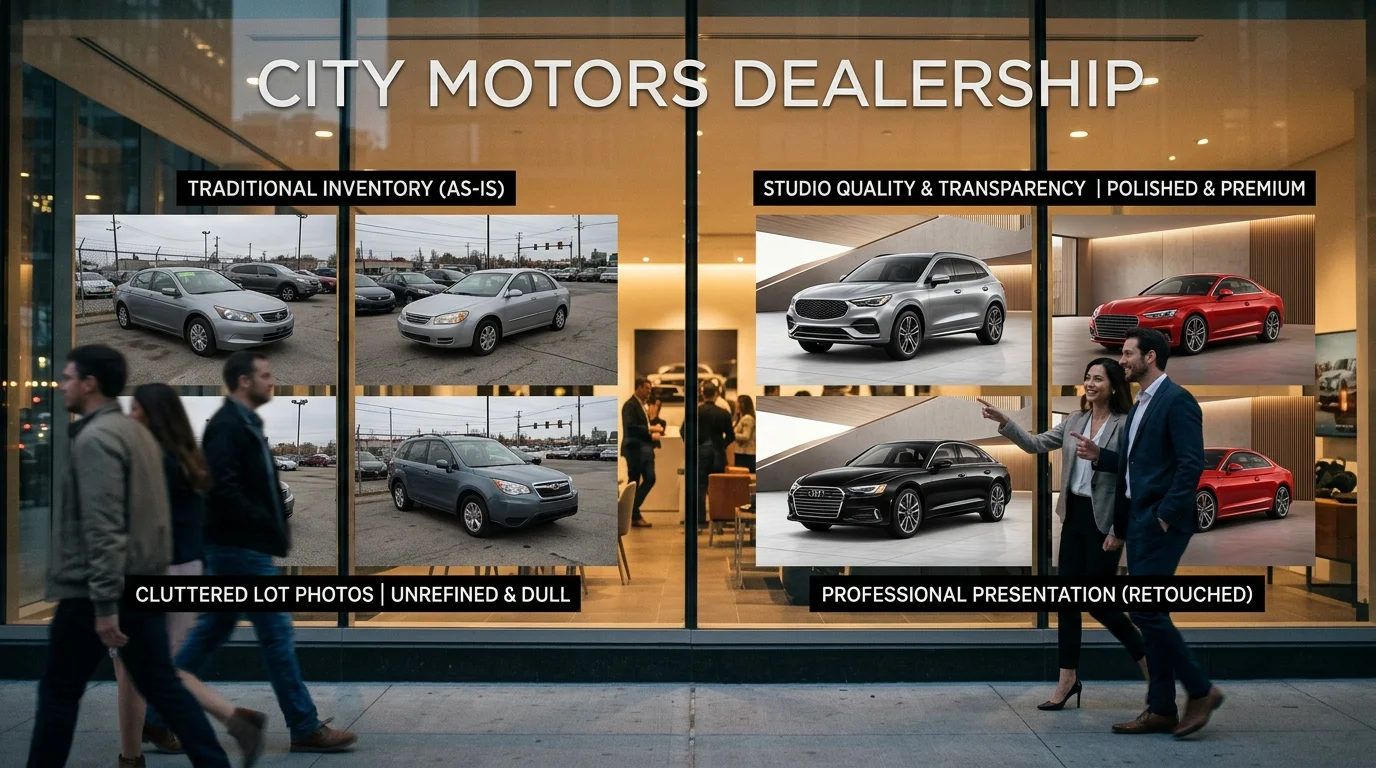
In today's online automotive marketplace, inconsistent or amateur-looking photos directly suppress conversion rates. Buyers scrolling through listings make split-second judgments based on image quality. Transparent backgrounds paired with professional studio backdrops signal legitimacy and investment in presentation. Dealerships without this capability lose visibility to competitors who do. The question is no longer whether to adopt transparent background solutions, but which approach fits your operational scale.
For small operations processing 1–5 photos monthly, web-based tools with simple upload interfaces suffice. These require minimal training and no software installation. However, manual batch processing becomes tedious beyond modest volumes, and consistency depends on individual user discipline.
For dealerships managing 50+ photos monthly, AI automation becomes essential. Processing time collapses from days to hours. Your entire team—regardless of design skill—can produce studio-quality results by uploading raw lot photos and selecting a backdrop. No technical barrier. No learning curve. AI-powered platforms like Car Photo Booth handle the heavy lifting: automatic edge detection, transparent background creation, and seamless backdrop replacement across your entire inventory.
The ROI calculation is straightforward. Traditional professional photography costs $10–30 per vehicle. A 50-car batch refresh costs $500–1,500 and requires scheduling photographers. With AI solutions, the same batch processes in under an hour at a fraction of the cost, freeing your team to focus on sales rather than administrative photo management.
Ready to eliminate the technical barrier? Try Car Photo Booth free—no credit card required. Upload a few lot photos and see how transparent backgrounds and professional studio backdrops transform your listings in seconds.